
Step 01
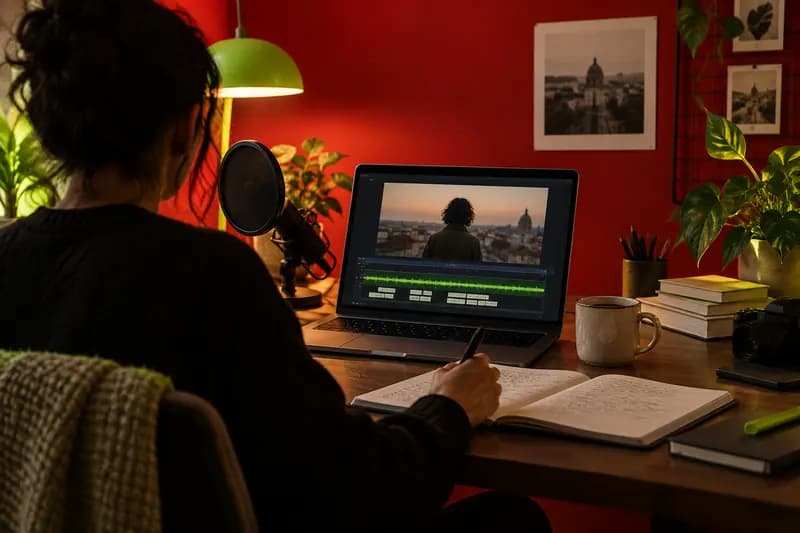
Upload your footage
Bring in a recording, product clip, or voiceover and place it into the editor in seconds.
Turn ideas into high-performing advertisement videos with an AI-powered studio built for fast, effective social campaigns.
Start creating freeNo credit card required
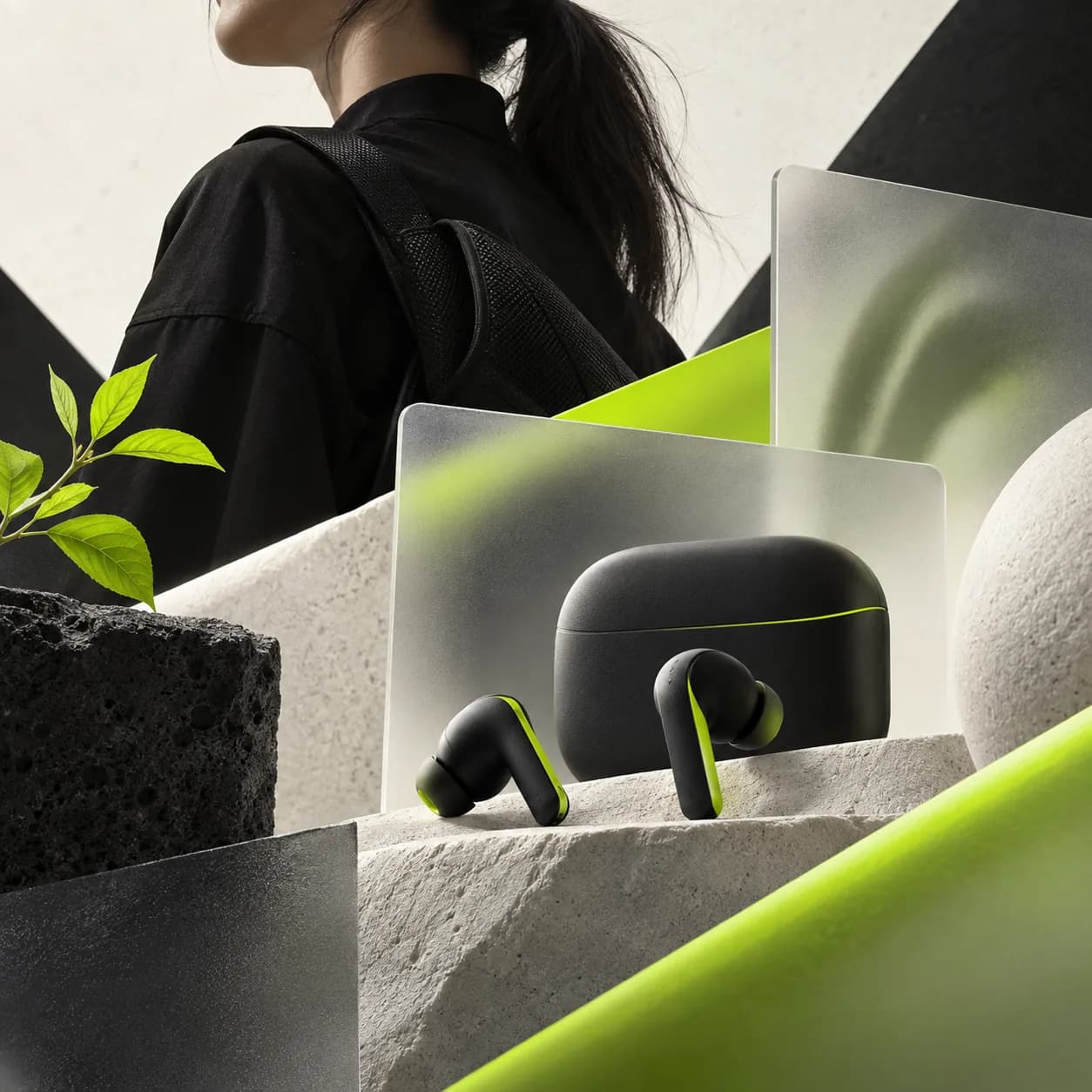
Shape your marketing ideas into captivating ad videos with an AI-first workflow. Create campaign content for social platforms in a fraction of the time it takes with complex design software, then refine every moment until it feels ready to publish.
Keep your logos, colors, type styles, and campaign assets close at hand with a built-in brand workspace. Make platform-ready ads, cutdowns, and social clips while keeping every project consistent from first draft to final export.
Bring in a recording, product clip, or voiceover and place it into the editor in seconds.

Trim, enhance, caption, translate, and add a natural voiceover without leaving your project.

Download a crisp final video and launch versions sized for the channels where your audience watches.
Learn More

Adapt one strong idea for every social channel and keep the message clear wherever it appears. Vidione helps you resize, crop, and refine campaign videos in one quick workflow, so you can spend less time rebuilding assets and more time growing engagement.
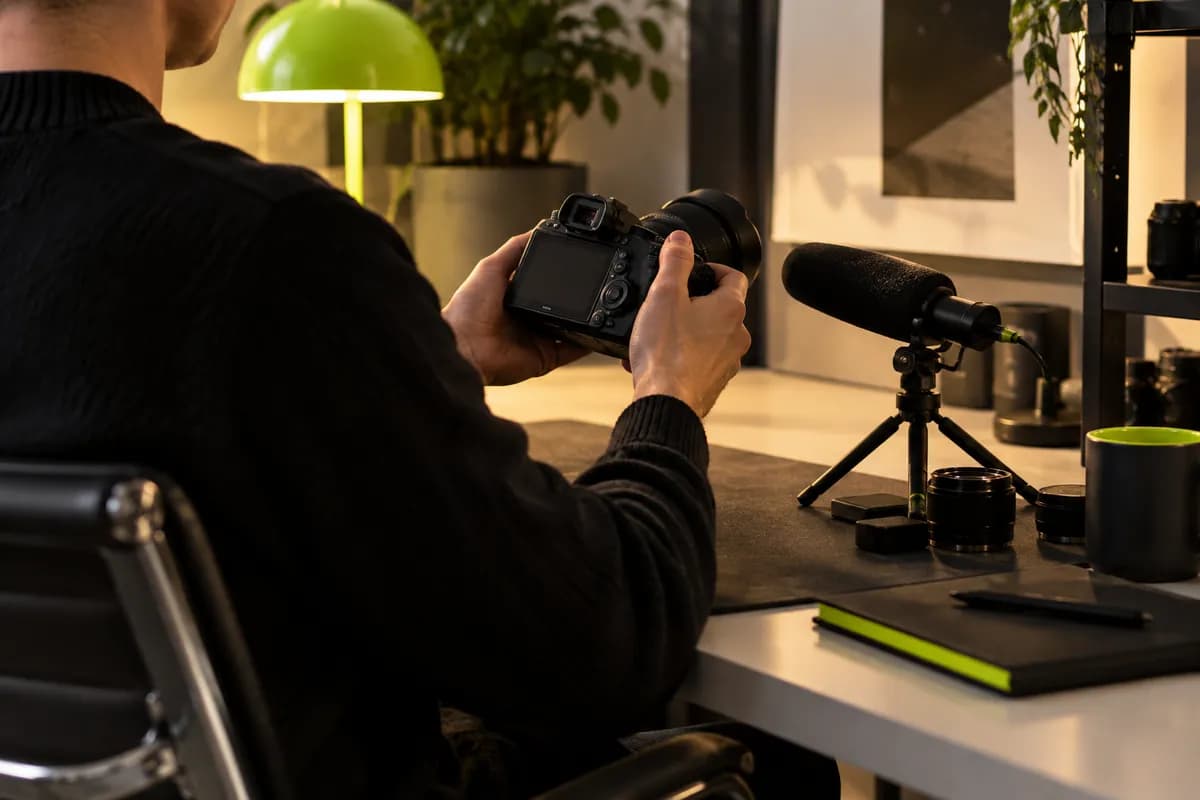
Present ideas with the clarity and finish that make clients feel confident. Clean background noise, replace distractions, and tighten your delivery in a few clicks so every presentation feels considered, capable, and ready for the next conversation.

Generate accurate subtitles, translate them into multiple languages, and make sure your message works even when the sound is off. Caption-first creative can open your ads to new audiences while helping useful content travel further through search and social feeds.
Start with a product clip, recording, or a blank canvas, then add your message, visuals, music, and motion. Vidione gives you the tools to shape a compelling ad, polish the pacing, and prepare the final video for the channel you want to use.
Make the opening seconds count, show the value of your offer early, and keep the message focused on one clear idea. A direct call to action and visuals that feel native to the platform can help the story stay with viewers.
Yes. You can begin creating in Vidione without a credit card and explore the core tools before deciding how far you want to take a campaign. Add footage, text, music, captions, and transitions in a straightforward browser-based workflow.
Lead with the audience problem, introduce the useful change your product creates, and end with one action you want viewers to take. Keep each line short enough to hear and read comfortably in the time available.
Absolutely. Combine still images, short clips, music, voice, and animated transitions to create a complete story. You can control the timing of every scene and export a finished video when the rhythm feels right.
Yes. Generate captions from your voice track, review the wording, customize the appearance, and translate them for different audiences. Captions help your ad work clearly for viewers watching without sound.
The first campaign videos I made with Vidione reached more than 40,000 impressions on LinkedIn.

I opened Vidione at exactly the right moment and went straight from an idea to a finished edit.

I skipped the long tutorial phase. The editing tools felt natural from the first project.
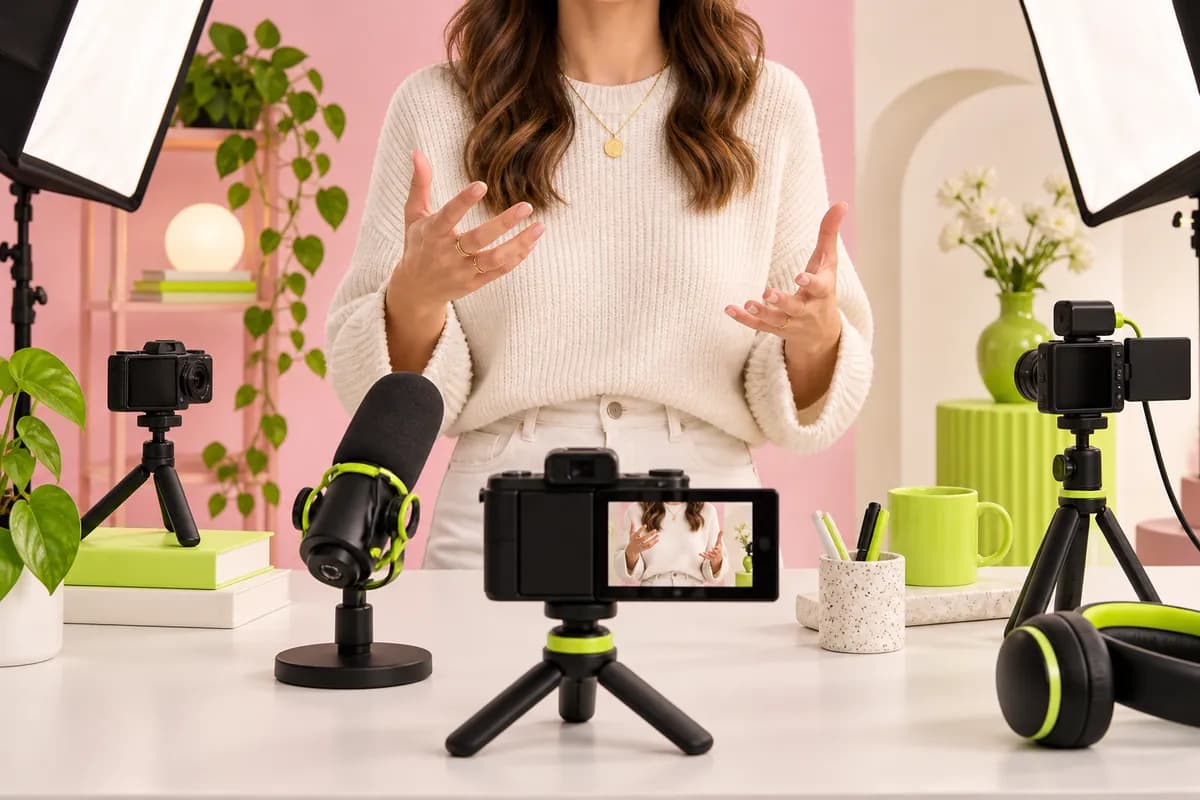
It is more than trimming clips. Vidione makes our final videos feel intentional and genuinely polished.
Explore related tools
A practical guide to generating, styling, translating, and downloading captions for polished video.
Read the guide
Learn a faster way to prepare one idea for every feed, format, and viewing context.
Read the guide
Simple ways to record, edit, and share useful training content with a confident finish.
Read the guideNo credit card required

Vidione is a professional video creation suite for turning stories into captivating visuals in just a few clicks. Alongside advertisement videos, you can use it for tutorials, presentations, social content, product launches, and internal communications. Explore a full set of editing features, including automatic background noise cleanup, subtitles, translations, voice tools, and flexible exports for every channel.