Step 01
Upload your image
Drop in a photo, screenshot, or graphic. Common JPG, PNG, and WebP files are all ready to go.
Enlarge images without losing their clarity
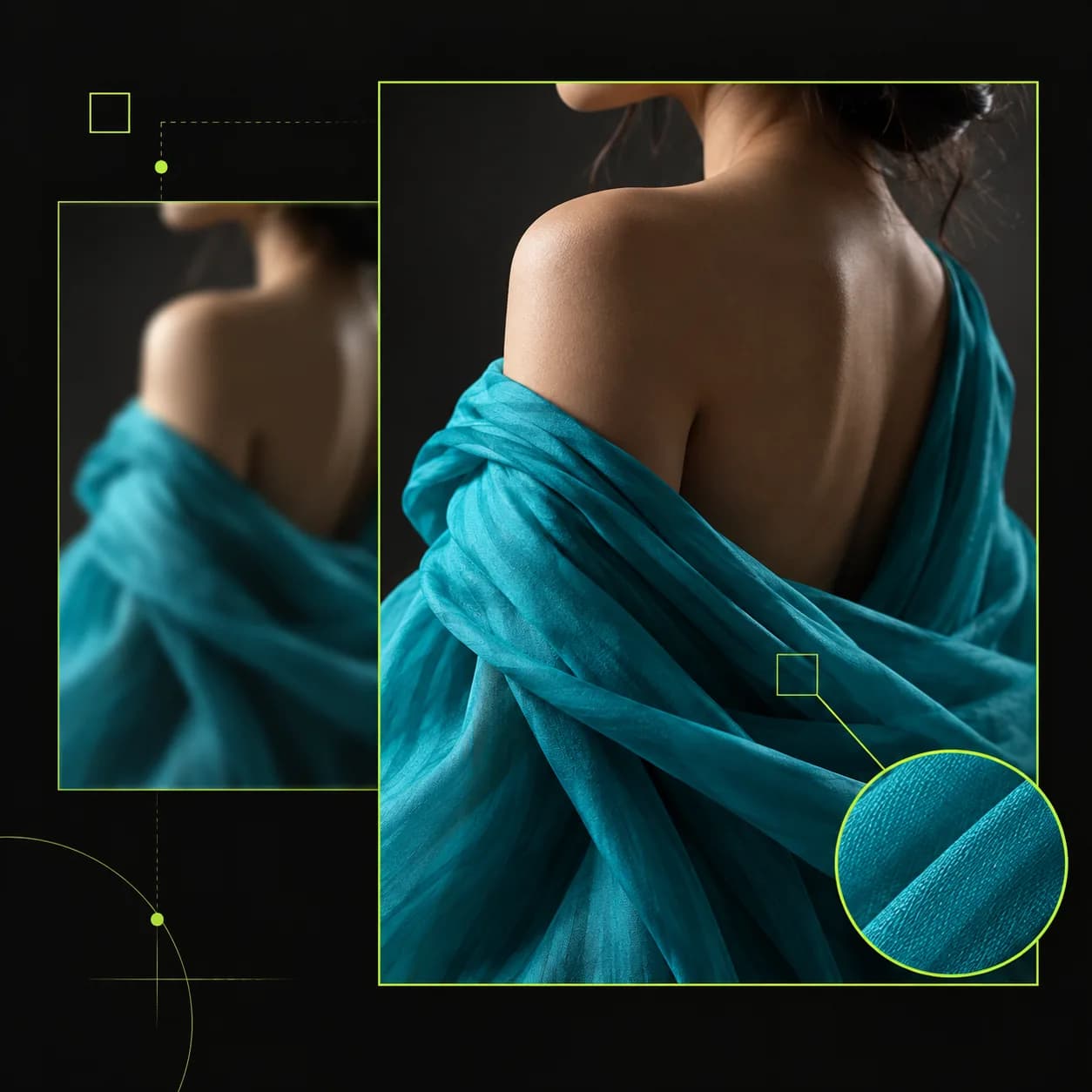
Vidione turns small, soft images into larger assets with detail you can actually use. Rescue a blurry screenshot, recover an old product photo, or prepare a low-resolution image for a presentation without the blocky result of ordinary resizing.
Upload a file and choose a 2x or 4x enhancement. Once it is sharper, keep working with AI tools to remove distractions, adjust the scene, or prepare the image for a video.
Step 01
Drop in a photo, screenshot, or graphic. Common JPG, PNG, and WebP files are all ready to go.

Step 02
Pick 2x for a quick lift or 4x for maximum resolution. The AI restores edges, texture, and clarity automatically.
Step 03
Save the finished image, make another edit, or send it directly into a video project without switching tools.
Learn more
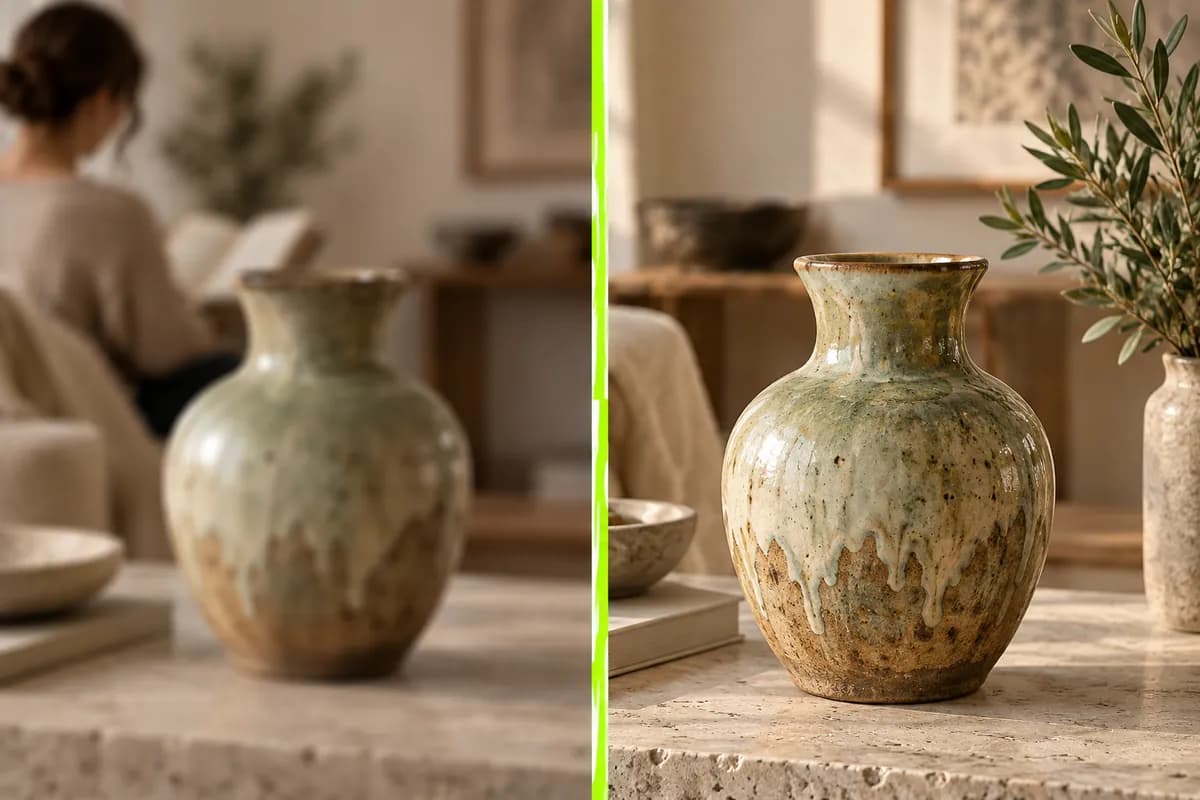
Traditional resizing stretches the pixels and leaves a fuzzy result. Vidione analyzes the image, rebuilds important detail, and increases resolution with a cleaner finish. Choose 2x for quick improvements or 4x when the image needs to hold up on a large display.
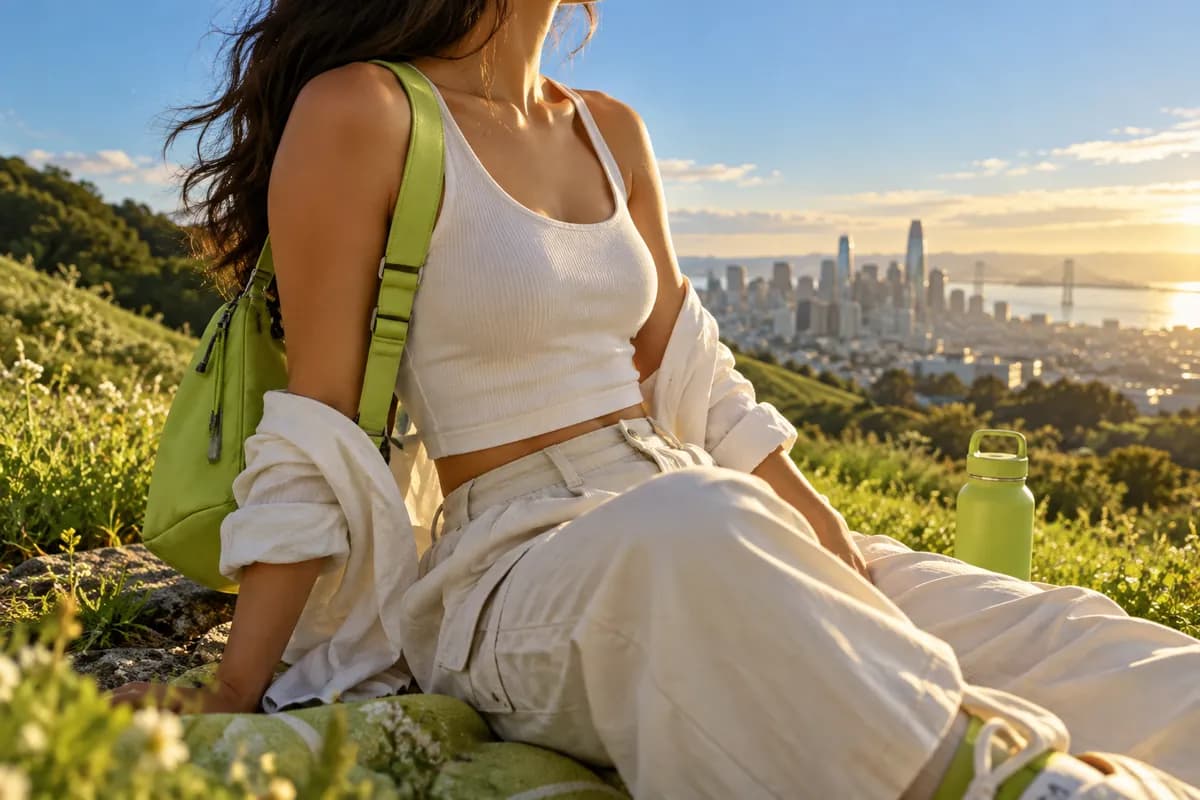
Upscaling is only the first step. After sharpening your image, remove distracting objects, shift the background color, or rewrite small graphic details with built-in AI editing tools. There is no need to export the file and start over somewhere else.
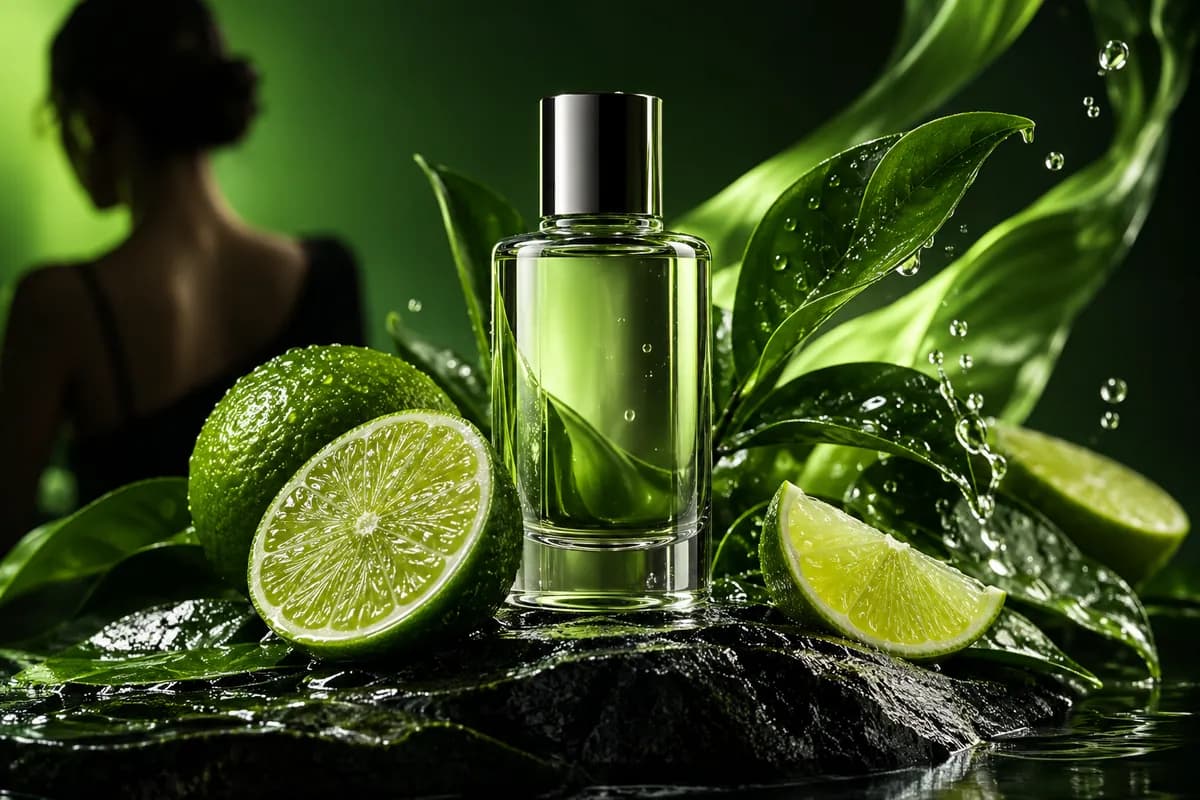
Turn a sharpened thumbnail or product photo into an animated intro. Add a polished asset to a social clip with voice, music, or captions. Vidione connects image work to a complete video editor, so you can move from still image to finished story in one workflow.
My first few videos made with Vidione passed 40,000 impressions on LinkedIn.

I stopped searching through tutorials and went straight from idea to finished edit.

The workflow is clear enough that our whole team started creating on day one.

You can go much further than trimming clips. Our finished videos look genuinely polished.

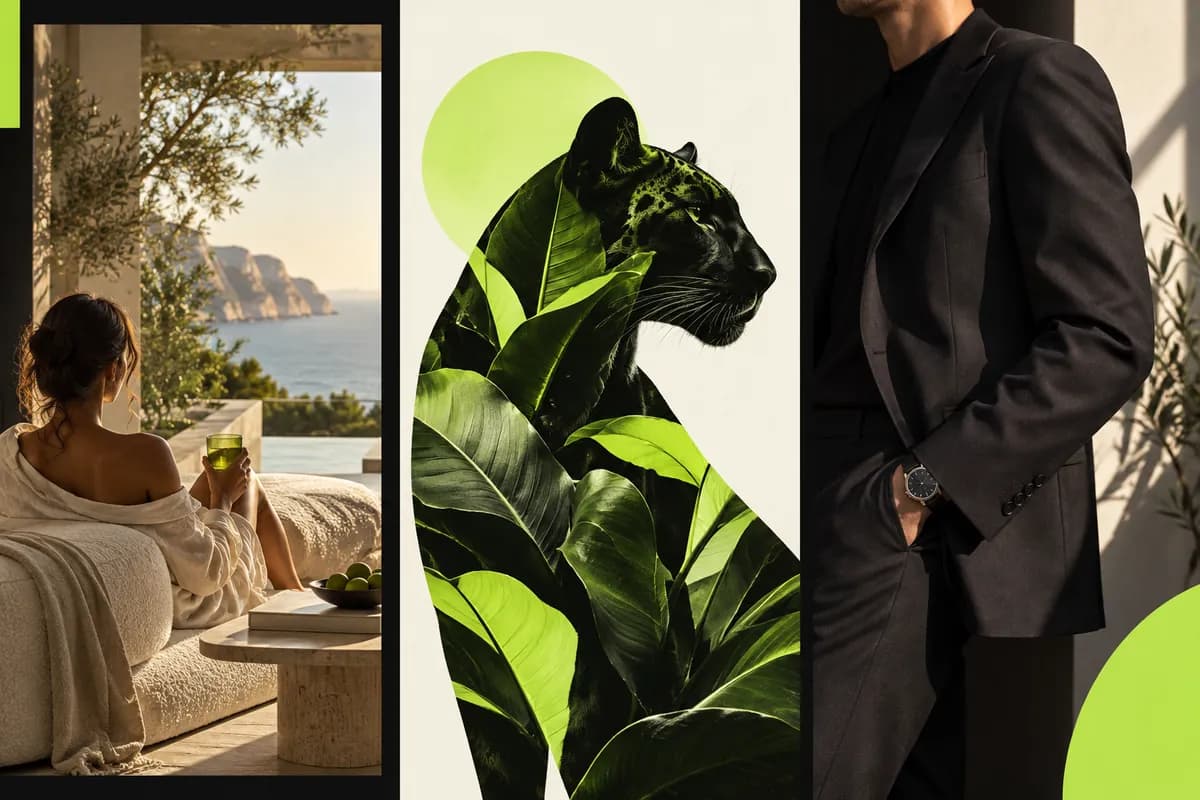
Explore practical tools for turning a short idea into a polished visual in seconds, whether you are creating for work, social, or fun.
Learn more
Learn how to turn a rough concept into a useful prompt, then shape the result into artwork that feels intentional and original.
Learn more
Find flexible ways to design, edit, and publish content when you need a faster workflow built around your ideas.
Learn more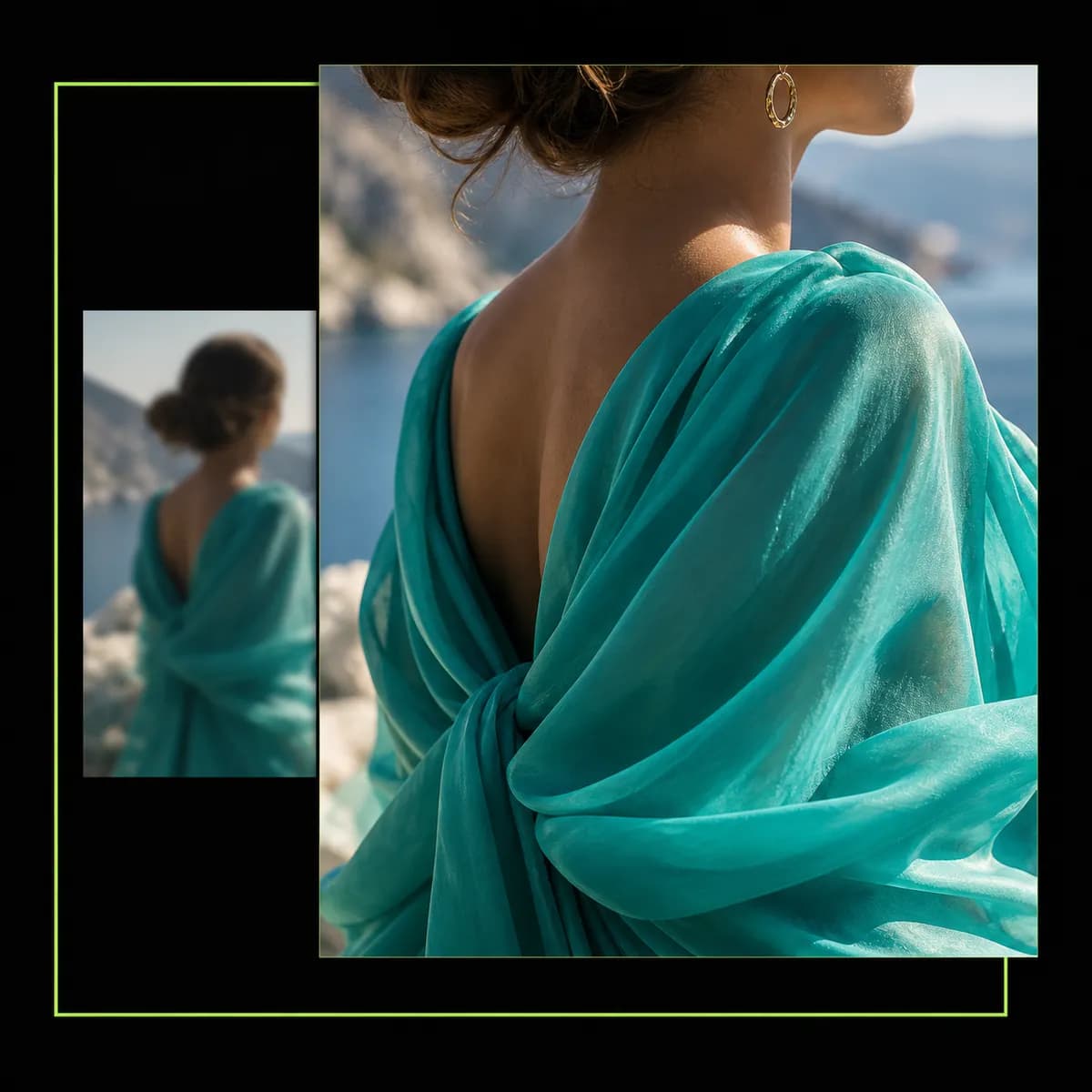
With Vidione, enlarging an image is only the beginning. Move from AI image editing to video creation in the same workspace: generate visuals from a prompt, animate still images, add captions, and export for every platform.
Whether you are making social content, video ads, or a full marketing campaign, the tools stay together in one place. No repeated exports, no platform hopping, and no steep learning curve.