
Step 01
Upload a video
Drop in a recording longer than two minutes. Spoken audio gives the AI enough context to find the strongest moments.
Turn one great recording into a library of polished clips for every channel you care about.
Bring a long-form video. Leave with platform-ready content.
Start creating freeBuilt for teams that publish everywhere
Let AI scan your longer recordings and surface the moments worth sharing. Vidione shapes them into concise, channel-ready clips while keeping the speaker in focus, tightening the pacing, and adding captions in one streamlined pass.
Choose the length, tone, and destination for each cut, then refine or export it whenever you’re ready. From vertical social posts to widescreen highlights, one idea can travel further without multiplying your workload.
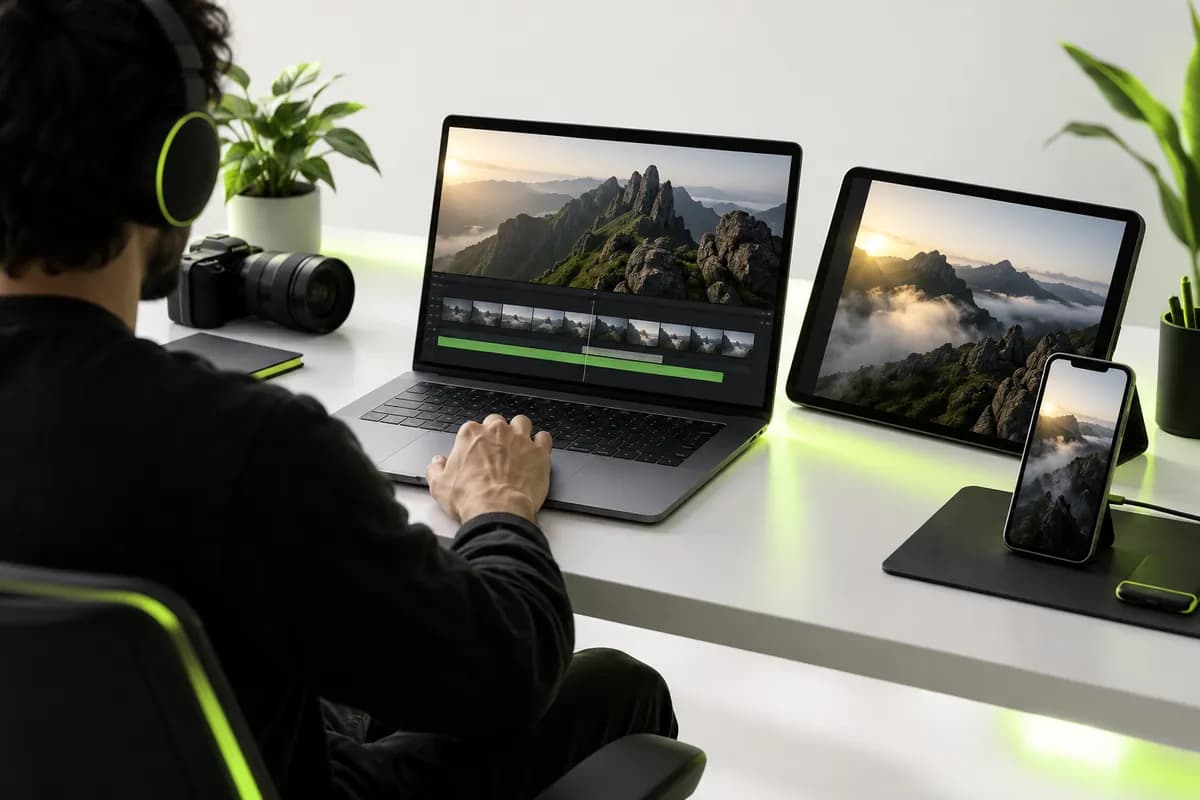
Step 01
Drop in a recording longer than two minutes. Spoken audio gives the AI enough context to find the strongest moments.
Step 02
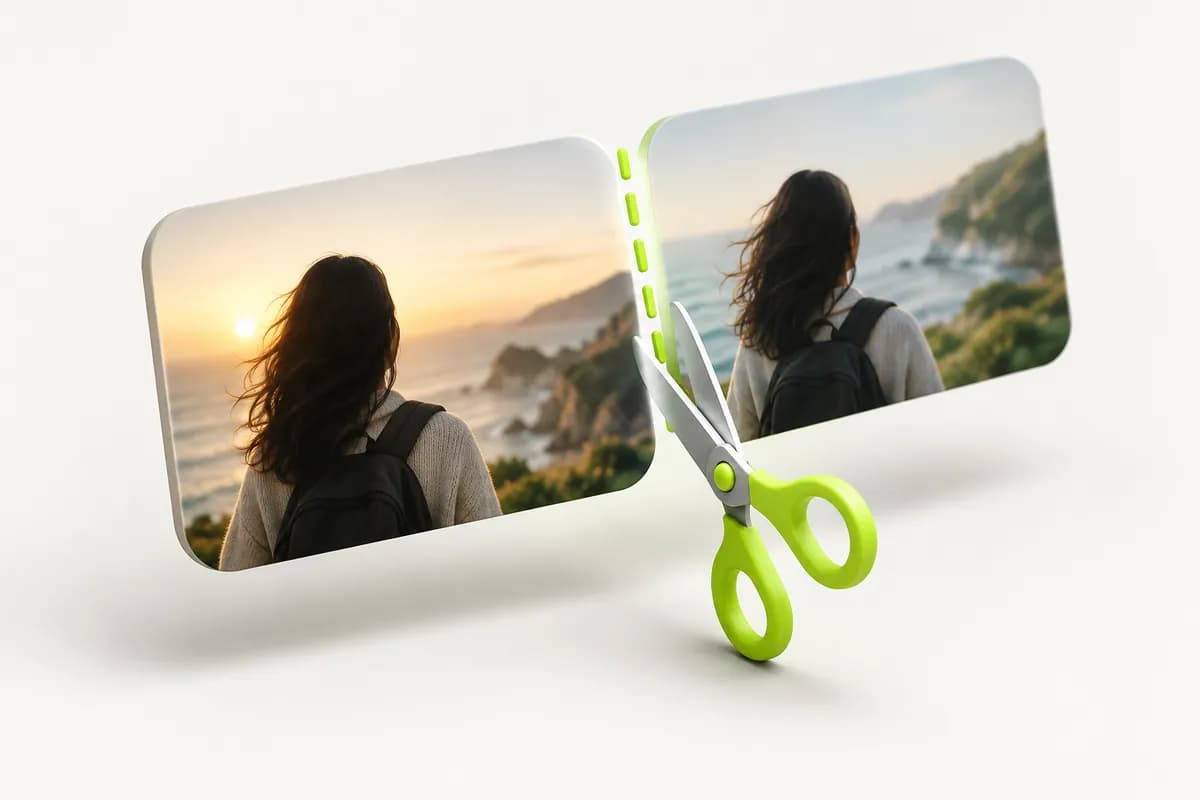
Select the clip length and the kind of moment you want to highlight. AI creates several polished options in minutes.

Step 03
Pick a finished version, make any final edit, and send it to the platform where your audience is waiting.
One recording can become a complete set of social-ready stories without starting from scratch.
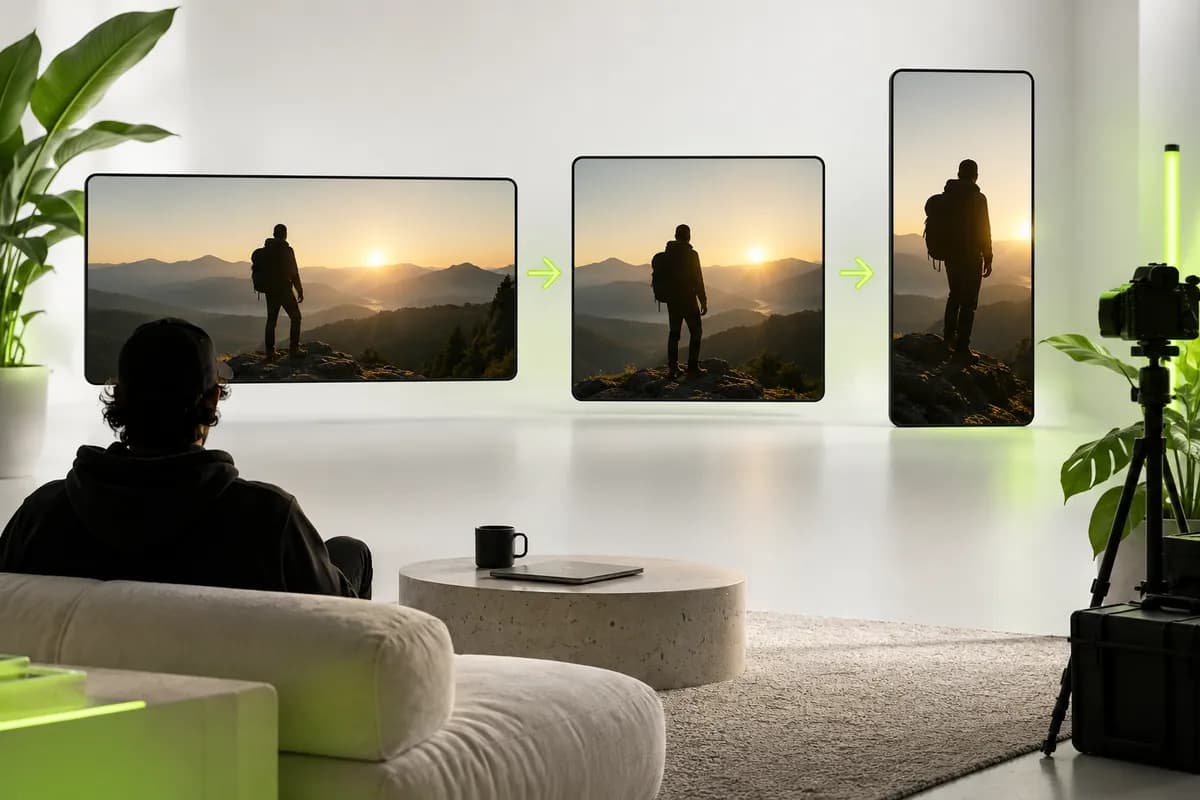
Move a long-form recording into the formats your audience already uses. Create vertical clips for short-form feeds, square cuts for community posts, and widescreen edits for your main channel without rebuilding the story each time.
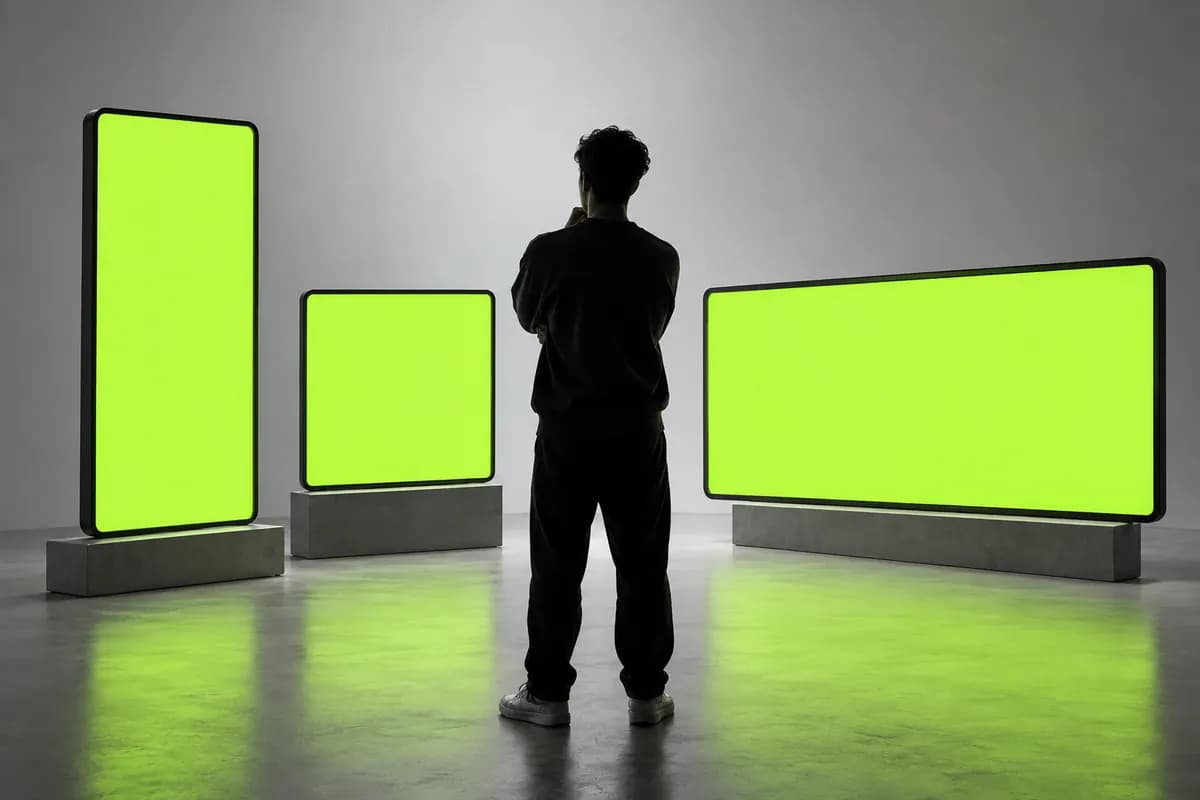
Shape the rhythm of each clip with smart trimming, clean transitions, music, and effects. Use ready-made visual treatments when you need speed, or make the details your own when the moment deserves a more considered finish.
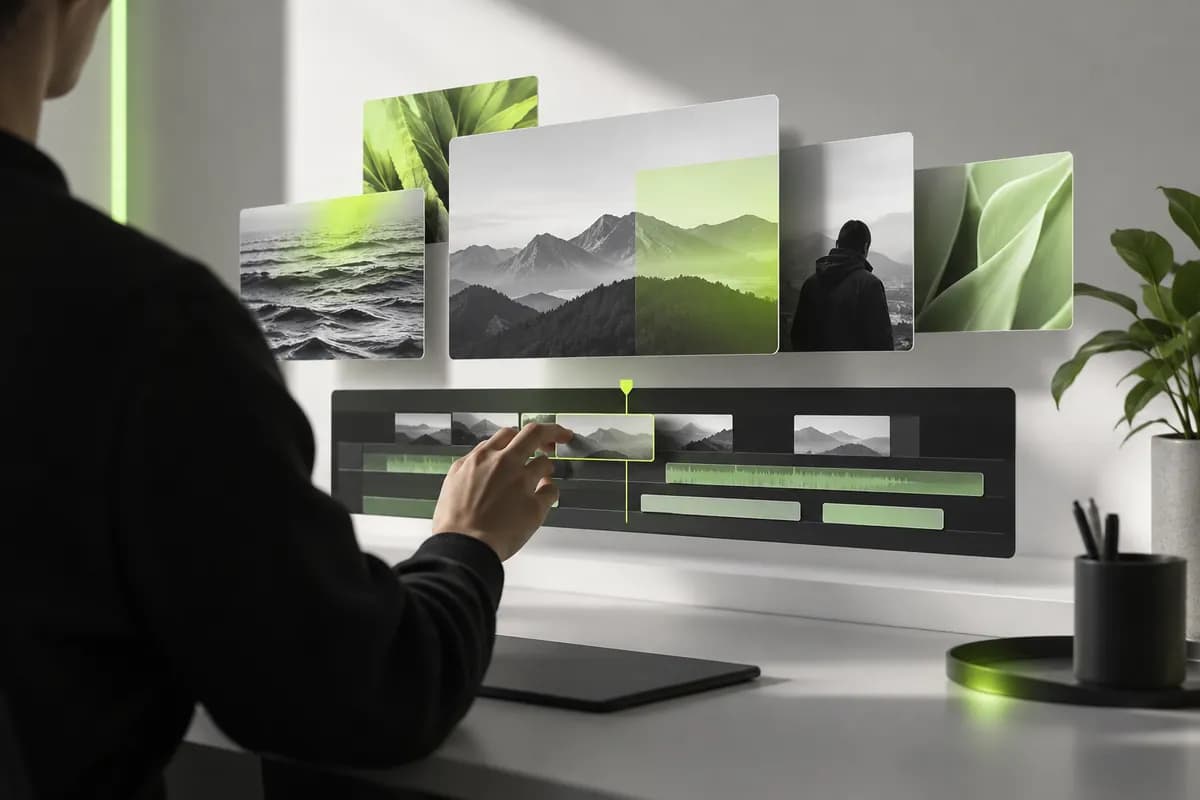
Generate captions automatically and polish them in a few clicks. Accessible, readable subtitles help your message land with viewers watching silently, speaking another language, or catching up from a crowded commute.

Upload a recording or make one with Vidione’s browser recorder, then use the Clips workflow to let AI identify the strongest sections, center the speaker, clean the audio, and prepare short-form edits.
Video repurposing means adapting one finished recording into several versions that suit different channels, audiences, aspect ratios, and viewing habits.
It is the practice of taking content you already created and reshaping it into social posts that feel native to each platform instead of publishing the same cut everywhere.
Start with the original upload, select the moments worth highlighting, then create shorter vertical or square versions with captions and platform-friendly framing.
Open the captions workflow after uploading, generate subtitles automatically, and edit the wording, timing, appearance, or language before exporting your final clip.
Choose the recorder, allow camera and microphone access, record your message, and send the finished take directly into the repurposing workflow.
From first draft to final export, creative teams use Vidione to move faster without losing their point of view.
Vidione changed how quickly we can turn one conversation into a complete campaign. The best moments are ready to share before the day is over.

Mara Chen
Director of Content, Northstar
The caption workflow is remarkably accurate, and the editing tools make it simple to keep every version consistent across our channels.

Alex Rivera
Brand Marketing Manager, Brightwell
Our old workflow needed several tools just to reach a shareable link. Now the recording, edit, captions, and exports live in one clear process.

Sam Patel
Enterprise Account Executive, Formline
It has cut the time between recording and publishing dramatically, leaving us more room to focus on the ideas that make the work memorable.

Jordan Ellis
Founder, Fieldstone Studio

How a focused clip workflow helps teams turn long-form ideas into consistent, engaging posts.

Explore a faster way to find the moments people actually want to watch and share.
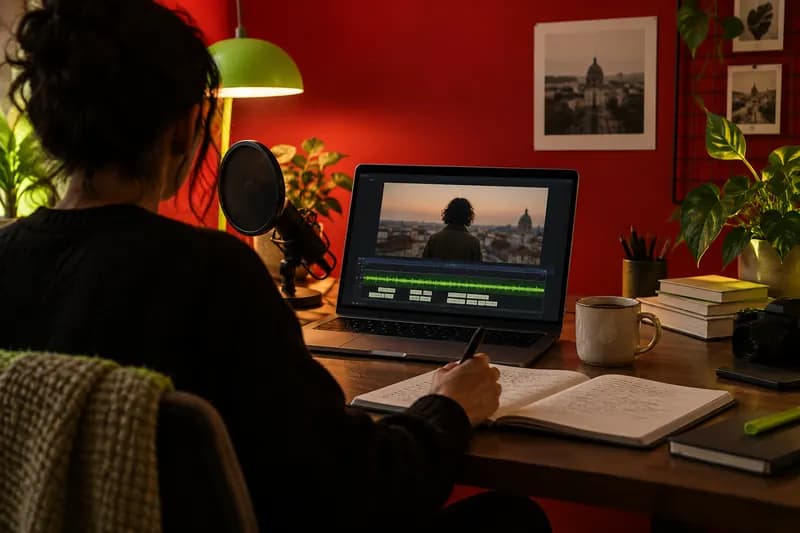
A practical look at matching each edit to the audience, format, and rhythm of the channel.
Vidione gives you the tools to create polished videos without a complicated production stack. Repurpose long recordings for social channels, build short-form clips, and keep your message consistent wherever people find you.
Bring in images, sound, music, voiceovers, captions, and visual treatments when the story calls for them. Start with a clear idea, make a few focused edits, and publish something worth watching.