
Step 1
Type a prompt
Describe the video you want to make or choose a ready-made prompt. Paste a script or article when you already know what you want the voiceover to say.
 Ad
Ad Tutorial
 Cinematic demo
 Presenter demo
 Lifestyle demo
 Product demo
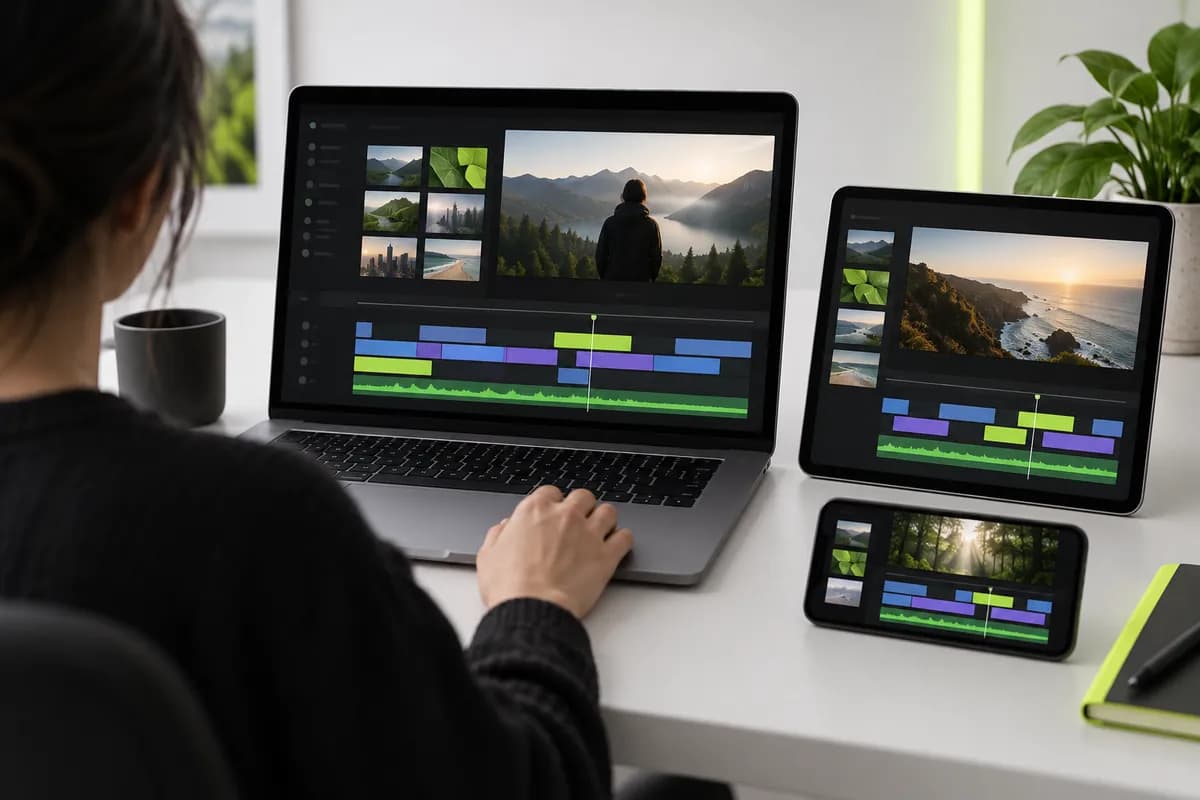
Vidione transforms a simple idea into a complete video without a camera or production crew. Describe the concept or paste your script, and the studio assembles scenes, narration, visuals, and automatic captions for you.
Pick an avatar or voice-only narration, then shape the script with your own perspective. Add original media, stock footage, generated visuals, brand assets, and the right format for every channel before exporting.
Step 1
Describe the video you want to make or choose a ready-made prompt. Paste a script or article when you already know what you want the voiceover to say.
Step 2
Choose the format, presenter or voiceover, music, and caption style. Edit the generated script so it sounds like your message and your brand.
Step 3
Export when the first draft is ready, or keep refining it with custom footage, type, colors, logos, avatars, voice profiles, and generated clips.
See how Vidione turns a simple brief into a finished story.

Use the built-in script generator to move from a rough prompt to a complete scene-by-scene draft. Edit the words, add your point of view, and let Vidione handle the production details.
Create text-to-speech videos for social channels, presentations, and lessons. Choose expressive voice profiles, accents, languages, and talking presenters without recording a take.
Start with an idea or existing footage, then create clips, captions, animations, and branded versions from the same workspace. No switching between disconnected tools.
Trusted by ambitious teams building a steady stream of video.
Vidione has changed how quickly our team can make gorgeous content for social campaigns and launch moments.

Max AlterAudience development lead, Northstar Media
The subtitles are remarkably accurate, and the workflow has taken our content from idea to publishable draft in one sitting.

Laura HaleydtBrand marketing manager, Pine & Co.
We used to stitch together separate tools for recording, captions, and sharing. Now the full process lives in one place.

Cedric RavacheEnterprise account executive, Lumenworks
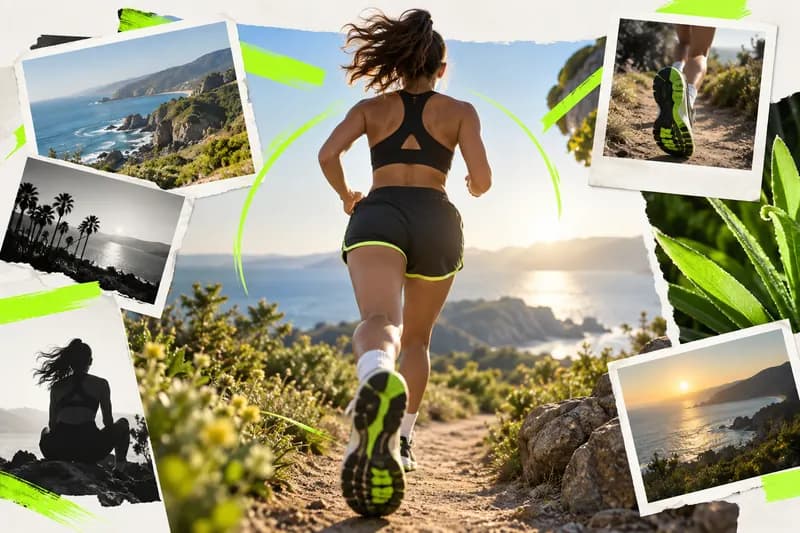
Better outputs start with better direction. Learn how to describe pacing, visuals, tone, and story so your first generation feels intentional.

Build a clear opening, useful middle, and memorable close with a repeatable structure designed for short-form and long-form video.
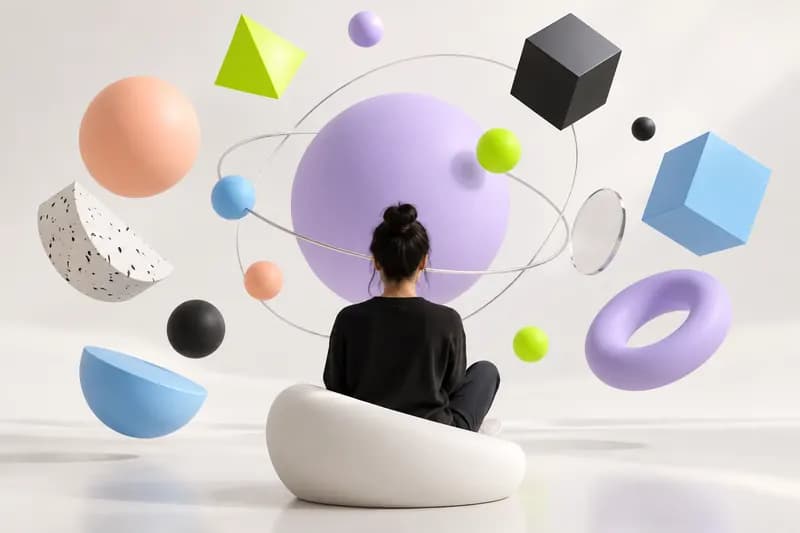
Explore a practical workflow for turning one focused idea into scenes, voiceover, transitions, and a polished visual direction.
Vidione is an AI video creation platform where generation is only the starting point. Rework the script, adjust the scenes, add your branding, and shape the final result until it looks and sounds like your team made it.
Move between text-to-image, image-to-video, and video-to-video workflows in one creative workspace. Make more content without adding a larger production bottleneck or another stack of disconnected tools.