
Step 01
Upload a video or record online
Bring in a recording or use the built-in webcam recorder. Keep your notes close with the integrated teleprompter while you speak.
Keep your eyes on the camera while reading a script. Make every recording feel natural, focused, and ready to share.
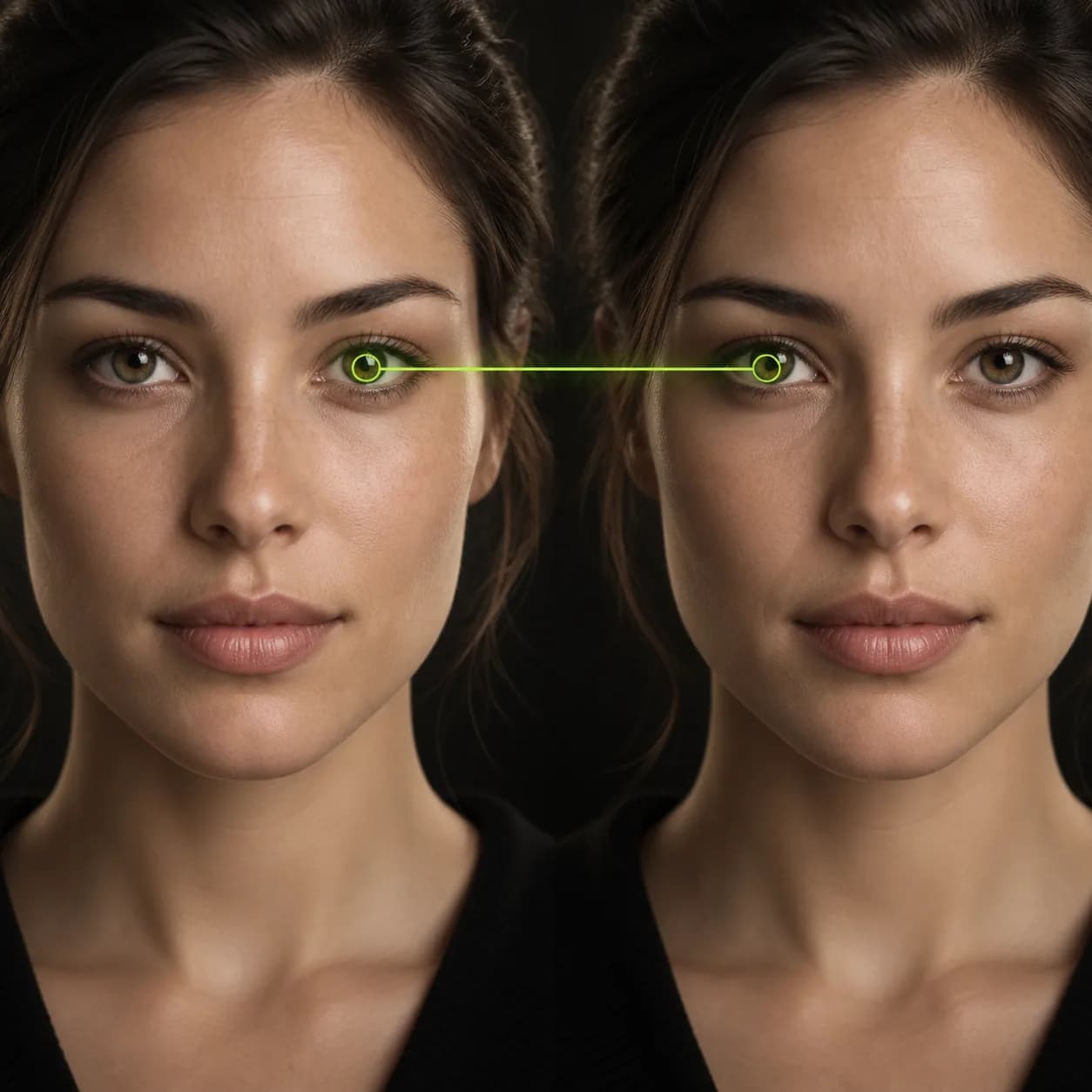
Look more confident in recordings by gently guiding wandering eye movements back toward the lens. Vidione uses gaze-aware technology to help you appear present and professional, even when you are reading notes or following a script.
Eye Contact AI is part of a complete video workspace. Clean up pauses, improve audio, remove distracting backgrounds, and shape every take into a polished video without leaving your browser.
Step 01
Bring in a recording or use the built-in webcam recorder. Keep your notes close with the integrated teleprompter while you speak.
Step 02
Select the clip, switch on Eye Contact, and let gaze detection subtly redirect your eyes so your delivery feels naturally camera-ready.
Step 03
Export the finished video or keep building with captions, music, supporting visuals, and brand details.
Learn more
Subtle gaze correction helps bring unfocused eyes back to the camera, so presentations and talking-head videos feel more direct. Use it across Mac, Windows, Linux, Android, and iOS workflows.
Make your delivery more engaging, then refine the rest with automatic edits, cleaner audio, music, B-roll, captions, lower thirds, and your own visual identity.
Remove visual clutter, trim awkward pauses, clear out filler words, and expand backgrounds for vertical formats. Turn an imperfect take into a finished video with just a few clicks.
My first few videos reached more than 40,000 impressions because the delivery finally felt direct.

I stopped worrying about where my eyes were landing and could focus on making the message useful.

There was no long learning curve. I uploaded a clip, switched on the tool, and kept editing.

Our videos look more polished without losing the natural feeling that makes people want to keep watching.

Simple ways to create more natural talking-head videos when your notes are just off camera.
Learn more
Build a more accessible content workflow with subtitles, translations, and a clear publishing process.
Learn more
Understand the difference between captions and subtitles, then choose the right format for every audience.
Learn more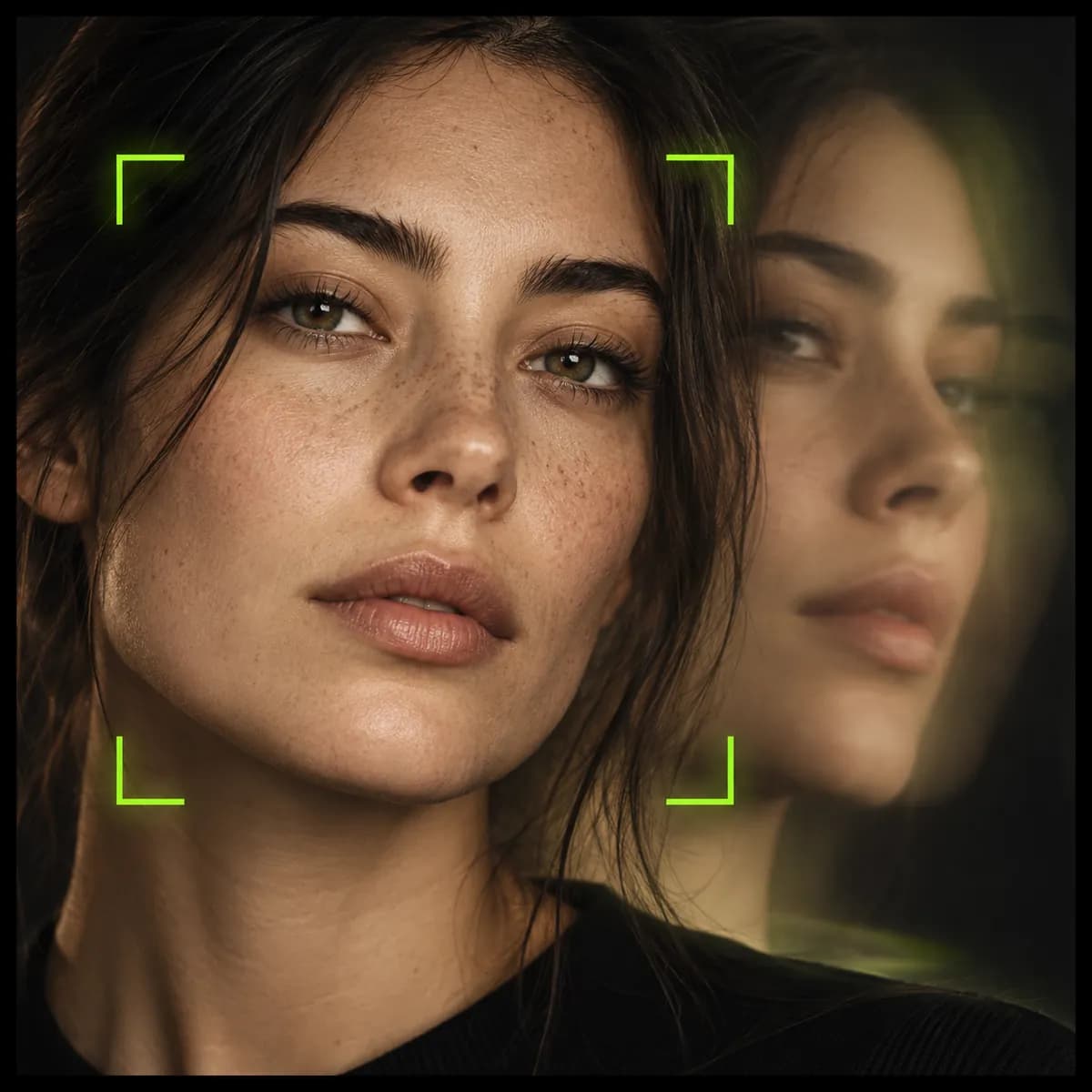
Eye contact is one part of making a great video. Vidione is an AI video creation platform where you can generate ideas, edit recordings, add your own assets, and keep every detail consistent with your brand.
Bring in your colors, fonts, and logo. Upload a photo, record speech, or write a script to create a talking video with natural lip sync. Everything lives in one focused workspace, so you can move from first take to final share without switching tools.