01
Select a layout
Choose screen, camera, audio, or a combination, then allow access to the devices you want to use.
Quick and easy recording for professional videos you can share right away.
70,000+ recordings made last week
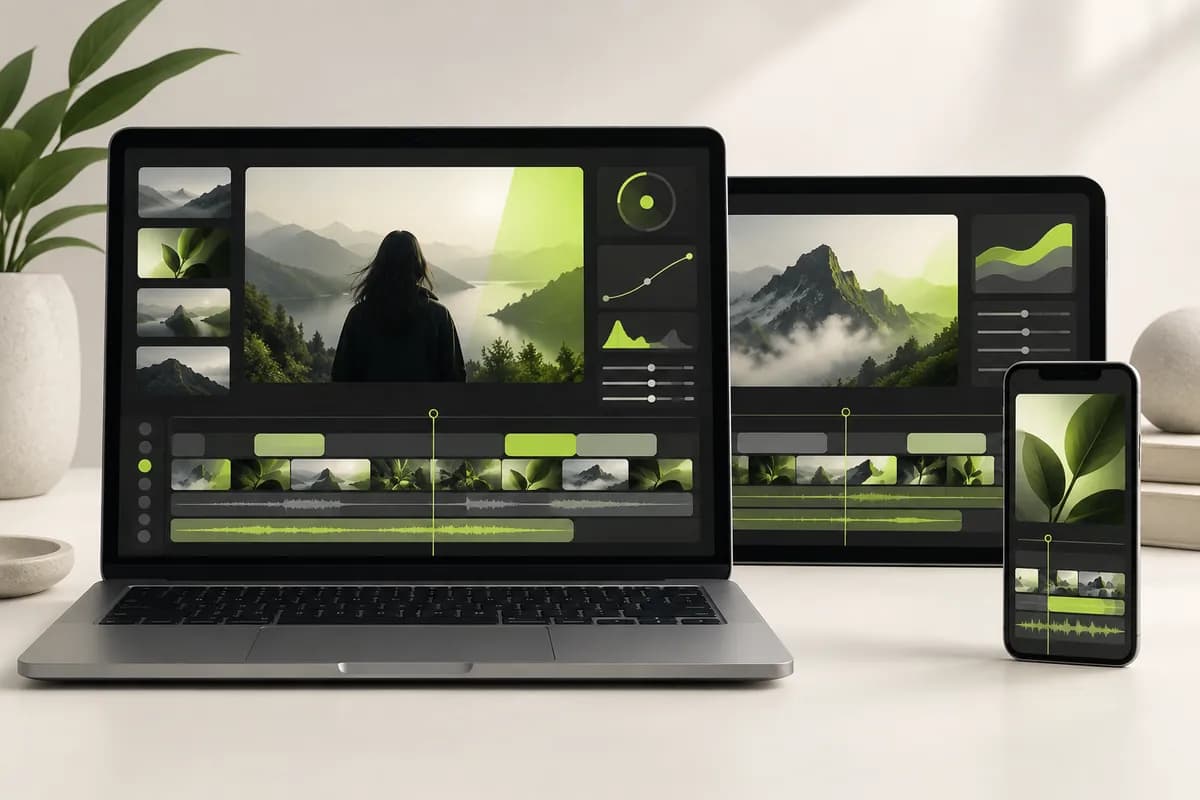
Capture your screen, camera, and computer audio directly in the browser. Vidione helps you correct subtle eye movement, polish your presentation, and save a clean high-quality recording for work, learning, or social content.
Record a browser tab, a window, or your entire desktop in just a few clicks. Use it on Mac, Windows, or Linux, then clean up background noise and make quick edits before sharing the finished video.
Choose screen, camera, audio, or a combination, then allow access to the devices you want to use.
Press the recording button and wait for the short countdown. If you miss a line, simply record another take.
Refine the result with eye alignment, background cleanup, smart trimming, and a fast export to your workspace.
Select the format that matches your message. Record your webcam, your screen, or both together. Present slides by sharing the whole screen, place your camera beside the content, or layer your video over the recording.
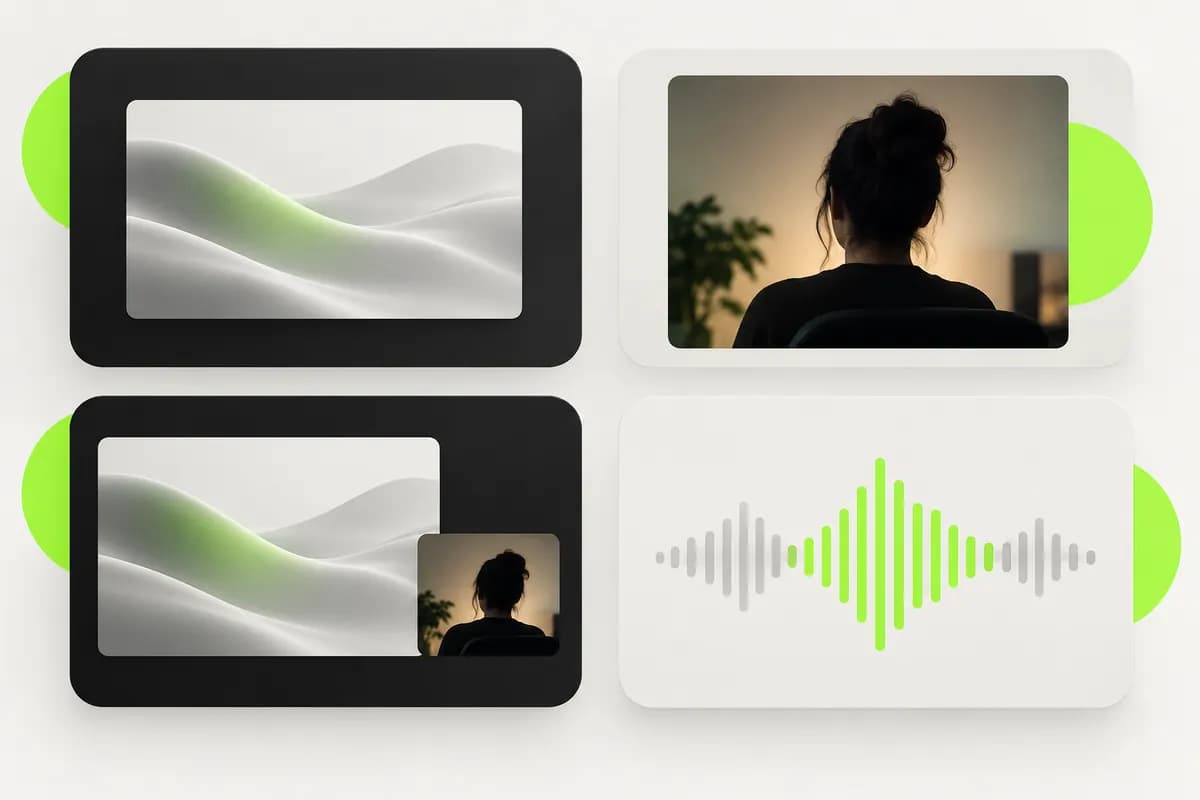
Capture a tutorial from a browser tab or explain an idea for your team without switching applications. Add comments later, review the recording with collaborators, and make quick edits from the same browser-based workspace.
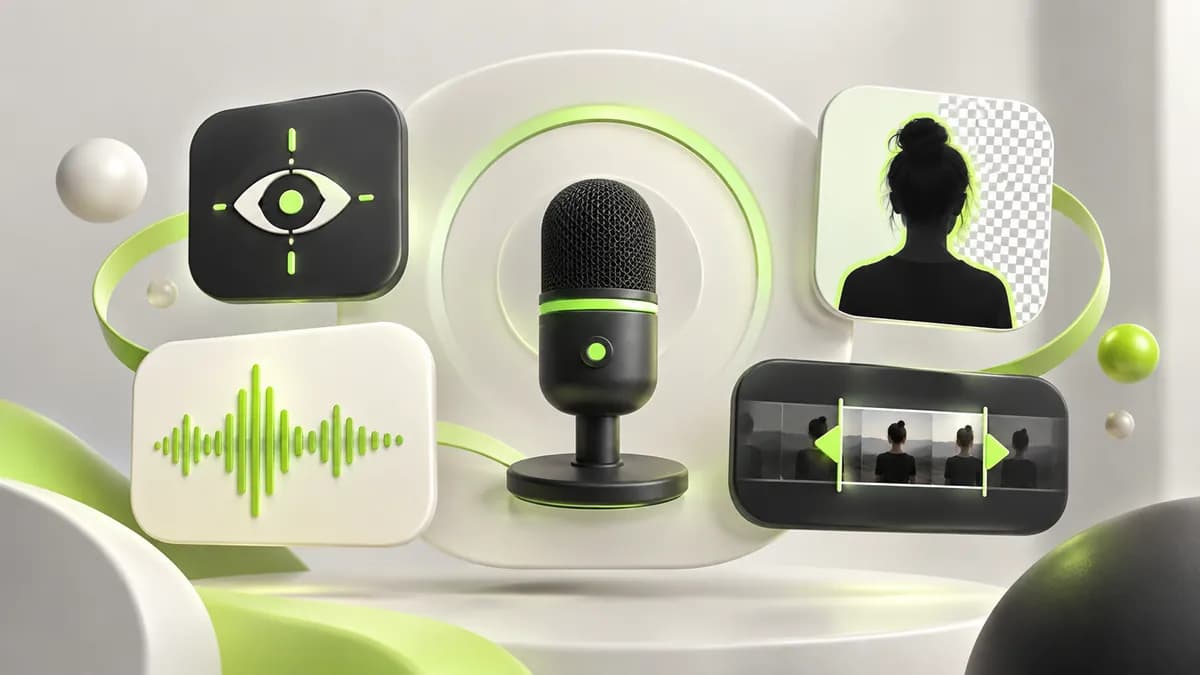
After recording, use built-in tools to make the result cleaner and more confident. Align eye contact, remove a distracting background, reduce unwanted noise, and cut filler words so your presentation feels ready to share.
I love how quickly a rough screen capture becomes a finished piece. The speech tools are accurate, the editor feels effortless, and sharing a polished video takes only a few minutes.Maya Chen — Brand marketing manager, Northstar Labs

Recording your screen is essential for creators, freelancers, and teachers. Here is a practical collection of free tools worth testing this year.
Not sure which recording method fits your computer? Compare three straightforward options and find the best approach for your workflow.

Learn the simplest ways to capture your screen, no matter which platform you use to get work done.
Go from a first screen capture to a finished video without changing tools. Vidione brings recording, editing, captions, voice cleanup, and publishing into one focused workspace. Need a talking-head explainer without filming? Start with an avatar, add captions automatically, and translate the finished video for more audiences.
Start recording