Master YouTube Editing: 5 Tricks for Viral Success
Learn the editing secrets that top creators use to maximize watch time, boost engagement, and make their YouTube content go viral in 2025.
Vidione Team
Master YouTube Editing: 5 Tricks for Viral Success
Learn the editing secrets that top creators use to maximize watch time, boost engagement, and make their YouTube content go viral in 2025.
Every viral YouTube video shares something in common. It's not luck, timing, or even production budget. The real differentiator is strategic editing that transforms raw footage into content viewers can't stop watching. Understanding these techniques separates successful creators from those who struggle to gain traction.
The YouTube algorithm rewards videos that keep people engaged. Higher retention rates signal quality content, pushing your videos to more viewers through recommendations. When you combine compelling content with smart editing choices, you create the perfect recipe for viral growth. Here are five essential tricks that work consistently.
Craft Irresistible Opening Moments
The battle for viewer attention is won or lost in the first eight seconds. This critical window determines whether someone commits to watching your video or scrolls past to the next option. Your editing decisions here have the biggest impact on overall performance.

Start with your best footage right at the beginning. Show the payoff, the transformation, or the most exciting moment before explaining how you got there. This reverse structure hooks curiosity immediately. Viewers want to know the full story once they see the exciting conclusion.
Use rapid cuts between multiple camera angles in the opening sequence. This creates visual dynamism that captures attention better than static shots. Add bold text overlays that preview the value viewers will get. Sound design matters too. Punchy music or attention-grabbing sound effects signal that something interesting is happening.
AI-powered editing tools can now analyze your footage and automatically identify the most engaging moments. These tools save hours of manual review while ensuring your strongest content makes it to the front of your video.
Eliminate Every Unnecessary Second
Viewers today have endless entertainment options competing for their time. Any moment that doesn't add clear value gives them a reason to leave. Aggressive editing that removes all filler content keeps momentum high throughout your entire video.
Jump cuts have become the standard in successful YouTube content for good reason. They compress time by removing pauses, mistakes, and tangents that slow pacing. What might feel choppy while editing appears smooth and engaging to viewers who appreciate the faster pace.
Research shows that videos with visual changes every two seconds maintain higher retention than slower content. This doesn't mean everything needs to be chaotic. Strategic B-roll, graphics, and camera angle changes provide these regular visual updates. Pattern interrupts using sound effects or sudden music changes reset attention at key moments.
Speed ramping adds emphasis to important points. Slow down briefly to highlight something crucial, then return to normal or faster pace. This technique guides viewer attention without narration.
Build Visual Interest Throughout
Plain talking-head videos don't perform as well as they used to. Viewers expect layers of visual information that enhance understanding and maintain engagement. Your editing toolkit needs to include multiple elements working together.
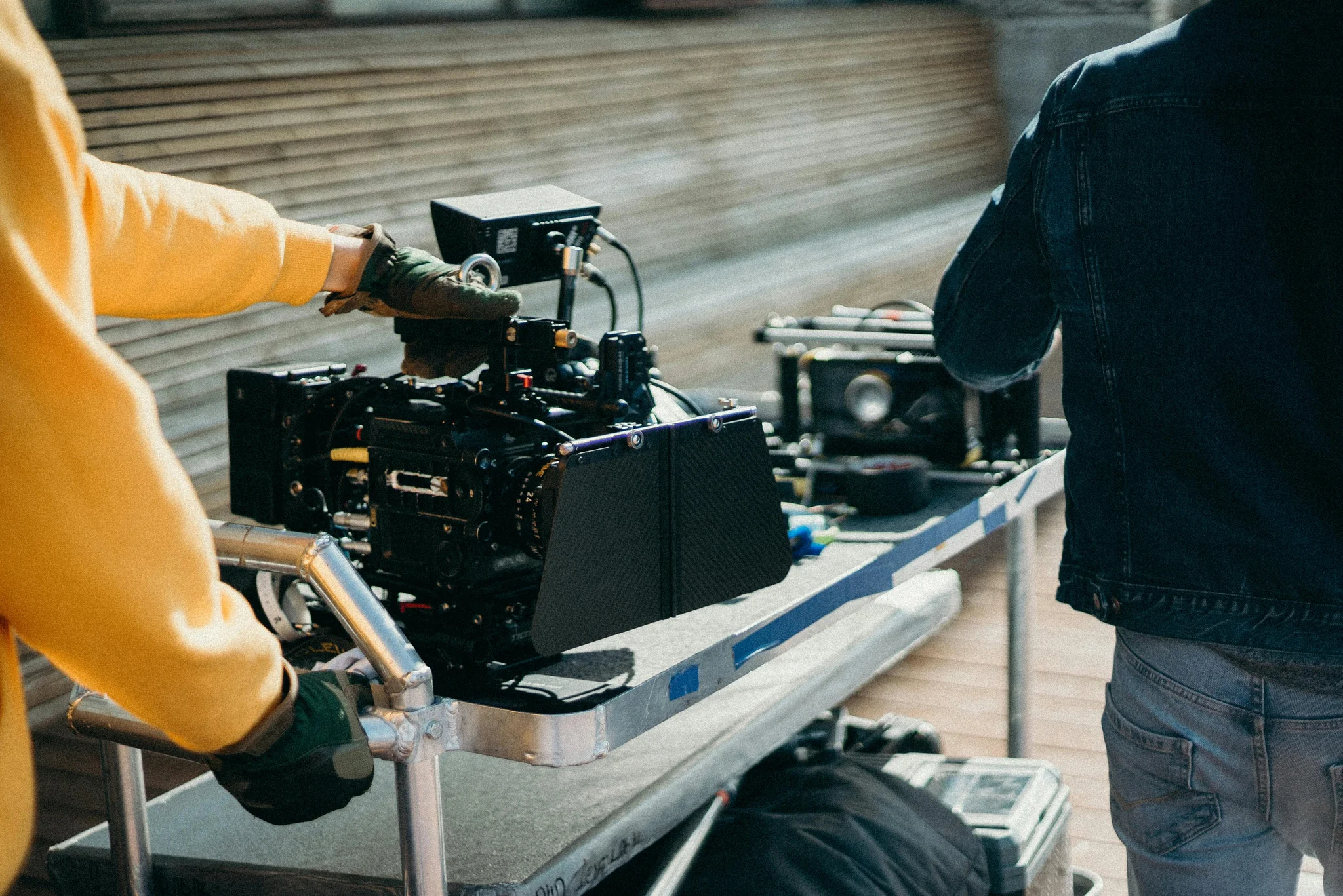
B-roll footage breaks up talking segments and illustrates concepts visually. When discussing abstract ideas, show concrete examples on screen. This dual-channel communication helps information stick better. Viewers retain more when they both hear and see information presented together.
Motion graphics and animated text make key points impossible to miss. Display statistics as animated numbers. Show tips as bullet points that appear with smooth animations. These visual reinforcements help viewers follow along and remember important information long after watching.
Consistent color grading ties everything together aesthetically. You don't need cinematic color correction. Simple consistency in white balance and basic color adjustments makes content look more professional. This subtle polish signals quality to viewers even if they can't identify exactly why.
Lower thirds and call-outs identify speakers, locations, or products without interrupting flow. Smooth transitions between scenes maintain professional quality. Just remember that every effect should serve a purpose. Gratuitous effects distract rather than enhance.
Multiply Your Reach Through Repurposing
Creating one long video and stopping there wastes most of your content's potential. Smart creators edit the same footage multiple ways for different platforms. This strategy multiplies views without multiplying production time.
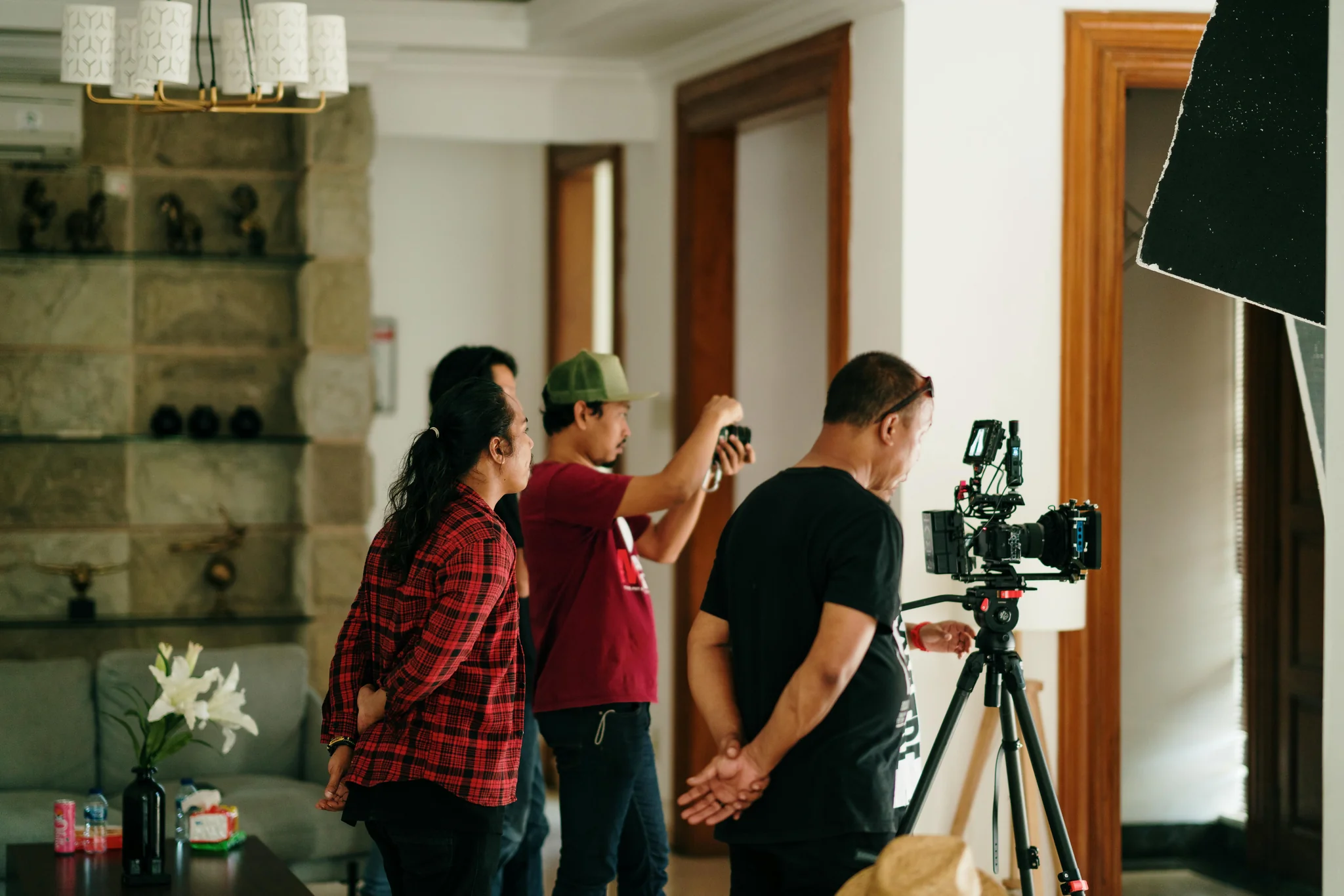
Extract the strongest thirty to sixty second segments from your main video for short-form platforms. These clips need to work as standalone content while teasing the full video. Reformat them to vertical aspect ratio and add platform-specific elements like trending sounds or hashtags.
YouTube Shorts deserves special attention since it reaches a different audience within the same platform. Take highlights from your long-form content and optimize them specifically for the Shorts algorithm. This creates multiple entry points for new viewers to discover your channel.
Modern AI editing assistants can automate much of this repurposing work. They identify high-engagement moments, handle the technical reformatting, and even suggest optimal places to split content. This automation lets you maintain presence across multiple platforms without proportionally increasing editing time.
Design for Mobile-First Viewing
More than seventy percent of YouTube viewing happens on smartphones. If your editing only looks good on a computer monitor, you're missing most of your potential audience. Mobile optimization needs to be part of your editing process from the start.
Test every video on your phone before publishing. Text that seems perfectly readable on your editing monitor might be completely illegible on a smartphone screen. Make all text significantly larger than feels necessary. Use high contrast between text and background to ensure readability in any lighting.
Keep visual compositions simple and uncluttered. Complex graphics with lots of detail get lost on small screens. Focus on bold, clear designs that communicate instantly. Close-up shots work better than wide shots for mobile viewers.
Vertical video formats are inherently mobile-optimized. When creating content for Shorts or cross-posting to TikTok and Instagram, think about how people hold their phones while scrolling. Vertical framing feels natural and immersive on mobile devices in ways horizontal video never can.
Elevate Your Content Creation Game
These five editing techniques create the foundation for YouTube success in today's competitive environment. Videos maintaining fifty percent average view duration see three times more algorithmic recommendations. That's the difference between slow growth and exponential channel expansion.
Ready to streamline your video editing workflow and create content that captures attention from the first frame? Visit Vidione.com to explore cutting-edge tools and proven strategies that help you edit faster, engage viewers longer, and grow your channel with professional-quality content that stands out.
More Articles
Themed Video Production: AI-Powered Creative Workflows
Transform video concepts into polished themed content using AI generation, cinematic techniques, and efficient production systems.
YouTube Editing Mastery: Create Videos That Convert
Master professional YouTube editing workflows that transform ordinary footage into compelling content driving engagement and channel growth.