Master YouTube Shorts Editing for Maximum Engagement
Learn professional YouTube Shorts editing techniques including fast cuts, text overlays, transitions, and audio mixing for viral success.
Vidione Team
Master YouTube Shorts Editing for Maximum Engagement
Learn professional YouTube Shorts editing techniques including fast cuts, text overlays, transitions, and audio mixing for viral success.
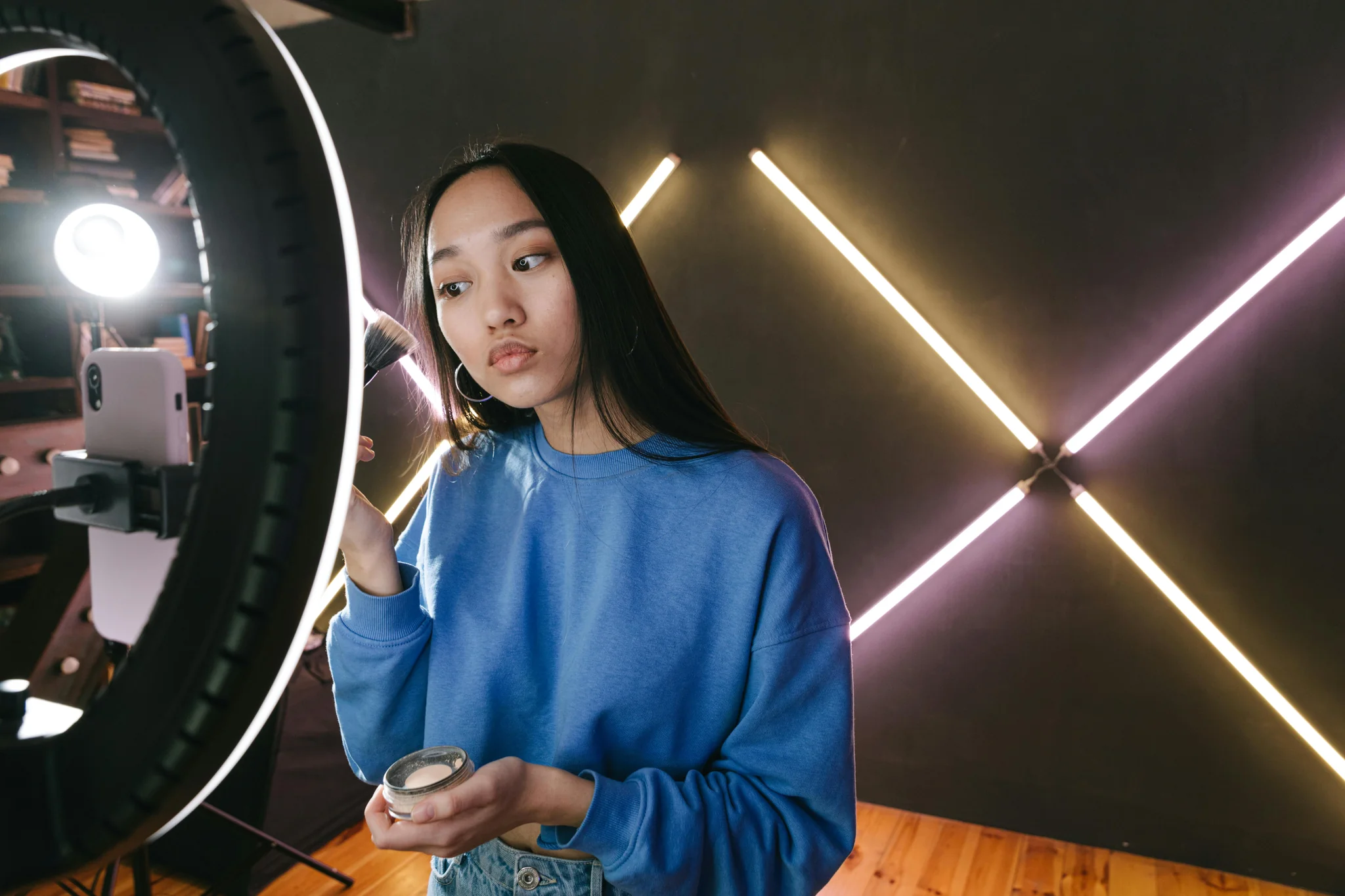
YouTube Shorts editing requires distinct approaches optimized for mobile vertical viewing and short attention spans. Techniques working for traditional videos often fail in fifteen to sixty second formats. Mastering Shorts-specific editing dramatically improves performance and viewer retention.
The three-second hook determines everything. Viewers scrolling decide instantly whether continuing watching. Opening moments must grab attention immediately through surprising visuals, bold statements, or compelling questions. Weak openings guarantee scroll-aways regardless of content quality.
Execute Aggressive Fast-Cut Editing
Shorts demand rapid pacing maintaining constant stimulation. Cuts every one to two seconds keep energy high preventing viewer exits. This aggressive editing feels intense while editing but appears appropriately paced to mobile scrollers.

Remove every unnecessary frame ruthlessly cutting pauses, breaths, and filler content. What feels too fast during editing often feels just right to viewers accustomed to rapid TikTok and Reels pacing. Trust aggressive cutting instincts.
Vary shot composition with each cut preventing monotonous repetition. Alternate between close-ups, medium shots, and different angles maintaining visual interest. Static compositions bore viewers while dynamic cutting sustains engagement.
Use jump cuts eliminating dead time within single scenes. Jump cuts compress time making content feel energetic and efficient. This technique became standard in short-form content preventing boring stretches.
Maintain narrative momentum through cuts ensuring each segment flows logically into the next. While cutting aggressively, preserve story coherence preventing jarring disconnected transitions confusing viewers.
Layer Dynamic Text Overlays
On-screen text serves critical functions in Shorts where majority viewing happens muted. Sixty-three percent of younger viewers prefer subtitled content making text overlays essential not optional.
Subtitle all spoken content ensuring accessibility and muted viewing comprehension. Auto-generated captions provide starting points requiring manual correction for accuracy. Clean accurate subtitles dramatically improve retention.
Add emphasis text highlighting key points and calls-to-action. Bold on-screen text draws attention to important information ensuring viewers notice crucial messages. Strategic text placement guides viewer focus.
Animate text entries and exits maintaining dynamic visual interest. Static text feels lifeless while animated text adds energy and polish. Simple fade-ins and scale animations suffice without requiring complex motion graphics.
Ensure text remains readable on mobile screens using large fonts and high contrast. Text legible on editing monitors may become illegible on phones. Test on actual mobile devices before finalizing.
Apply Clean Professional Transitions
Shorts benefit from simple effective transitions over flashy effects. Clean transitions signal topic shifts without distracting from content.
Cross-dissolves and quick fades work universally well for section transitions. These simple effects feel professional without overwhelming content. Reserve fancy transitions for specific stylistic purposes avoiding overuse.
J-cuts and L-cuts create seamless audio-visual flow. J-cuts introduce next clip's audio before visual change. L-cuts extend current audio into next visual. These techniques create smooth professional transitions.
Match cuts on movement create visually satisfying connections between shots. Cutting during motion maintains energy preventing dead stops in pacing. Motion-matched cuts feel seamless and professional.
Avoid excessive transition effects making content feel amateur. One or two signature transition styles work better than constantly changing effects. Consistency creates professional cohesion.
Master Audio Mixing Fundamentals
Audio significantly impacts viewer experience despite silent viewing prevalence. Proper mixing ensures content works both with and without sound.

Background music should sit between negative eighteen and negative twenty-five decibels during voiceovers maintaining presence without overwhelming speech. This balance keeps music audible while preserving vocal clarity.
Use trending sounds strategically when appropriate for content. Trending audio can boost discovery but forced integration feels inauthentic. Only use trends naturally fitting your content style.
Sound effects punctuate visual events adding polish and emphasis. Well-timed sound effects make content feel more professional and engaging. Strategic audio cues guide viewer attention.
Ensure audio levels remain consistent throughout preventing jarring volume changes between clips. Normalized audio creates professional polished listening experiences.
Optimize for Platform Success
Technical optimization ensures Shorts perform well algorithmically beyond creative quality considerations.
Shoot vertical nine-by-sixteen aspect ratio native to mobile viewing. Horizontal content cropped to vertical wastes screen space and looks unprofessional. Native vertical shooting maximizes mobile real estate.
Film at sixty frames per second enabling smooth slow-motion effects and editing flexibility. Higher frame rates provide more editing options while appearing smooth during normal playback.
Keep duration between fifteen and thirty seconds for optimal engagement. While Shorts allow up to sixty seconds, shorter content typically maintains better retention. Conciseness encourages completion and rewatching.
Include clear hooks and calls-to-action guiding viewer next steps. Strong CTAs convert passive viewers into active followers and engagers.
Create Viral Short-Form Content
YouTube Shorts editing combines aggressive pacing, dynamic text, clean transitions, and strategic audio creating engaging mobile-optimized content. Mastering these techniques dramatically improves performance in competitive short-form landscape.
Ready to dominate YouTube Shorts? Visit Vidione.com to discover cutting-edge video tools, proven editing strategies, and expert techniques helping you create viral Shorts content that captivates mobile audiences and grows your channel exponentially.