YouTube to Instagram: Video Reformatting Secrets That Work
Transform your YouTube content for Instagram success with expert reformatting techniques that preserve quality while maximizing engagement.
Vidione Team

YouTube to Instagram: Video Reformatting Secrets That Work
Transform your YouTube content for Instagram success with expert reformatting techniques that preserve quality while maximizing engagement.

Content creators face a critical challenge when adapting YouTube videos for Instagram: simple repurposing fails spectacularly. Instagram's algorithm penalizes content that feels recycled, while audiences scroll past videos that don't match platform expectations. Yet with 76.9% of Instagram users also active on YouTube, the opportunity to build cross-platform audiences is enormous for those who adapt content strategically.
The secret lies not in copying content between platforms, but in thoughtful reformatting that respects each platform's unique culture and technical requirements. When executed properly, cross-platform video sharing amplifies reach without diluting brand identity or audience engagement. Let's explore the reformatting techniques that transform YouTube content into Instagram-native videos that perform.
Why Direct Reposting Fails on Instagram
Instagram's recommendation algorithm actively detects and deprioritizes recycled content from other platforms. Videos with TikTok watermarks, YouTube branding, or horizontal letterboxing receive dramatically reduced reach regardless of content quality. This algorithmic filtering protects Instagram's user experience by ensuring feeds contain native content designed specifically for the platform.
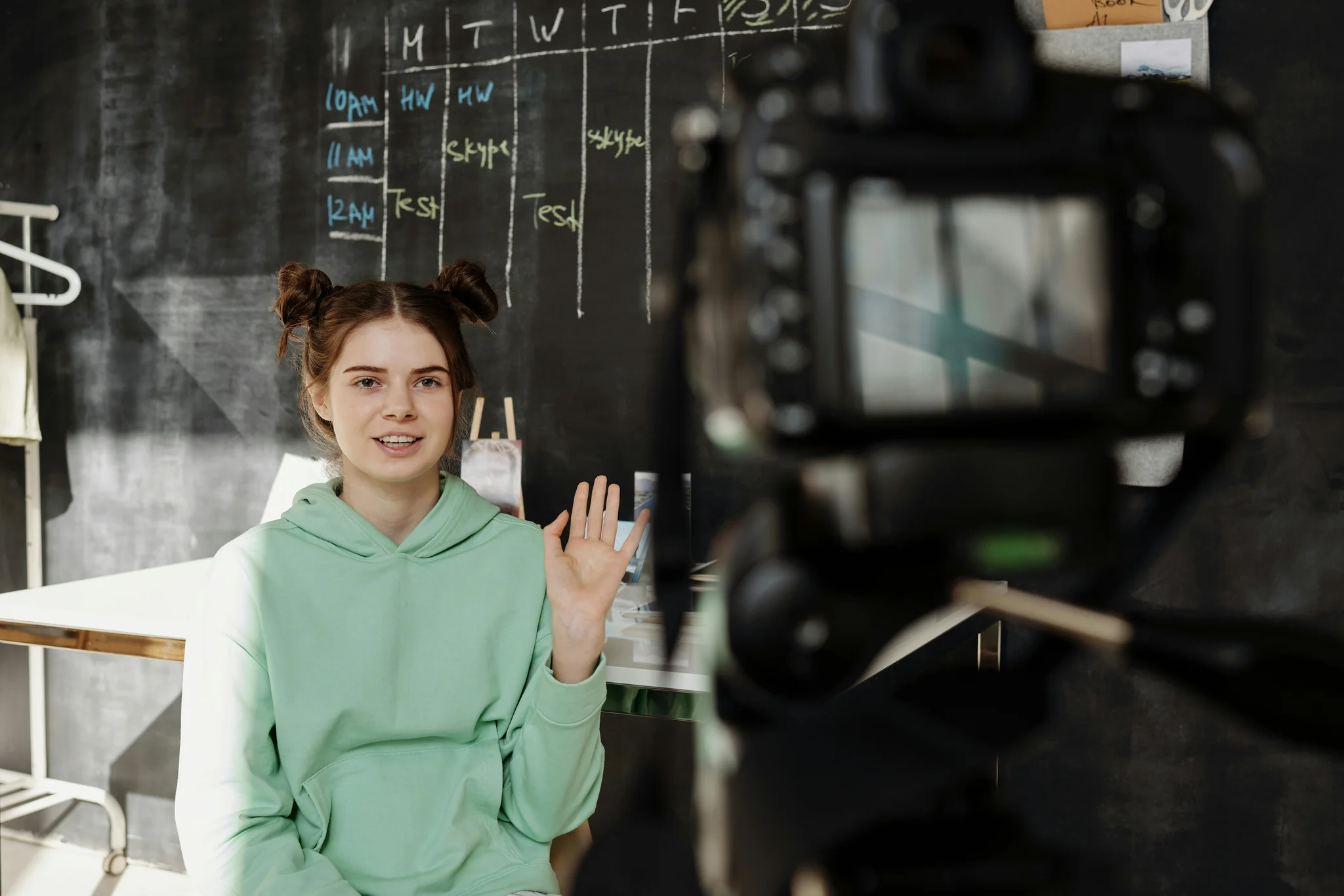
Beyond algorithmic penalties, audience expectations differ fundamentally between platforms. YouTube viewers settle in for longer-form content with slower pacing, while Instagram users scroll rapidly through feeds making split-second decisions. Content that works brilliantly on YouTube often feels sluggish and verbose on Instagram without strategic editing that matches platform-specific consumption patterns.
Mastering Vertical Video Transformation
The shift from YouTube's 16:9 horizontal format to Instagram's 9:16 vertical canvas demands more than simple cropping. Effective reformatting requires intelligent reframing that maintains visual storytelling while adapting to vertical compositions. Start by identifying your video's focal points, then frame vertical compositions that keep these elements centered and prominent.
Advanced editing tools like CapCut, Adobe Premiere Pro, and DaVinci Resolve offer automated reframing features that track subjects intelligently. These AI-powered tools analyze footage to maintain optimal framing as subjects move, saving hours of manual adjustment. For talking-head content, position speakers in the upper two-thirds of vertical frames, leaving space below for captions and engagement elements.
Editing Pacing for Instagram's Rhythm
Instagram audiences expect rapid-fire content that delivers value within seconds. Transform YouTube videos for Instagram by cutting ruthlessly, removing pauses longer than one second, and front-loading your most compelling moments. The first three seconds determine whether viewers continue watching or scroll past, making strong hooks essential for Instagram success.

Implement pattern interrupts every 3-5 seconds through text overlays, visual effects, or camera angle changes that maintain attention through Instagram's fast-paced environment. These micro-engagements signal active viewing to Instagram's algorithm while preventing viewer drop-off. Compare your Instagram edits to your YouTube originals, ensuring Instagram versions feel 30-50% faster paced without losing narrative coherence.
Creating Silent-Viewing Optimized Content
Research shows 85% of Instagram video plays occur without sound, making captions non-negotiable for video performance. Burned-in captions ensure your message reaches viewers regardless of audio status while improving accessibility and engagement metrics. Use large, high-contrast text that remains legible on small mobile screens even when viewed quickly.
Position captions strategically in the lower third of vertical frames where they're visible without obscuring key visual elements. Customize caption styling to match your brand identity through consistent fonts, colors, and animation styles that make your content instantly recognizable. Tools like Captions.ai and Kapwing automate caption generation with high accuracy, dramatically reducing editing time.
Optimizing Video Length for Each Format
Instagram offers multiple video formats, each with distinct optimal lengths that maximize algorithm favorability and audience retention. Reels perform best at 7-15 seconds for maximum completion rates, though Instagram supports up to 90 seconds. Feed videos can extend to 60 minutes, but retention drops sharply after 30 seconds for most content types.

Stories maintain engagement best at 10-15 seconds per frame, allowing viewers to consume multiple story segments without fatigue. When reformatting YouTube content, identify self-contained segments that deliver complete value within these timeframes. A 10-minute YouTube tutorial might become a series of 15-second Instagram Reels, each highlighting one specific tip or technique.
Leveraging Strategic Content Teasers
Rather than attempting to compress entire YouTube videos into Instagram formats, create compelling teasers that showcase highlights while driving traffic to complete content. Select your video's most visually striking or information-dense 60-90 seconds that demonstrate value while leaving viewers wanting more. This teaser approach respects Instagram's platform while converting engaged viewers into YouTube subscribers.
Structure teasers with three-act storytelling: hook viewers immediately with your strongest moment, deliver substantial value in the middle section, and close with clear calls-to-action directing viewers to YouTube. Include specific reasons to click through like exclusive information, extended tutorials, or bonus content available only in the full video.
Maintaining Quality Through Format Changes
Video quality often degrades when converting between formats and platforms. Minimize quality loss by starting with the highest resolution source files available, ideally 4K footage that maintains clarity when cropped and compressed. Export Instagram videos at 1080x1920 resolution with bitrates of at least 8-10 Mbps for optimal quality after Instagram's compression.

Avoid double-compression by reformatting from original files rather than already-compressed YouTube versions. When Instagram compresses your uploaded video, starting with higher quality source material ensures the final result remains sharp and professional. Test videos on actual mobile devices before publishing, as desktop previews may not accurately represent how content appears to most viewers.
Analyzing Cross-Platform Performance
Track metrics across both platforms to understand which YouTube content translates most effectively to Instagram. Monitor Instagram engagement rates, profile visits, and link clicks generated by reformatted content. Compare these against your YouTube analytics to identify which video topics and styles drive the strongest cross-platform conversion.
Pay particular attention to retention curves showing where viewers drop off on Instagram versions. These insights reveal which content segments captivate Instagram audiences versus those that need tighter editing. Use this data to refine your reformatting process, doubling down on approaches that maximize engagement while eliminating elements that underperform.
Building Sustainable Cross-Platform Workflows
Develop systematic workflows that make reformatting sustainable long-term rather than burdensome. Create template projects in your video editor with preset aspect ratios, caption styles, and export settings for one-click reformatting. Batch-process multiple videos in single editing sessions to maximize efficiency and maintain consistent output quality.
Consider which content deserves reformatting based on YouTube performance data. Prioritize your best-performing videos that demonstrate proven audience interest, ensuring reformatting efforts focus on content with established value. This data-driven approach prevents wasted effort on content unlikely to resonate across platforms.
Maximize Your Video Reach
Successfully sharing YouTube content on Instagram demands strategic reformatting that respects platform differences while leveraging cross-platform audience overlap. By mastering vertical video transformation, optimizing for silent viewing, and creating compelling teasers, you'll build engaged communities across both platforms without duplicating effort or fragmenting your brand.
Visit Vidione.com to discover powerful video tools that streamline multi-platform reformatting, automate caption generation, and help you build thriving audiences across YouTube, Instagram, and beyond with professional results.
More Articles
Social Media Engagement: Video Strategies That Convert
Master video-focused engagement tactics that transform passive viewers into active participants driving measurable community growth.
Video Production Workflow: Create Content Faster
Master video production workflows that accelerate creation, maintain quality standards, and enable consistent publishing schedules.