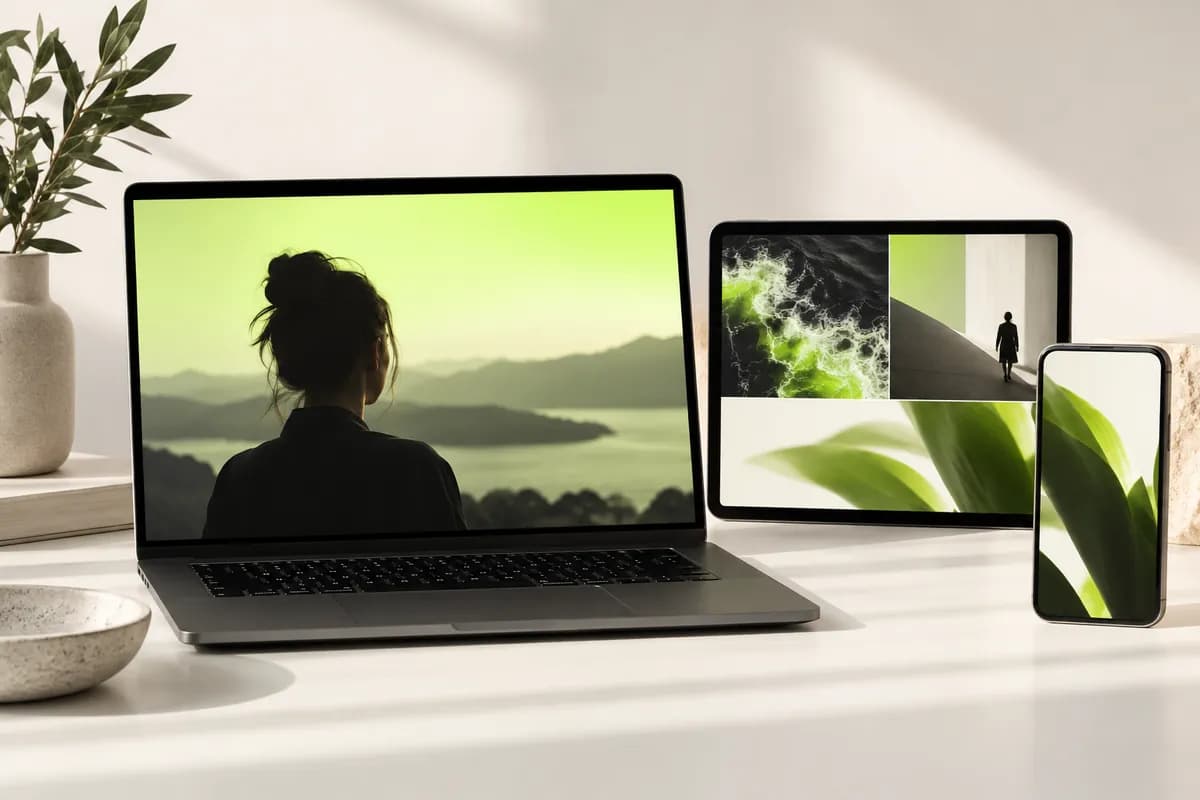
Step 1
Tell us about your video
Choose Start creating, describe what you are making, and select the format that fits your channel.
AI video workspace
Turn raw footage into polished content in minutes with intelligent editing. Clean, shape, and repurpose every clip without the busywork.

Vidione takes editing from a long timeline session to a quick creative pass. Upload your raw footage and let intelligent tools remove awkward pauses, clean your audio, add captions, and suggest supporting footage. Spend less time scrubbing and more time shaping the story.
Starting from scratch? Describe your idea in our AI video generator. Vidione brings together narration, visuals, pacing, and captions so a rough concept becomes a post-ready video in minutes.
Step 1
Choose Start creating, describe what you are making, and select the format that fits your channel.
Step 2
Drop in a recording, product demo, interview, or social clip. Vidione works with the footage you already have.
Step 3
Let intelligent tools balance audio, remove filler, add captions, and suggest supporting shots. Export or keep refining.
See how editing with text can make every revision feel effortless.
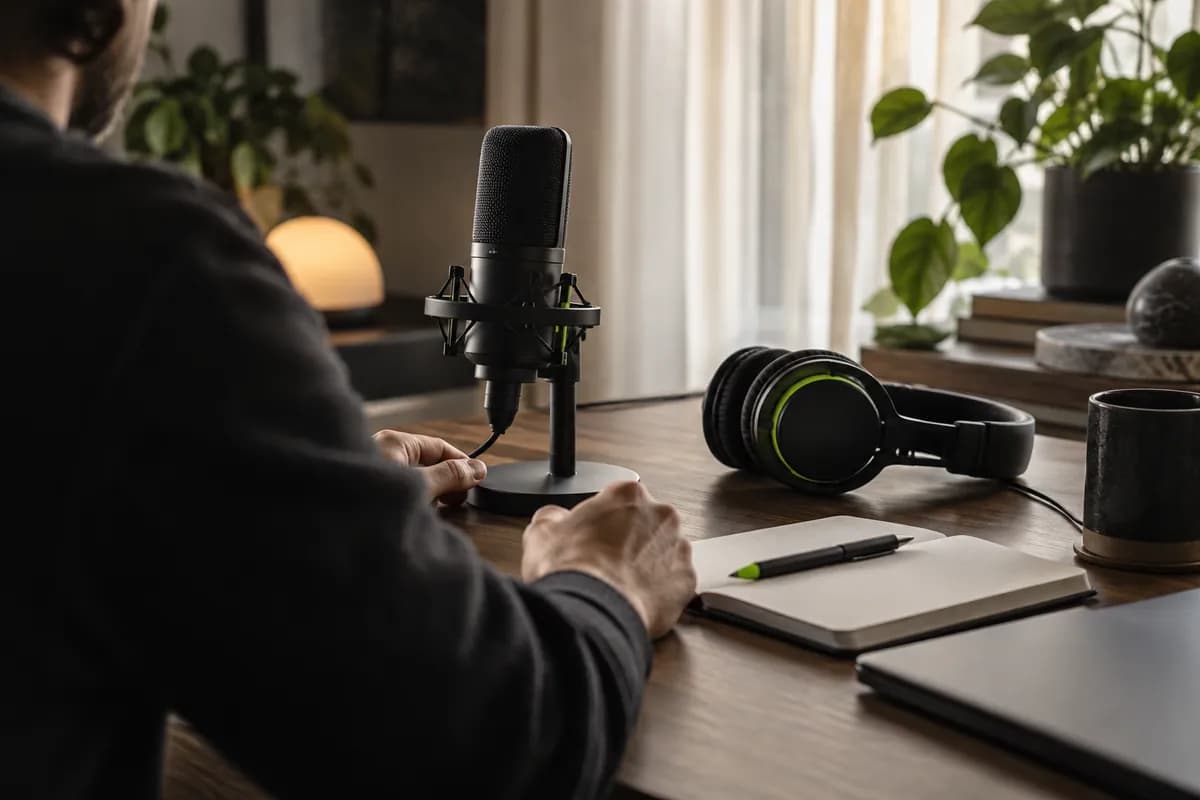
Get polished results without a large production team. Upload your footage and let Vidione handle the repetitive work, from audio cleanup and captions to platform-ready framing. Create a consistent voice with custom narration and spend more time on ideas.
Turn long recordings into focused, watchable videos. Smart trimming removes filler words, long pauses, and dead space in seconds. Add music, sound design, and supporting shots to give every cut more energy.
Work in one simple browser-based flow. Generate captions, translate or dub your video, resize for each platform, and export without a steep learning curve or a stack of disconnected tools.
Loved by growing teams
Vidione changed our production flow. We can make polished social campaigns and paid creative without building a larger team.
The caption accuracy is exceptional, and the time between recording and publishing is now a fraction of what it was.

I used to jump between recording, captions, storage, and sharing. Now I can do it all in one focused workspace.

Vidione has cut my editing time by around half, freeing me to focus on coaching, strategy, and the work itself.

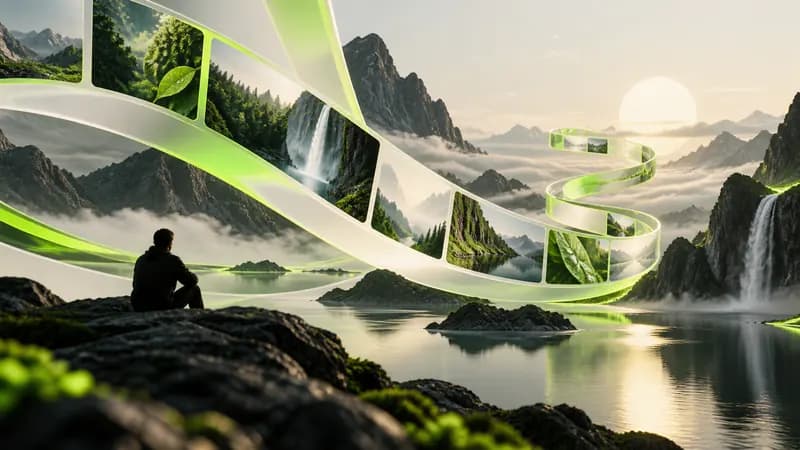
Build a practical first workflow, choose the right starting point, and move from a rough idea to your first finished piece.
Learn a simple path from prompt to publishable video, with practical ways to shape visuals, narration, pacing, and captions.
Editing a video or beginning from scratch? Vidione is an AI video creation platform where you can generate, enhance, and repurpose content in one connected workflow. Start with existing footage, a written prompt, or a reference image, then use the best available models for text-to-video, image-to-video, and video-to-video creation.
Add captions, motion, narration, and your visual identity as you work. Teams use Vidione to make content that feels considered and on-brand, not machine-made. Keep the whole process in one place, from first concept to final export.