

Step 01
Start a project
Upload a video or begin with a blank canvas. Add your own footage, browse the stock library, or generate a video with AI. Add the voiceover whenever your visual edit is ready.
Create natural-sounding AI voiceovers in 50+ languages. Turn text into polished audio instantly, with no signup needed. Try the Vidione voice generator online today.
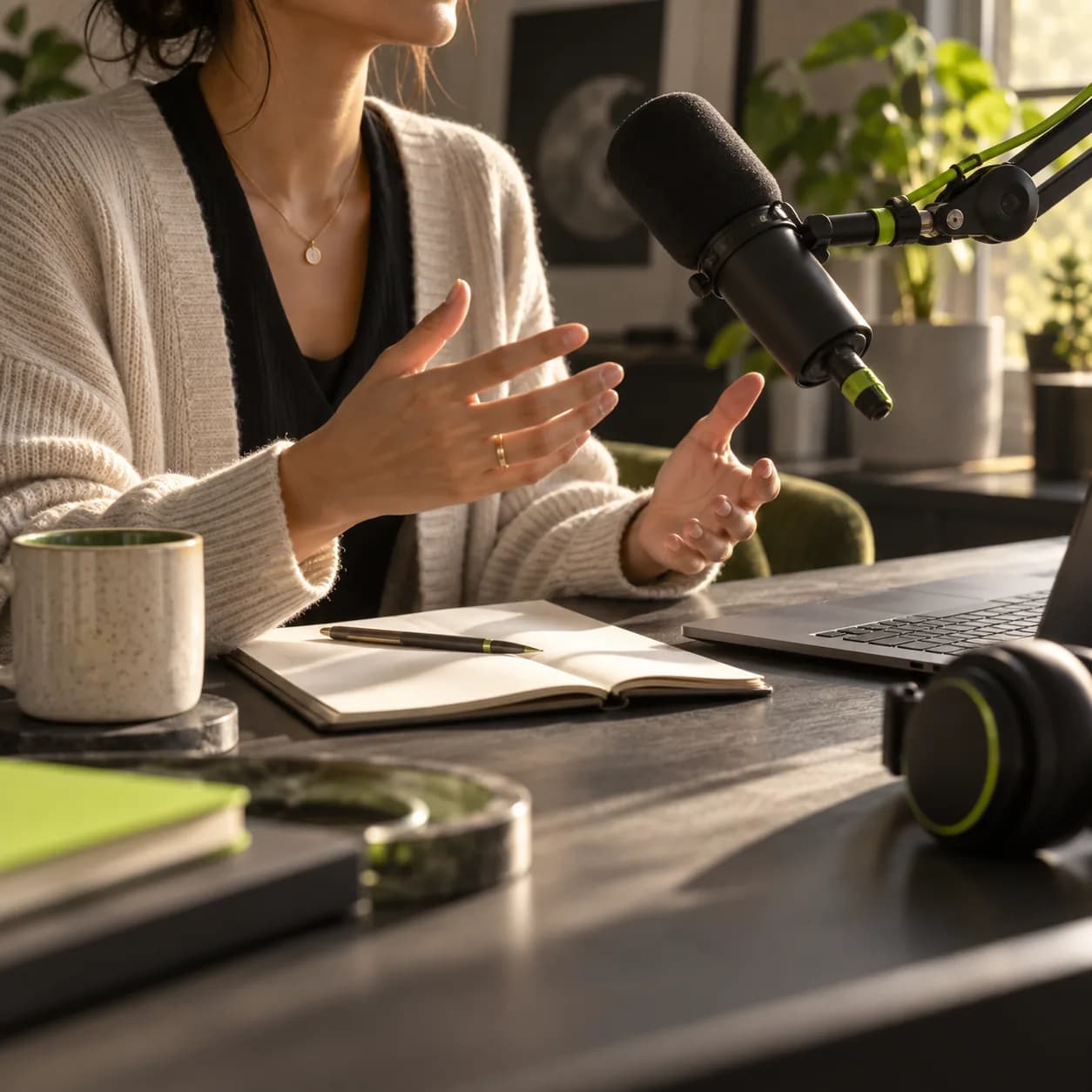
Need a voiceover but would rather not record it yourself? Vidione gives you a library of natural AI voices online. Type your script, preview different voices, and hear how it sounds in confident, conversational, or excited tones. Our text-to-speech narrator brings your words to life with expressive delivery. You can also clone your voice and speak across 25+ languages. Make voiceovers for YouTube videos, podcasts, ads, presentations, and more with one fast browser-based workflow.
Step 01
Upload a video or begin with a blank canvas. Add your own footage, browse the stock library, or generate a video with AI. Add the voiceover whenever your visual edit is ready.
Step 02
Open Audio and choose Text to Speech or Voice Clone. Pick a preset voice, or record a sample to create your own. Paste your script and let your selected voice bring every line to life.
Step 03
Export the finished video, or continue editing with background music, captions, transitions, and branded graphics.
Learn more
Create convincing voiceovers faster than recording from scratch. Choose a voice profile, type your script, and generate audio from text. Vidione delivers natural pacing and emotional range for social videos, marketing campaigns, ads, podcasts, explainers, and presentations. No studio time or large production budget required.
Generate speech in 50+ languages or select a voice with the accent and character you need. Choose narrative delivery for explainers, energetic conversation for social content, or confident narration for ads and product demos. For a more personal result, voice cloning lets you speak in 25+ languages with your own sound.
Go beyond voiceovers with Vidione. Make an image talk with talking avatar tools, control tone phrase by phrase with audio tags such as [excited] or [whisper], and jump directly into editing your video, adding subtitles, and combining clips in one streamlined workflow.
Trusted by ambitious teams
The first four videos I made with Vidione passed 40,000 impressions on LinkedIn.

Mara Ellis
Senior Content Producer,
Northstar Studio
I found Vidione at exactly the right time. If you make UGC ads, the editing workflow helps you move much faster.

Jonas Reed
Head of Growth Marketing,
Luma Works
With Vidione, I did not need fifteen tutorials. I jumped straight in and started editing.

Nora Bell
Founder,
Common Thread
You can go beyond cutting clips. Vidione makes the final videos feel polished and complete.

Evan Cole
Demand Generation Lead,
Brightline

Looking for the right AI voice generator? Compare the leading options, what each one does well, and how to choose a natural voice for your next project.

Dubbing a video can be simple when the workflow is clear. Learn how to plan the script, record or generate the voice, and deliver a polished multilingual edit.

A practical guide to adding translated subtitles, generating captions automatically, customizing the timing, and exporting a video ready for every platform.

There is more to Vidione than turning text into speech. Vidione is an AI video creation platform where you can convert text to video with powerful creative models, add voiceovers in the style you prefer, dub content in multiple languages, and export for any platform without switching tools. Built for marketers and creators who need work that stands out, Vidione brings the entire production workflow into one place.