
Trusted by over a million creators

Audio & videotranscription

Turn conversations, interviews, lessons, and recordings into accurate text with fast AI transcription.
Transcribe nowNo credit card required
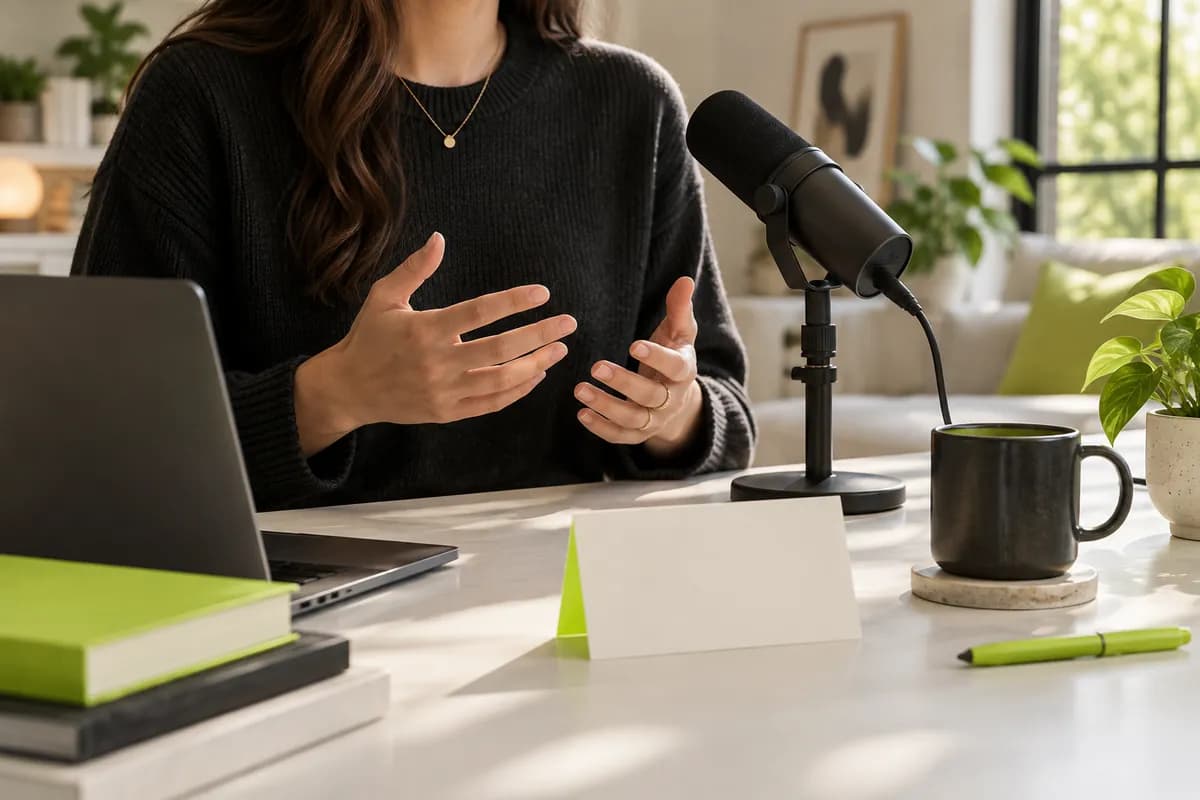
Anonymous creator working beside a studio microphone with a pale lime transcription card in the foreground
V4.62,100+ reviews
NorthstarLumenFrameflowOrbit LabsBrightsideMosaicFieldnoteCommon ThreadNorthstarLumenFrameflowOrbit LabsBrightsideMosaicFieldnoteCommon Thread

Fast, secure & automatic AI transcription online

Transcribing a long recording by hand can take hours. Vidione turns a 60-minute audio or video file into usable text in around half the time, with accuracy that keeps up with far more expensive workflows.

Upload an MP3, WAV, MP4, MOV, or another popular format and start in your browser. There is nothing to install, and you can move to a higher plan whenever you need more transcription time.

How to turn audio or video into text:

Step 01

Upload your audio or video

Choose a file from your device, or drag it straight into the upload area. MP3, WAV, MP4, and other common formats are supported.

Step 02

Let AI transcribe

Open the subtitles workspace, select automatic transcription, choose the spoken language, and let Vidione create your first draft.

Step 03

Download your transcript

Review the text, open the export options, and download a TXT, VTT, or SRT file whenever your transcript is ready.

Learn more

See transcription in action:

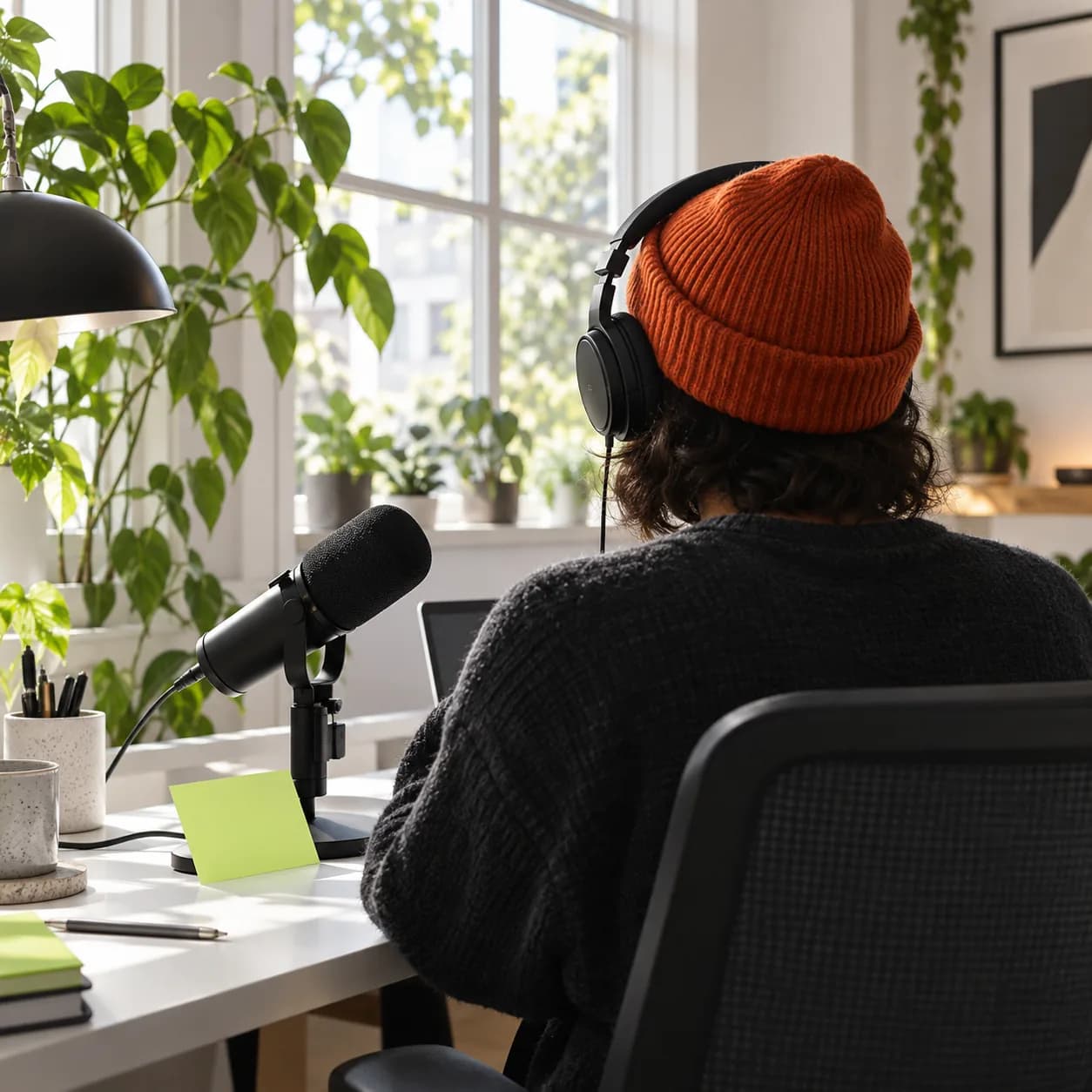
Anonymous speaker recording a meeting beside a microphone with a blank note card

Capture every word in meetings

Writing notes while listening means details disappear. Record a conversation with Vidione and let AI create the transcript afterward, ready to review, edit, and export in the format your team needs.

Anonymous traveler seen from behind reviewing a multilingual transcription notebook

Translate transcripts into 125+ languages

Turn one transcript into accessible content for audiences everywhere. Choose a target language, create translated subtitles, and make every conversation easier to search, share, and understand.
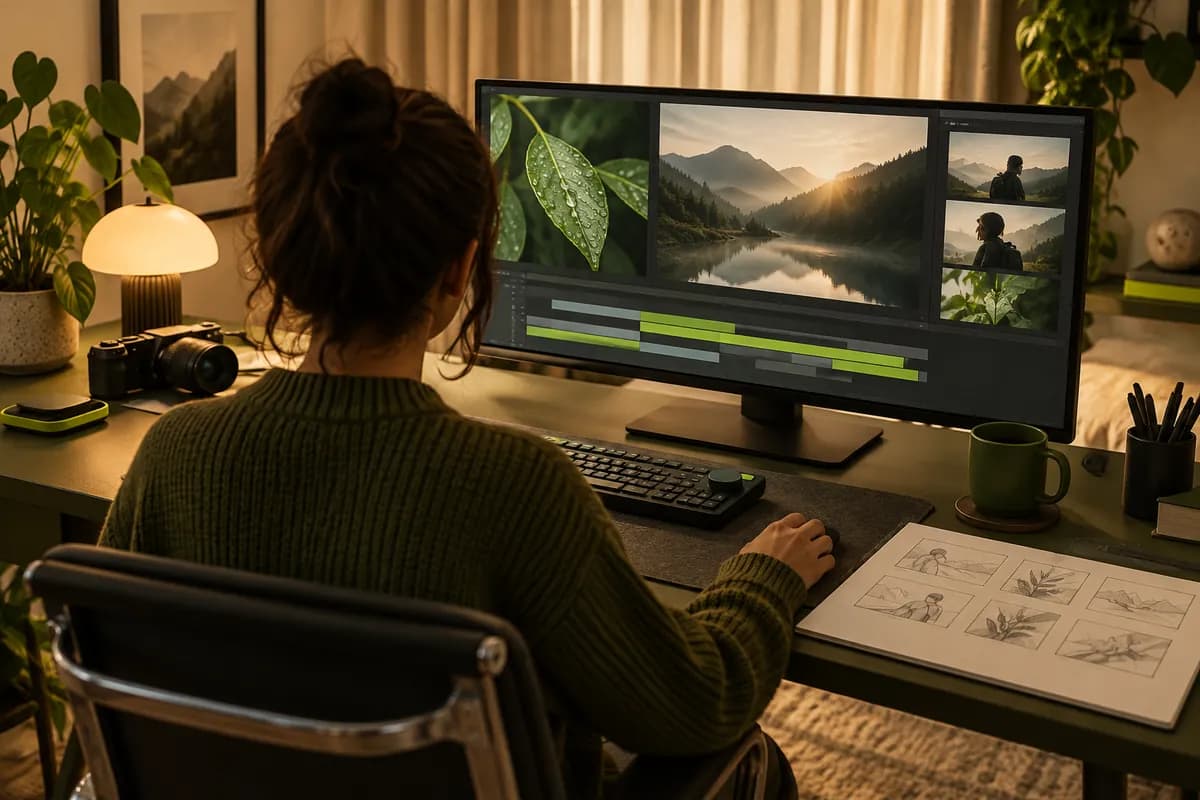
Anonymous presenter shown from behind editing a recorded conversation in a cozy studio

Transcribe and edit in one workspace

Vidione brings transcription and video editing together. Convert speech to text, clean up the wording, and generate subtitles without moving between separate apps or exporting files again and again.

FAQ

  1. Upload an MP3, WAV, or another supported audio file.
  2. Select the language spoken in the recording.
  3. Choose automatic transcription to turn the audio into text.
  4. Open the options menu and download a TXT, VTT, or SRT file.
Yes. Upload a video and Vidione will process the original audio track, turning the spoken content into an editable transcript.
Yes. Download a separate TXT, VTT, or SRT file, or export the video with subtitles visibly rendered into the finished file.
Open your transcription in the editor, click into the text, and make changes directly alongside the recording. Your updates stay connected to the timeline.
You can begin without entering payment details. Paid plans add longer transcription limits and additional export options.
Accuracy depends on audio quality, accents, background noise, and overlapping speakers. Vidione is designed to produce a strong first draft that can be quickly reviewed and refined.

Loved by creators.Trusted by ambitious teams.

The first few videos I made with Vidione reached an audience I never expected.

Anonymous creative professional shown in silhouette against a pale studio background
Maya ChenContent lead,
Northstar Studio
I opened Vidione once and went straight into editing. The workflow made sense immediately.

Anonymous marketing professional shown from behind in a modern office
Eli MorganGrowth director,
Frameflow
The transcript and subtitle tools saved our team hours on every interview we publish.

Anonymous founder shown as a warm silhouette in a softly lit workspace
Jo AlvarezFounder,
Common Thread
It is more than cutting clips. Vidione makes the finished story feel polished and complete.

Anonymous video producer shown from behind beside a softly lit editing desk
Priya SenDemand generation,
Brightside Labs

More from Vidione

Abstract mint and coral editorial composition representing a YouTube transcript guide

How to get a YouTube transcript quickly

A practical guide to finding the words behind a video without jumping through unnecessary steps.

Learn more

Abstract dark editorial composition representing an SRT subtitle download guide

How to download SRT subtitle files online

Learn how subtitle files help engagement, accessibility, and video search, plus how to export them cleanly.

Learn more

Abstract green editorial composition representing a multilingual subtitle translation guide

How to translate YouTube subtitles: a complete guide

Explore a clear workflow for viewers and creators who need subtitles to work across multiple languages.

Learn more
Trusted by over a million creators

When it comes to great videos, Vidione has you covered

Transcribe nowNo credit card required
Anonymous creator working beside a microphone in a bright studio with a pale lime transcription card

More than an AI transcription tool

Vidione helps you transcribe and translate videos, then gives you the editing tools to shape the finished story. Add subtitles for accessibility, bring in GIFs and images in videos, and polish the result from one browser-based workspace. No installation is needed, and every step stays simple from upload to export.