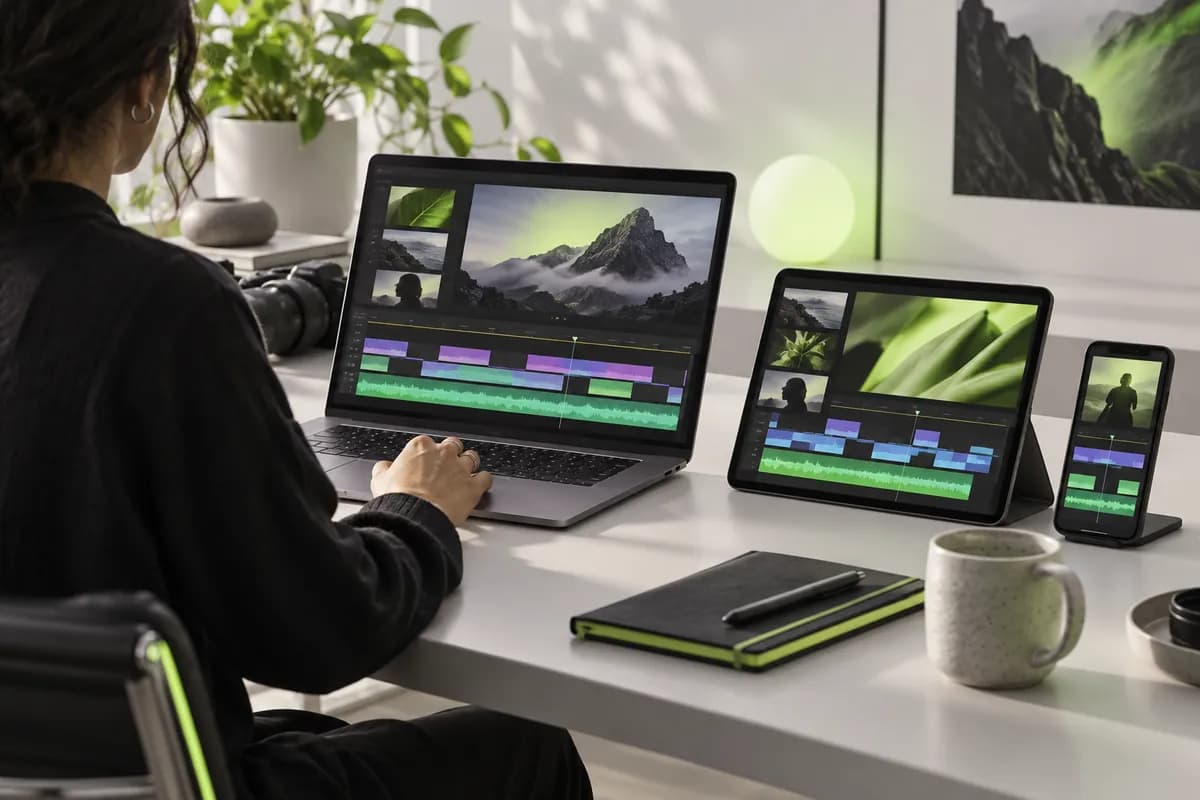
1
Choose a layout
Select webcam recording with audio, screen and camera, slides and camera, or audio only.
Online recording tool
A quick, easy way to record polished videos while keeping your eyes on the camera.
More than 70,000 recordings created last week
Made for teams creating every day
Reading from notes can pull your eyes away from the lens and make a take feel rigid. Vidione keeps your script in view as you record, so you can speak naturally while maintaining eye contact. Paste your words, press record, adjust the pace or text size whenever you need, and capture your webcam or screen directly in the browser. No download, no setup, and fewer wasted takes.
Select webcam recording with audio, screen and camera, slides and camera, or audio only.
Open the teleprompter panel, then add the words you want to read during your recording.
Start the take and let your script scroll with your voice. Change the speed or type size as you go.
Most prompters only display words. This one records your webcam or screen at the same time, so your script and footage start in the same workspace. When you finish, move straight into the editor to trim mistakes, add captions automatically, and resize the video for every platform. There is no back-and-forth between separate apps.
A browser teleprompter should be available the moment you need it. Open Vidione on any computer, paste your script, choose the scroll speed and font size, and start recording without installing an app or creating an account first. If you capture your screen often, a focused browser workflow keeps your setup quick and uncomplicated.
Reading close to the lens helps you speak with confidence instead of looking down at scattered notes. Keep the scrolling words near your camera and your attention stays where it belongs: on the person watching. For takes where your gaze still wanders, eye-contact correction can refine the finished recording so every delivery feels direct and polished.
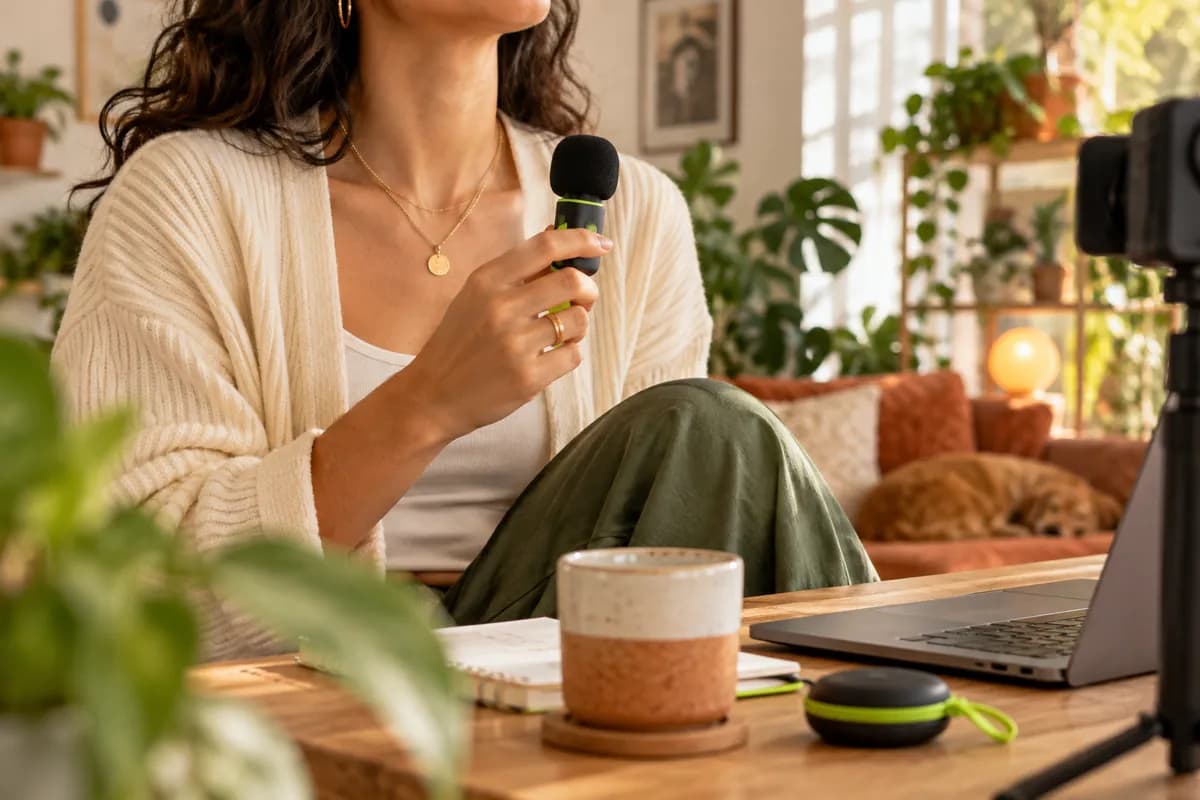
An online teleprompter is a browser tool that displays your script as moving text while you record. It replaces printed notes with adjustable scrolling, helping you read your lines and look toward the camera at the same time.
Yes. Free browser-based prompters let you paste a script, set the speed and text size, and begin recording without installing software. Vidione brings the scrolling script and recorder together in one place.
Yes. You can record your webcam, screen, or audio while the script scrolls. That means your footage and your spoken delivery are captured in one step instead of being assembled later from separate tools.
Yes. Any computer with a modern browser can act as a teleprompter. Open the tool, paste your words, position the window near your webcam, and adjust the pace until the script matches the way you naturally speak.
Keep the words as close to the camera lens as possible and set the scroll speed to your speaking rhythm. A larger type size and phrase-by-phrase reading can make the movement less noticeable while keeping your gaze near the lens.
The fastest way I have found to turn a rough idea into a clear, watchable recording. The script stays close to the lens and the final edit is already waiting.Chris Y. — independent creator

A practical guide to browser-based screen recording for creators, freelancers, educators, and growing teams.

Explore accessible type choices and visual treatments that help viewers stay engaged from the first frame to the last.
Learn when embedded captions are useful and how to prepare a finished video for platforms with limited subtitle support.
Turn a script into a confident recording, then keep refining it in the same creative workspace. Build a full video from an idea, add captions and on-brand visuals, and publish without switching tools.
Launch the teleprompter