Step 01
Upload your video
Bring an audio or video file into the editor, or record a new clip with the built-in webcam recorder.
Translate video into 125+ subtitle languages with AI voice dubbing and natural voice preservation. Reach a global audience in three simple steps.
No credit card required

Make every video ready for a wider audience with an AI translator that keeps the speaker’s natural voice across 29 languages, including Spanish, French, and Japanese. Add lip-sync, preserve background sound, and generate subtitles in more than 125 languages.
Connect with people in their own language without agencies or manual caption work. Convert audio to text, translate the transcript, and refine the result with context-aware suggestions and accuracy of up to 99.9%.
Step 01
Bring an audio or video file into the editor, or record a new clip with the built-in webcam recorder.
Step 02
Select a target language and voice. Match the original speaker, choose an AI voice, enable lip-sync, and keep ambient audio when you need it.
Step 03
Check the translated result, add subtitles in one click, then export or continue editing with trims, captions, and resizing.
Learn more
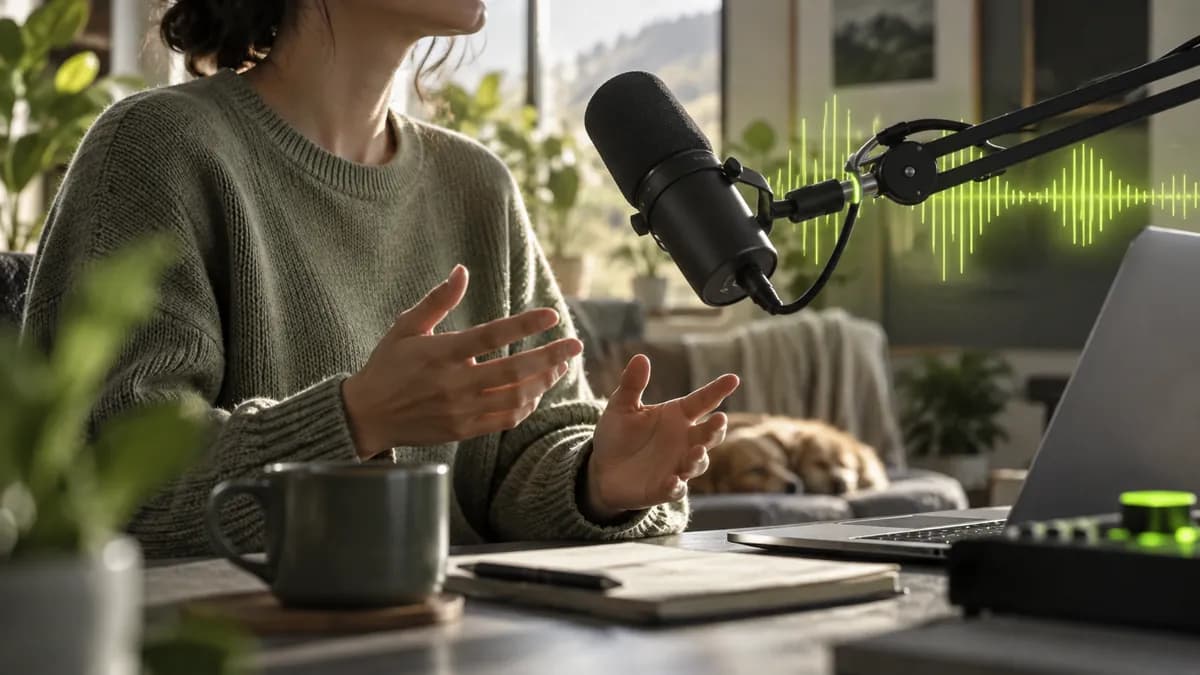

Keep your authentic sound across languages with voice-matching technology. Preserve the original room tone and background audio so translated clips feel natural instead of robotic, then polish them in a fast, intuitive editing timeline.

Create multilingual videos with text-to-speech and voice cloning. Write a script in your own voice, translate video to text, and adapt the message instantly with context-aware results built for clear, natural speech.
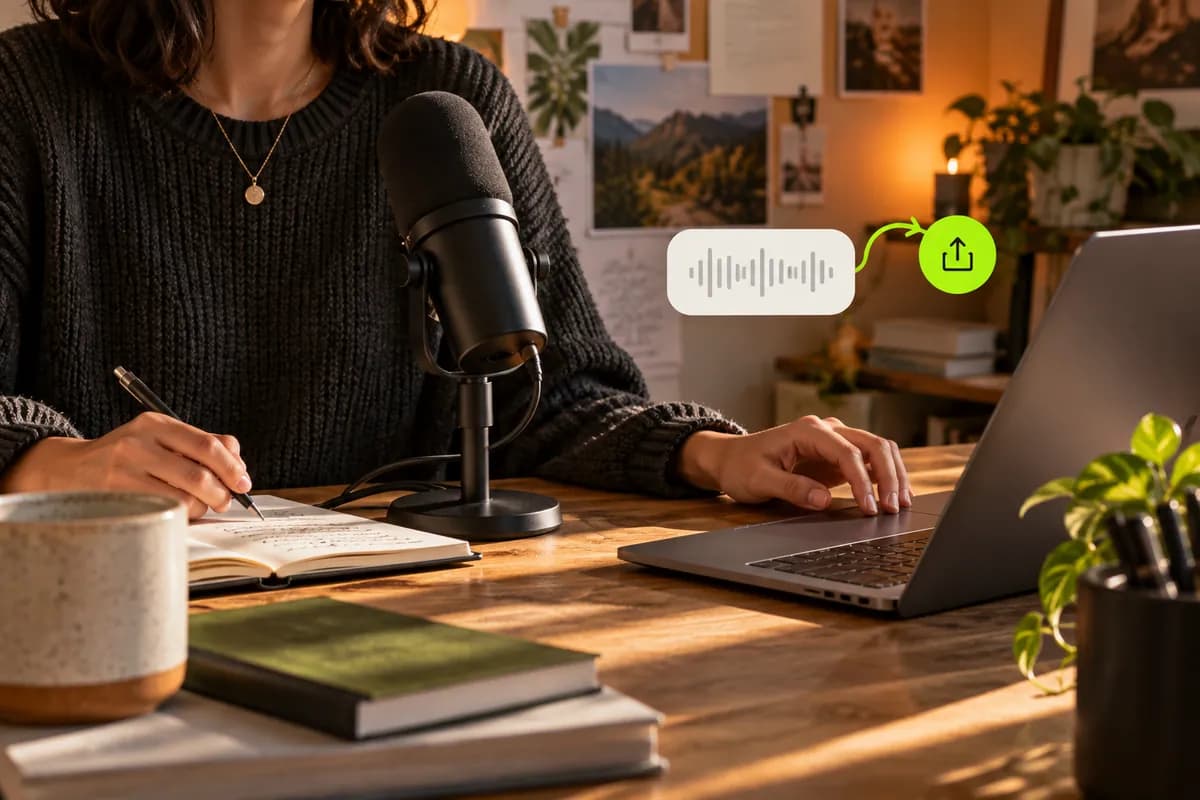
Download a transcript of your captions and translated versions for easy reuse. Burn subtitles into a video or keep them as a downloadable file, then publish localized edits across YouTube, search, and social platforms.
Use the online video translator:
Choose a browser-based translator that keeps projects online, supports subtitles and dubbing, and lets you review every result before exporting. Vidione brings those steps together without requiring a software download.
Translation quality depends on language, recording quality, and speech clarity. Vidione can reach up to 99.9% subtitle accuracy, flags uncertain words, and lets you add custom vocabulary for names, brands, and specialist terms.
Open the subtitle export menu after reviewing your translation, then select a compatible caption file format or export the finished video with subtitles embedded.
Yes. Upload an audio recording, generate a transcript, translate it into the language you need, and export the translated text or dubbed audio.
Your workspace also includes browser-based editing tools for captions, audio cleanup, resizing, repurposing, and creating new videos from a single place.
I uploaded a rough interview and had a polished multilingual cut before lunch.

Maya Chen
Content producer
Independent studio
The voice match keeps our lessons sounding like us in every market.

Ravi Patel
Learning lead
Open course team
We can localize a full week of social videos without rebuilding the edits.

Elena Morris
Social strategist
Northline Creative
The subtitles are fast, clean, and ready for our international audience.

Theo Grant
Founder
Brightform
Our editors spend less time captioning and more time shaping the story.

Sofia Reyes
Video editor
Studio collective
A simple workflow made our product demos feel local instead of translated.

Noah Williams
Product marketer
Lumio
We now publish one recording in several languages without extra production days.

Amara Lewis
Media producer
Framewell
It feels like a complete translation desk, not another tool to learn.

Jon Bell
Creative director
Novera

Compare the essential tools for translating video, expanding reach, and building a stronger international content workflow.
Learn more
Learn a practical workflow for translating online video into English or any other language while preserving clarity and context.
Learn more
Understand how localized subtitles help viewers follow foreign-language videos and help creators publish for more markets.
Learn moreNo credit card required

Translation is one way to grow your audience. Vidione is an AI video creation platform that helps you do more: generate videos with AI, add subtitles in 125+ languages, clean your audio, and adapt content for every platform. With voice cloning, you can dub and localize content in 29 languages without recording again. From one translated clip to a complete video workflow, everything stays in one place.