Compare · WayinVideo
WayinVideo vs Vidione: Clip Your Long Videos or Create New Ones
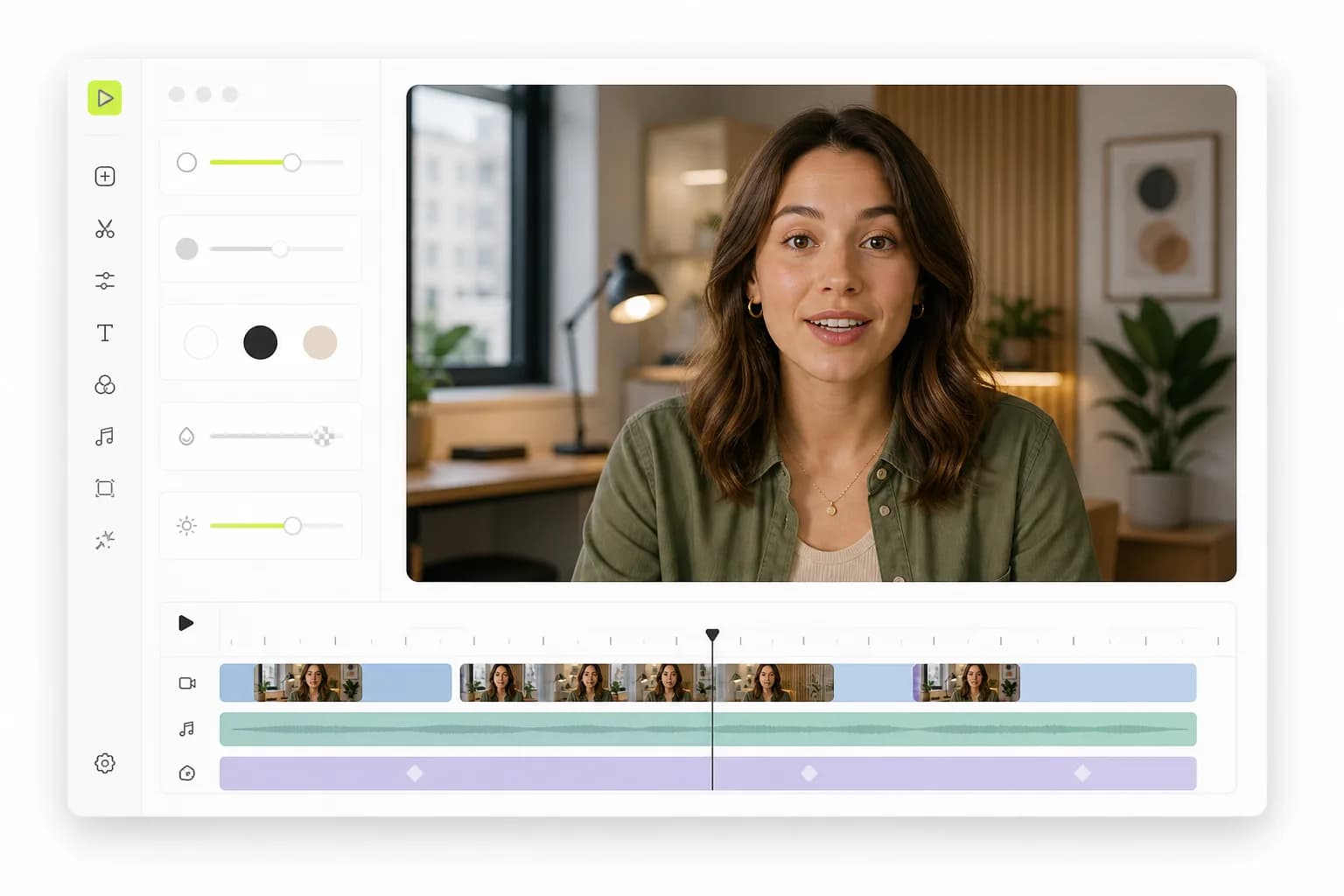
WayinVideo understands long videos: it summarizes them, finds any moment you describe and cuts it into captioned clips. Vidione does a different job: it makes a lip-synced talking video from a photo and a script, then captions and edits it, from $12 for your first month.
- No auto-clipping: we say so up front
- 15 credits per second of finished video
- Auto subtitles at no extra credits
- Your own voice, up to 4 speakers
Updated November 15, 2026
Our take
WayinVideo vs Vidione: the short verdict
WayinVideo and Vidione do different jobs, so start with yours. If you already have hours of footage, streams, podcasts, lectures, webinars or meetings, use WayinVideo: it summarizes a video, lets you search it in plain words, finds highlights, scores them and cuts captioned, reframed clips. Vidione has no auto-clipping. It is for the other case: you have no footage and need a person on screen saying your script. Upload a photo or pick one of 45 library characters, write up to 2,000 characters and Vidione makes a lip-synced talking video at 15 credits per second. Then you caption it, cut it and export it. WayinVideo is far cheaper per minute when the footage exists, and gives 100 free credits to start. Vidione starts at $12 for the first month, then $25 for 5 finished minutes.
Pick Vidione if you…
- Need a talking video without filming anything: a photo and a script are enough
- Want your own cloned voice, or up to 4 characters talking in one script
- Want word-level auto subtitles on every video you make, with no extra credits, editable words and an SRT file
- Want to cut, trim and caption in a browser editor, then export MP4 or a CapCut project
- Want failed generations refunded automatically
Pick WayinVideo if you…
- Already record long videos, streams or meetings and want clips, summaries and transcripts from them
- Want to search inside a video in plain words and jump to the moment
- Want subtitle translation, scheduling to 6 networks and an API
- Your first Vidione month (then $25)
- $12
- Vidione credits per finished minute of video
- 900
- Characters in one Vidione talking-video script
- 2,000
- One-time free WayinVideo credits, about 100 minutes of source video
- 100
What WayinVideo does, and what Vidione doesn't do
WayinVideo, also called Wayin AI, calls itself a video-native AI platform. You paste a link from YouTube, Twitch, Kick, Zoom, Loom, Google Drive and nine other sources, or upload a file on a paid plan. WayinVideo then summarizes the video, writes a transcript with speaker labels, draws a mind map and answers questions about it. Find Moments searches the footage in plain words ("laughing", "clutch play", a character's name) and jumps to the timestamp. AI clipping picks highlights with a virality score, reframes them and adds animated subtitles in 100+ languages. Paid plans publish to social accounts.
Vidione does not do that. To be plain about it:
- No auto-clipping. Vidione does not scan a long video and pick highlights. An "AI Clips" tool sits in the editor menu, marked coming soon.
- No video search, summaries or transcripts of long footage, and no virality score or auto-reframing.
- No translation or dubbing yet. That menu item is also marked coming soon.
- No posting or scheduling. You download the file and post it yourself.
What Vidione does is create the video in the first place: a talking photo from one image and a script, in 9:16 or 16:9, with lip sync and a voice.
Where WayinVideo falls short, and why some people look for a WayinVideo alternative
WayinVideo is a broad tool for long footage. These are the limits that matter if your problem is not footage, all from WayinVideo's own pages as of November 2026.
- It needs a video first. Clips, summaries and moments all come from footage you bring. If you don't record, there is nothing to clip.
- A talking presenter is not listed. WayinVideo has an AI video generator for text-to-video and image-to-video clips, and its generated clips can include dialogue, but a presenter speaking your script in your voice, talking avatars and voice cloning are not listed.
- Its translation is subtitles. The video translator turns speech into translated subtitles in 100+ languages; voice dubbing is not listed.
- The free start is small. 100 credits are given once and don't renew. Free accounts can't upload from a device, export at 720p and can export clips for 3 days.
- Payments are non-refundable, and yearly credits arrive upfront and expire at the end of the year.
If you need a person on screen saying your script, a WayinVideo alternative built for creation fits better. See also AI avatars and the Vidione alternatives page.
WayinVideo vs Vidione feature comparison
What each product offers as of November 2026. "Not listed" means we found it nowhere on WayinVideo's public home, pricing, tools or API pages.
Swipe the table to compare
| Feature | Vidione | WayinVideo |
|---|---|---|
| Main job | Create talking videos from a photo and a script | Understand, search and clip long videos |
| Auto-clipping of long videos | No (AI Clips is marked coming soon) | Yes, with a virality score |
| Search inside a video in plain words | No | Yes, Find Moments |
| Summaries, transcripts, mind maps | No | Yes; full transcript with speakers from Starter |
| Auto-reframing | No; 9:16 or 16:9 canvas | Yes: 9:16, 16:9, 1:1 and 4:5 |
| Talking avatar from a photo and script | Yes, 9:16 or 16:9 | Not listed |
| Voice cloning | Yes, from an uploaded or recorded clip | Not listed |
| Several speakers in one script | Up to 4 characters | Not listed |
| AI video from text or an image | Yes: 8-second clips with sound from a prompt or a start image, 120 credits each | Yes: text-to-video and image-to-video with third-party models |
| Auto subtitles | Word-level on videos made in Vidione, 5 styles, editable words, no extra credits | Animated subtitles in 100+ languages, bilingual subtitles, TXT, SRT and VTT |
| Translation or dubbing | Not yet (marked coming soon) | Subtitle translation in 100+ languages; voice dubbing not listed |
| Export | MP4 up to 1080p, SRT file, CapCut project | 720p free, 1080p Starter, 2K and 4K from Pro |
| Publish and schedule | Download only | 6 networks; scheduled auto-publishing from Pro |
| API | No public API | Yes, pay-as-you-go from $10 |
| Free start | No; $12 first month | 100 one-time credits, no card |
Try the parts Vidione does well: auto subtitles, voice cloning and the video editor.
WayinVideo pricing vs Vidione pricing (as of November 2026)
List prices in US dollars. A WayinVideo credit processes one minute of source video; Vidione sells minutes of finished, generated video. The last column is what one unit costs.
Swipe the table to compare
| Plan | Price | Includes | Per unit |
|---|---|---|---|
| Vidione Creator | $25/mo ($12 first month) | 5 finished minutes (4,500 credits) | $5.00 a minute |
| Vidione Starter | $99/mo | 20 finished minutes (18,000 credits) | $4.95 a minute |
| Vidione Pro | $199 or $599/mo | 45 or 150 finished minutes | $4.42 or $3.99 a minute |
| WayinVideo Free | $0 | 100 credits once, 720p | Free |
| WayinVideo Starter | $15.99/mo, or $5.58/mo billed yearly | 500 credits a month, or 6,000 a year | $0.032, or $0.011 yearly, a minute |
| WayinVideo Pro | $26.99/mo, or $9.58/mo billed yearly | 1,000 credits a month, or 12,000 a year | $0.027, or $0.0096 yearly, a minute |
| WayinVideo Scale | $139.99/mo, or $69.99/mo billed yearly | 6,000 credits a month, or 72,000 a year | $0.023, or $0.012 yearly, a minute |
WayinVideo showed its yearly prices as 65% off (50% on Scale) with a countdown timer; monthly credits reset each cycle and don't roll over. Vidione subscribers can add minutes at $5 each, 10 minimum; Vidione credits reset at each renewal and don't roll over. Full Vidione plans are on the pricing page.
Is WayinVideo free, and which costs less per video?
WayinVideo is free to start: new accounts get 100 credits once, with no card, 720p exports and clips you can export for 3 days. The credits don't renew. Vidione has no free plan or trial; its Creator plan is $12 for the first month, then $25.
On cost per video, the honest answer depends on whether the footage exists.
- You record long videos. WayinVideo wins by a wide margin. A 60-minute episode uses about 60 credits, so on Pro billed monthly it costs about $1.62 (as of November 2026) to process, clips and subtitles included. Vidione can't clip it at all.
- You need a talking face. WayinVideo lists no presenter that speaks your script from a photo. On Vidione a 30-second talking video is 450 credits, so Creator's 4,500 credits make ten, about $2.50 each at $25.
- Subtitles. WayinVideo captions every clip. On Vidione, auto subtitles for a video you made there cost no extra credits.
So compare WayinVideo pricing with the cost of filming, not with Vidione's minutes.
When WayinVideo is the better pick
If you already have long footage, WayinVideo is the better tool, and Vidione doesn't compete with it there. It reads a video like an editor would, so you can ask for a moment instead of scrubbing the timeline, then turn what it finds into clips, notes or translated subtitles.
- You stream, podcast or teach and want clips plus searchable transcripts and summaries.
- You cut gaming, sports or anime footage and need to find exact scenes fast.
- You want an API or an agent plugin to run clipping and video search in your own workflow.
When Vidione is the better WayinVideo alternative
Vidione is the better WayinVideo alternative when the problem is making the video, not mining it.
- No camera, no studio: upload a photo or pick one of 45 library characters, type up to 2,000 characters of script and choose a voice. Vidione returns a lip-synced talking photo in 9:16 or 16:9.
- Your own voice: clone it in voice cloning from a clip you upload or record, after agreeing to the terms.
- Dialogue: write one script for up to 4 characters, each with a tag, and they speak in turn.
- Captions and cuts: generate auto subtitles with the spoken word highlighted, fix any word by clicking it, split and trim on the timeline, then export MP4, an SRT file or a CapCut project.
If one line in a video comes out wrong, you can regenerate just that clip instead of the whole video. A generation that fails returns its credits automatically.
How to use Vidione next to WayinVideo
Many creators don't need to switch. WayinVideo mines what you record; Vidione fills the gaps when you have nothing to record.
Step 01
Keep WayinVideo for your long videos
Run streams, podcasts and lectures through WayinVideo as before. Its summaries show which topics land, and they make good scripts.
Step 02
Write a short script
Turn one strong idea into a script of up to 2,000 characters. Use tags if you want 2 to 4 characters to talk to each other.
Step 03
Make the talking video
In Vidione, upload a photo or pick a library character, choose a preset or cloned voice and generate. You see the credit cost, 15 per second, before you click.
Step 04
Caption, export, post
Add auto subtitles, pick a caption style, download the MP4 and post it next to your WayinVideo clips.
Running a fair WayinVideo vs Vidione test
These tools solve different problems, so test each on the job it was built for.
Do
- Give WayinVideo a real long video and search it for a moment you remember
- Give Vidione a script you would otherwise have to film
- Use WayinVideo's 100 free credits before you pick a plan
- Count the minutes you spend fixing each result
Don't
- Expect Vidione to find highlights in a long video; it can't
- Expect WayinVideo to list a photo-to-presenter, voice-cloning or dubbing tool
- Compare a WayinVideo credit with a Vidione credit directly
- Clone a voice you have no right to use
More Vidione tools and comparisons
The Vidione pages that do the work, and other clipper comparisons.
Frequently asked questions
What is WayinVideo?
WayinVideo, at wayin.ai, is an AI platform for long videos. It summarizes them, writes transcripts with speaker labels, finds moments you describe in plain words, cuts highlights into captioned and reframed clips, translates subtitles into 100+ languages and publishes to social accounts. It also has an API, a Chrome extension and an agent plugin. It is a clipping tool in the same group as Opus Clip and Klap.
Is Vidione a good WayinVideo alternative for clipping long videos?
No. Vidione has no auto-clipping, so it can't cut a long video into highlights, search it, reframe it or score clips. If that is the job, keep WayinVideo or another clipper. Vidione is the better fit when you have no footage: it makes a lip-synced talking video from a photo and a script, then adds word-level subtitles you can edit.
Is WayinVideo free?
WayinVideo is free to start. New accounts get 100 credits once, with no card, as of November 2026. The free plan exports at 720p, keeps files for 3 days and has no device upload, bulk editing or auto-posting, and the credits don't renew. Vidione has no free plan; its Creator plan costs $12 for the first month and $25 after that.
How much does WayinVideo cost compared with Vidione?
As of November 2026, WayinVideo is $15.99, $26.99 or $139.99 a month for 500, 1,000 or 6,000 credits, or $5.58, $9.58 and $69.99 a month billed yearly. One credit processes one minute of source video. Vidione is $25 a month for 5 finished minutes, $99 for 20, and $199 for 45 or $599 for 150. One mines footage; the other generates it.
Can Vidione make a video without any footage?
Yes, that is its main job. Upload one photo or choose from 45 library characters, write a script of up to 2,000 characters and pick a preset voice or your own cloned voice. Vidione generates a lip-synced talking video in 9:16 or 16:9 at 15 credits per second, and you can then caption and edit it in the browser.
Can Vidione or WayinVideo translate a video?
WayinVideo translates subtitles: it transcribes the speech and shows translated captions in 100+ languages, alone or next to the original. Voice dubbing is not listed. Vidione's AI Dubbing tool is marked coming soon in the editor, so it has no translation or dubbing yet. For a translated voice track today, use a dedicated dubbing tool.
Are Vidione's auto subtitles really free of credits?
Yes, for videos you make in Vidione. Generating their subtitles uses no extra credits. You get word-level captions with the spoken word highlighted, 5 caption styles and a one-word-at-a-time mode, and you can click any word to fix it. Captions are burned into the MP4 export or saved as an SRT file.
What happens to my Vidione credits if a video fails?
They come back automatically. Vidione reserves the credits when a video starts, refunds them if the generation fails, and settles a video that comes out shorter than quoted down to its real length. Unused credits reset at each renewal and don't roll over, and you can cancel any time from your account settings.
Nothing for WayinVideo to clip? Create it
Turn a photo and a script into a talking video, then caption it at no extra credits. $12 for your first month.
Create a talking video