


Step 01
Upload your video
Bring in an MP4, MOV, WebM, AVI, or nearly any other recording. Use interviews, lessons, meetings, social clips, and more.
Turn any recording into accurate, editable text in 125+ languages. Try it instantly, with no upfront sign-up.
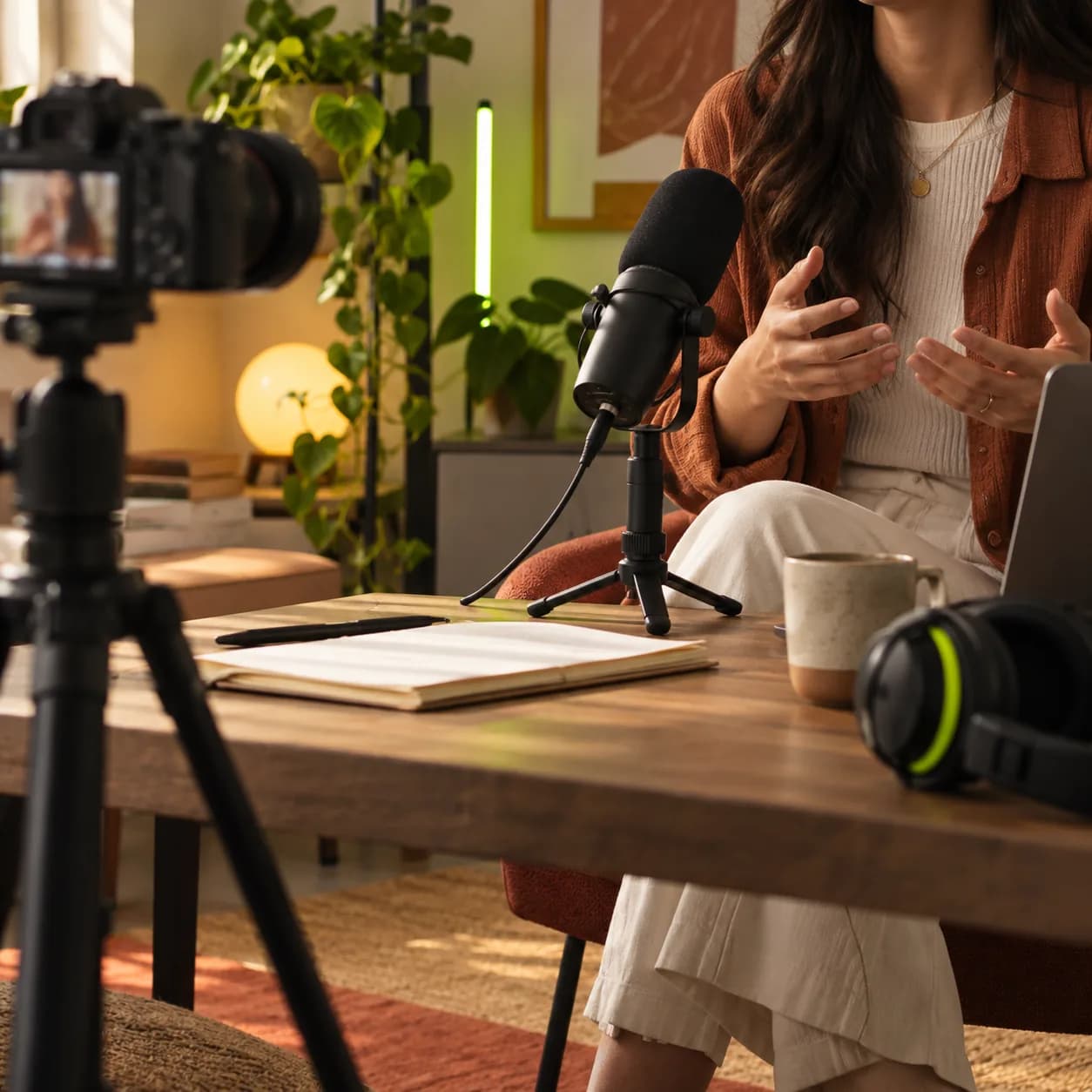
Upload a recording and receive a polished transcript in minutes. Vidione’s AI transcription engine supports 125+ languages and handles social clips, interviews, podcasts, meetings, and long-form video.
Download your text as TXT, SRT, or VTT, or use the transcript to create captions, blog posts, social copy, translations, and searchable video content.
Step 01
Bring in an MP4, MOV, WebM, AVI, or nearly any other recording. Use interviews, lessons, meetings, social clips, and more.
Step 02
Choose the spoken language and start automatic transcription. The audio is turned into an accurate, time-synced text track.
Step 03
Edit any line directly, refine the wording, then export your transcript or embed subtitles into the finished video.
Learn more
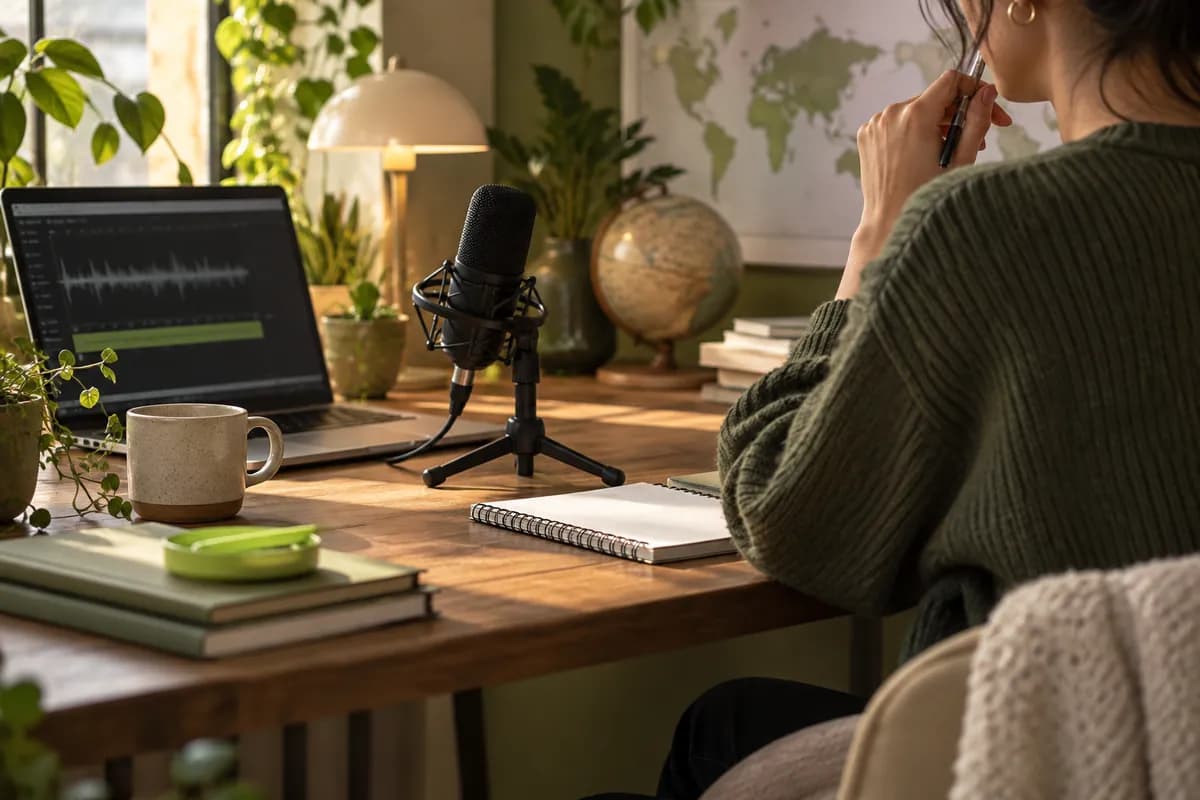
Convert spoken words into searchable text across more than 125 languages. Make tutorials, interviews, and channels easier to discover, understand, and share around the world.

Automatically create an editable transcript and turn it into accessible captions. Style the result to fit your brand, then make every spoken moment easier to follow.
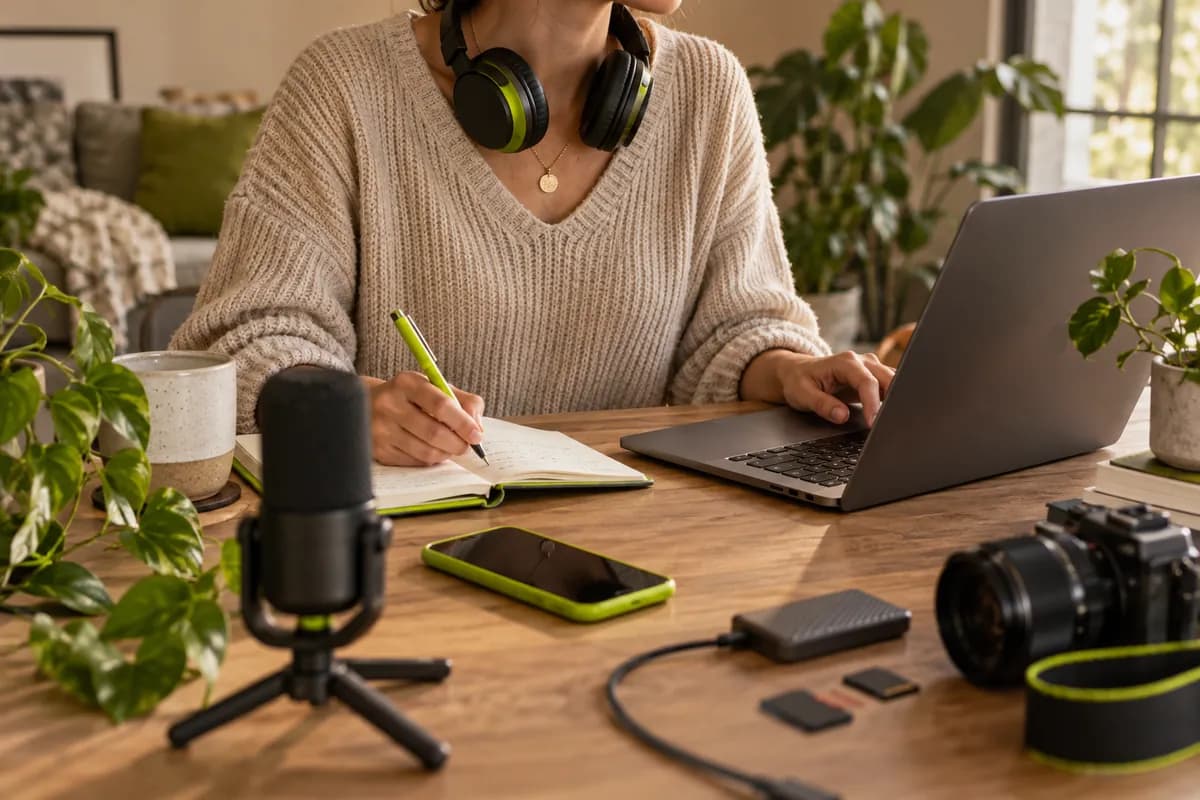
Turn long-form recordings into blog drafts, social captions, show notes, and SEO descriptions. Start with one transcript and adapt it for every channel.
Loved by ambitious teams
Four launch videos brought more than 40,000 impressions on LinkedIn.

Morgan Lee
Content lead,
Northstar Studio
We stopped spending hours cleaning transcripts and started publishing the same day.

Alex Chen
Growth director,
Cedar Labs
I uploaded a recording and had a polished, searchable draft before lunch.

Priya Shah
Founder,
Fieldnote Works
The transcript gives every edit, caption, and content brief a much faster starting point.

Jordan Miles
Production manager,
Orbit Works
Our interviews now become newsletters, clips, and social posts with almost no rework.

Sam Rivera
Editorial producer,
Luma House
The language coverage made it simple to share one conversation with a global audience.

Taylor Brooks
Content strategist,
Morrow Media
The editor is clear enough that our whole team can review and refine a transcript.
Casey Park
Editorial manager,
Brightpath
One upload gives us the raw material for a full week of useful content.

Jamie Stone
Content operations,
Juniper Group

A practical guide to turning a recording into useful, editable text without extra steps.
Learn more
What to look for when you need dependable accuracy, easy editing, and flexible exports.
Learn moreLearn how a clean transcript can become accurate captions and more discoverable content.
Learn more
Vidione is a complete video creation workspace that turns ideas into publish-ready content. Generate videos, translate them into 125+ languages, add subtitles, and export for every channel without switching tools.
Short on time or resources? Start with a script, turn text into video, or transform one recording into a library of useful content.