


Step 01
Upload your file
Upload an audio or video file. Vidione supports MP3, MP4, AAC, FLAC, and other common media formats.
Online audio converter: turn your music, videos, and recordings into MP3 files in a few clicks.
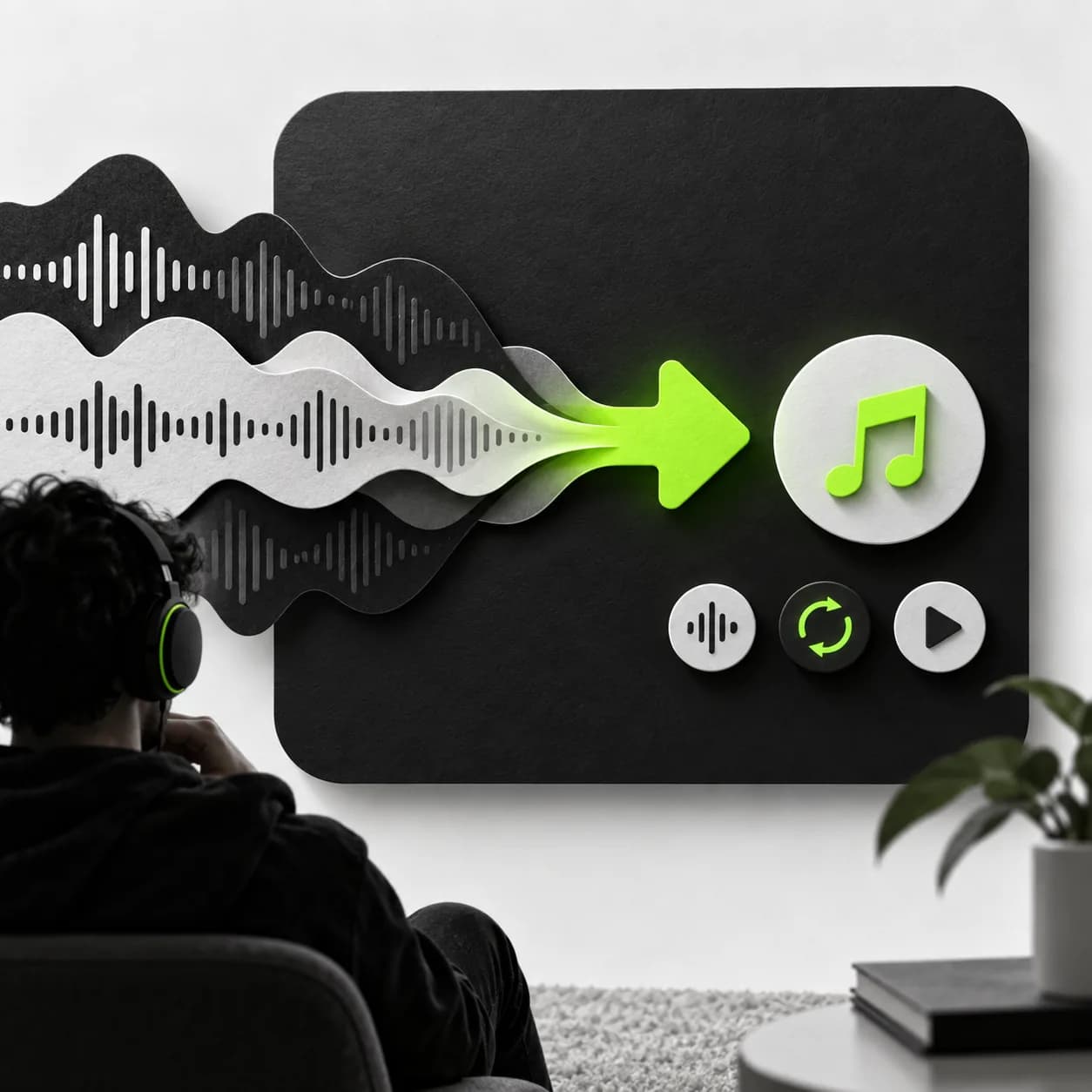
Convert audio and video files to MP3, or move an MP3 into another popular format while keeping quality loss to a minimum. Bring in saved videos, prepare files for your media player, and export to AAC, WMA, OGG, FLAC, and more. Vidione also lets you edit audio before exporting — cut, split, merge, and mix your tracks in one place.
Step 01
Upload an audio or video file. Vidione supports MP3, MP4, AAC, FLAC, and other common media formats.
Step 02
Choose the format you want from the output menu, with options for both audio and video exports.
Step 03
Click Convert and download your finished file in the format that works best for you.
Learn More
Play music or video on the device you choose by converting files to popular formats. Move between audio and video, layer your converted track into a project, and add background music and sound effects from your own library.
Use a simple drag-and-drop timeline to edit tracks, create remixes, and combine royalty-free audio with your recordings. Cut, split, trim, and rearrange clips on Mac, iOS, Android, or Windows.
Clean up audio before or after conversion with built-in editing tools. Remove background noise and awkward silences, then make voices louder and clearer with one click.
Not exactly. Vidione converts audio and video files that you already have, rather than extracting audio directly from video links. Download your video first, upload it here, and then convert it to MP3.
Yes. Upload your MP3, choose MP4 as the destination format, and select Convert. You can also export to other supported video formats.
Yes. Upload a file and use the audio editing tools to cut, trim, split, or rearrange your clips before choosing an output format.
Loved by the Fortune 500
The first four videos I made with Vidione reached more than 40,000 impressions on LinkedIn.

I found Vidione at exactly the right time. The editing tools helped our small team move from idea to publish much faster.

I skipped the long tutorial rabbit hole and started editing immediately. The workflow feels clear from the first click.

You can go beyond simply cutting clips. Vidione helps our team make finished videos look polished and intentional.

Go from converting files to creating videos worth sharing. Vidione is a flexible video creation platform where you can generate, refine, and export content. Pair converted audio with a character image to make a talking-head video, or bring your finished file into the editor to add captions and brand assets. No switching between tools and no exporting back and forth — sign up to start creating.