


Step 01
Upload your file
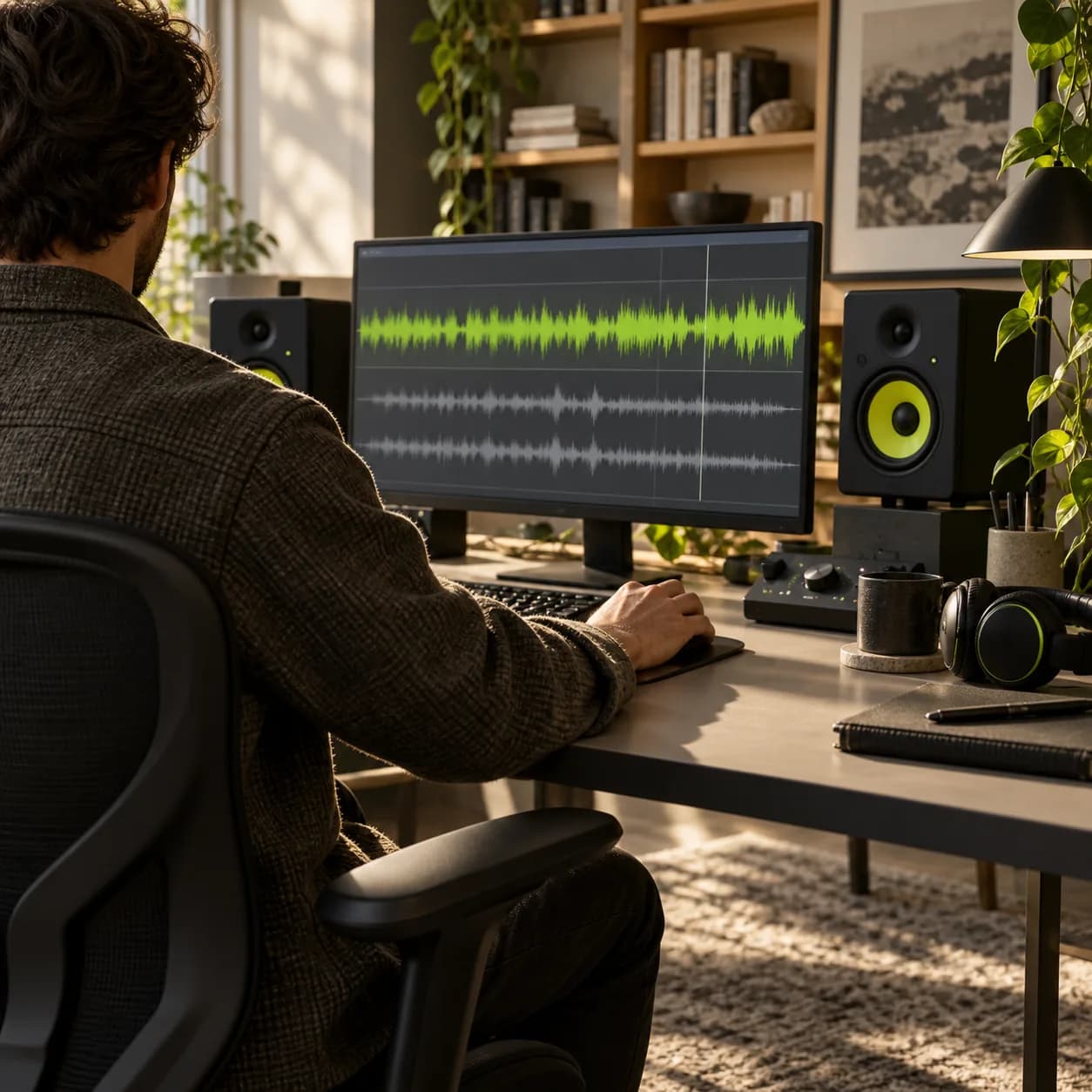
Drop in an audio or video file. Vidione supports MP3, MP4, AAC, FLAC, and the formats you use most.
Turn your MP4 into a lightweight MP3 that plays almost anywhere.
Step 01
Drop in an audio or video file. Vidione supports MP3, MP4, AAC, FLAC, and the formats you use most.
Step 02
Choose MP3 or another supported format from the output menu, then set up your conversion in one step.
Step 03
Press Convert to export your file, or trim and arrange the track in the editor before saving it.
Learn More
Convert MP4 to MP3 at no cost. There is no sign-up step, hidden cap, or desktop download required. Open Vidione in your browser, upload your file, and export from your phone, tablet, or computer.
Vidione goes beyond MP4 and MP3. Move between audio and video formats including AAC, FLAC, MOV, AVI, WAV, and more. Pick your input, select an output, and convert in a single flow.
After uploading, open the built-in editor before converting. Cut, split, reorder, and refine your tracks, then save them in the format you need.
MP4 is one of the most broadly supported video formats. Upload it to YouTube, Instagram, TikTok, Facebook, and other platforms, then play it on phones, computers, browsers, and most media players.
It stays relatively compact while preserving high-quality video, making it easy to share. MP4 can hold video and audio together and can also support images and subtitles.
MP3 is one of the most common formats for storing music, spoken audio, and recordings. Its smaller file size makes it compatible with nearly every player and device.
Sound quality depends on the bitrate used during compression. Common choices include 128, 192, and 256 kbps, depending on the balance you want between size and detail.
Yes. You can convert MP4 to MP3 without creating an account or paying to get started. Upload your video, choose the formats, and export the audio directly from your browser.
Open Vidione’s converter in your preferred mobile browser, upload the file, select MP3, and export. The workflow is designed to work on iPhone, iPad, Android, and desktop devices.
Not directly. You can still bring a video into the Vidione editor and use its editing and format conversion tools once you have the file available on your device.
The first few videos I made with Vidione reached more than 40,000 impressions on LinkedIn.

I found Vidione at exactly the right time. We moved from rough UGC drafts to polished edits without losing a day.

With Vidione I did not need a stack of tutorials. I opened the editor, understood the flow, and started creating.

You can go well beyond trimming clips. Vidione makes the finished story feel considered and ready to share.

Converting a file is quick, but there is more you can do once the audio is ready. Vidione is an AI video creation platform for generating, refining, and exporting content for TikTok, Instagram, YouTube, and LinkedIn. Bring your extracted audio into Studio to build a complete social video with voiceovers, captions, and brand assets in one place. Start creating with Vidione today.