Step 01
Select a file format
Choose the original format of your video, then select the format you want to create.
Trusted by 1M+ creators
Convert your videos to MP4, AVI, MKV, WMV, and more online, quickly and free.

Turn your footage into the format you need, including MP4, AVI, MKV, WMV, MOV, FLV, and animated GIF. Vidione keeps the process simple: choose the source and destination formats, upload your video, and let the converter handle the rest.
Step 01
Choose the original format of your video, then select the format you want to create.
Step 02
Pick a video from your folders or drag it into the converter, then start the conversion.
Step 03
When processing is complete, download the finished file in your chosen format.
Learn more
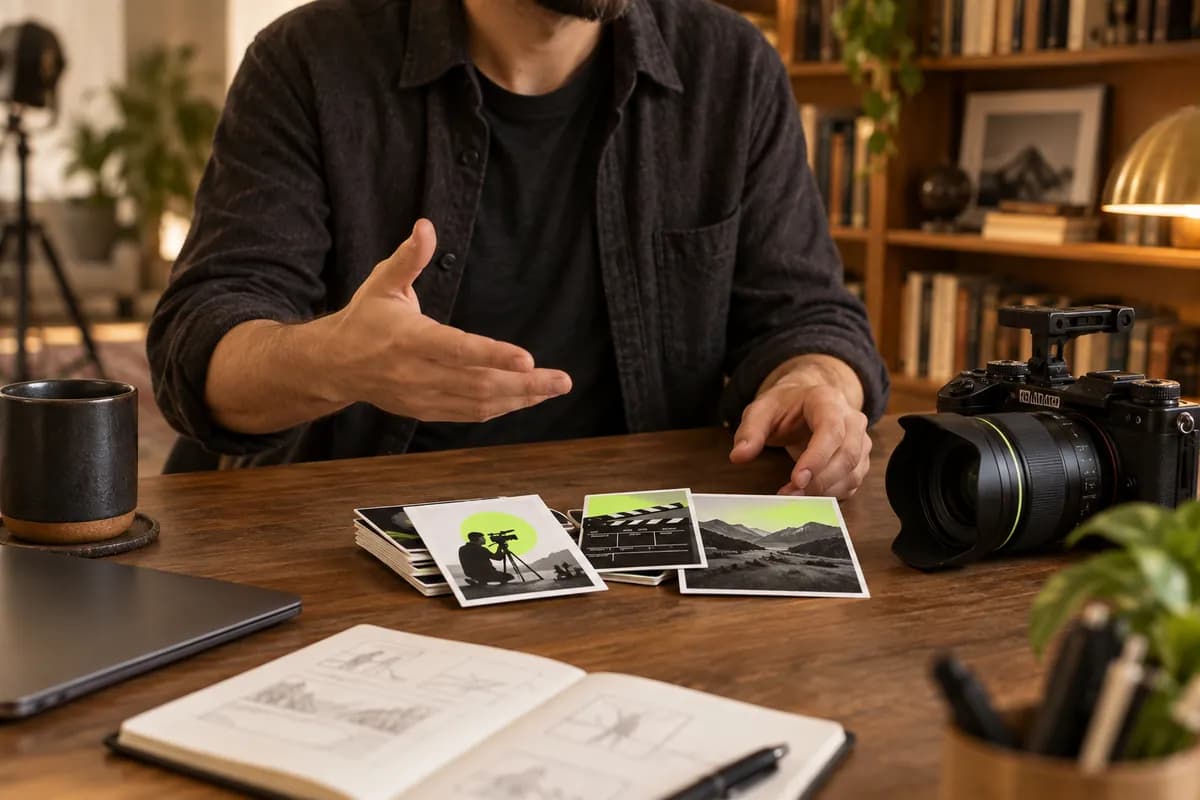
Convert between a wide range of popular video formats, from MP4 and AVI to MKV, WMV, MOV, FLV, and more. Select the file type you have, choose the format you need, and Vidione takes care of the conversion.
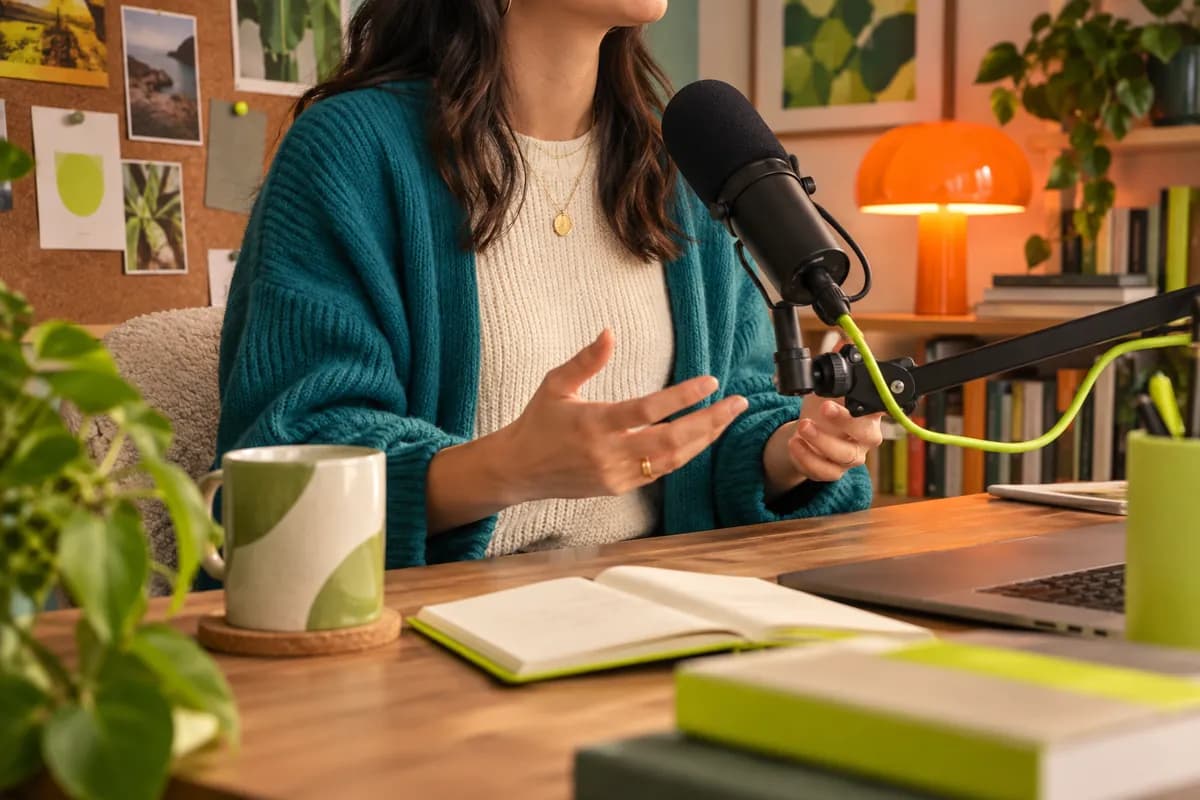
Work directly in your browser on a laptop or phone. There are no installs or downloads to manage, so you can pick up where you left off and keep your brand assets ready for the next project.
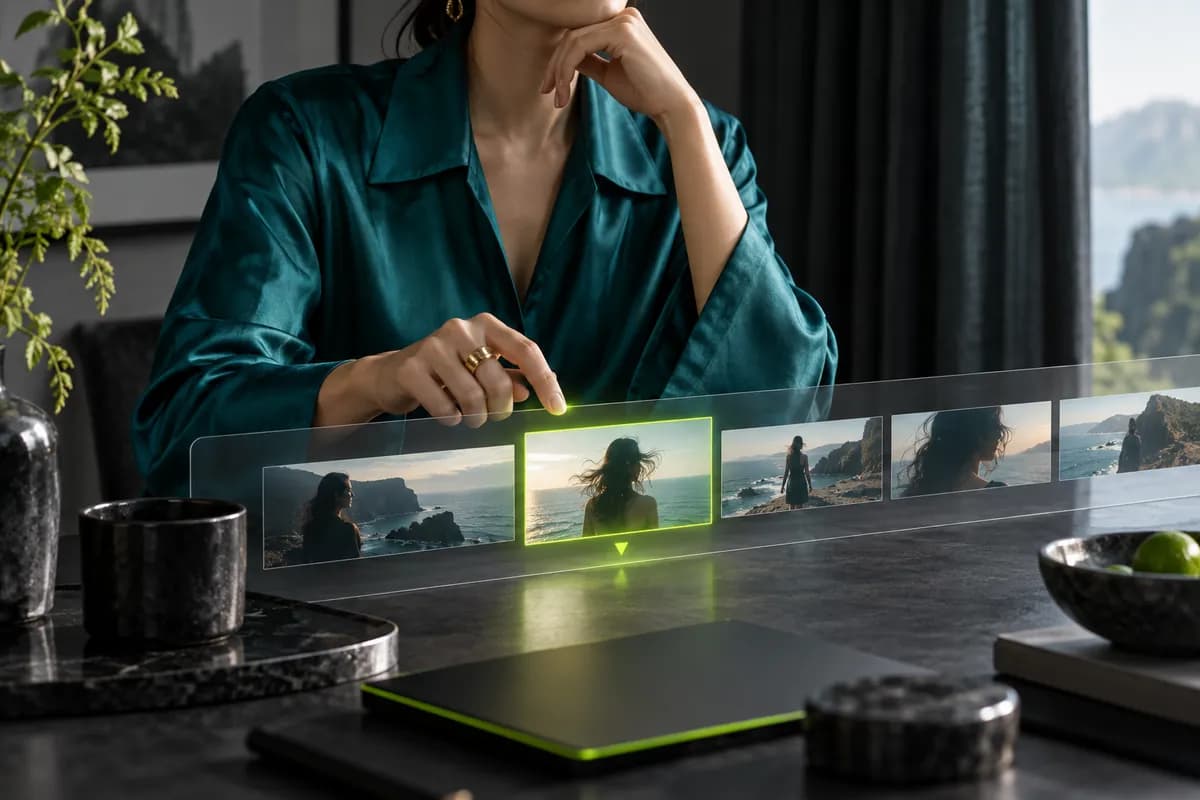
Format conversion is only the first step. Refine your footage with trimming, captions, resizing, and platform-ready crops. Turn a horizontal video into vertical clips for Reels, Shorts, or TikTok in minutes.
My first few videos made with Vidione earned real attention on LinkedIn.

I opened Vidione and started editing without needing a stack of tutorials.
Cleanup, captions, and resizing all feel like part of the same simple workflow.

It turns rough clips into polished content fast, without making the process feel complicated.

Trusted by 1M+ creators
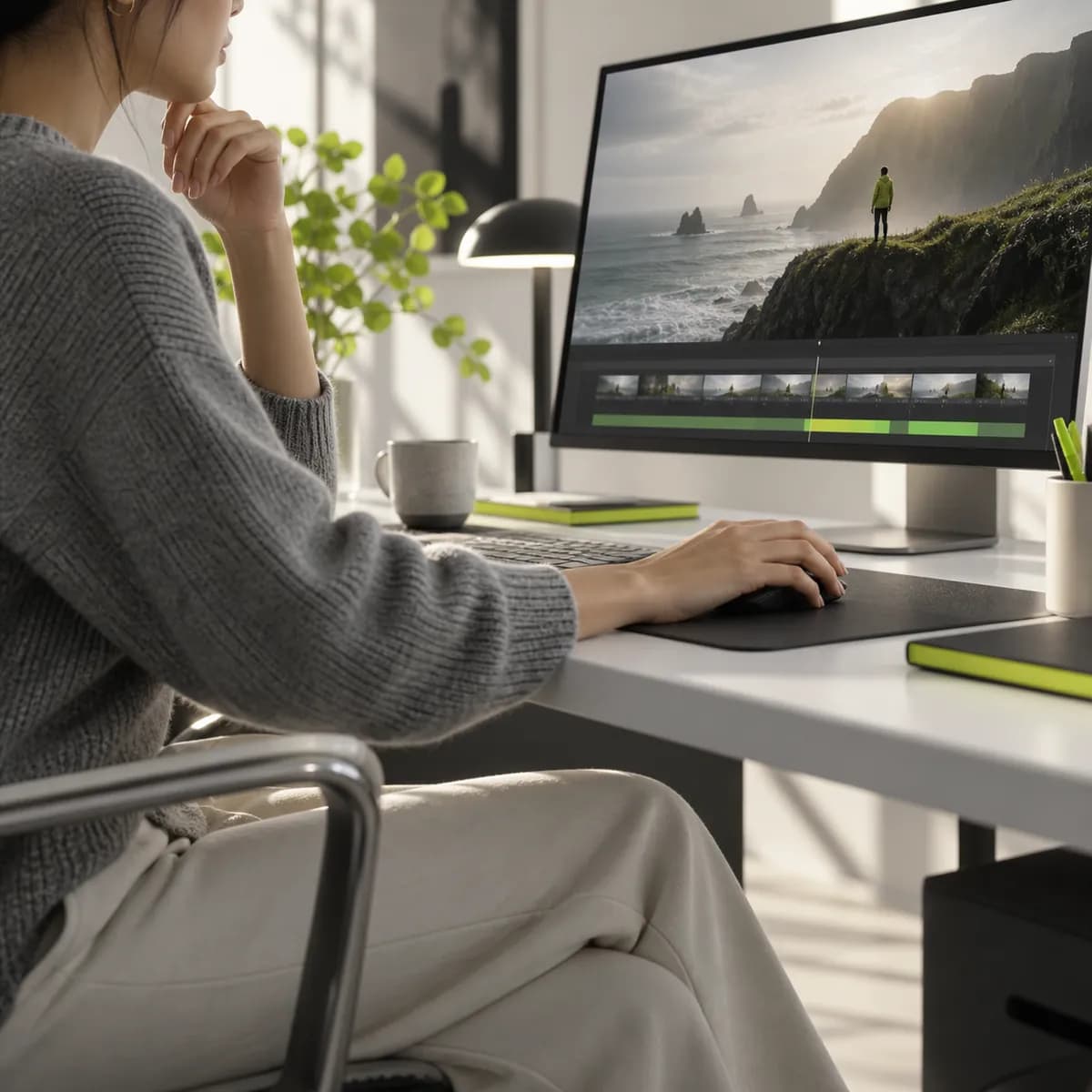
Most converters stop once the file changes format. Vidione helps you take the next step, turning raw footage into content that is ready to share. Start with your own video to clean up audio, remove filler words, and simplify the background. Or begin from scratch with a prompt or script in our AI video creator. Build, refine, and export everything from one creative workspace.