Step 01
Upload or record
Bring an audio or video file into Vidione, or capture a recording directly with the online voice recorder.
Trusted by more than 1M creators
Convert recordings into editable text in 125+ languages with fast, accurate AI transcription.
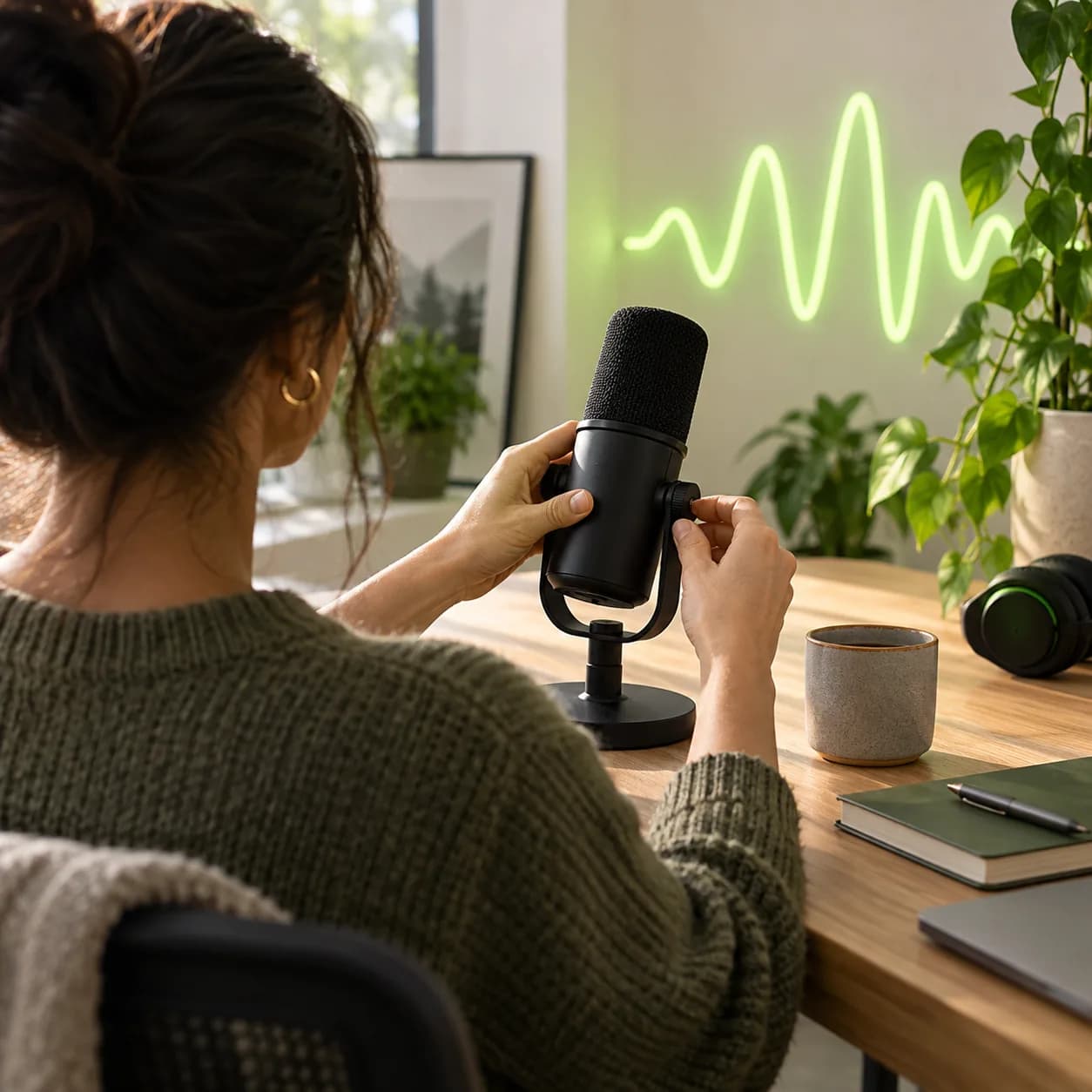
Vidione’s audio transcriber is built for social videos, podcasts, interviews, lectures, and meeting recordings. Bring in MP3, WAV, M4A, AAC, or nearly any other format, then turn spoken words into text and captions in minutes.
Upload a short recording and try it free. Once your transcript is ready, refine the sound with our audio editing tools. Need to work from a video instead? Our video-to-text converter handles MP4 and MOV files too.
Step 01
Bring an audio or video file into Vidione, or capture a recording directly with the online voice recorder.
Step 02
Choose automatic subtitles to transcribe your file. Then translate the finished transcript into more than 125 languages in a few clicks.
Step 03
Scan the result, verify highlighted uncertain words, make edits where needed, and export a polished transcript when it is ready.
Learn more
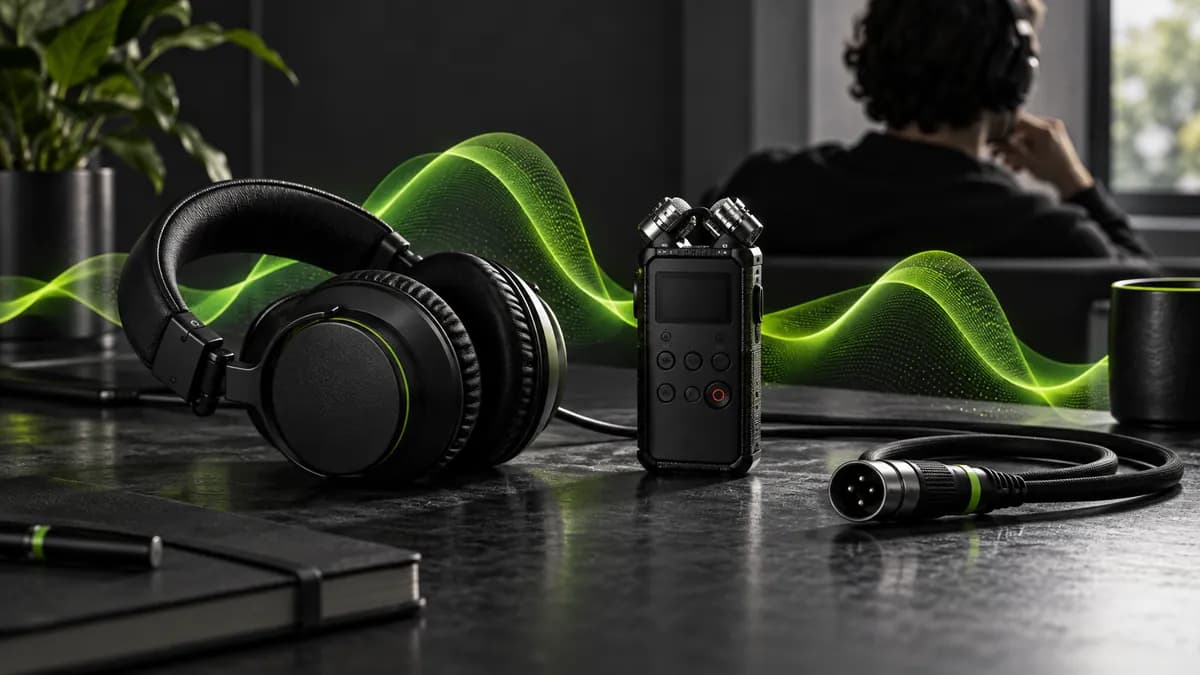
Extract text from almost any audio format online. Whether you are transcribing an MP3 interview or a WAV recording, go from spoken audio to an editable transcript in minutes. View your result immediately, then download TXT, SRT, or VTT files when you need them.

Create a clean script for accessibility, social captions, show notes, meeting records, or search-friendly articles. Vidione turns recordings into organized written material quickly, helping you reuse one conversation across more channels.
Turn webinars, podcasts, voice notes, and meetings into accurate captions and transcripts. Translate the result for new audiences, document conversations without manual note-taking, and work with video files as easily as audio.
The first videos I made with Vidione reached thousands of people before I had even finished building the rest of the campaign.

Avery Chen
Content Producer,
Northstar Studio
I stopped spending hours cleaning up recordings. The transcript gives our team a useful first draft almost instantly.

Milo Hart
Growth Marketing Lead,
Brightline
The workflow feels direct and thoughtful. I uploaded a conversation and went straight from audio to a finished caption track.

Leah Morgan
Founder,
Openfield Creative
You can do more than cut clips. Vidione helps every recording become something clear, useful, and ready to share.

Rowan Ellis
Demand Generation,
Mosaic Works

Learn how a strong transcription workflow can turn one recording into show notes, captions, short clips, newsletters, and more.
Learn more
Discover a simple way to move from online video to a clean transcript without a complicated chain of extra steps.
Learn more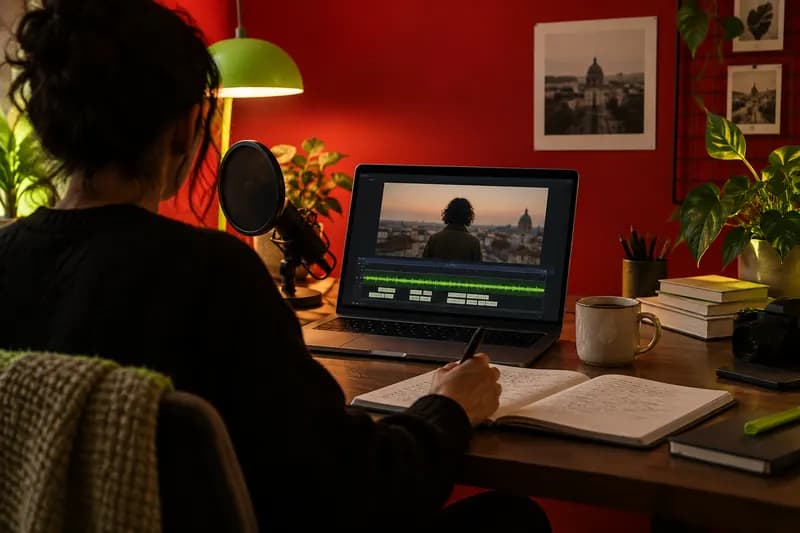
Make your videos more searchable and inclusive with a practical guide to exporting and using subtitle files.
Learn moreTrusted by more than 1M creators
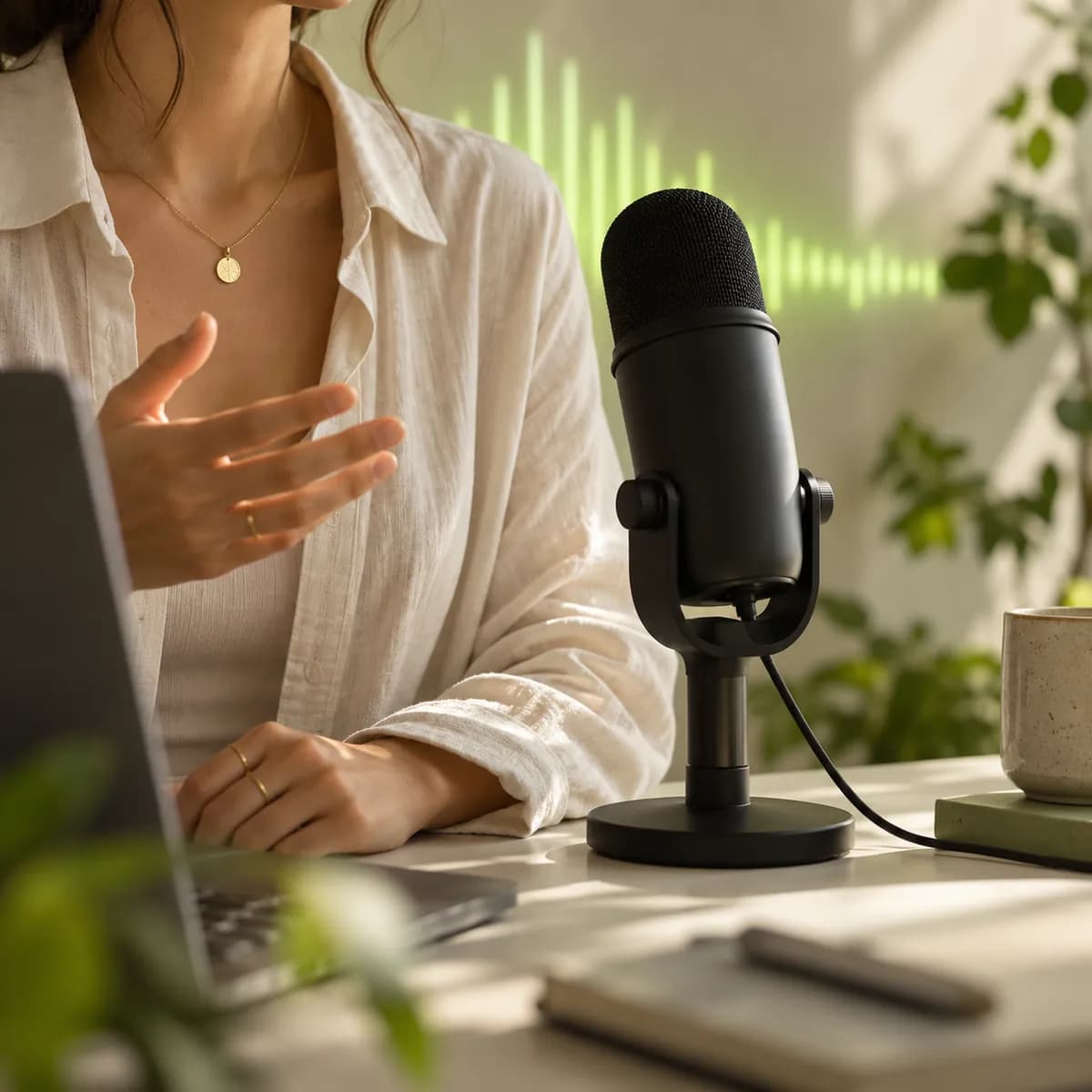
Transcription is only the beginning. Vidione is an AI video creation platform that turns ideas into polished videos in minutes. Transform audio into visual stories with a stock library and smart video tools, then customize the result with your colors, fonts, and brand identity.
Add captions in any language, clean your audio, and adapt one recording for every channel. Start with audio and keep creating until the story is ready to share.