


Trusted by 1M+ creators

Removebackground noisefrom video

Make every word easier to hear. Clean unwanted sounds from your videos in seconds with Vidione’s AI audio enhancer.
Start creating freeNo credit card required
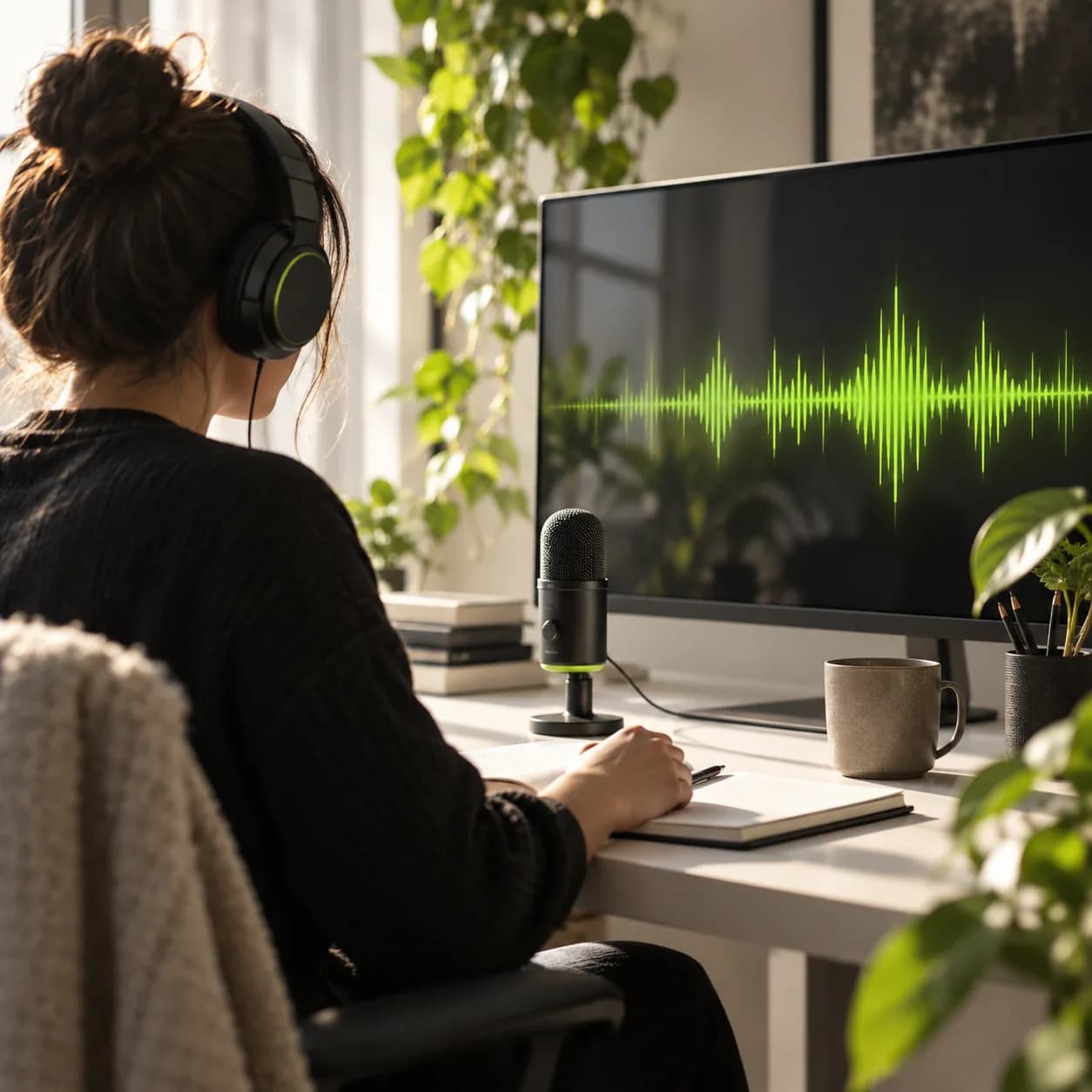
Creative workstation prepared for cleaning spoken audio from video
Rated4.82,100+ reviews
NorthstarLumenPaperplaneKineticParallaxAlderEverlineCopperMorrowBeaconBrightfieldOrbit

How to clean background noise from video

Step 01

Upload or record your video

Bring a clip into the editor. Vidione works with common formats including MP4, MOV, AVI, MKV, FLV, and MPEG. You can also capture a fresh video with the built-in recorder.

Step 02

Let AI remove the noise

Our audio enhancer finds distracting sounds such as wind, traffic, air-conditioning hum, room chatter, and more, then clears them from the spoken track automatically.

Step 03

Polish and export your video

Raise the volume, add smooth fades, or layer in background music. Export a polished result in high definition when your edit is ready to share.

See it in action
Watch background noise cleanup in action

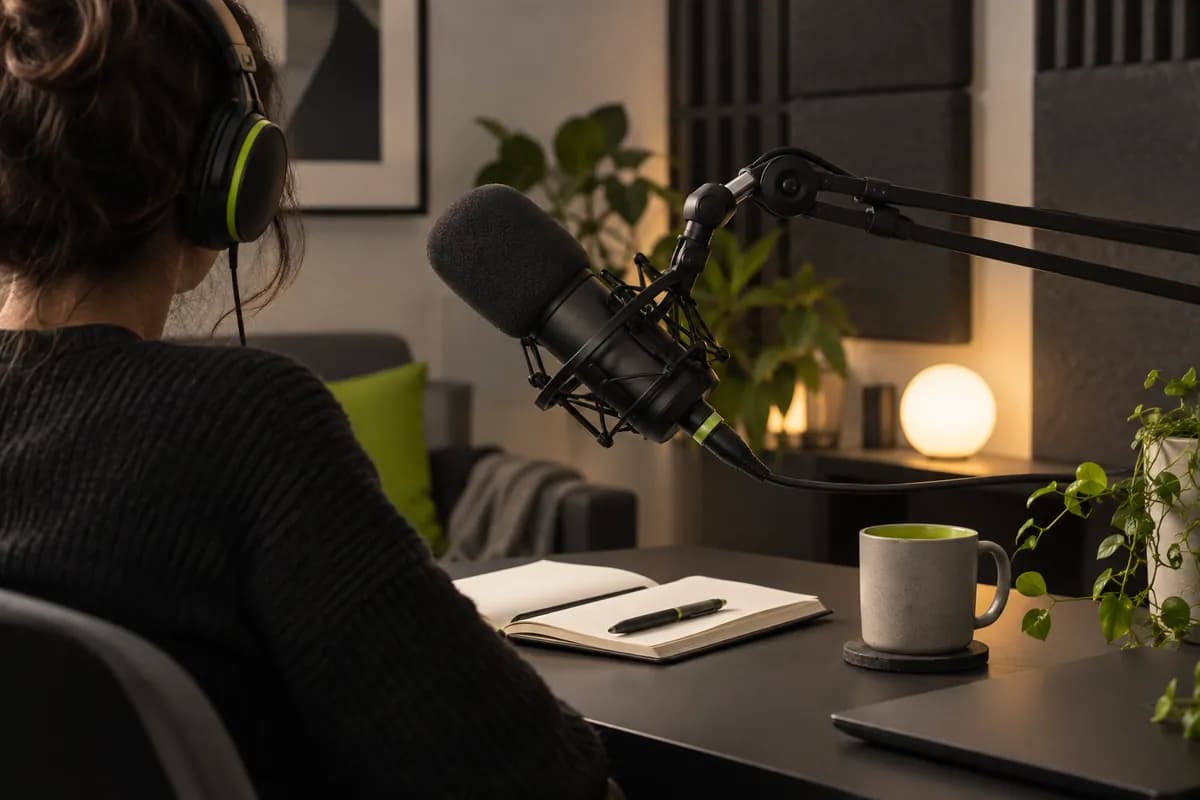
Podcast recording setup with a microphone and clean sound treatment

Remove unwanted noise in seconds

Clean up wind, hum, keyboard clicks, echoes, and background conversations without learning complicated audio software. Upload a video and get a clearer voice track with one simple action.
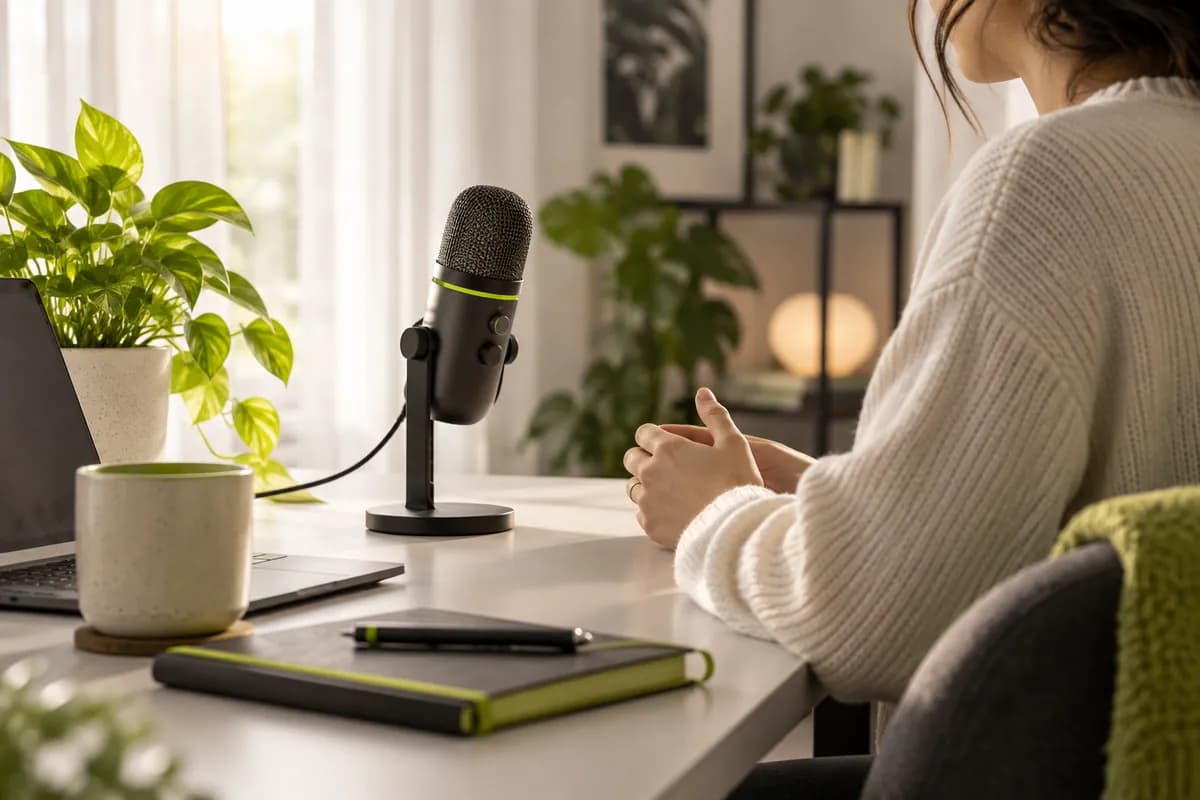
Creator speaking into a microphone in a warm home studio

Clear audio keeps people watching

Viewers should focus on your message, not fight through distracting sound. Make dialogue easier to follow and keep your videos feeling calm, confident, and professional from the first second.
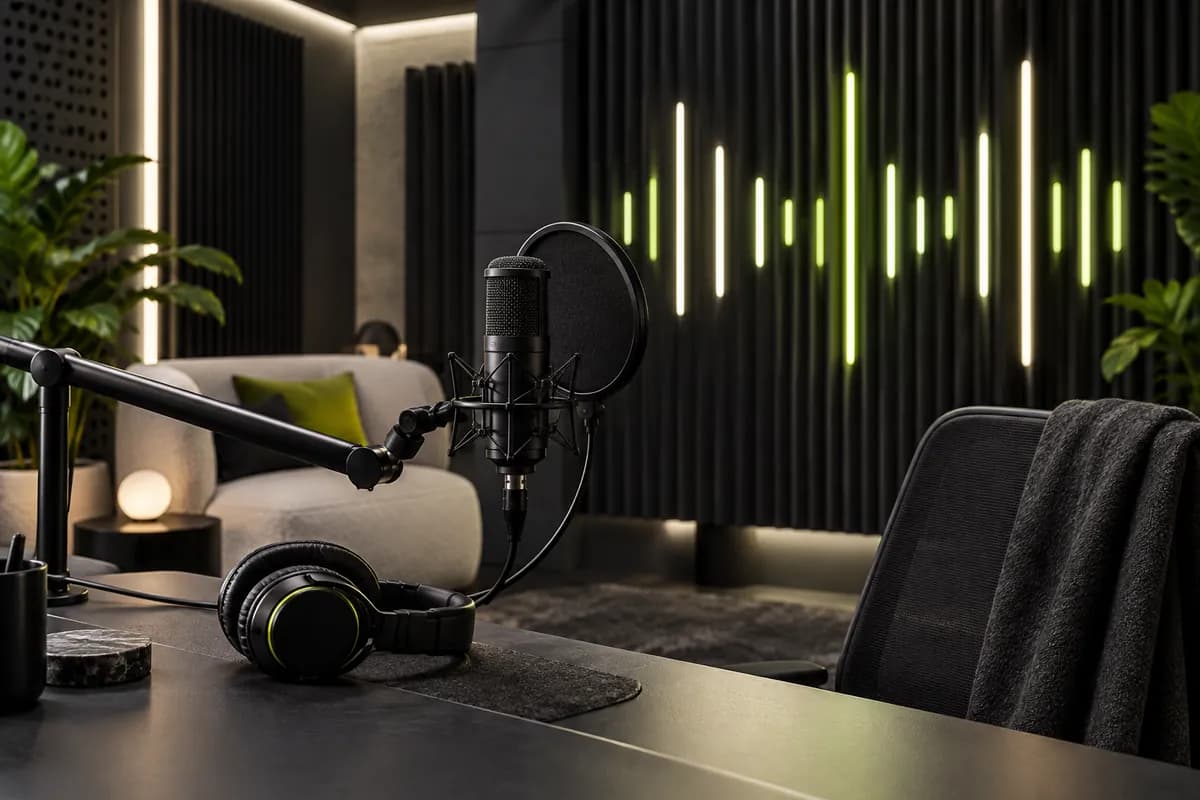
Audio equipment and waveform-inspired lighting in a modern recording room

Studio-grade noise reduction

Vidione’s intelligent audio processing isolates speech while preserving the character of your recording. Get a cleaner, fuller result without expensive gear or a long editing session.
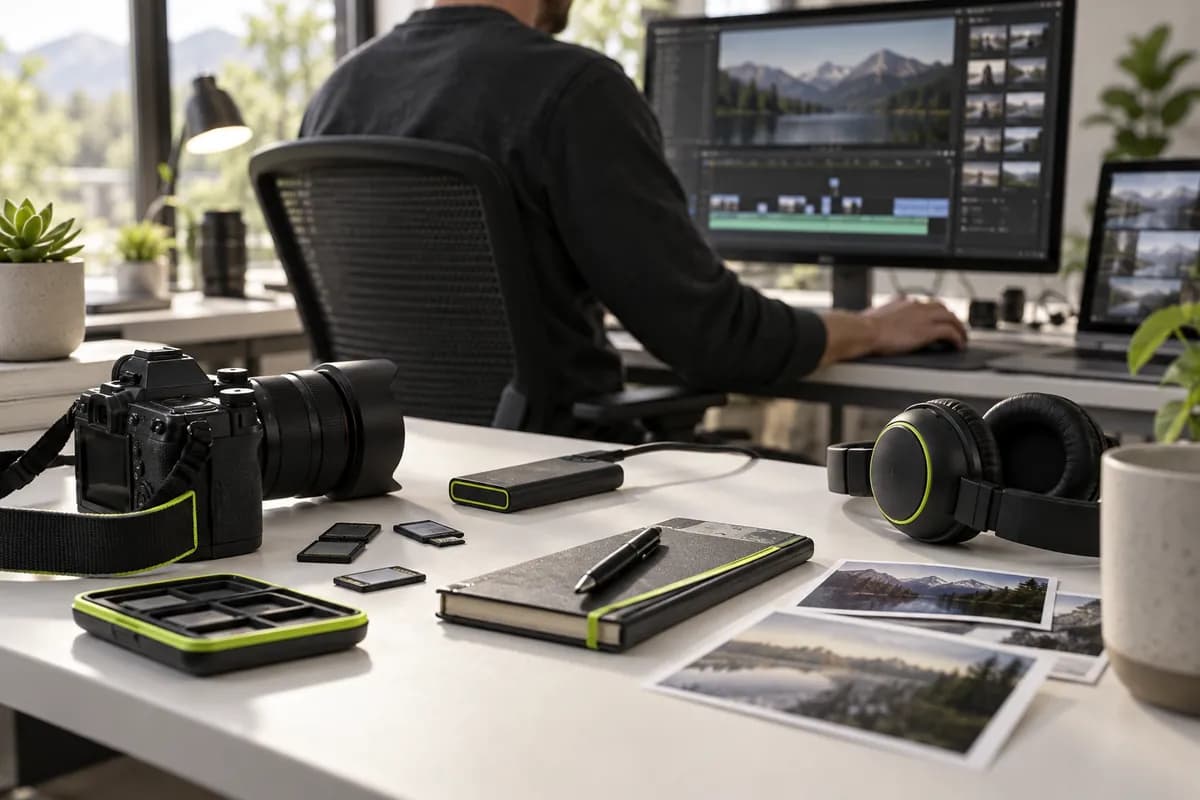
Video editing workspace with camera gear and multiple media cards

Works with the formats you already use

Skip file conversion and compatibility headaches. Clean audio from MP4, MOV, AVI, MPEG, M4A, MKV, FLV, and other popular video formats without giving up picture quality.

FAQ

Yes. Vidione can identify unwanted sounds in a video and reduce them automatically, helping voices come through more clearly in just a few moments.
  1. Upload your video to Vidione and select the clip you want to improve.
  2. Turn on the audio cleanup tool. It detects wind, hum, chatter, echoes, and similar distractions.
  3. Preview the result, then export the enhanced video without downloading extra software.
The enhancer is designed to target unwanted background sounds while keeping your voice and the intended character of the recording intact.
Use it for interviews, tutorials, podcasts, vlogs, online courses, social clips, presentations, and most other videos where speech needs to sound clearer.
It is built for a fast browser workflow, so you can improve a recording without managing plugins, complicated audio panels, or a separate conversion process.
You can start in the Vidione editor without a credit card and see how the cleanup works before deciding how you want to continue creating.

Loved by creators.
Trusted by leading teams

My first four videos crossed 40,000 views on LinkedIn.

Abstract portrait scene for Avery Stone
Avery StoneContent Lead,
Northline

The noise cleanup gave our UGC a much more professional finish.

Abstract portrait scene for Riley Chen
Riley ChenGrowth Director,
Brightline

I skipped the tutorials and started editing straight away.

Abstract portrait scene for Morgan Bell
Morgan BellFounder,
Studio Kind

It is more than trimming clips — my videos now look polished.

Abstract portrait scene for Jordan Lee
Jordan LeeBrand Manager,
Common Thread

Clearer dialogue made our short-form content much easier to follow.

Abstract portrait scene for Casey Rowan
Casey RowanSocial Producer,
Fieldwork

The whole cleanup process feels fast, focused, and refreshingly simple.

Abstract portrait scene for Taylor Moss
Taylor MossCreative Director,
Open Form

Our interview clips sound noticeably better with almost no effort.

Abstract portrait scene for Sam Rivera
Sam RiveraVideo Strategist,
Daymark

Vidione helps our team make content that feels clear and considered.

Abstract portrait scene for Rowan Ellis
Rowan EllisMarketing Lead,
Meridian

More from Vidione

Audio recording workspace with microphone and headphones

11 audio recording tools worth trying in 2025

We tested a range of recording options so you can choose a setup that makes capturing clean sound easier.

Learn more

Bright creative studio arranged for one-click audio cleanup

How to clean up audio with one simple edit

Learn how to reduce distracting background sounds in a single focused step, without a complicated audio workflow.

Learn more

Creative team workspace with video production objects and green accents

Build a faster AI video editing workflow

Explore practical ways to plan, edit, enhance, and publish social video without jumping between multiple tools.

Learn more

Trusted by 1M+ creators

For videos that sound great, Vidione gives you everything you need

Start creating freeNo credit card required
Modern creator seated at a clean audio recording workstation

More than background noise cleanup

Great video needs more than clear audio. Vidione is an AI video creation workspace where you can generate ideas, add your own assets and brand style, then layer in captions, music, and polished edits without changing tools. It is built for creators and teams who want social videos to look sharp and sound natural. Start creating with Vidione today.