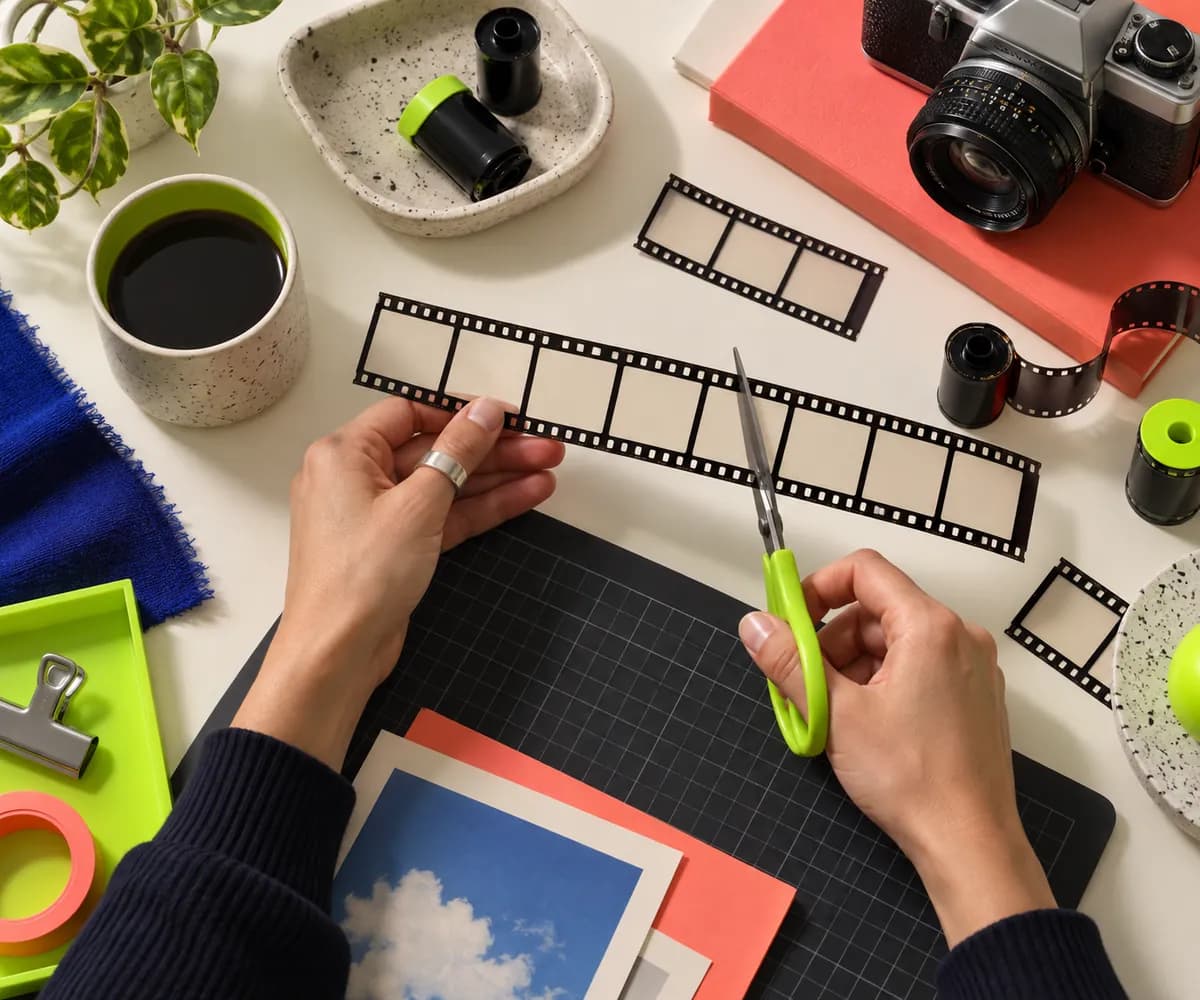



Step 01
Add your video
Choose a video from your folders and bring it into the editor.
Create polished openings for every video, free online. Bring your ideas to life in a few simple clicks.
No credit card required

Use Vidione’s browser-based editor to create memorable openings for your videos. Add royalty-free music, titles, images, and captions to catch attention from the first second. No editing background is needed: drag elements onto the timeline, adjust the timing, and make a beautiful intro in just a few clicks.
Step 01
Choose a video from your folders and bring it into the editor.

Step 02
Add titles, captions, images, sound, and other visual details at the start of your video.

Step 03
When your intro feels right, export the finished video in the format you need.
Learn more
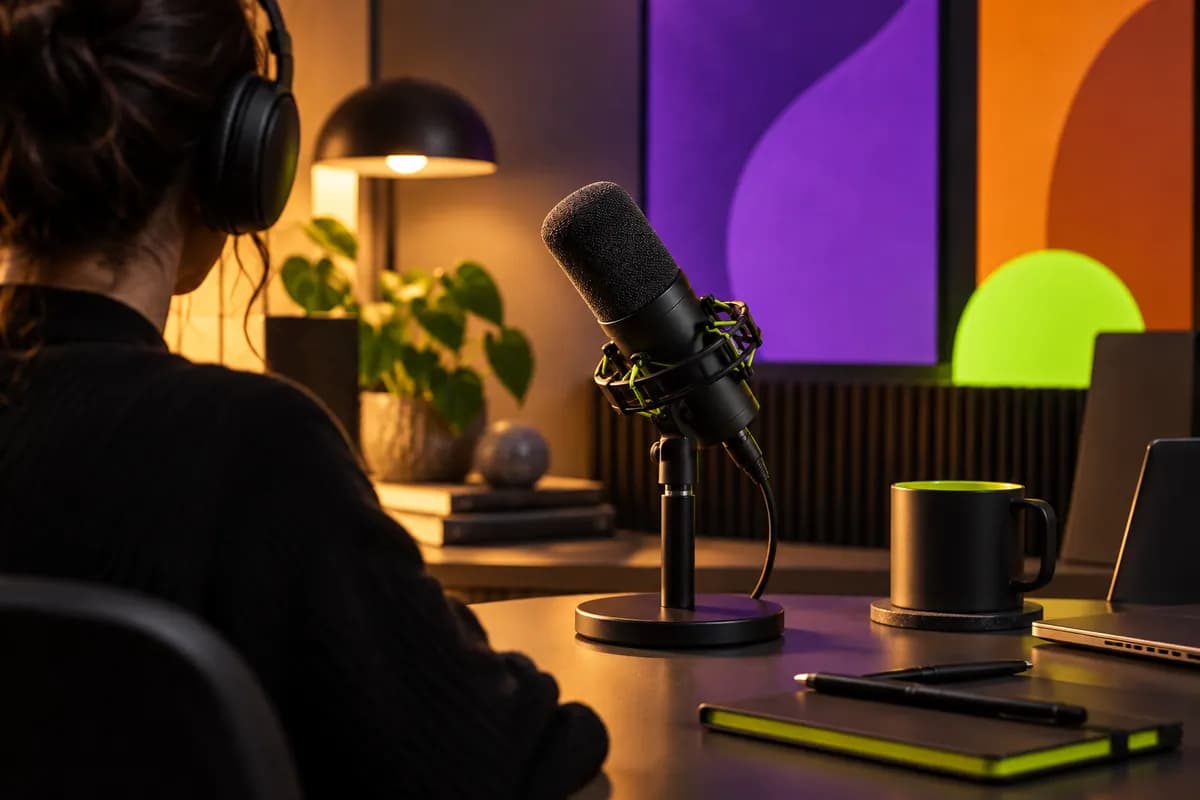
Help your videos stand out with a strong opening. Introduce the subject clearly using titles, headings, and captions that give viewers an immediate reason to keep watching. Choose an element from the editor and begin building your opening sequence.
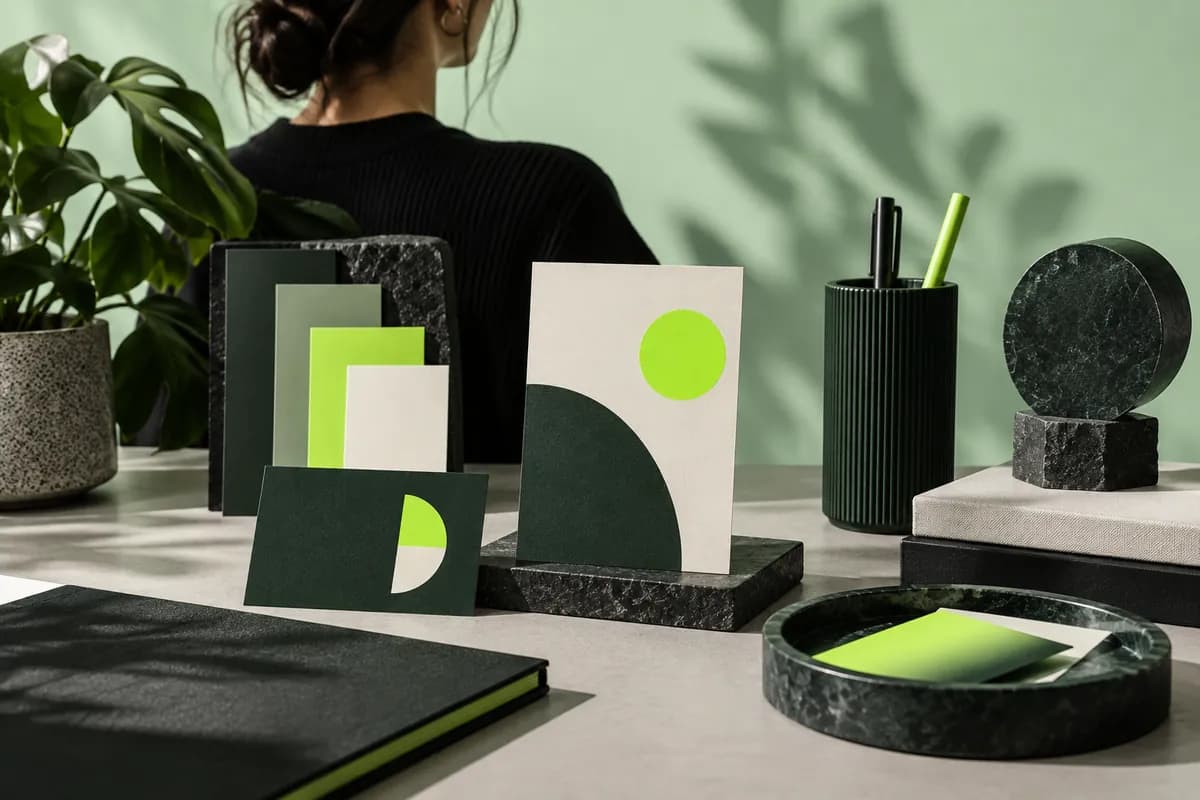
Make every intro feel like yours by adding a logo or watermark to the frame. Upload your own image and position it wherever you like. Save your visual identity for repeat projects, or add a simple mark each time you create a new video.

Go beyond the intro with tools that make the entire video feel more finished. Add automatic subtitles, clean up audio, apply visual effects, and use a flexible set of editing controls to make your content easier to watch and share.
Upload your video, choose the element you want to add, and place it at the beginning of the timeline. You can combine text, images, music, and effects, then split the video whenever you want to add more moments.
The best intro maker is one that lets you create quickly without sacrificing creative control. Vidione combines a simple browser workflow with flexible tools for titles, music, images, timing, and more.
An intro maker helps you create an opening sequence that introduces your subject and sets the tone for the rest of your video. It can make the first few seconds clearer, more engaging, and more recognizably yours.
Yes. You can start creating an intro online without a credit card. Additional tools and advanced options may be available as your projects grow.
Keep it focused, make the subject clear, and match the pace to your content. Use readable titles, a consistent visual style, and enough motion to create energy without delaying the main video.
Creators commonly combine a short title, a logo or watermark, music, captions, and a few visual transitions. The right mix depends on the channel, audience, and type of video you make.
The first four videos I made created more than 40,000 impressions on LinkedIn.

Vidione arrived at the right time. I skipped the long tutorial list and started editing immediately.

I found a workflow that made editing feel natural instead of overwhelming.

You can do more than trim clips. Vidione makes the finished video feel polished.

No credit card required

There are plenty of online video tools, but Vidione brings the essentials together in one place. Create, edit, subtitle, and refine your videos directly in the browser without downloading another app. Keep projects organized, return to them from any device, and use the same workspace for everything from short intros to complete social videos.