



Step 01
Upload an image
Choose a picture where the subject has defined edges. If needed, enhance a low-resolution image before removing its background.
Remove backgrounds from images online with intelligent AI.

Vidione removes image backgrounds in moments, keeping clean edges around hair, fabric, and small details. Export a transparent PNG for flexible use across your projects, or replace the original scene with another image or a prompt-generated setting.
Choose a picture where the subject has defined edges. If needed, enhance a low-resolution image before removing its background.
Select the background tool and let Vidione isolate the subject. You can also replace the empty space with an uploaded image or a custom generated scene.
Save the finished cutout as a PNG with a transparent backdrop, or export it with your new background already in place.
Learn more
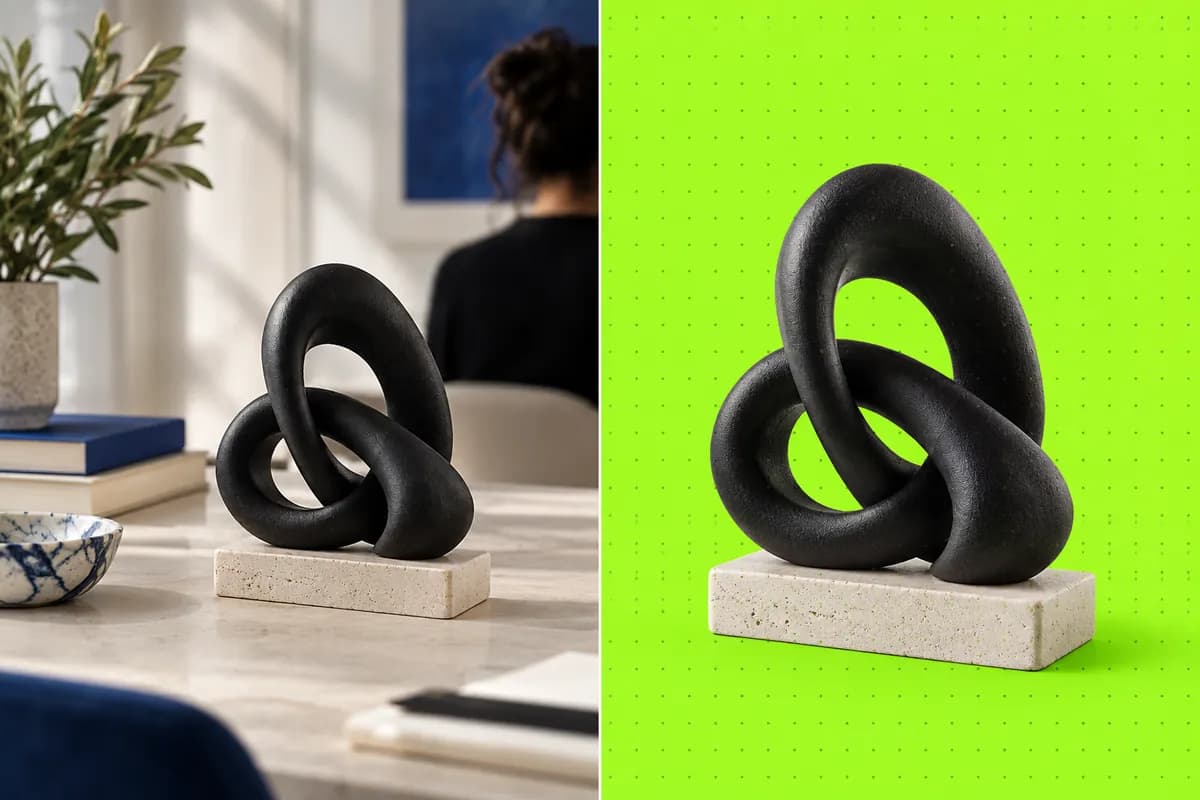
Create transparent cutouts for product listings, presentations, signatures, headshots, and brand assets. Preserve fine details while exporting a clean PNG that can be dropped into any design or publishing tool.
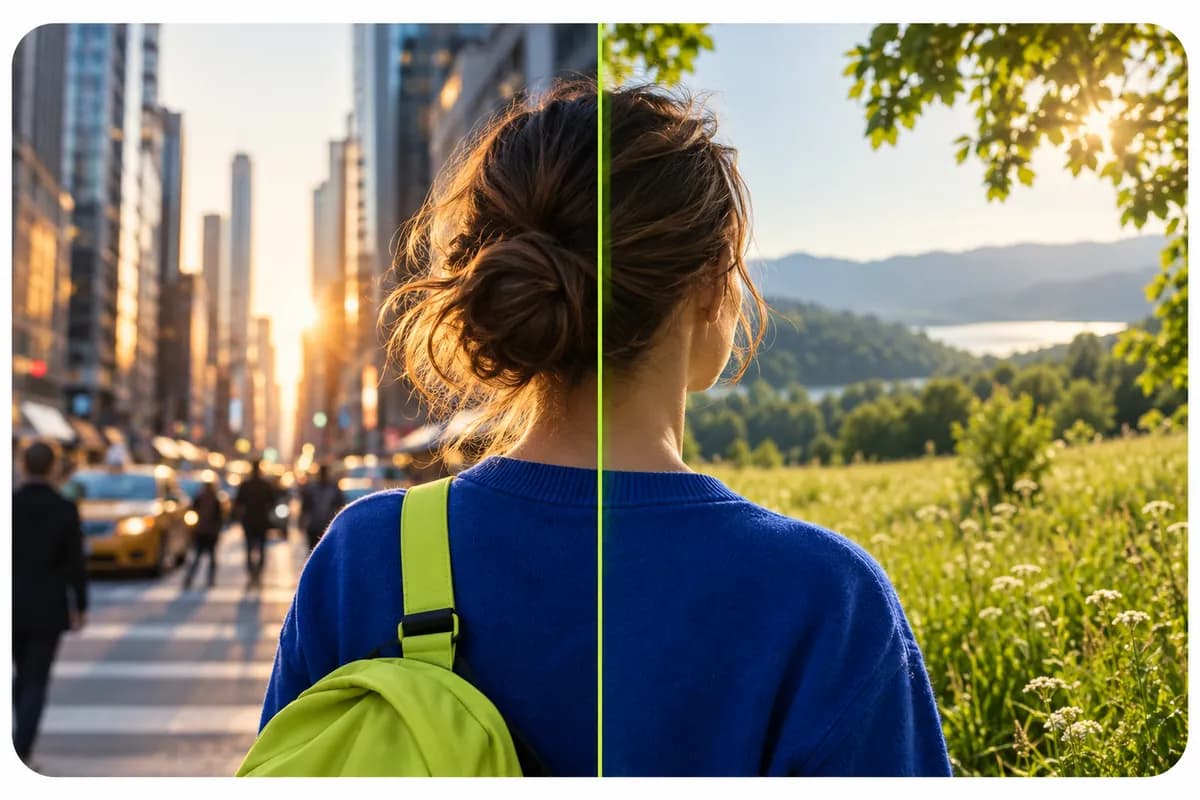
Remove and replace a background in one workspace. Upload a new image or describe the setting you want, from a bright office to a quiet studio. Generate multiple variations for campaigns, profiles, and product content without manual masking.

Separate moving subjects from their surroundings with the same simple workflow. Clean up talking-head footage, make transparent overlays, or swap video scenes for social posts, explainers, and presentations.
Pictures with a clearly defined subject and reasonable contrast usually produce the sharpest result. Portraits, products, logos, and standalone objects work well. The AI can handle hair and soft edges, while very blurry details may need a quick touch-up.
Yes. Upload an image with a solid white, black, or colored backdrop, then select remove background. Vidione can work with both simple flat colors and more detailed scenes.
Absolutely. Upload the logo, remove its existing background, and export a transparent PNG for documents, websites, packaging, or presentations.
Yes. Once the background is removed, download the finished image as a PNG with transparency preserved.
You can start creating in Vidione without adding a credit card. Open the workspace to test the background remover and explore the rest of the editing tools.
The first few videos I made in Vidione brought our launch campaign more than 40,000 LinkedIn impressions.
Maya Chen
Content Lead,
Northstar Labs
Vidione arrived at exactly the right time. We stopped stitching together five different tools and got straight to publishing.
Leo Martins
Growth Director,
Paper Kite
I expected a learning curve, but the first background removal was finished before I had time to open a tutorial.

Priya Shah
Founder,
Brightwell Studio
Our product shots look polished now, even when the original photos were captured quickly between meetings.
Owen Brooks
Demand Generation,
LumaWorks
We can make a clean cutout, change the setting, and publish a complete social asset in one sitting.
Sofia Reed
Brand Manager,
Cobalt House
The transparent PNG export has become part of every campaign handoff our design team makes.

Daniel Okafor
Creative Operations,
Morrow
Even our most detailed product edges survive the edit, which makes the whole workflow feel remarkably calm.
Elise Morgan
Visual Designer,
Brightwell Studio
Vidione gives our small team the speed of a much larger production department without the overhead.
Theo Grant
Marketing Director,
Northstar Labs
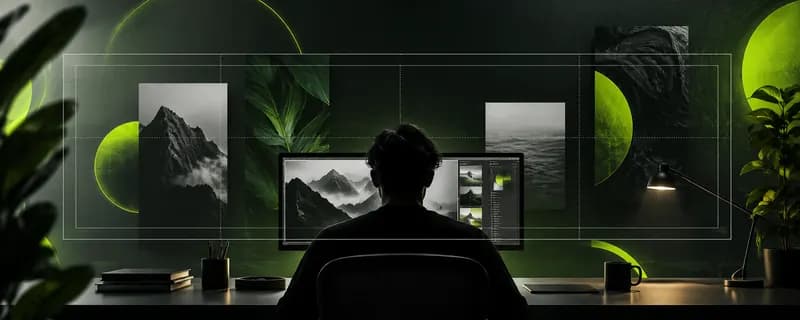
From a simple idea to a finished visual in seconds, AI image tools have changed how teams create digital art. Compare the strongest options, their strengths, and the best fit for your next project.
Read the guide
Strong prompts turn rough ideas into memorable visuals. Learn a practical way to describe mood, composition, lighting, and style so generative tools give you more useful results.
Read the guide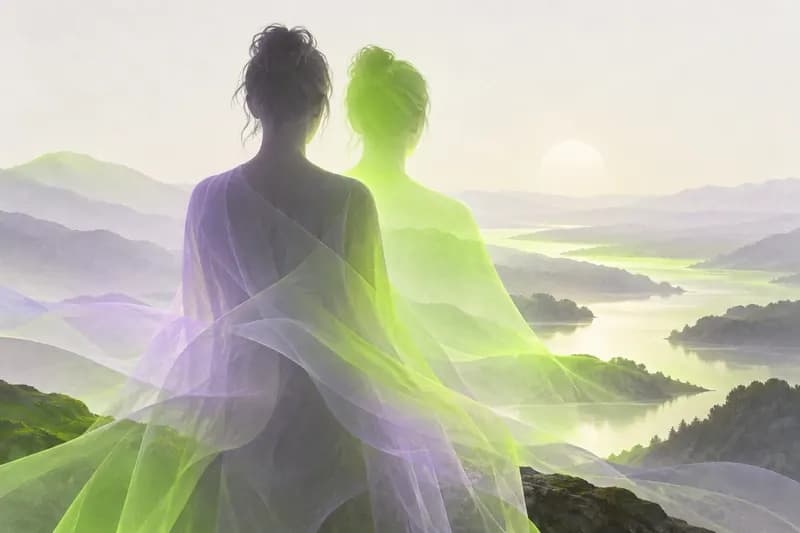
Turn an ordinary photo into a distinctive illustrated image. Explore the workflow, discover how to guide the style, and learn how to keep the final result feeling like you.
Read the guide
Remove backgrounds from images and video, then keep building in the same creative workspace. Vidione helps you generate, enhance, edit, and export content for every platform. Start with your own footage or create something new, add captions and brand assets, and expand your video canvas when the format changes. One flexible home for everything you create.