Step 01
Upload your image to the editor
Upload the photo you want to refine. You can improve its resolution first, then begin editing. Starting from zero? Create a visual with our image generator.
Trusted by 1M+ creators
Edit photos with AI prompts. Change colors, rewrite visual details, transform styles, and more.
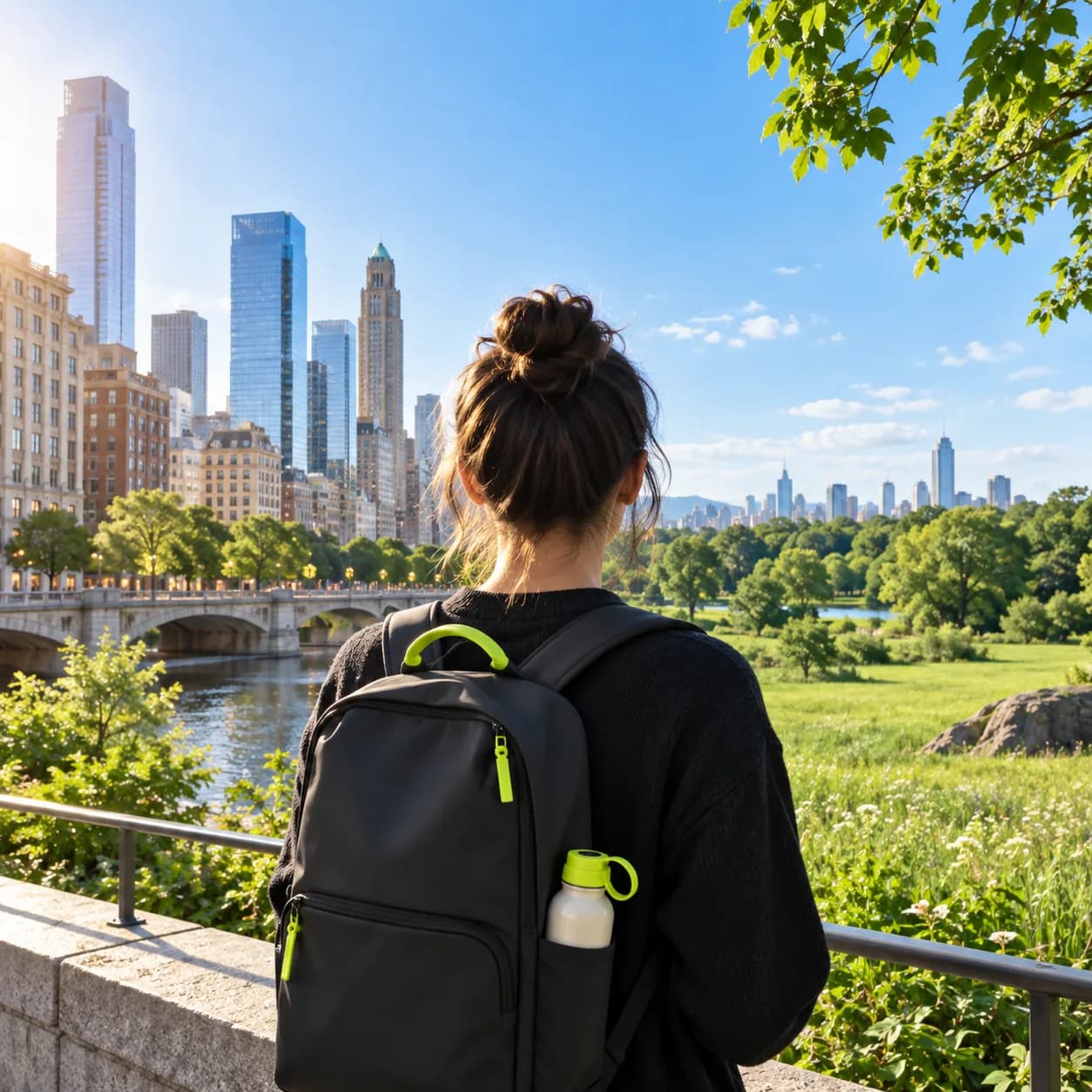
Most photo tools make you learn complicated software or move layers around by hand. Vidione works differently: describe the change you want, and the editor builds it for you. Shift a background, rewrite words in a campaign image, turn a photograph into an illustration, or remove an unwanted object with a simple prompt.
Choose from several AI models, each tuned for a different kind of edit. Use a typography-focused model for image text, a faster model for batches of campaign variations, or a high-fidelity model when precision matters. Keep iterating, then move the finished image into your video workflow.
Step 01
Upload the photo you want to refine. You can improve its resolution first, then begin editing. Starting from zero? Create a visual with our image generator.
Step 02
Pick a model such as Vidione Render, TypeCraft Edit, or MotionFlow. Each is designed for a different task. Then write what should change: make the background warm orange, change the headline to SALE 50%, or turn this into a graphic novel illustration.
Step 03
Save the finished image or keep exploring variations. When it is ready, send it into Vidione's video studio to animate the still or build a complete social video.
Learn More
No complicated panels, layers, or masks to learn. Tell the editor what you want in everyday language: change the jacket color, remove the person in the distance, or reinterpret the scene as comic-book art. Refine the description until the result feels right.
Not every edit needs the same kind of intelligence. Switch between models for accurate lettering, rapid visual variations, or detailed image manipulation. TypeCraft Edit is built for typography, MotionFlow is useful for quick exploration, and Vidione Render is made for high-fidelity changes.
Image editing is only the first step. Create stills and video assets in one place, animate a finished image, drop it into a full project, or turn a portrait into a talking scene with Vidione Motion. No switching apps and no re-uploading files between separate tools.
Vidione's prompt-based editor is easy to use because you explain the change instead of learning a complex interface. You can also move between models for different needs, from natural high-detail edits and image typography to quick creative iterations.
The first four videos I made with Vidione passed 40,000 impressions on LinkedIn.
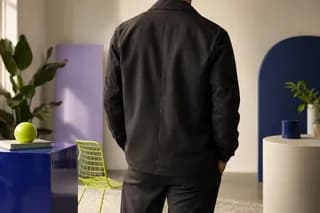
I found Vidione at exactly the right time. I stopped searching for tutorials and started making.

With Vidione I did not need fifteen tutorials. I jumped straight in and started editing.

You can go beyond trimming clips. Vidione makes the entire visual workflow feel polished.
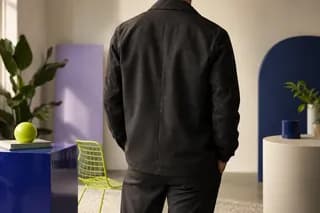
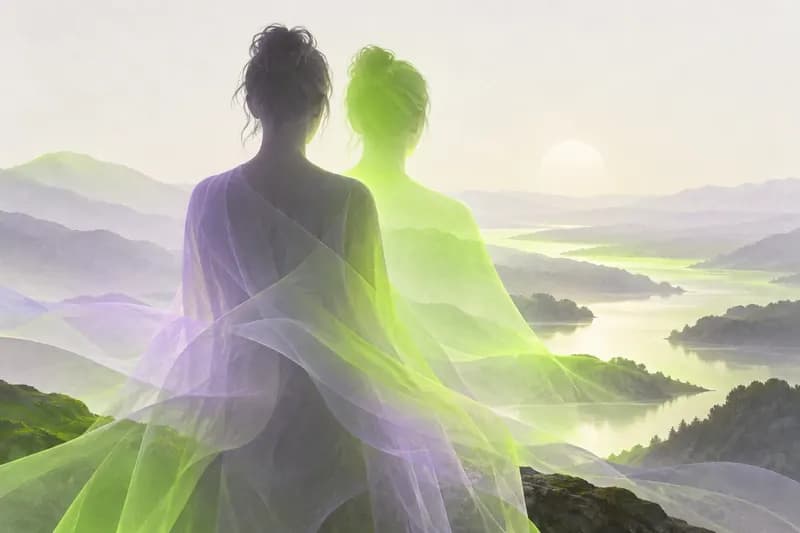
From a simple prompt to a polished visual in seconds, image generation has changed how creators explore ideas. Compare the strengths of today's most useful tools and find the right fit for your goals.
Learn More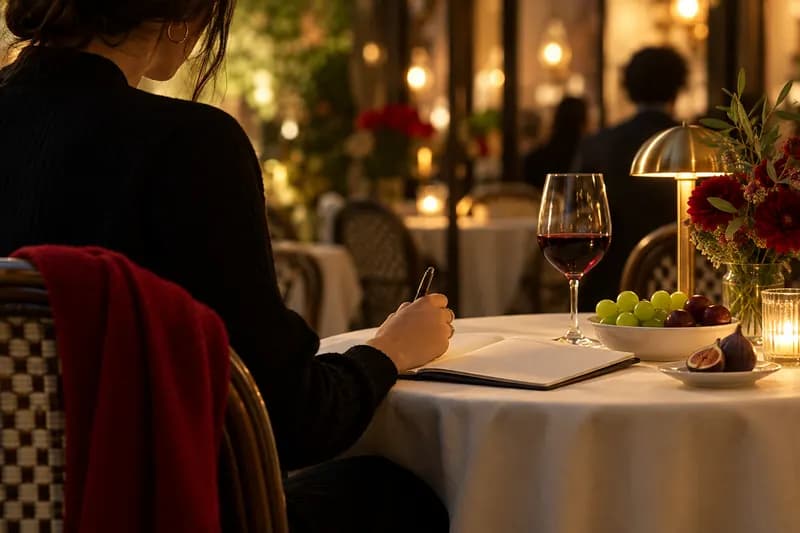
Better prompts lead to more useful creative results. Learn how to describe subject, mood, composition, and style so your image ideas become easier to direct and repeat.
Learn More
Turn an ordinary photograph into a distinctive illustrated scene. Explore the prompt choices that help preserve personality while adding a playful, hand-crafted visual style.
Learn MoreTrusted by 1M+ creators
Editing images is only the beginning. Vidione is an AI video creation platform where you can move between models for high-fidelity edits, text corrections, image variations, and more. Animate still images, build talking scenes, add captions, and export without changing tools. Go from image editing to finished video in one connected workflow.