Type a prompt and generate a video
Tell Vidione what you want to see. Describe the mood, setting, movement, and story, then generate a polished first cut that you can refine in the editor.
 Ad concept
 Tutorial
 Promo
Promo Story
Story Product review
 Music story
 Studio session
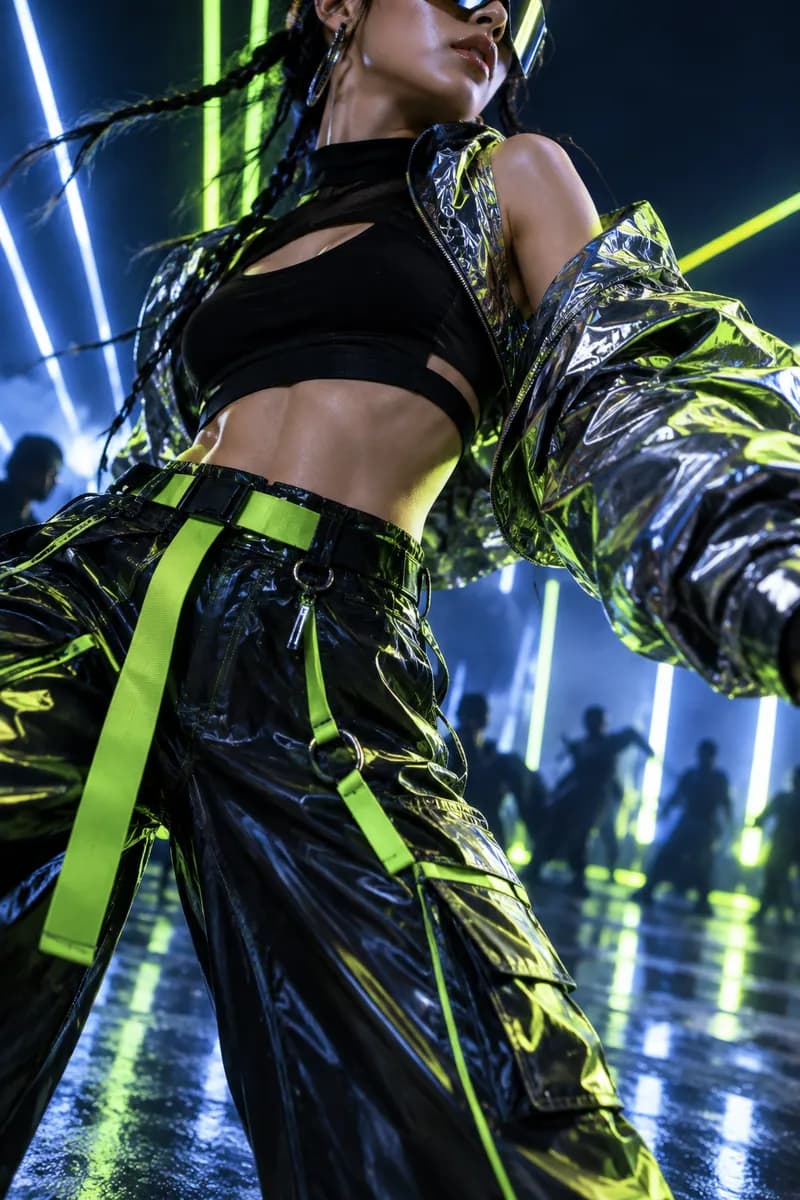 Visual loop
 Sound design
Build captivating music videos with Vidione’s generative tools. Describe a visual direction, paste a script, or start with a mood, and turn your idea into a complete sequence in minutes. Add motion, captions, and effects without leaving your creative flow.
Bring your own track or choose from royalty-free audio and stock clips. Our browser-based studio keeps production fast, flexible, and affordable, so you can shape a visual story around every sound.
Tell Vidione what you want to see. Describe the mood, setting, movement, and story, then generate a polished first cut that you can refine in the editor.
Add spoken layers to your project with natural-sounding narration. Paste your script, choose a voice, and place the result directly on your timeline.
Complete your visual story with audio, video clips, and ready-to-customize templates from the Vidione library.
See how fast an idea can become a finished AI video.
Use AI to shape short music videos, trailers, launch films, and social ads without a full production crew. Start with a script, translate your content, and transform rough ideas into visuals that feel ready to share.
Generate narrations and voiceovers from text, or bring a lifelike digital presenter into your project. Clean up footage, remove backgrounds, and make every layer feel more polished in a few clicks.
Vidione brings generation and editing together in one approachable workspace. Combine clips, add captions, apply your visual identity, and shape the final cut with an intuitive drag-and-drop timeline.
Yes. Vidione can turn a written prompt, script, image, or existing clip into a visual starting point. Add stock media, music, captions, and voiceover to build a complete video without filming everything yourself.
Vidione is free to try, with tools for generating visuals, creating voiceovers, and editing a project from text. You can explore the workflow before deciding how you want to produce more content.
Start with a prompt that describes your subject, atmosphere, and visual style. Generate a draft, add your soundtrack or voiceover, then use the editor to trim scenes, add text, and prepare the final format for your audience.
You can use AI to write scripts, create alternate visual directions, generate narration, translate captions, remove backgrounds, and adapt one finished video into several social formats.
The available character allowance depends on the voice and project settings. For longer scripts, split your narration into scenes so you can edit timing and emphasis more precisely.
Vidione changed the way we work. We can now create beautiful social campaigns and launch assets without slowing down.

Jordan ValeCreative Operations Lead
I love how quickly a rough idea becomes a finished cut. The whole team can contribute without learning a complicated production setup.

Samira HoltBrand Marketing Manager
Our old process used several disconnected tools. Now the idea, edit, captions, and export all live in one focused workspace.

Alex MorganEnterprise Production Director
It has made editing feel lighter and more intentional. I spend less time organizing files and more time shaping the story.

Taylor ReedIndependent Creator
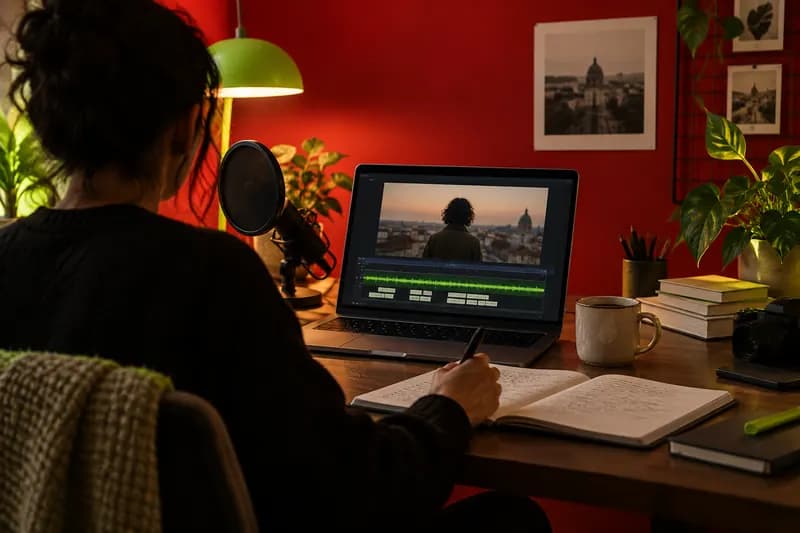
A practical guide to the best tools for video, writing, visual design, audio, and creative workflows.
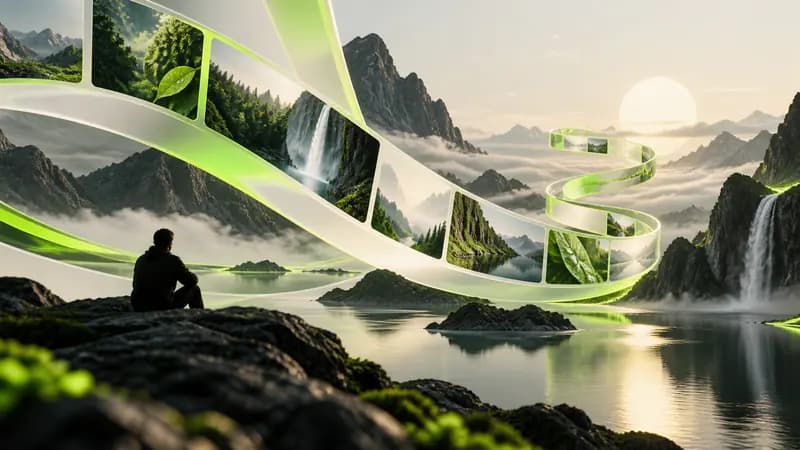
Explore the most useful ways to build presenter-led content, explainers, and social videos with AI.
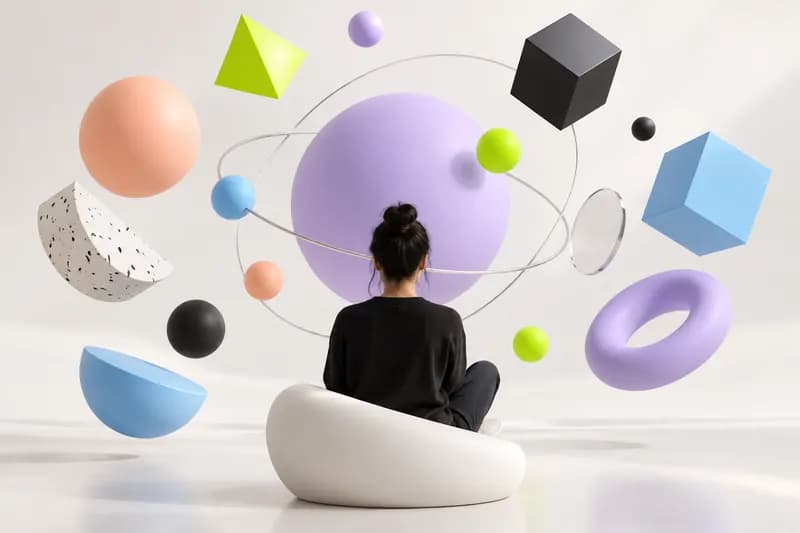
Compare useful voice tools for narration, character work, accessibility, and fast content production.
Create any kind of video in minutes with Vidione, an AI creation platform built for modern teams and independent makers. Try multiple visual models, build talking videos and digital presenters, and turn text, images, or existing footage into content for social media. Move your result into the editor to combine scenes, add captions, and apply your brand system. With one prompt or a complete script, you can start a polished project and keep shaping it until it feels like yours.