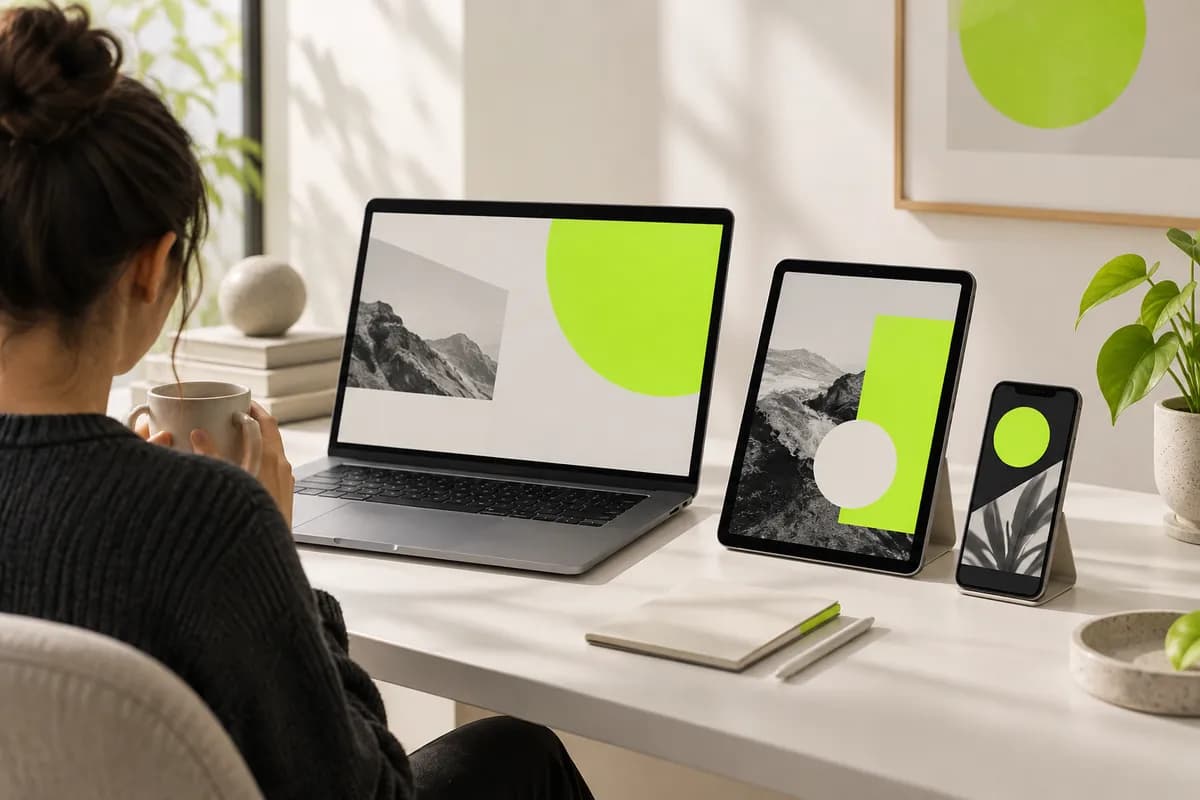
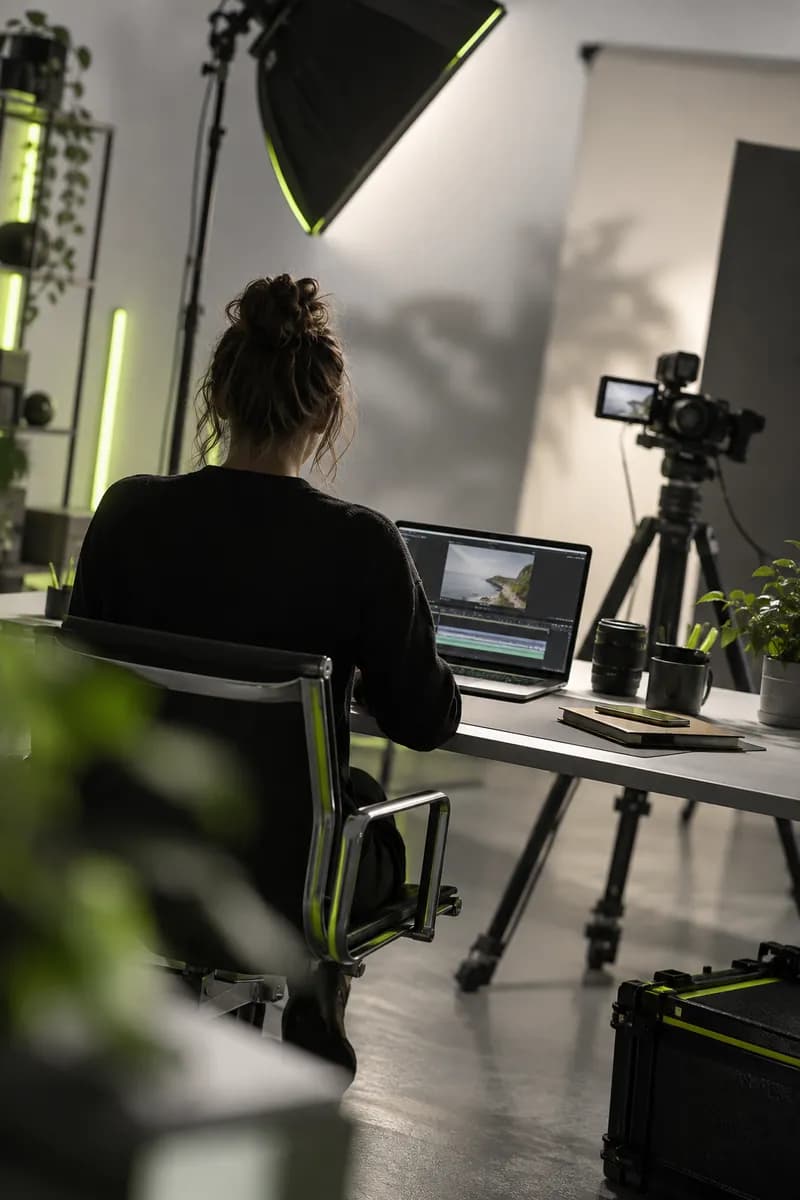
Step 1
Upload video and set your preferences
Bring in your long-form recording, then choose the format, length, and caption treatment you want. Add a short prompt to point the AI toward the topics or moments that matter most.
A fast clip maker that finds the moments worth sharing in every long video. Try it free.
Start creating freeTurn podcasts, webinars, interviews, and long recordings into scroll-stopping clips — or build a new video from an idea. Upload your footage or describe the moment you want, then let our AI clip maker handle the first edit. Create ready-to-post clips for Reels, Shorts, and TikTok without hours of scrubbing.
Skip repetitive editing and jump straight to the strongest parts of your footage. Vidione can identify useful topics, remove silence and filler words, and generate dynamic captions that give every clip more energy.
How to make clips with our AI video maker
Bring in your long-form recording, then choose the format, length, and caption treatment you want. Add a short prompt to point the AI toward the topics or moments that matter most.
Our clip maker reviews your video for memorable quotes, clear ideas, and patterns that tend to perform well socially. It is built for podcasts, Shorts, Reels, and TikTok content.
Preview each result and refine it in the transcript-based editor. Extend a clip, remove words, or keep editing with B-roll, music, captions, and brand details before exporting.
Learn more
See how the Vidione AI clip generator turns one recording into a library of content.
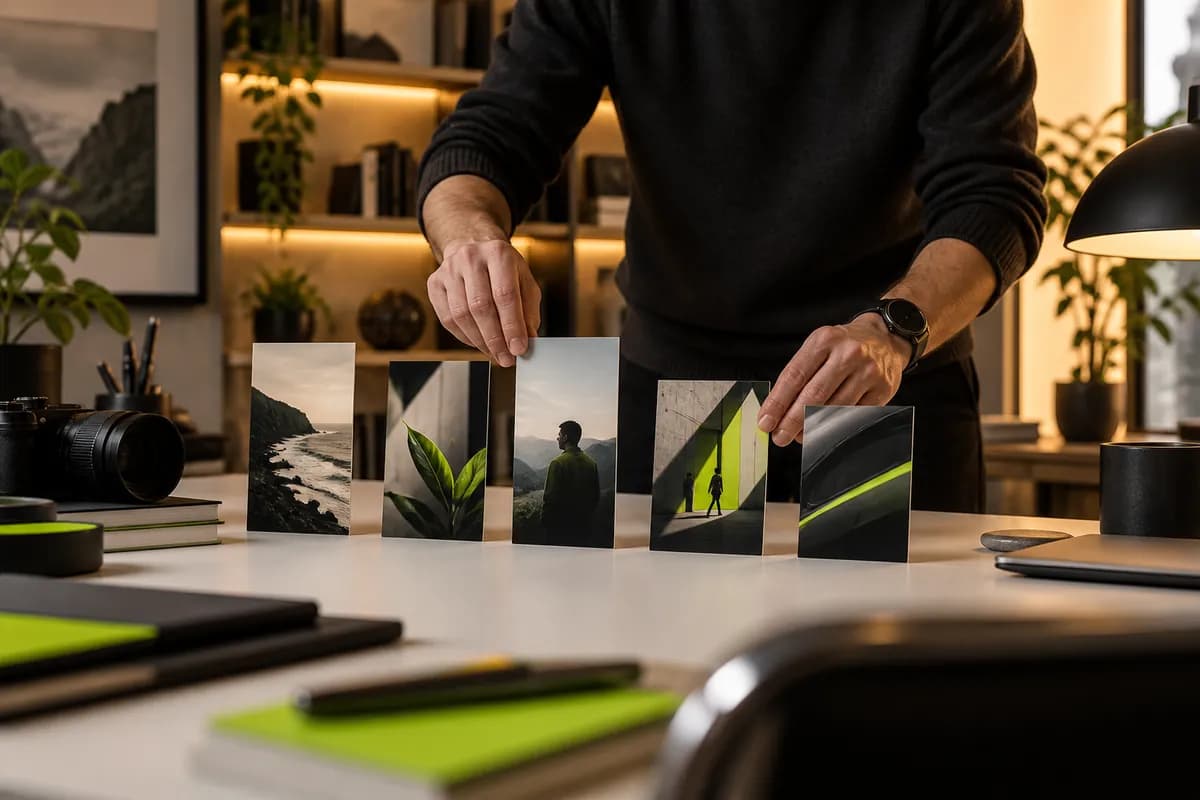
There is no need to search through hours of footage by hand. Vidione finds the best sections of your long-form content so you can publish clips and Shorts faster. Whether you want a high-energy highlight or a thoughtful snippet, the first cut is ready in minutes.
The AI evaluates flow, clarity, impact, and relevance to surface moments with real audience potential. You stay in control of the final selection, then personalize each clip with your own caption style, logo, music, and brand look.
Starting from zero? Use a prompt to generate a clip concept, supporting footage, and narration. You can also add an expressive avatar or a custom voice so new content feels consistent with everything your brand already publishes.
Vidione changed how quickly our team can make polished social content from the recordings we already have.
Jordan Lee
Content Operations Lead
The captions are remarkably clear, and the workflow has taken our weekly publishing to another level.

Riley Morgan
Brand Marketing Manager
We moved from several separate tools to one place and can now edit, caption, and publish in the same flow.
Casey Rivera
Studio Producer
It feels like a real production partner. The time saved gives me room to focus on ideas instead of repetitive editing.

Taylor Nguyen
Independent Educator

Find a reliable workflow for turning long-form conversations into more useful short-form content without starting from scratch each time.
Learn how a focused AI workflow can help your team discover more publishable moments from the content you already recorded.

Posting more often is only part of the answer. Build a repeatable content system that helps your strongest ideas travel further.
Vidione is a complete AI video creation workspace for generating, polishing, and repurposing content in one connected workflow. Turn long recordings into social clips, create new videos from written ideas, or refine existing footage without switching between tools.
Make videos that feel considered and unmistakably yours. Bring together captions, visual polish, voice, music, and brand details in one place, then publish with confidence wherever your audience watches.