

Step 01
Upload or record
Bring in a video from your device, or record a fresh clip directly with your webcam.
Create engaging TikTok videos online for every social platform. Turn your ideas into polished, trend-ready content in minutes.
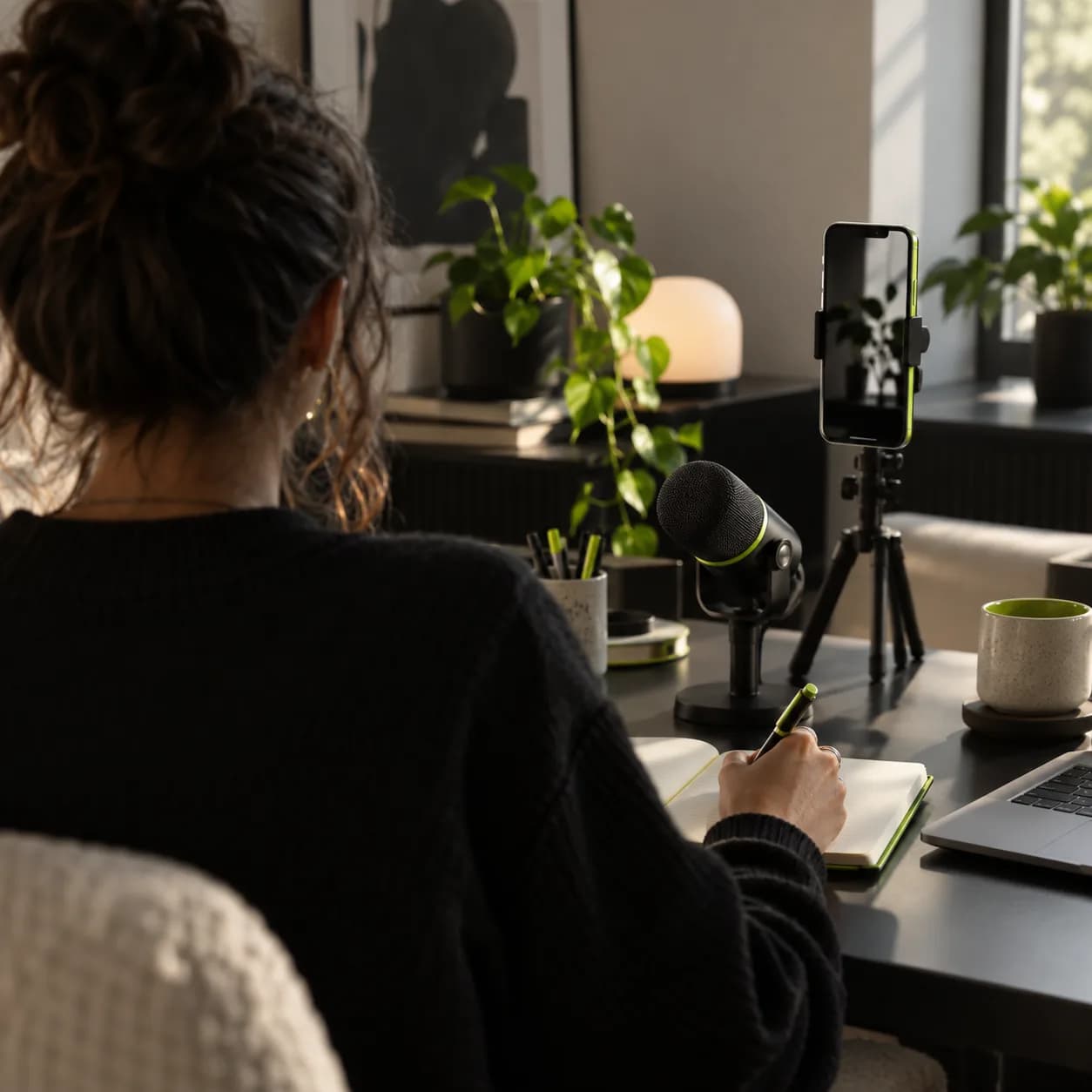
Take your TikTok content further with a quick, intuitive editor built for creators at every level. Cut clips, resize them for different platforms, and shape polished videos that earn more views and keep audiences watching.
With simple drag-and-drop controls, you can create professional-looking content without a complicated workflow. Add captions and royalty-free music, trim long recordings in a click, or turn a written idea into a video with AI video tools.
Step 01
Bring in a video from your device, or record a fresh clip directly with your webcam.
Step 02
Use filters, effects, animated text, and more. Choose the TikTok canvas size so every frame fits perfectly.
Step 03
Export your finished video and share it across your socials, or save a reusable version for your next idea.
Learn more
Resize any clip to TikTok’s 9:16 format with preset canvas sizes. You can also create a quick voiceover from text or dub and translate your audio.
Generate subtitles automatically, then place and style your on-screen text wherever it makes the story clearer.
Add background music, your own audio, and royalty-free sound clips without being limited to a platform library.
Upload your clip, choose the TikTok canvas size, and make your edits. Trim, merge, rotate, add text, music, and captions, then export when your video is ready to share.
Yes. Edit an existing clip or upload a new recording from any desktop browser, then resize it for TikTok in just a few clicks.
Here are three useful reasons:
Once a TikTok has been posted, its original video cannot be replaced. Make your changes in an editing app first, then export and upload the updated version.
Four of my first clips reached more than 40,000 impressions on LinkedIn.

I skipped the tutorial spiral and started shaping professional clips right away.

Cleaner audio and a better eye line made our creator ads work harder.

Beyond trimming, my videos finally feel polished enough to publish with confidence.

Our team can turn one idea into several platform-ready edits before lunch.

The captions are fast to generate and easy to make feel like part of the story.

It gives every creator on our team a simple way to keep the visual language consistent.

We moved from raw recordings to finished vertical stories without adding more tools.


Explore platforms and workflows that can help marketers and creators grow reach, engagement, and creative momentum beyond one feed.
Learn more
Use captions to make short-form videos easier to follow, more accessible, and more engaging for viewers watching without sound.
Learn more
Find practical creative prompts and trend-aware directions that can help your next vertical video reach a wider audience.
Learn more
Lots of creators start with Vidione for TikTok editing, then discover a wider set of tools for making social content. Edit, subtitle, resize, translate, and refine your videos in one accessible online workspace. Start free and see what your next idea can become.