Step 01
Choose a template
Browse ready-made banner layouts and choose a composition that fits your channel, audience, and visual identity.
Design polished social banners in minutes. Start with a strong template, describe your edits in plain language, and create the right format for every channel.
Need headers for LinkedIn, Facebook, or YouTube but do not have time for endless drag-and-drop editing? Vidione helps you build social banners in minutes. Choose a composed starting point, explain what should change, and export without wrestling with layers or spacing.
Start with a polished layout instead of a blank canvas. Refresh the headline, shift the colors, or change the visual mood with a short prompt. Whether you are updating a brand or launching a campaign, every banner is ready to share quickly.
Browse ready-made banner layouts and choose a composition that fits your channel, audience, and visual identity.
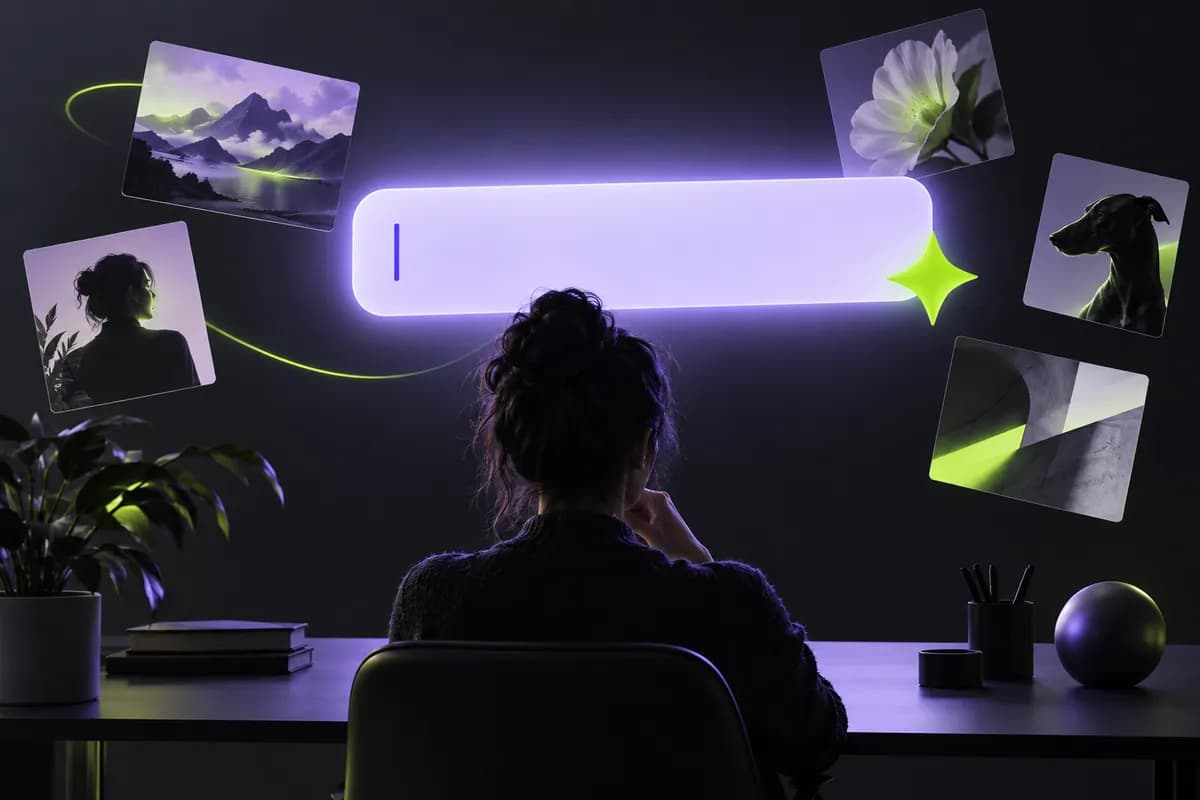
Tell Vidione what to adjust: wording, colors, layout, or style. Use natural language to shape the design without manual layer work.
Download the finished design and make variations for LinkedIn, Facebook, YouTube channel art, or any other format you need.
Learn more
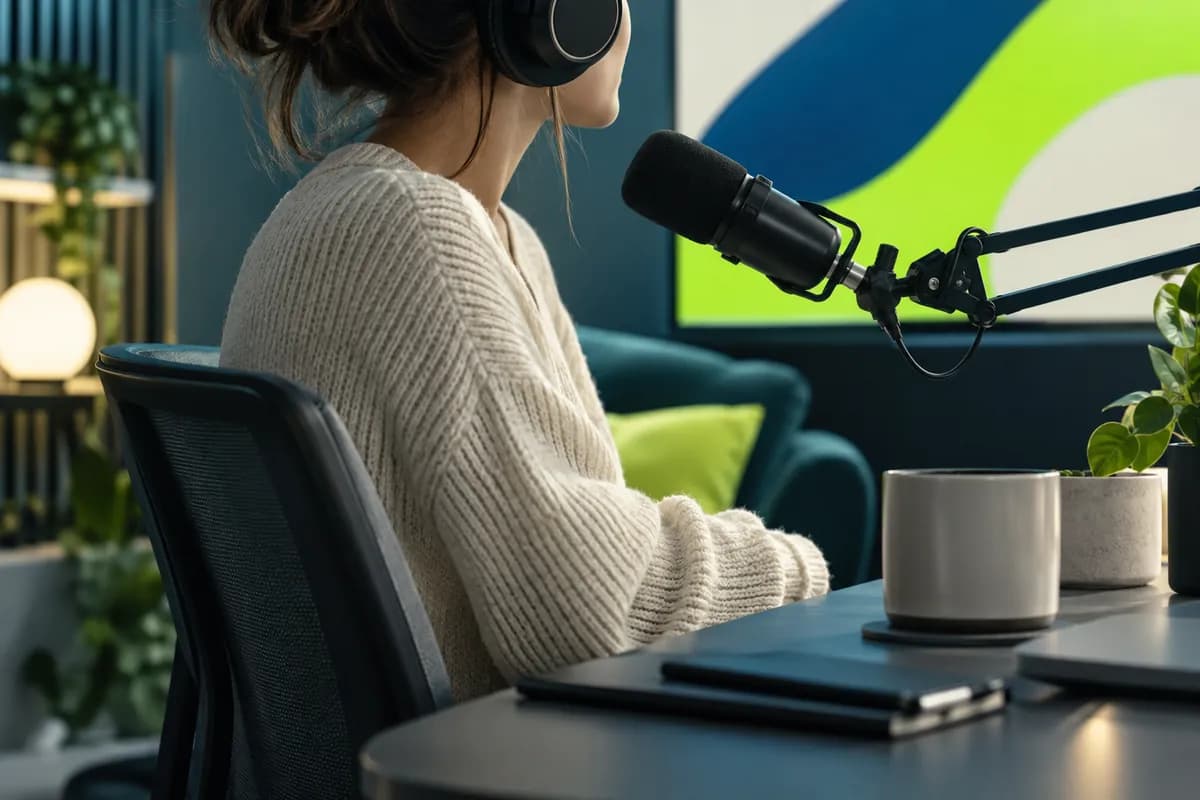
Your banner is often the first thing people see on LinkedIn, Facebook, X, or YouTube. Start from a design built for impact, then refine it with prompts. Change the headline, adjust the palette, or shift the overall style. Choose the right image model for high-fidelity edits, text-heavy layouts, or fast experiments.
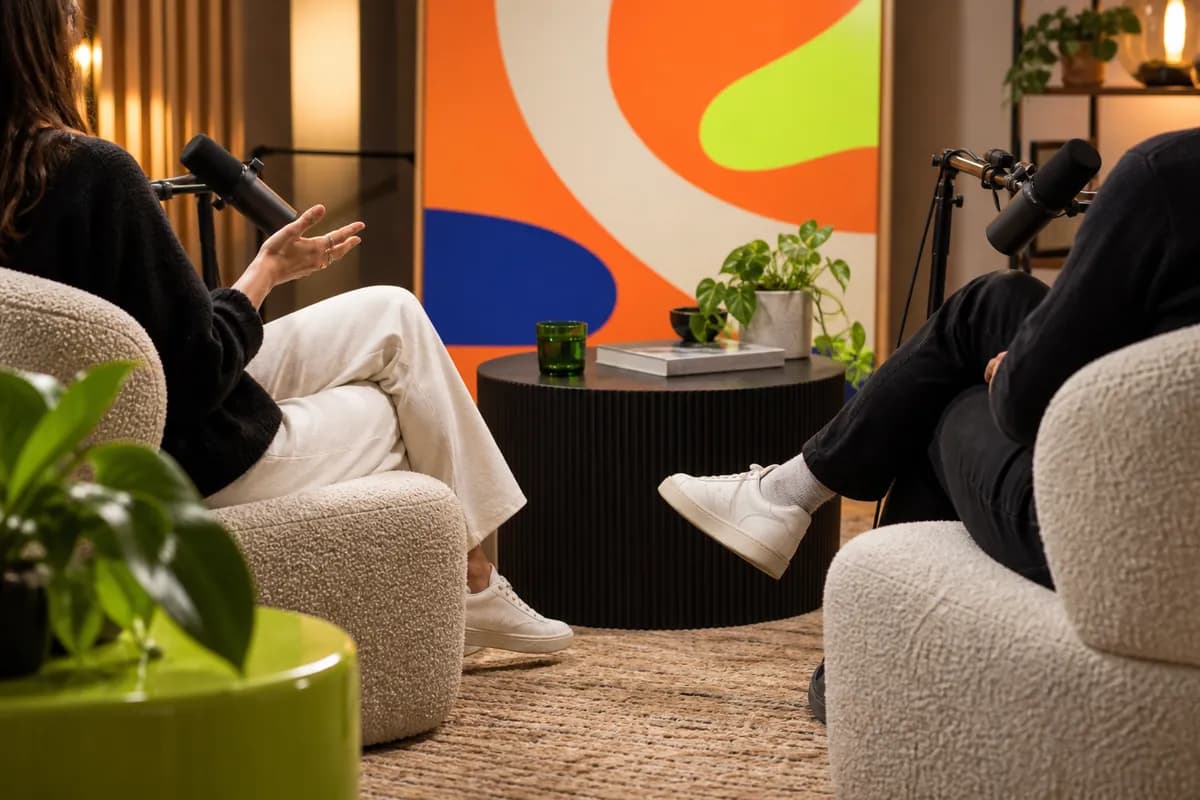
You are not limited to templates. Upload a product photo, headshot, or brand asset and turn it into a social-ready composition. Open it in the image editor, describe the transformation, and let Vidione reshape the composition, add visual layers, or restyle the image.
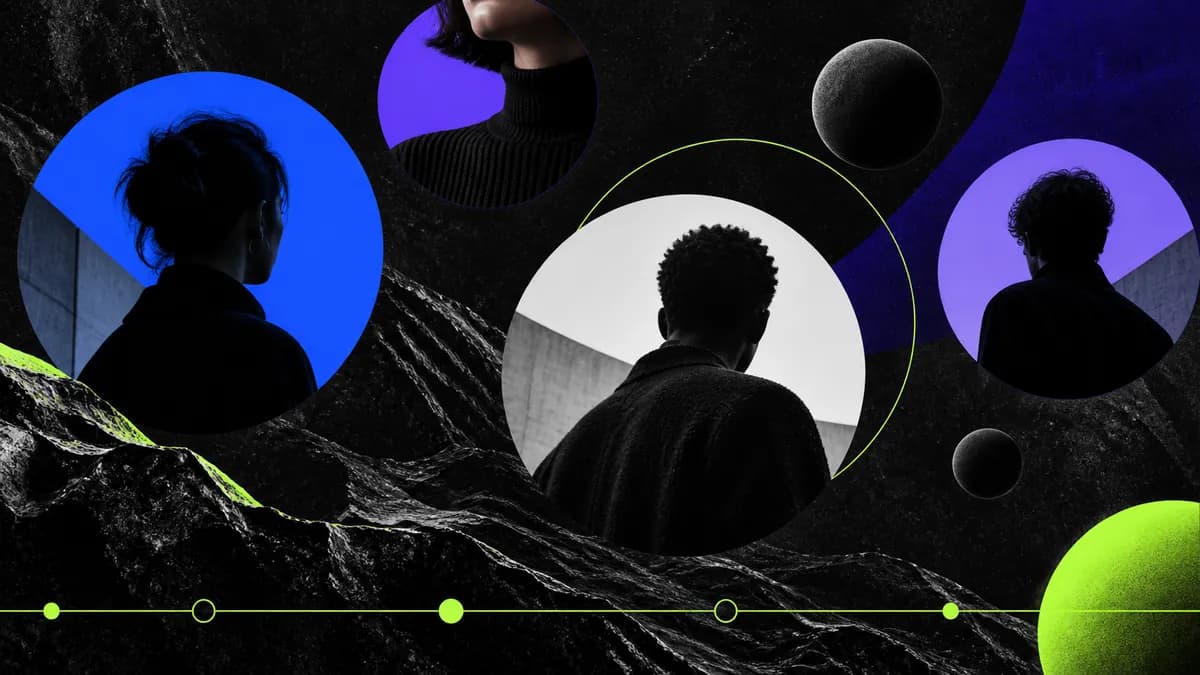
Go beyond a static header. Bring your artwork into Vidione's editor to create channel intros, trailers, promotional clips, and animated variations. One creative workspace gives you banner design, motion graphics, and full video editing in the same place.
Social media banners are the wide header images that sit at the top of profiles on platforms such as LinkedIn, Facebook, X, and YouTube. They create an immediate impression, reinforce your visual identity, and give launches or key messages a prominent place to live.
Try one of these starting points:
Instead of adjusting every element by hand, you can describe the change you want in everyday language. Pick a strong layout, ask for a darker background or a new headline, and let the editor apply the direction while keeping the composition coherent.
It is made for creators, marketers, founders, social teams, and anyone who needs polished channel artwork without becoming a full-time designer. Templates help you move quickly, while prompts make iteration simple.
Use one clear message, strong contrast, a recognizable visual direction, and enough breathing room around important details. Keep platform crops in mind and make sure the design still reads at a glance.
You can start creating without a credit card. Explore the editor, try a template, and see how quickly you can build a banner before choosing the workflow that fits your needs.
The first four banners we made with Vidione helped our launch stand out immediately.

I found the right workflow at the right time. We moved from idea to on-brand artwork without losing momentum.

I skipped the long tutorial process. The prompt-based edits made the first draft feel surprisingly close.

You can go beyond trimming content. Vidione makes the finished work feel intentional and polished.
Our small team can now produce a complete set of channel graphics before the campaign meeting ends.

The visual quality is high enough for client work, but the process is quick enough for daily social publishing.

It gives every team member a clear starting point, so our brand looks consistent without slowing anyone down.

The finished banners look considered, even when they were created between two fast-moving launch tasks.

A practical guide to creating channel artwork that stays clear, balanced, and eye-catching across every crop.
Read the guide
Learn how to give generative image tools clearer creative direction and get more useful results from the first attempt.
Read the guide
See how a consistent visual language can turn everyday video into a stronger asset for your audience and your brand.
Read the guide
Social publishing never slows down, and your content workflow should not either. Vidione is an AI-powered creative platform that turns ideas into polished, ready-to-share visuals and videos. Describe a concept or enter a script in the creative studio, then choose an avatar, voice, or visual direction to bring it to life. Build on-brand content at scale and keep every channel moving.