



Step 01
Upload your video
Bring your clips into Vidione and start shaping your next YouTube upload. There is nothing heavy to install: add your footage in the browser and begin with a clean, ready-to-edit project.
Make polished YouTube videos, grow your audience, and turn every upload into momentum.
No credit card required
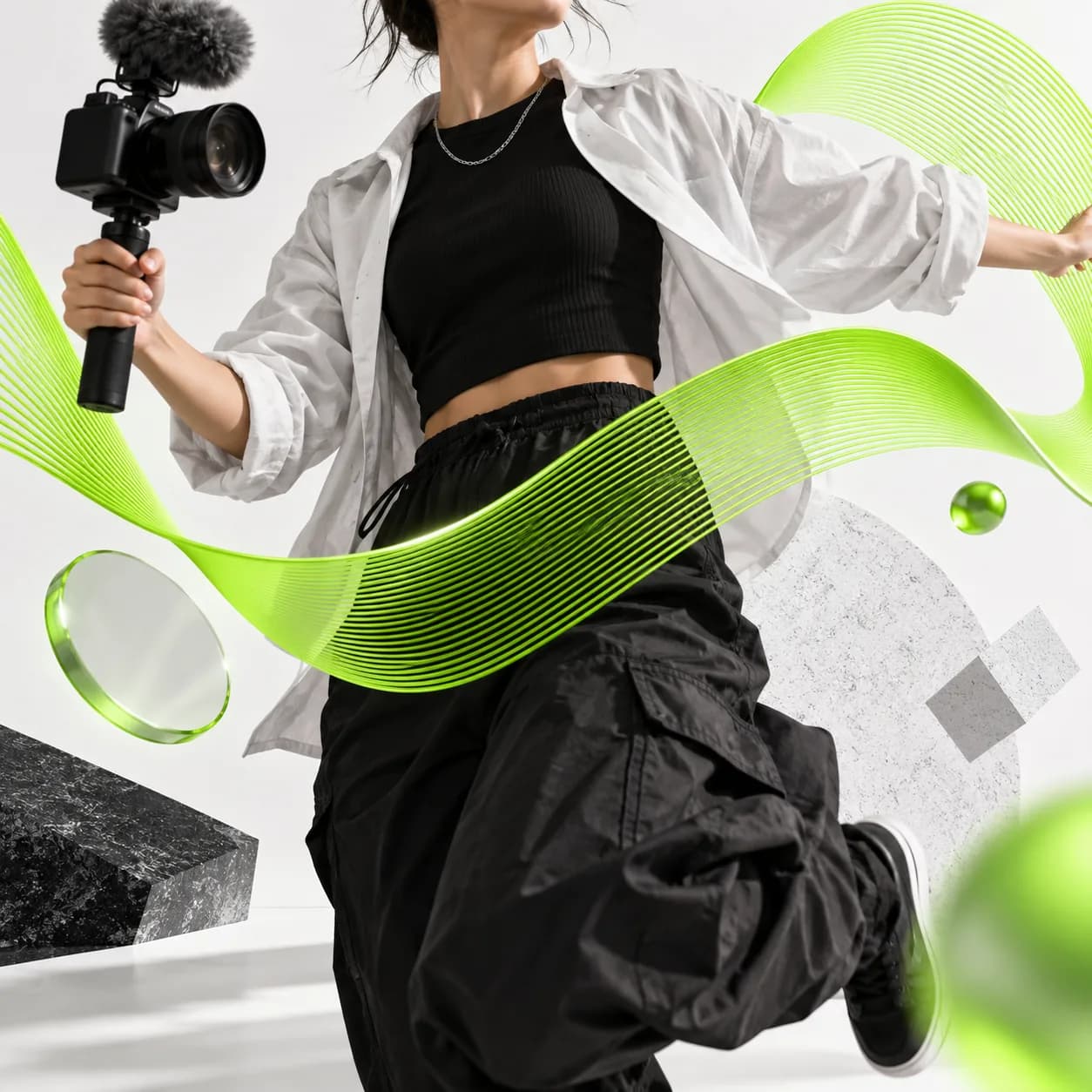
Ready to grow your subscriber base? Build a stronger audience with beautifully edited YouTube videos made online and free. Vidione gives you the essential tools to shape every story, from quick cuts and captions to polished visual details. Speak clearly to your audience, earn attention, and keep creating content people want to watch.
Step 01
Bring your clips into Vidione and start shaping your next YouTube upload. There is nothing heavy to install: add your footage in the browser and begin with a clean, ready-to-edit project.

Step 02
Trim, crop, add music, captions, filters, and more with tools that feel easy from the first click. Give your YouTube videos a confident, professional finish in just a few minutes.
Step 03
When your video is ready, choose Download and share it with your audience. Export a finished upload quickly, then keep creating without complicated software or a long setup.
Learn More
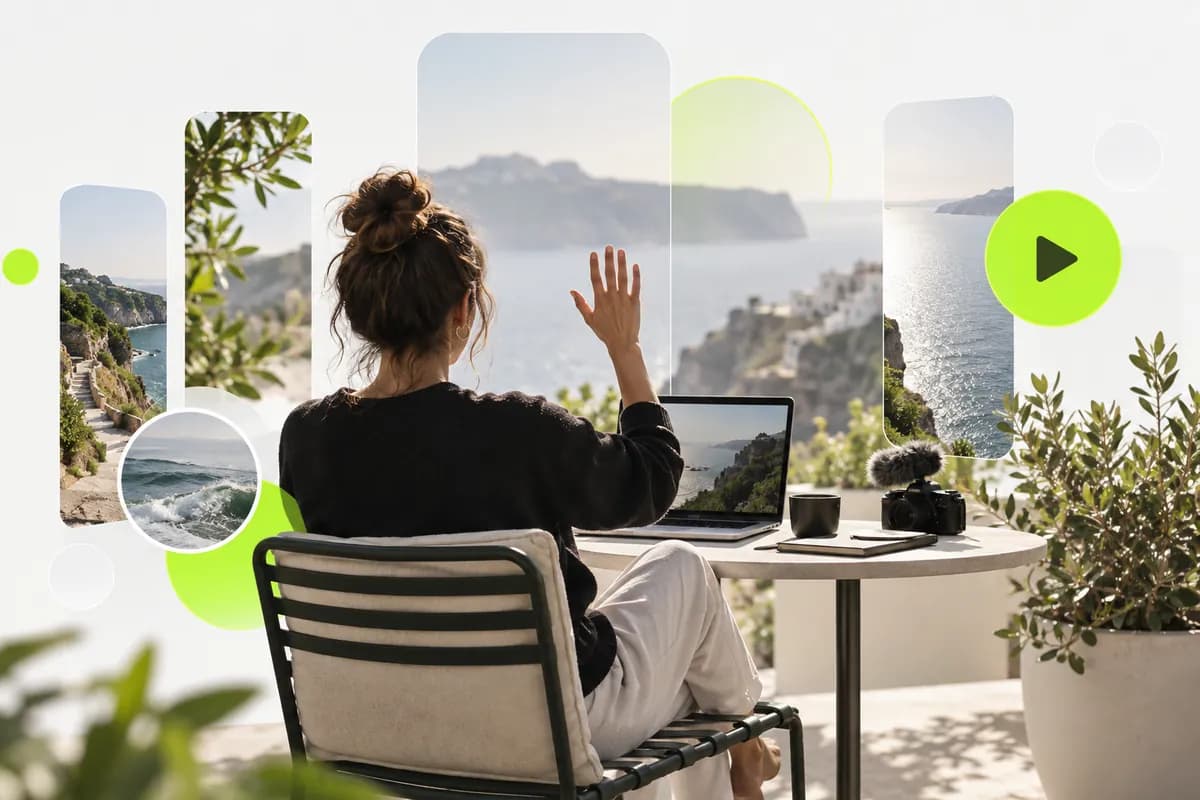
Turn raw footage into show-stopping, YouTube-ready content online and at no cost. Vidione gives you a flexible set of editing tools for speeding up, slowing down, rotating, filtering, cropping, and refining your videos. Resize one idea for Instagram, TikTok, and more as your audience grows.
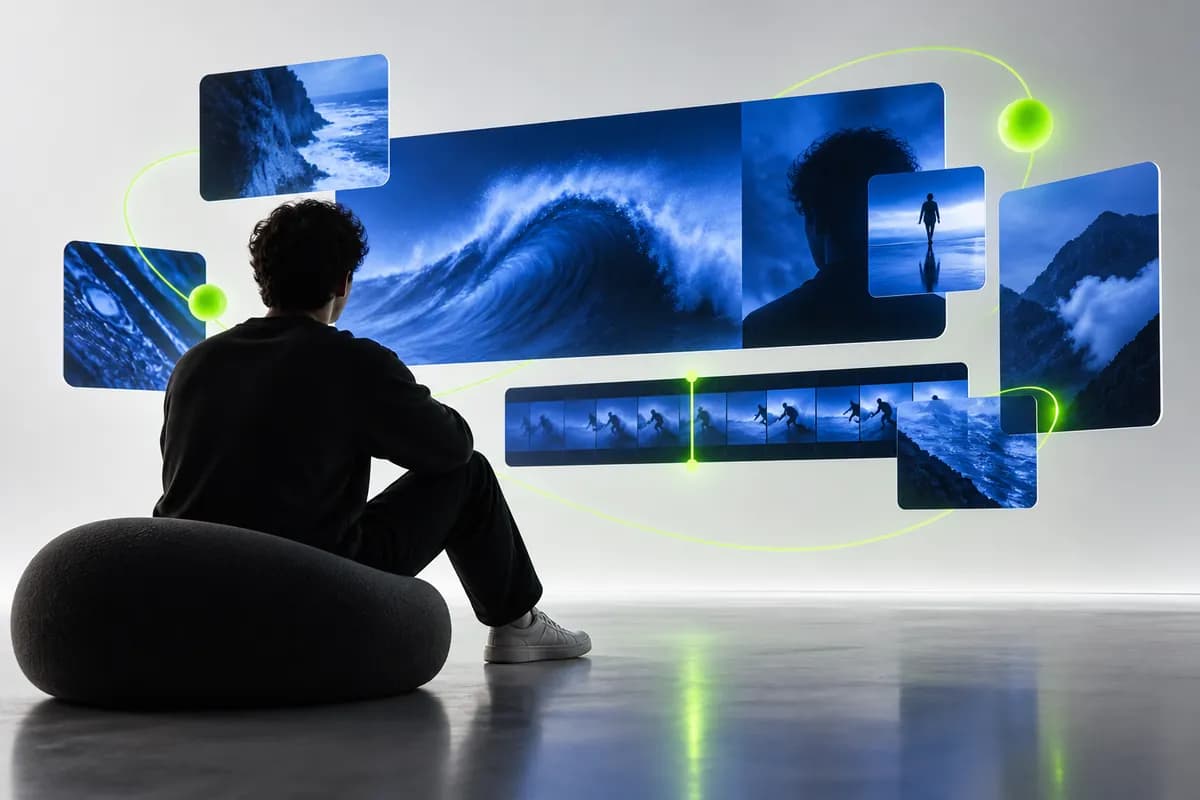
Use YouTube to build a stronger connection with your followers and turn viewers into subscribers. Bring your visual identity into every upload with consistent colors, imagery, stickers, and type treatments that make your channel feel unmistakably yours.

Be as creative as you like with an editor built for momentum. Refine your footage, add the finishing details, and download a polished video in seconds. Watch it back, share it with your followers, and move straight on to your next idea.
Loved by the Fortune 500
The first few videos I made with Vidione passed 40,000 impressions on LinkedIn.

I found Vidione at exactly the right moment. Our short-form edits now feel much more intentional.

I skipped the long tutorial trail and jumped straight into making polished videos.

You can go beyond basic cuts. Vidione makes my videos feel finished and ready to share.

The first few videos I made with Vidione passed 40,000 impressions on LinkedIn.

I found Vidione at exactly the right moment. Our short-form edits now feel much more intentional.

I skipped the long tutorial trail and jumped straight into making polished videos.

You can go beyond basic cuts. Vidione makes my videos feel finished and ready to share.

No credit card required
Vidione is built for much more than one kind of upload. Create ads, trailers, GIFs, presentations, social clips, and more with a single flexible editing toolkit. Explore practical guides, tutorials, and creative resources to discover new ways to make Vidione work for your channel, your team, and your brand.