Step 01
Upload video or start from scratch
Bring in your footage or open a blank canvas. Vidione also includes a stock library for getting a project moving quickly.
Turn written words into a natural voice and pair it with any video using Vidione’s AI text-to-speech studio.

Vidione turns written ideas into narration and voiceover in more than 50 languages. Paste your script and our AI reads it aloud in moments, helping you create podcasts, audiobooks, explainers, and documentary-style videos with expressive synthetic voices. You also get the full toolkit of video editing tools in the same workspace.
Choose voices that feel conversational and human rather than flat or mechanical. Skip the recording booth and endless retakes, then add narration to social posts, tutorials, and branded videos. Translate your message for new audiences, or use an AI avatar to present the finished script. Need audio only? Export your project as an MP3.
Step 01
Bring in your footage or open a blank canvas. Vidione also includes a stock library for getting a project moving quickly.
Step 02
Open Audio, choose Text to Speech, select a language and voice, then paste your script. Generate it and the narration appears in your timeline.
Step 03
Export the finished video, or continue refining it with music, titles, captions, and branded visual details.
Learn More
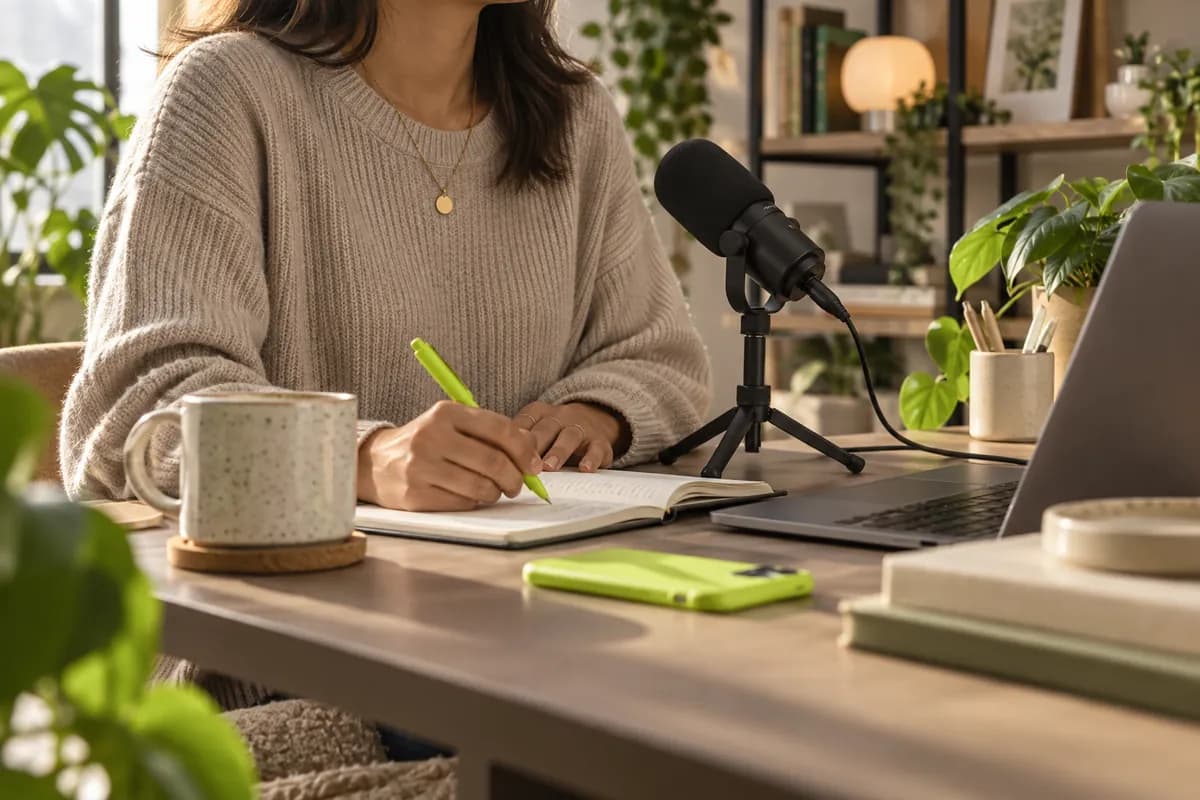
Work directly in your browser to turn written scripts into polished voiceovers. No complicated download or recording setup is needed: paste your text, select a voice, and let Vidione read it aloud. Add a digital presenter when you want a face on screen, keep voice profiles consistent across projects, and translate narration into different languages.
Select from a broad range of masculine, feminine, youthful, mature, calm, bright, and energetic voices. Pair a voice with a digital presenter, choose the delivery style that fits your brand, and create narration that feels distinctive instead of generic. With expressive speech synthesis, every text-to-speech video can sound like it belongs to you.
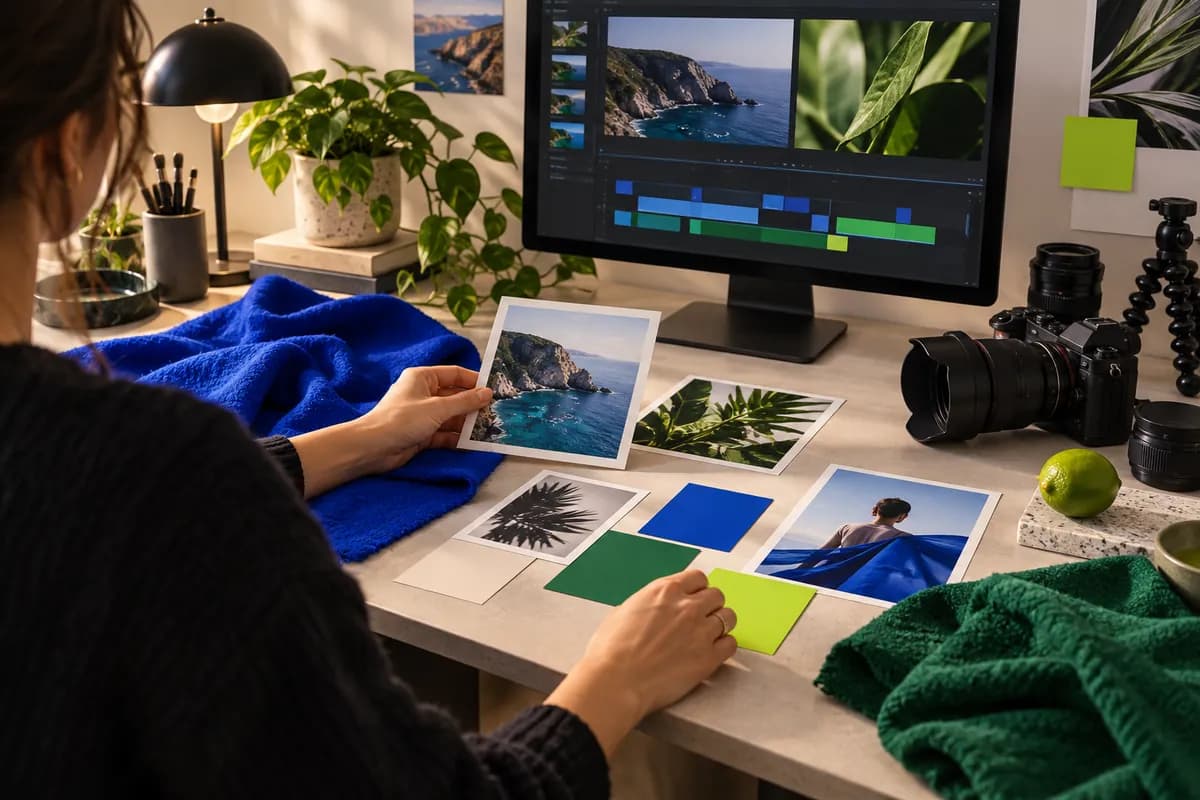
Create social posts, marketing videos, lessons, and other narrated content without jumping between tools. Start with your footage or generate a video with AI, then add logos, brand colors, animated type, and styled captions. Improve the image, clean up the sound, and keep the full production workflow together from first idea to final export.
Loved by the Fortune 500
The first four videos I made with Vidione passed 40,000 impressions on LinkedIn.

I found Vidione at exactly the right time. Our UGC workflow became faster, cleaner, and much easier to scale.

I did not need a long tutorial series. I opened the editor, understood the flow, and started publishing.

Vidione takes the repetitive work out of editing and still leaves room for the videos to feel unmistakably ours.

Looking for a better synthetic voice? We tested the leading options so you can compare their sound, controls, and creative workflows in one place.
Learn More
Choosing an AI presenter can be difficult. This practical round-up compares the tools worth testing for explainers, training, and social content.
Learn More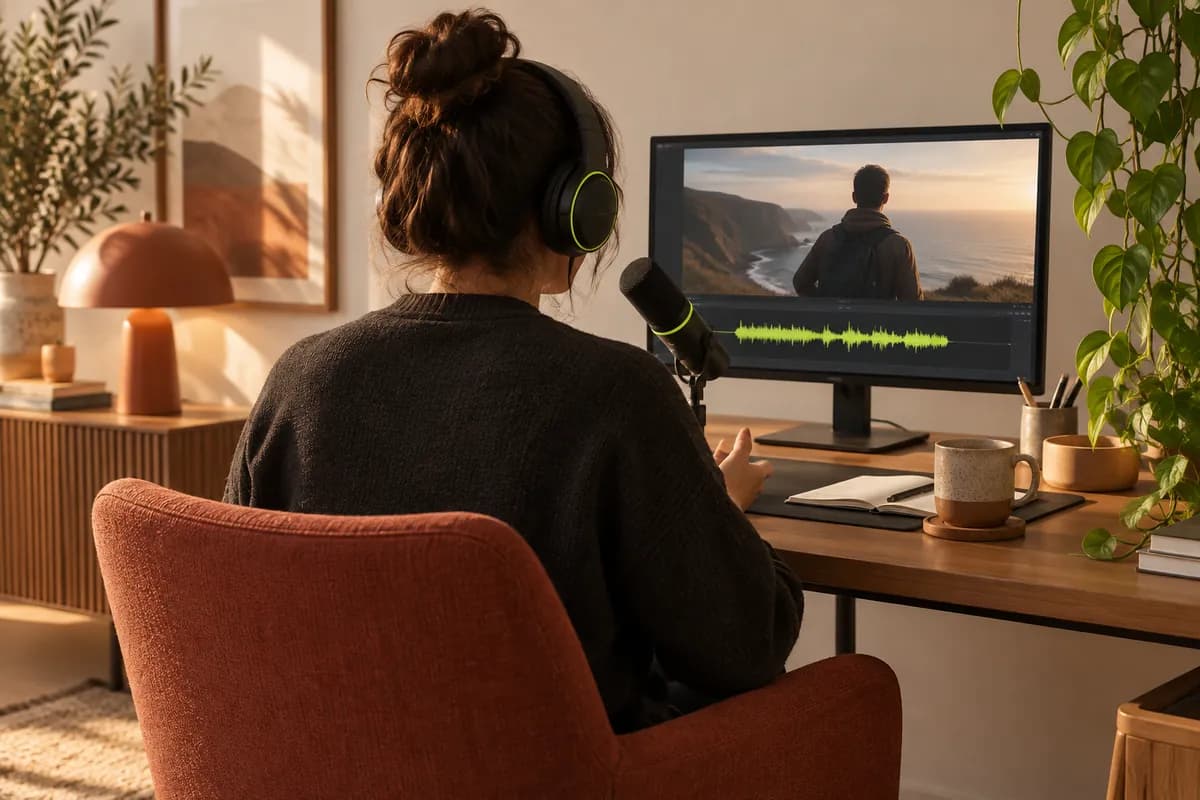
Dubbing does not have to be complicated. Learn how to plan your script, match timing, and create a voice track that feels natural from start to finish.
Learn More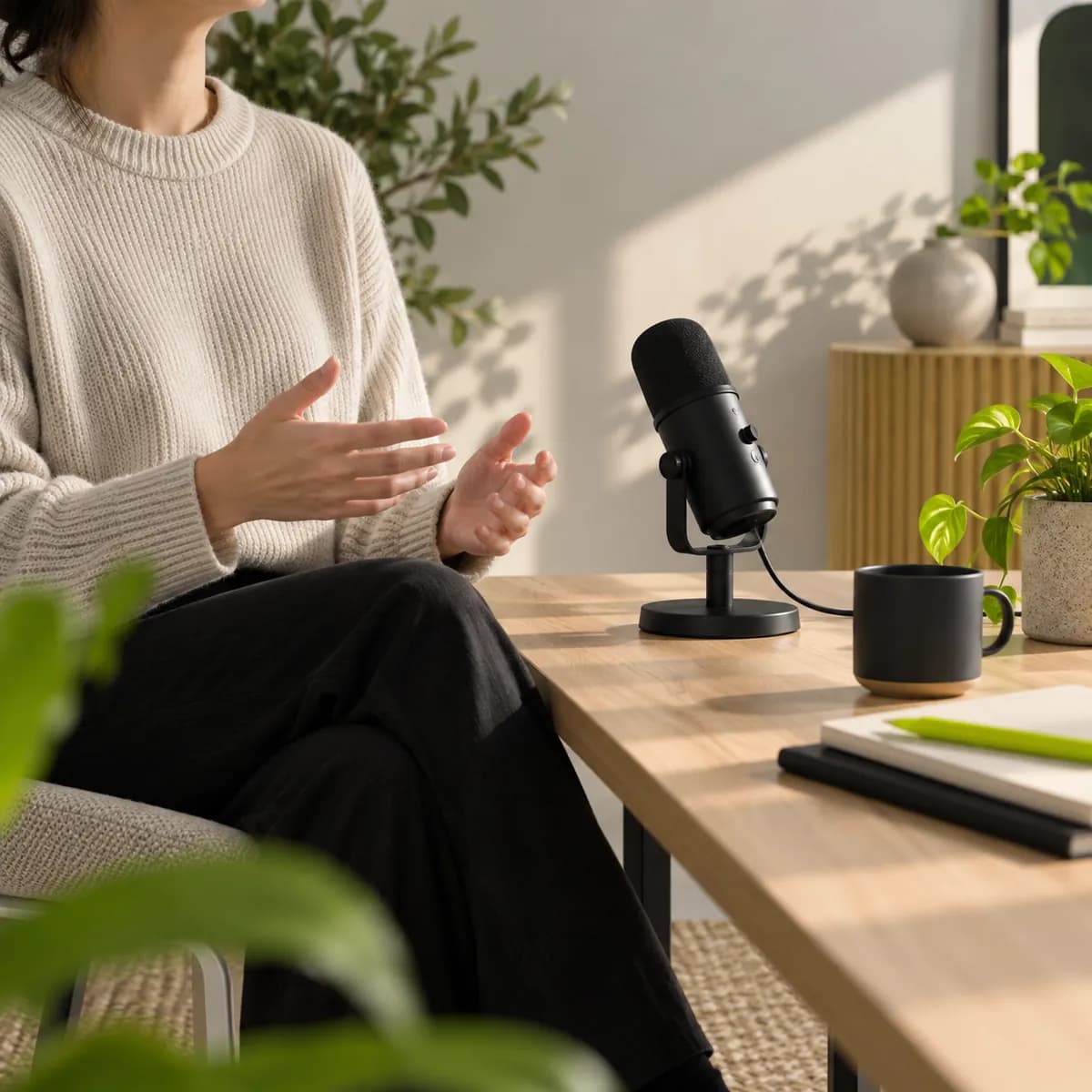
Do more with video than simply generate speech. Vidione is an AI video creation platform where you can build videos with powerful models, then shape the result with your own footage, assets, and visual identity. Add logos and brand colors, dub your content for global audiences, and create captions in more than 125 languages. Everything you need to move from first idea to publish-ready video is together in one place.