
Step 01
Generate subtitles or captions automatically
Upload your video and let Vidione create a timed transcript. Add sound descriptions such as [music] or [laughter], edit the words, or upload your own subtitle file.
Create accurate subtitles and expressive captions in minutes. Make every word clear, accessible, and ready for the next scroll.
Make your videos easier to follow and more engaging, even when the sound is off. Upload a clip, generate a highly accurate transcript, then style the captions to fit your visual identity. Add dynamic captions that move with the rhythm of your voice.
Burn captions into the final video or download a subtitle file in SRT, VTT, or TXT format. The workflow is made for social clips, campaigns, tutorials, and every format in between, with no card needed to get started.
Step 01
Upload your video and let Vidione create a timed transcript. Add sound descriptions such as [music] or [laughter], edit the words, or upload your own subtitle file.
Step 02
Adjust type, color, placement, and animation until the captions feel like part of your brand. Highlight keywords and let important phrases pop as they are spoken.
Step 03
Download a video with captions permanently visible, or export SRT, VTT, and TXT files for use across your other publishing tools and platforms.
Learn more

Turn spoken dialogue into accurate captions in minutes, without typing every line yourself. Vidione surfaces uncertain words, names, and technical phrases so you can quickly review the transcript before exporting.
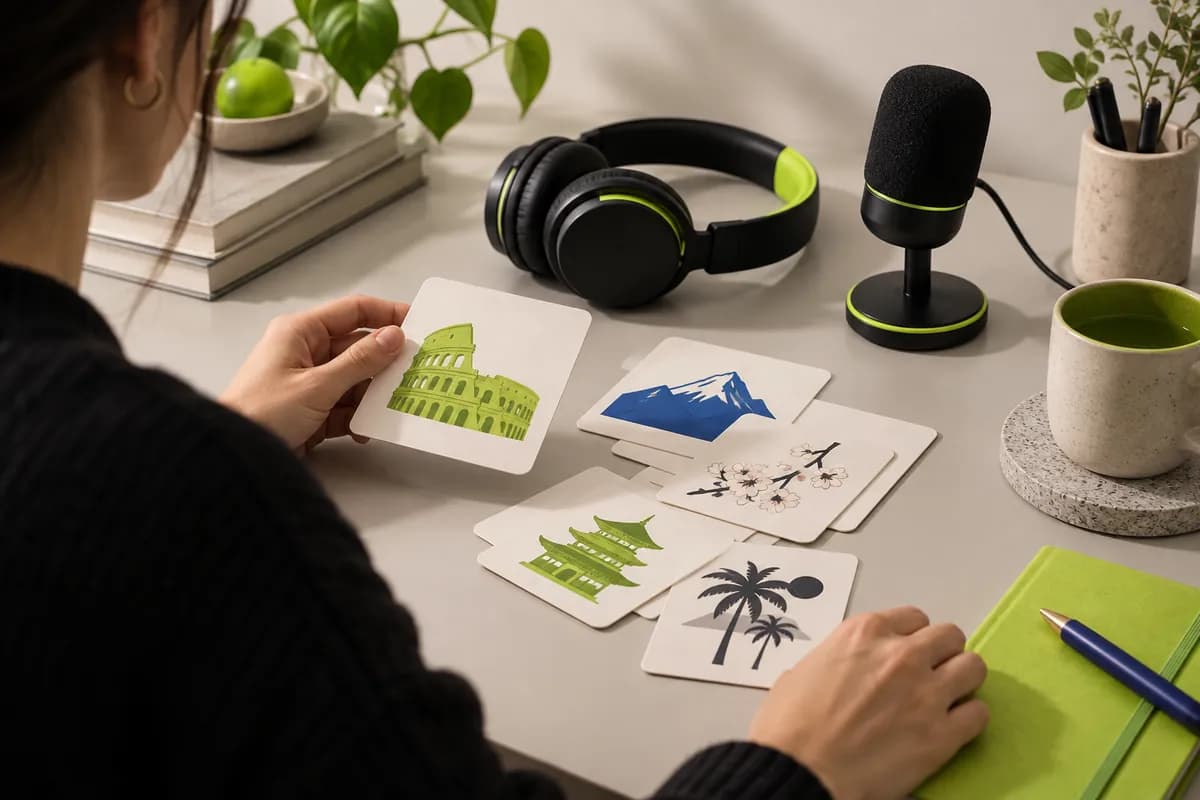
Reach more viewers by translating your subtitles into over 125 languages. Work with common video formats, then export multilingual captions or burn them directly into your video for a ready-to-share result.

Export subtitle tracks as SRT, VTT, or TXT files for flexible publishing. Closed captions can be switched on and off by viewers, making your content more accessible across players and platforms.

Choose caption styles that feel unmistakably yours. Change fonts, colors, placement, and motion, then emphasize keywords as they are spoken for short-form videos that stay engaging with the sound off.
There are three simple ways to add subtitles with Vidione:
For repeated workflows, a subtitle API can process multiple files programmatically.
Generate a transcript first, then edit it to include useful sound descriptions such as [applause], [music], or [phone rings]. Export a subtitle file for toggled captions or burn the captions directly into the final video.
Subtitles generally represent spoken dialogue for people who can hear the audio. Captions include dialogue plus relevant sound information, helping deaf and hard-of-hearing viewers follow the complete experience.
Yes. Export an SRT or VTT file for a platform caption track, or export a finished video with the captions permanently visible. Both workflows work well for tutorials, interviews, and short-form clips.
Upload your vertical video, generate the transcript, then choose a high-contrast animated style. Keep captions inside the safe area and emphasize only the words that matter most to the story.
Yes. Upload the downloaded file in a supported format, create or import the subtitles, and export either a captioned video or a separate subtitle track.
Vidione is free to try with no card required. Plans and export limits may vary depending on the length of your videos and the features you use.
Our first few clips crossed 40,000 impressions on LinkedIn.

I opened the editor and started cutting—no long tutorial series needed.

The workflow helped our team move from rough draft to publishable video in one sitting.

It does more than trim clips—it makes the finished videos feel polished.

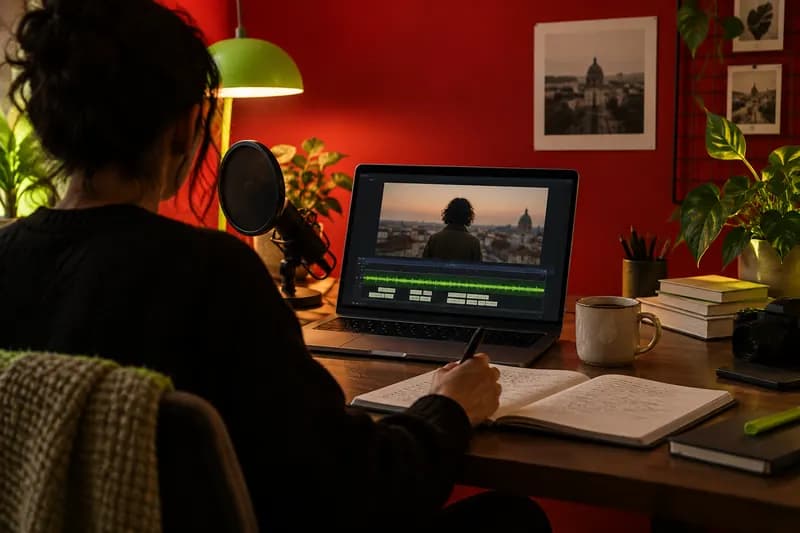
Learn the fundamentals of making video content easier for everyone to understand, follow, and enjoy.
Learn more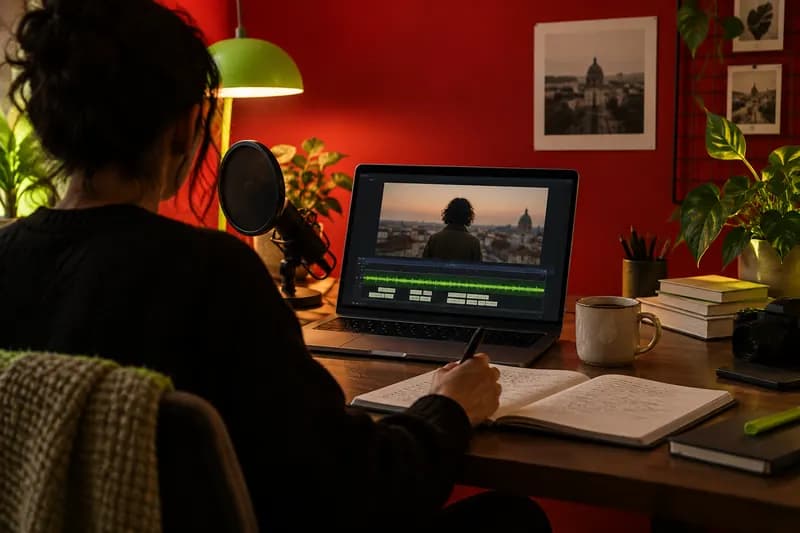
Understand what separates subtitles from captions and how to choose the right format for your audience.
Learn more
Explore a practical workflow for generating, customizing, translating, and downloading subtitles.
Learn more
Vidione is more than an online caption generator. It is an AI video creation platform for teams that need polished, on-brand social content at scale. Add subtitles, resize videos, repurpose clips, and localize content in one focused workflow. Extend your reach with AI dubbing, move from idea to publishable video without switching tools, and start creating directly in the Vidione mobile experience.