


Step 01
Upload or record your video
Bring a clip into the editor. Vidione works with common formats including MP4, MOV, AVI, MKV, FLV, and MPEG. You can also capture a fresh video with the built-in recorder.
Make every word easier to hear. Clean unwanted sounds from your videos in seconds with Vidione’s AI audio enhancer.
Step 01
Bring a clip into the editor. Vidione works with common formats including MP4, MOV, AVI, MKV, FLV, and MPEG. You can also capture a fresh video with the built-in recorder.
Step 02
Our audio enhancer finds distracting sounds such as wind, traffic, air-conditioning hum, room chatter, and more, then clears them from the spoken track automatically.
Step 03
Raise the volume, add smooth fades, or layer in background music. Export a polished result in high definition when your edit is ready to share.
See it in action
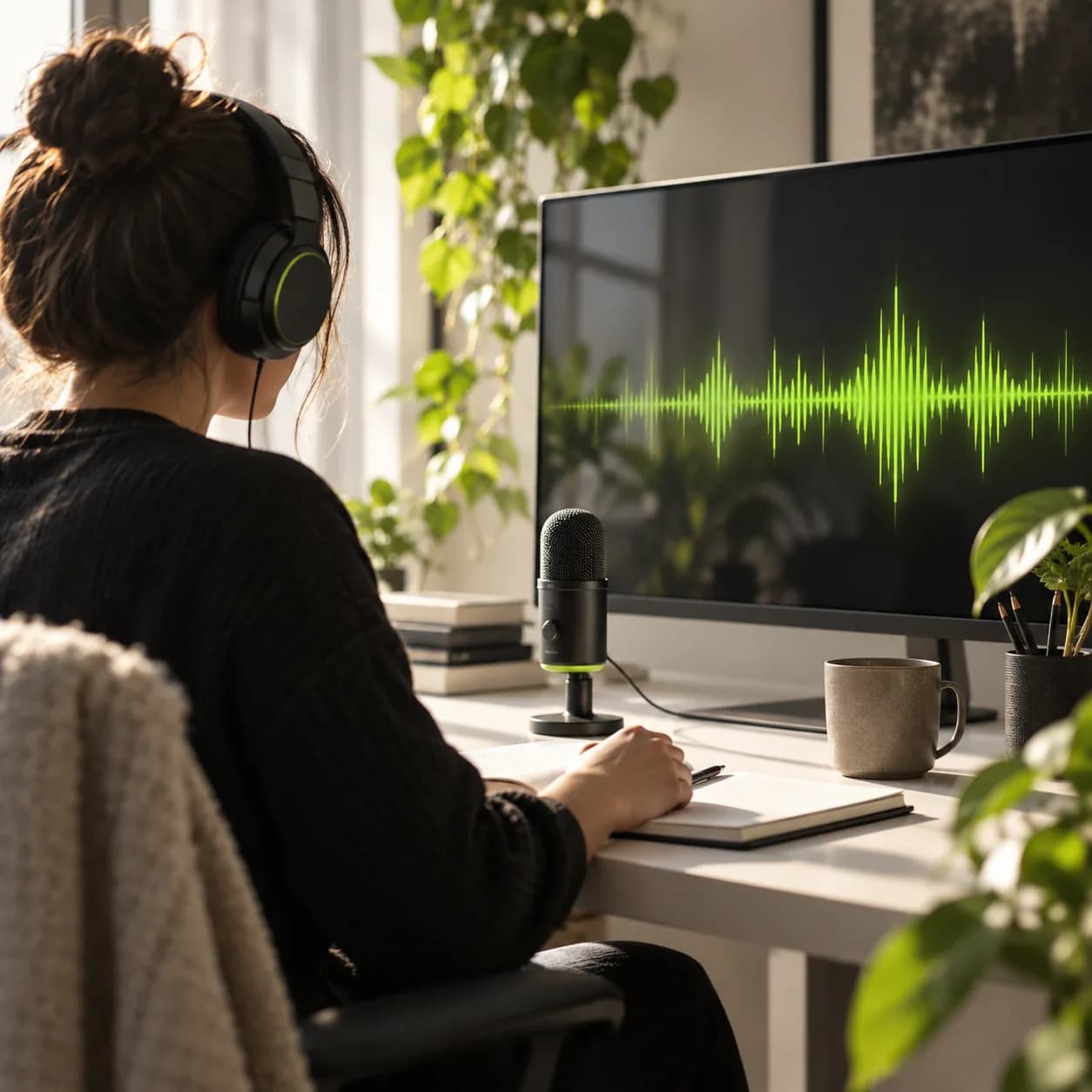
Clean up wind, hum, keyboard clicks, echoes, and background conversations without learning complicated audio software. Upload a video and get a clearer voice track with one simple action.
Viewers should focus on your message, not fight through distracting sound. Make dialogue easier to follow and keep your videos feeling calm, confident, and professional from the first second.
Vidione’s intelligent audio processing isolates speech while preserving the character of your recording. Get a cleaner, fuller result without expensive gear or a long editing session.
Skip file conversion and compatibility headaches. Clean audio from MP4, MOV, AVI, MPEG, M4A, MKV, FLV, and other popular video formats without giving up picture quality.
My first four videos crossed 40,000 views on LinkedIn.

The noise cleanup gave our UGC a much more professional finish.

I skipped the tutorials and started editing straight away.

It is more than trimming clips — my videos now look polished.

Clearer dialogue made our short-form content much easier to follow.

The whole cleanup process feels fast, focused, and refreshingly simple.

Our interview clips sound noticeably better with almost no effort.

Vidione helps our team make content that feels clear and considered.


We tested a range of recording options so you can choose a setup that makes capturing clean sound easier.
Learn more
Learn how to reduce distracting background sounds in a single focused step, without a complicated audio workflow.
Learn more
Explore practical ways to plan, edit, enhance, and publish social video without jumping between multiple tools.
Learn more
Great video needs more than clear audio. Vidione is an AI video creation workspace where you can generate ideas, add your own assets and brand style, then layer in captions, music, and polished edits without changing tools. It is built for creators and teams who want social videos to look sharp and sound natural. Start creating with Vidione today.