


Step 01
Record your voice
Open the Audio workspace, choose Voice Cloning, select a language, and read the supplied script in your natural voice.
Clone your voice in minutes and create natural-sounding AI voiceovers in your own style—just write your script.
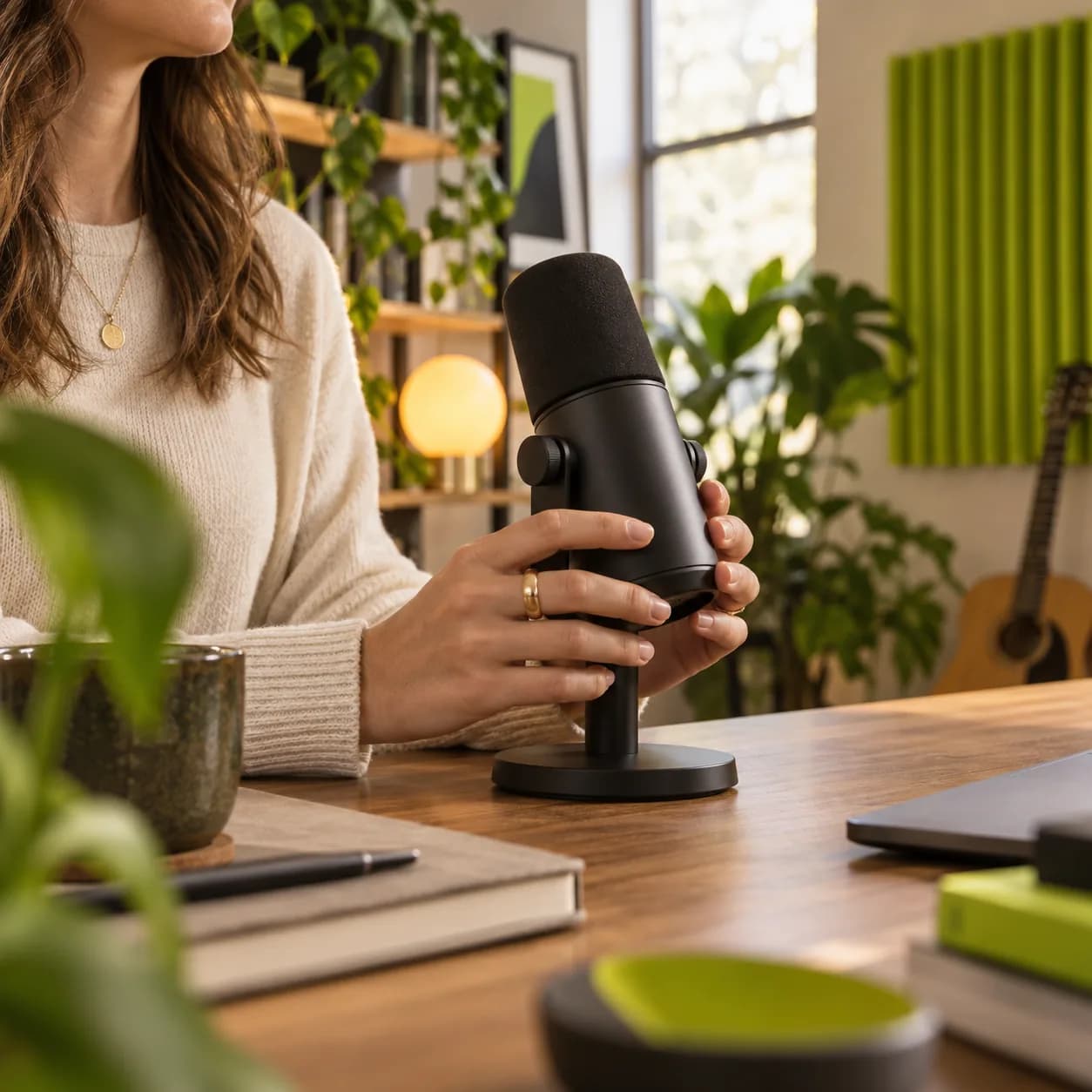
Vidione lets you capture your voice once and create natural voiceovers in 29 languages by typing a script. Add narration to social videos, campaigns, podcasts, and explainers without returning to the microphone every time. Send the finished voiceover straight into a video project, or dub your content for a wider audience. Try AI voice cloning free.
Step 01
Open the Audio workspace, choose Voice Cloning, select a language, and read the supplied script in your natural voice.
Step 02
Pick an output language, paste in your words, and generate a voiceover that follows the character of your recorded sample.
Step 03
Finish your edit and download the result as an MP3, or export a complete MP4 when your project includes video.
Learn more
Record a short sample and let Vidione handle the rest. Type your words and generate up to four minutes of natural-sounding narration at a time—ideal for social content, podcast intros, explainers, and video ads. Your vocal character stays present across every project.
Capture your voice once and create voiceovers in Spanish, French, Portuguese, and more. There is no need to rerecord every version. Write your script in the language you need and keep the same familiar voice for multilingual campaigns.
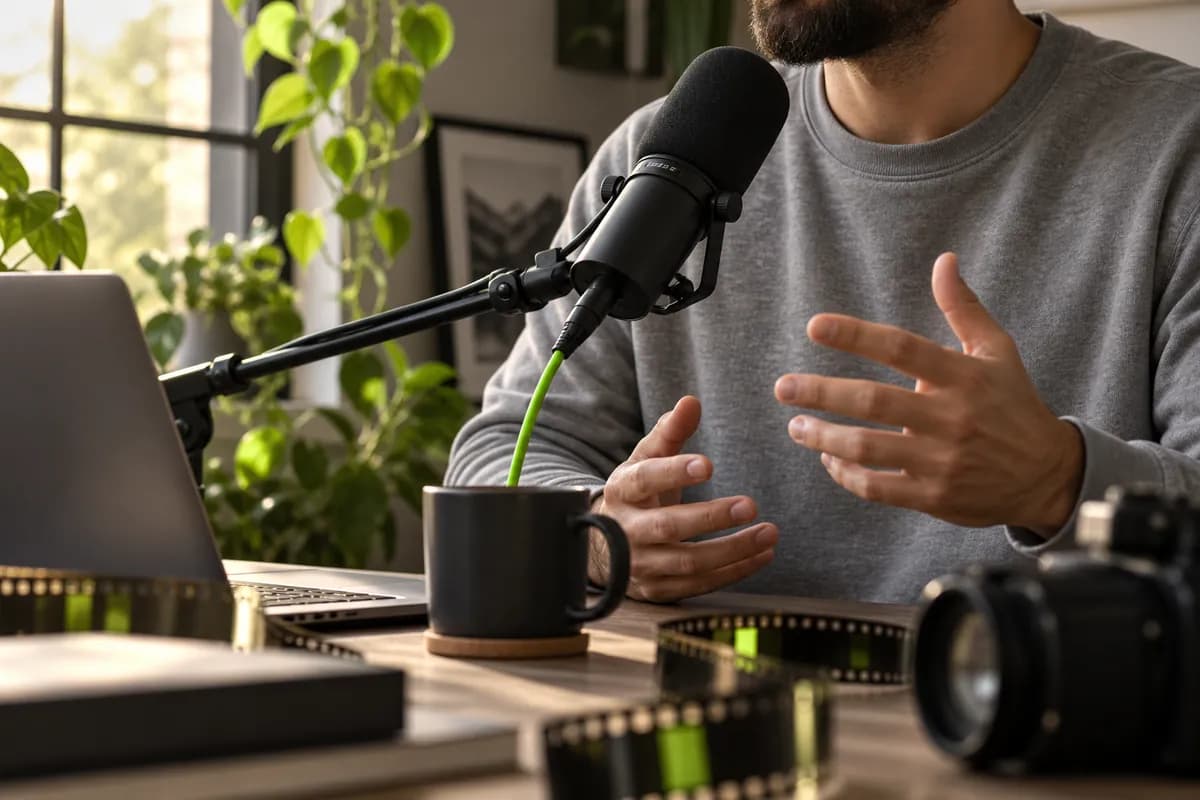
Go from voice generation to finished video without switching tools. Drop the narration into your editor, add original footage or generated visuals, and reuse the same voice clone to build a recognizable sound across your content.
Use Vidione’s text-to-speech voice cloning tool:
You can try voice cloning once at no cost to hear the quality for yourself. Upgrade whenever you need continued access and higher usage limits.
Record in a quiet room and speak clearly at a relaxed, natural pace. A clean sample gives the model more detail to work with.
If background noise remains, convert the recording to an audio clip and apply audio cleanup before generating the final voiceover.
Yes. Punctuation, word choice, pacing, and the way you write your script all help guide the delivery. Keep your text clear and conversational for the most natural result.
Only clone voices you own or have clear permission to use. Do not use synthetic speech to impersonate someone, mislead an audience, or create harmful or unlawful content.
Only with that person’s explicit permission and for an appropriate use. For reliable results and responsible publishing, use your own voice or an approved voice actor.
The first four videos I made with Vidione passed 40,000 impressions on LinkedIn.

I opened Vidione at exactly the right time. I stopped watching tutorials and started making.
With Vidione I did not need fifteen tutorials. I jumped straight in and started editing.
You can go beyond basic edits. Vidione actually makes my videos look polished.
Our first campaign made with Vidione reached a new audience in the first week.
The workflow feels simple, fast, and flexible enough for every client brief.
Keeping the same voice across every format has made our content feel far more recognizable.
It is the rare creative tool that helps us move faster without losing our point of view.

If you need polished voice content, narration, or developer-ready audio, dedicated tools can be powerful. If you are making social videos and marketing content, an all-in-one workflow keeps everything in one place.
Learn more
Learn a simple process for matching narration, building a translated voice track, and keeping the finished video clear and natural.
Learn more
Dubbing a video does not have to be complicated. Use the right pacing, clean audio, and a consistent voice to make every version feel intentional.
Learn more
Voice cloning is one part of Vidione’s wider creative toolkit. Generate, refine, and export videos in minutes, then add subtitles, clean up audio, and resize every project for the platform where it will live. Starting with no footage? Generate AI videos with modern models, shape the result around your brand, and keep editing until it feels made by your team—not by a machine. Start creating today.