

Step 01
Upload audio
Bring in the recording you want to improve — a podcast, voiceover, interview, or quick memo. You can also record directly with our online voice recorder.
Make every recording cleaner in seconds. Reduce distracting noise with AI and give podcasts, interviews, and voiceovers a polished finish.
Step 01
Bring in the recording you want to improve — a podcast, voiceover, interview, or quick memo. You can also record directly with our online voice recorder.
Step 02
Our audio cleaner automatically detects wind, traffic, room hum, static, and other distractions. Switch the cleanup on or off to compare the difference instantly.
Step 03
Balance volume levels, smooth transitions with fades, add royalty-free music, and export your finished recording as audio or video.
Learn more
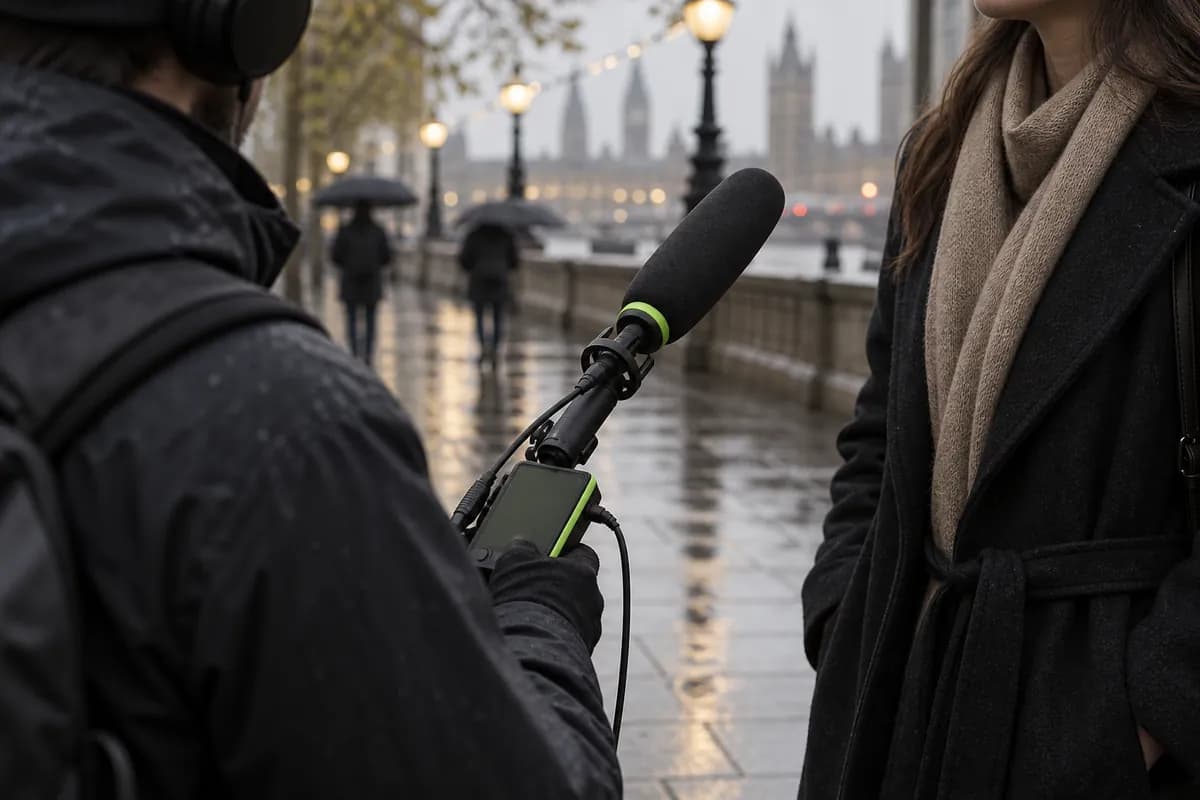
Turn an everyday recording into something that feels studio-ready. Upload your file and Vidione automatically softens distractions so your voice comes through with more clarity and confidence.
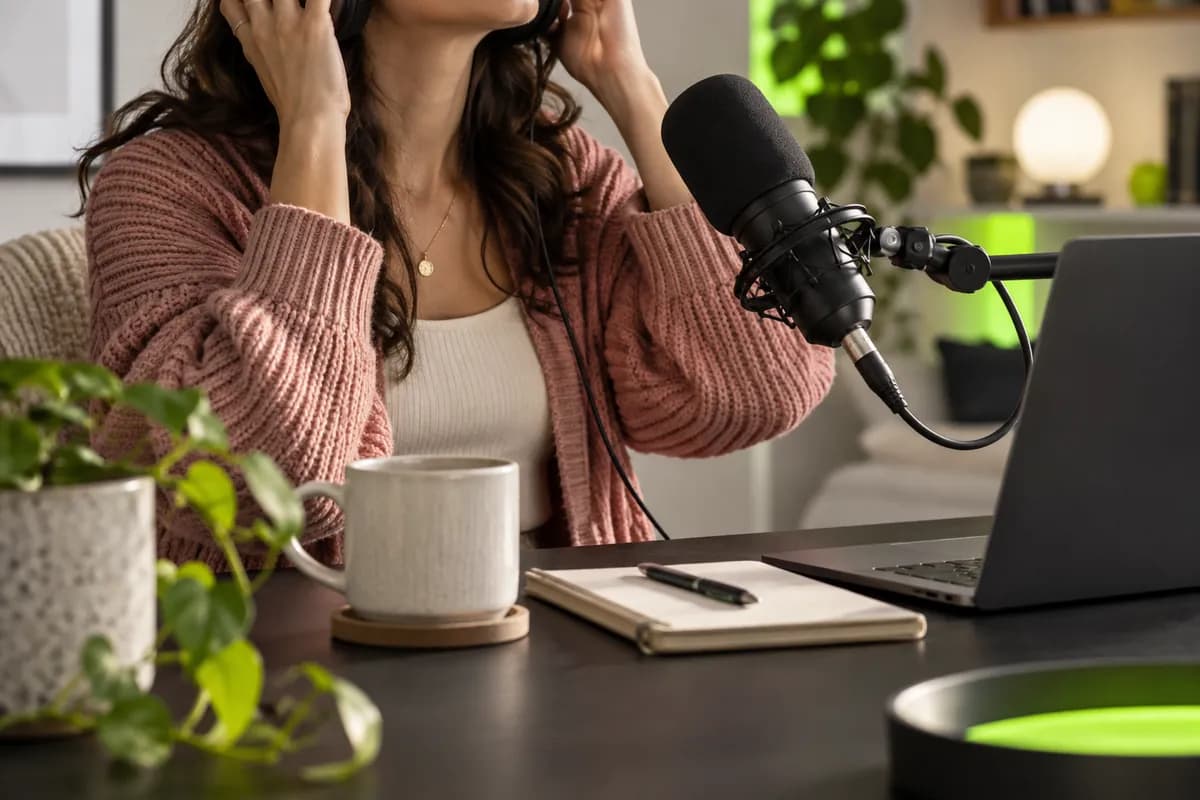
Polish podcast episodes, explainer videos, product demos, webinar recordings, and song covers without complicated software. Vidione finds hums, traffic, breath sounds, and static for you.
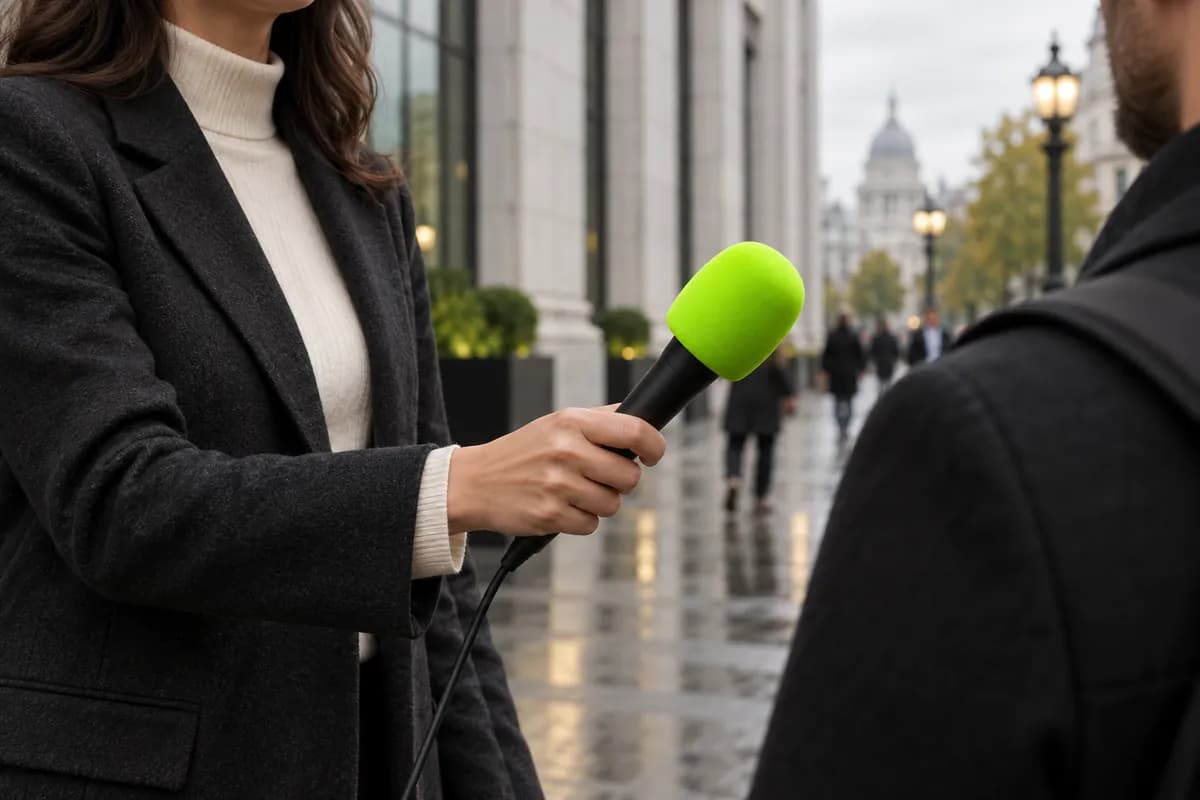
Our adaptive audio engine removes unwanted sounds while preserving the character of your voice. Get a fuller, more consistent result that keeps listeners engaged from the first word to the last.
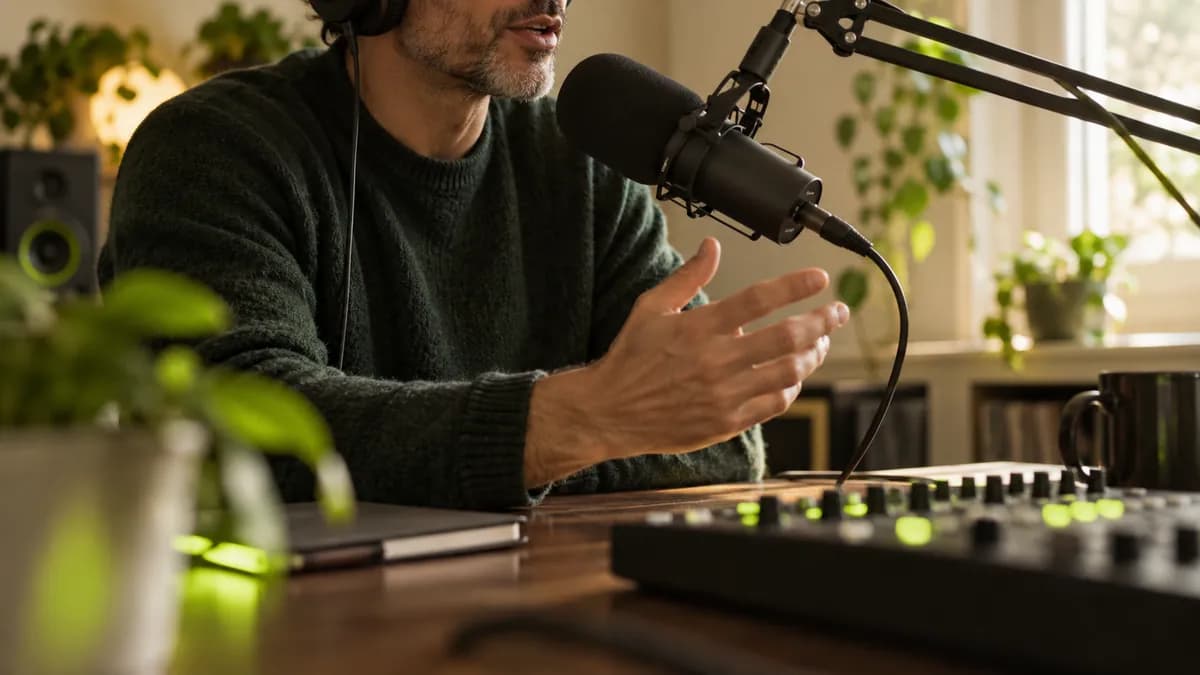
Go beyond noise reduction with a complete editing toolkit. Remove filler words, add smooth fades, layer in background music, and move from raw recording to final export in one streamlined workflow.
Use Vidione's online audio cleaner:
It works well for interviews, podcasts, meetings, home voiceovers, and recordings made outdoors.
My first few videos crossed 40,000 LinkedIn impressions with a fraction of the usual effort.

Cleanup, captions, and editing are finally in one place — I can start working instead of watching tutorials.

The voice cleanup makes our campaign recordings sound more intentional and much easier to listen to.

It does more than cut clips — Vidione gives the finished video the kind of polish clients notice.


Learn how to reduce distracting background sound and make a video feel clearer with a fast online workflow.
Learn more
A practical look at recording software for podcasts, music, interviews, and voiceovers, with the strengths of each approach.
Learn more
Compare the leading voice tools for natural narration, quick prototypes, social clips, and polished creative projects.
Learn more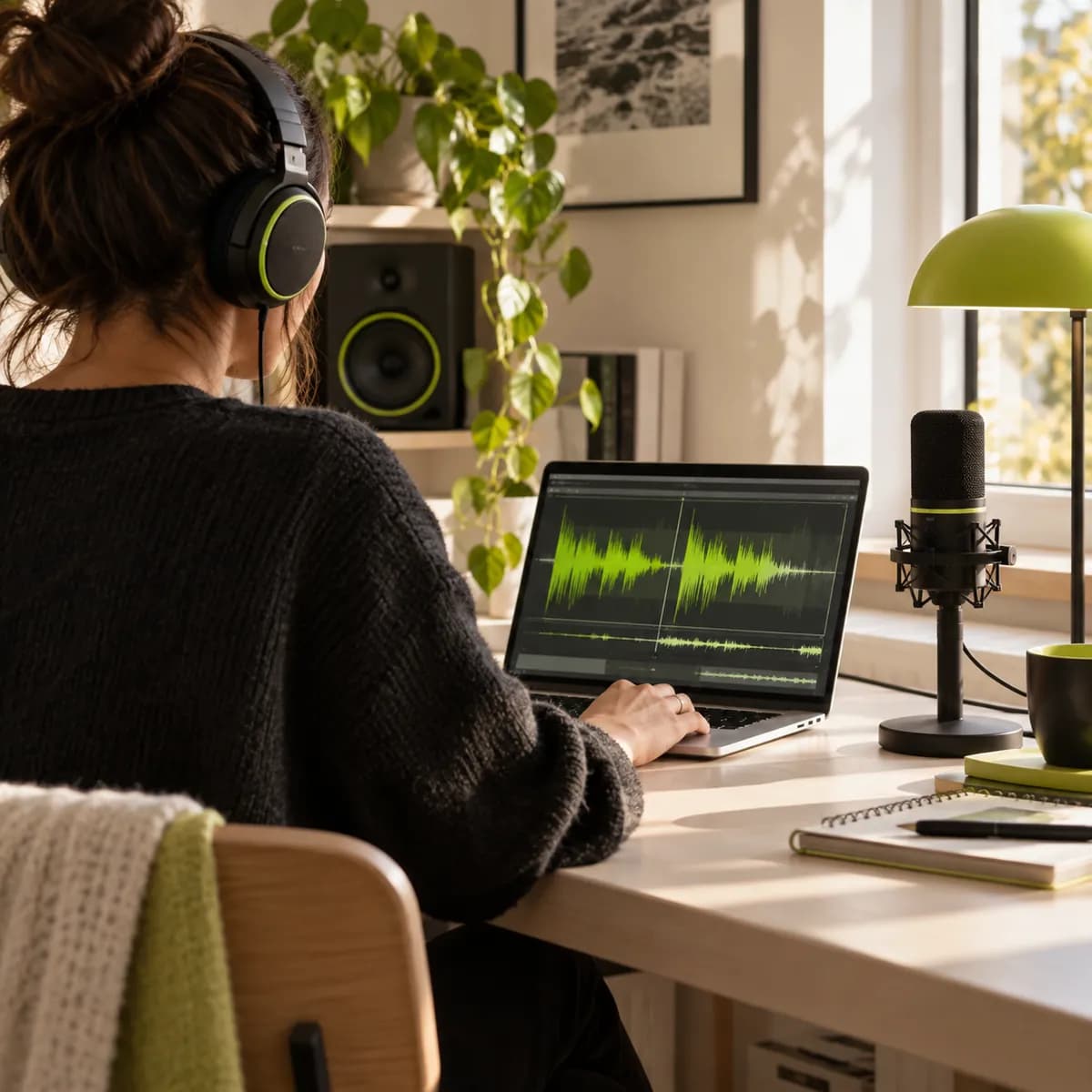
Cleaning background sound is only one way to make professional content with Vidione. Our AI video creation platform helps you generate, edit, caption, brand, and publish from one place. Shape every project with your own media and message until it looks and sounds unmistakably yours. Create polished videos in minutes and start building with Vidione today.