Step 01
Describe your video
Explain what you want to make or choose a starting prompt. Vidione turns your direction into editable scenes that follow your message and tone.
Turn prompts, scripts, and images into polished videos with AI visuals, natural voiceovers, avatars, captions, and more.
Bring a simple concept to life in seconds. Describe your idea or paste a script, and Vidione builds a complete video with visuals, pacing, and natural narration. Need a more distinctive look? Swap in generated scenes and choose the model that fits your project, from cinematic movement to quick social-first clips.
Explore different creative styles, resolutions, and generation speeds in one place. Upload product imagery, animate a still, or build every scene from scratch. Then refine the result with music, text, subtitles, voice, and your brand system.
Step 01
Explain what you want to make or choose a starting prompt. Vidione turns your direction into editable scenes that follow your message and tone.
Step 02
Set the format, voice, music, avatar, and caption treatment. Replace any scene with your own media, stock footage, or a newly generated visual.
Step 03
Export when the story is ready, or open the editor to add brand assets, polish the timing, and personalize the result with a custom voice.
Learn more
Move between generation styles depending on the mood, speed, and realism your project needs. Create cinematic sequences, expressive motion, product clips, or fast social content, then add voiceovers, captions, music, and your logo in the same workflow.
AI videos can still feel personal. Generate custom backgrounds, fill visual gaps, arrange clips, and drag in titles, graphics, music, and brand assets. Keep full creative control while moving from the first idea to the final cut.
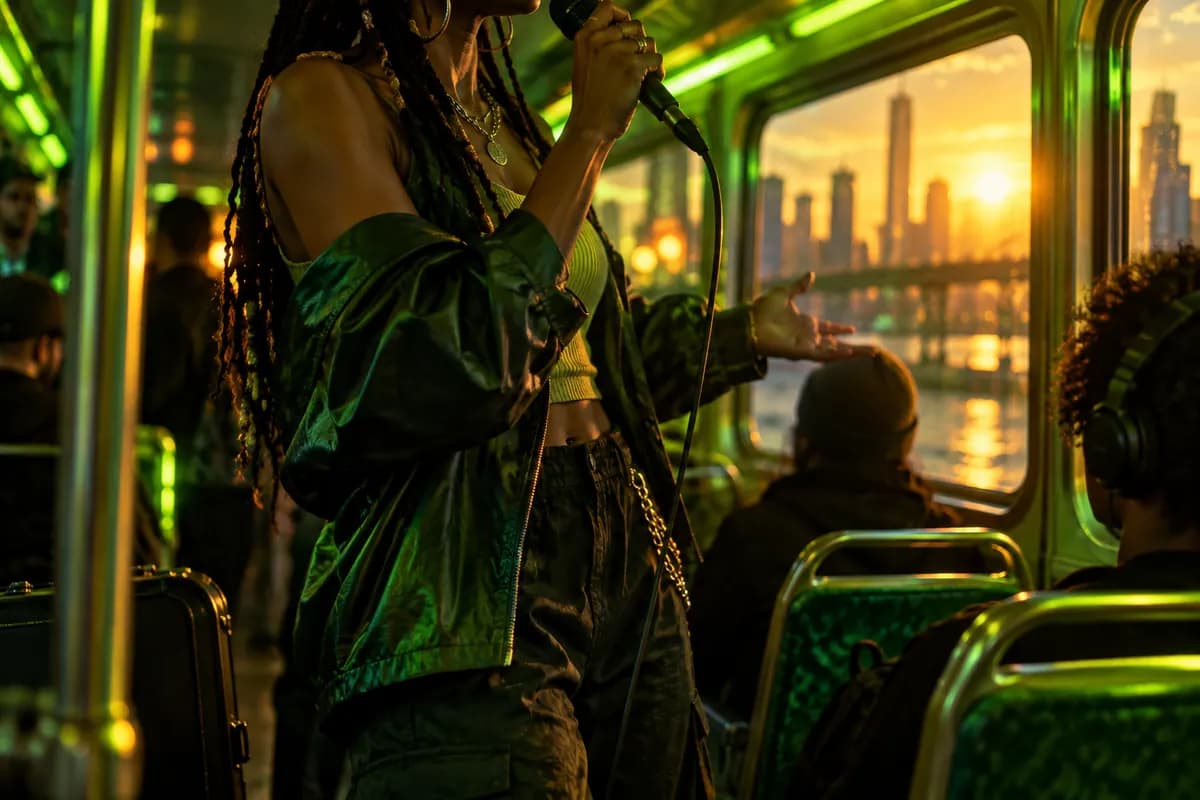
Turn product images into ads or build explainers from a blank page. Vidione can shape the visuals, narration, and scene order for you, then lets you refine the edit with captions, custom assets, voice, and multilingual dubbing.
Vidione brings several AI generation approaches together with a practical editor. Create a first cut, replace a scene, animate a still image, or refine the whole sequence without switching tools. You can then finish with audio, captions, voice, and brand styling in one continuous workflow.
Loved by ambitious teams
My first four videos crossed 40,000 LinkedIn impressions. The workflow made it easy to keep publishing.
Vidione arrived at exactly the right time. Better cleanup and eye-line control changed the return on our creator ads.
I skipped the tutorial marathon. I opened the editor, made a cut, and understood the rest as I went.

You can do more than trim clips. Vidione makes the finished work feel polished without slowing the idea down.
The first campaign was live before our old production process had finished its planning meeting.
Our team can test more concepts now because a good first draft is only a sentence away.
The voice, visuals, and captions now live in one place. That has made every handoff much calmer.
We can move from a rough idea to a client-ready social cut in the same afternoon.
Explore a flexible creative workspace for trying new visual ideas, comparing generation styles, and moving from rough concept to finished clip.
Learn more
See how richer sound, more believable motion, and stronger prompt understanding are changing what creators can make in a single session.
Learn more
Learn how intentional movement, shot planning, and structured prompts can make generated sequences feel more directed and story-led.
Learn more
Vidione is an AI video creation platform where you can explore modern generation tools and produce videos from text, images, or existing footage. Bring the result into the editor to combine scenes, add titles, captions, music, and your visual identity. You can also create talking videos with Vidione AI by writing an idea or script, then turn that work into social clips, ads, tutorials, and more from one workspace.