



Step 1
Generate or type your script
Give the assistant a short prompt and let it shape a script, or experiment with ideas in the AI script generator. You can also paste your own copy for precise, word-for-word delivery.
Need authentic-feeling content without the usual production wait? Vidione’s AI UGC creator makes testimonials, product demonstrations, and social ads with realistic avatar presenters. Write your own script or let the assistant draft one, then choose from varied creator styles and camera angles. Build polished UGC content in minutes, with no filming gear and no scheduling delays.
Vidione brings generation and full video editing together in one workflow. Once your video is ready, add product footage, insert calls to action, and refine your captions. Explore more creative directions with cinematic motion generation or make any still image speak using our natural lip-sync model. Start your first AI UGC video now.
Give the assistant a short prompt and let it shape a script, or experiment with ideas in the AI script generator. You can also paste your own copy for precise, word-for-word delivery.
Choose a presenter from the library and select a framing that suits your message. Set the language, voice, and caption treatment, then edit the script and replace supporting footage whenever you need.
Generate the UGC-style video, review the result, and download it when it is ready. Open the video editor to add your identity, product shots, captions, and calls to action.
Watch this AI video generator demo:

Move from idea to campaign creative faster with an AI video generator built for marketers. Write a script or have one drafted for you, choose an avatar with a fitting voice and framing, and create a finished video without booking a shoot. It is useful for testing concepts, validating creative, and launching lead-generation campaigns.
Make UGC-style videos that feel specific to your brand rather than mass-produced. Open each result in the editor to add text overlays, product footage, and visual identity. Swap scenes for custom generated visuals, adjust every caption, and keep control of the final cut in one place.
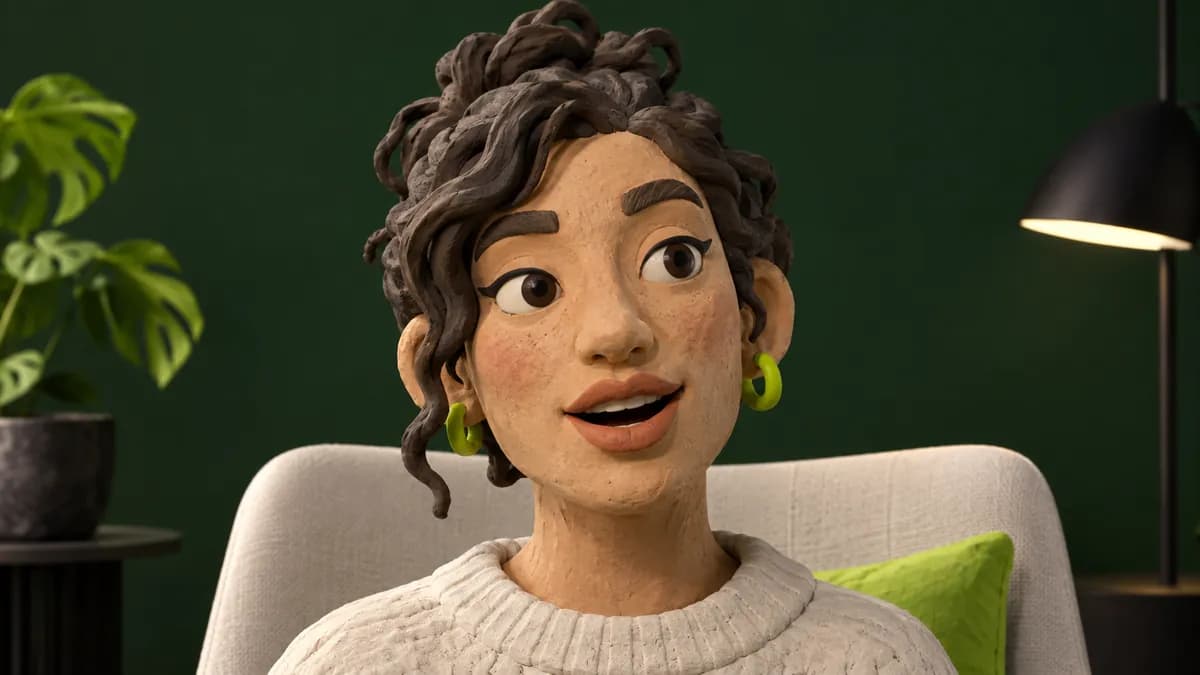
Go beyond a fixed avatar library. With Vidione’s talking-image model, a mascot, illustrated character, or brand spokesperson can deliver your message. Upload a still, record your own voice or choose a natural AI voice, and create testimonials, explainers, or product announcements with a distinctive point of view.
Vidione has changed the pace of our work. We can now create beautiful social promotion and ad content with ease.
Alex Mercer
Director of Audience Development, Northstar Media
I love having the full process in one place. The captions are remarkably accurate, and they have helped our content reach the next level.
Jordan Hale
Brand Marketing Manager, Cedar & Co.
I used to record in one tool, caption in another, store files somewhere else, and then find a sharing link. Now the whole workflow lives in one spot.
Samir Vale
Enterprise Account Executive, Cloudline Systems
Vidione is my one-stop video editing studio. It has cut my editing time by around sixty percent, leaving more room for my coaching business.
Riley North
Entrepreneur and Owner, Career Atlas
AI marketing is no longer optional. It is becoming a practical way to work smarter, move faster, and create more cost-effective campaigns. Learn how thoughtful automation can help modern businesses extend their impact.

We are introducing Signal 1.0, a fast and efficient talking-video model for teams that need expressive results at scale. Explore the model and learn how it fits into modern creative workflows.
AI can now handle lip syncing automatically, producing expressive results in minutes rather than days. This guide explores a practical workflow, common mistakes to avoid, and ways to create fast talking-head videos from a single image and voice recording.
Create any video, from AI UGC ads to educational shorts. Vidione is an AI video creation platform where you can generate, edit, and export content in minutes. Type an idea or script into Vidione AI, then build a complete video with a UGC-style presenter, supporting visuals, and captions.
Make any image speak with a natural lip-sync model, refine the visuals, and keep every finishing detail in one place. There is no need to switch platforms or juggle subscriptions. Sign up to start creating, and bring the Vidione workflow with you wherever ideas happen.