


Step 01
Upload, record, or start with a template
Upload your music and footage to Vidione. You can also record with your webcam or build a video from still images.
Make music videos with lyrics online and bring your music to life.
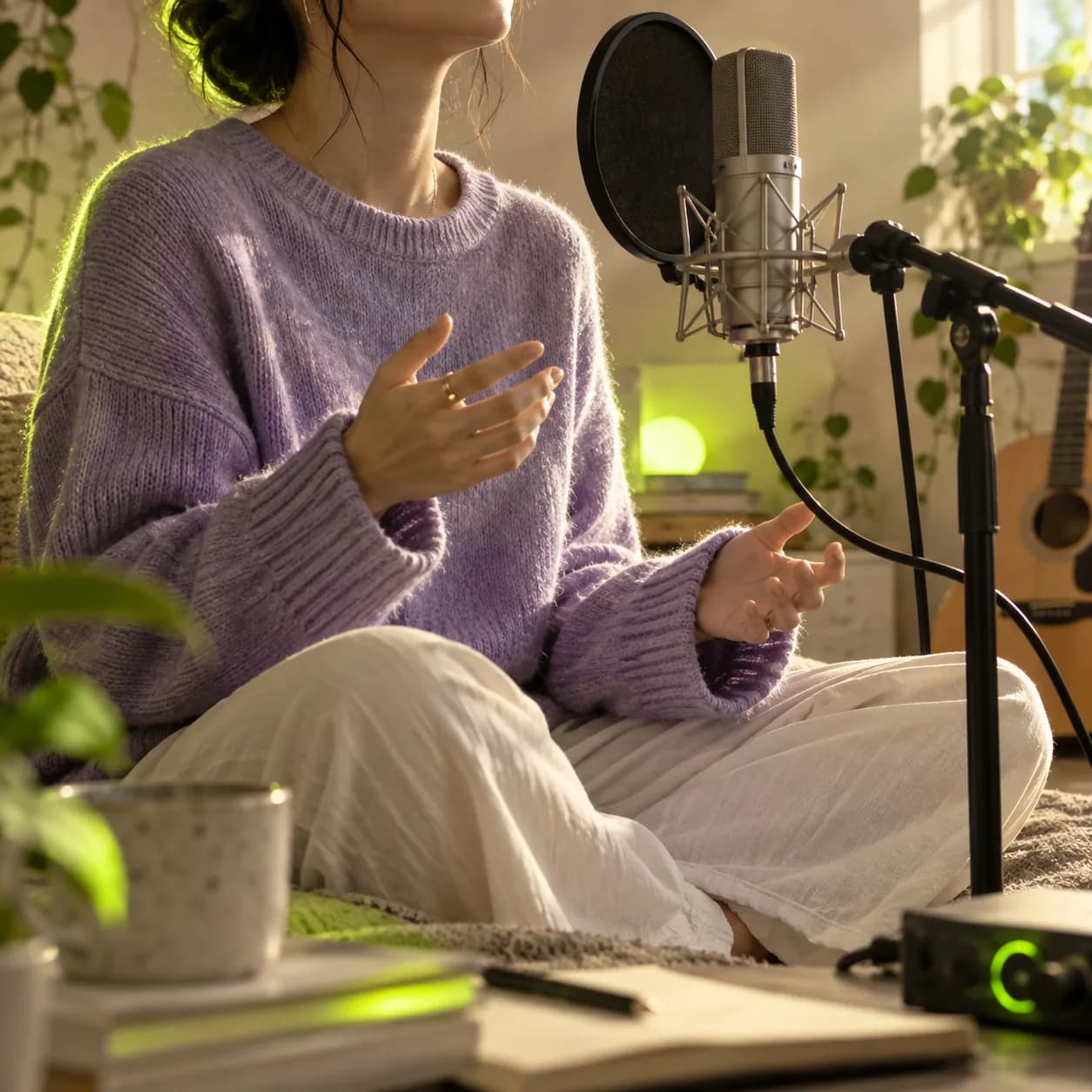
Want to take your music further? Vidione gives artists an easy way to turn a song into a memorable lyric video. Upload your audio, then add visualizers, animated type, images, and more to make every moment feel intentional.
Generate lyrics automatically with our subtitle tool, or add captions yourself with animated text. Shape the canvas for every social platform and share your music in a format that feels polished, expressive, and unmistakably yours.
Step 01
Upload your music and footage to Vidione. You can also record with your webcam or build a video from still images.
Step 02
Add a song or record one with the audio recorder. Generate lyrics automatically, or paste them into the subtitle and text tools yourself.
Step 03
Fine-tune your lyric video for each social channel, then add your colors and branding before sharing it with your audience.
Learn More

Vidione includes an automatic caption and subtitle generator that makes lyric videos quick to build. Its audio transcription recognizes sung words, turns them into editable lyrics, and lets you animate each phrase so it moves in time with the music. Review the result, refine the styling, and translate your lyrics into other languages when you are ready to reach more listeners.
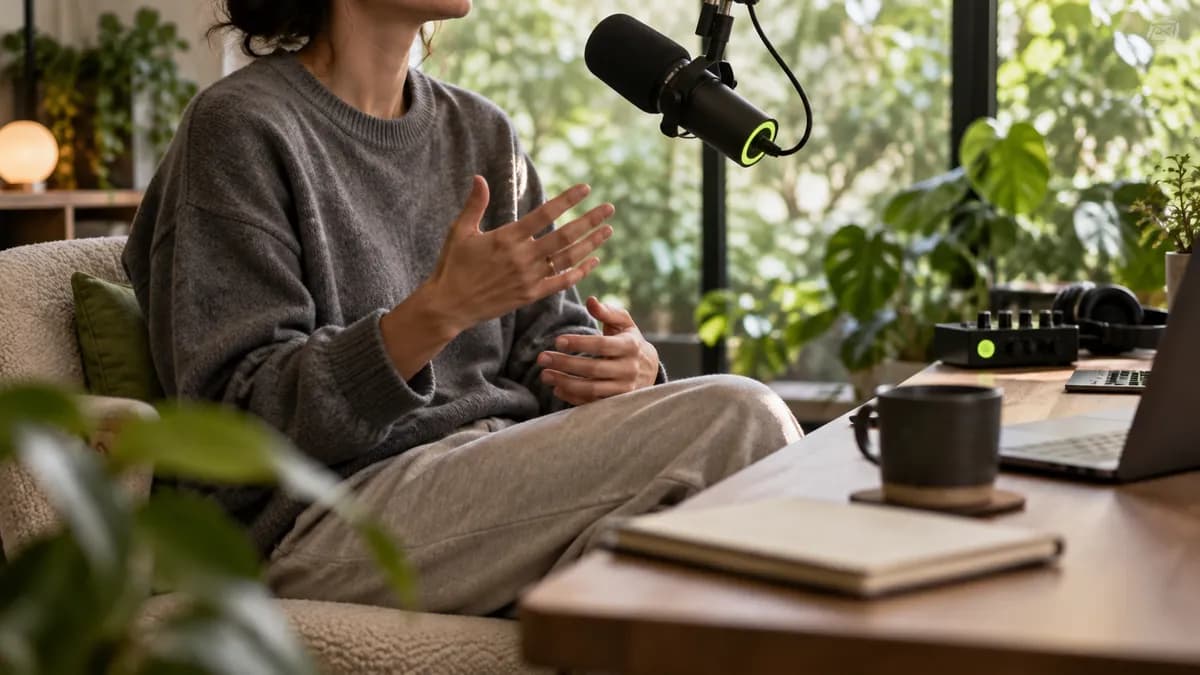
Clean sound makes every lyric easier to follow. Vidione’s one-click audio cleanup helps remove unwanted background noise such as wind, hum, traffic, and room ambience from your recording. Give your song a clearer finish, make it easier to enjoy, and share a stronger listening experience across your social channels.

No original footage? You can still make an engaging lyric video from your photos. Arrange images, place lyrics over every scene, then add your logo, colors, and type choices with a reusable brand kit. Save the finished layout as a template so your next piece of content comes together faster.
Yes. Follow the same creation steps, then choose a YouTube canvas preset before exporting so your video has the right aspect ratio.
Loved by the Fortune 500
The first four videos I made with Vidione earned more than 40,000 impressions on LinkedIn.

I found Vidione at exactly the right moment. I went from an idea to polished social edits without losing a day.

I skipped the long tutorial trail and started editing immediately. The workflow felt natural from the first project.

You can go beyond simple cuts. Vidione helps the finished video feel intentional, expressive, and ready to share.

The first four videos I made with Vidione earned more than 40,000 impressions on LinkedIn.

I found Vidione at exactly the right moment. I went from an idea to polished social edits without losing a day.

I skipped the long tutorial trail and started editing immediately. The workflow felt natural from the first project.

You can go beyond simple cuts. Vidione helps the finished video feel intentional, expressive, and ready to share.

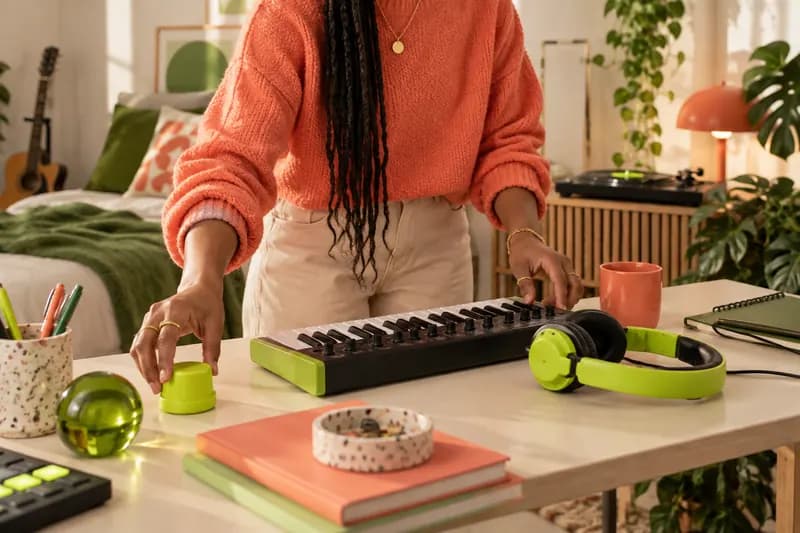
Looking for music for your videos, whether free or licensed? Learn how to find the right track, choose the right mood, and add it to your next piece of content.
Learn More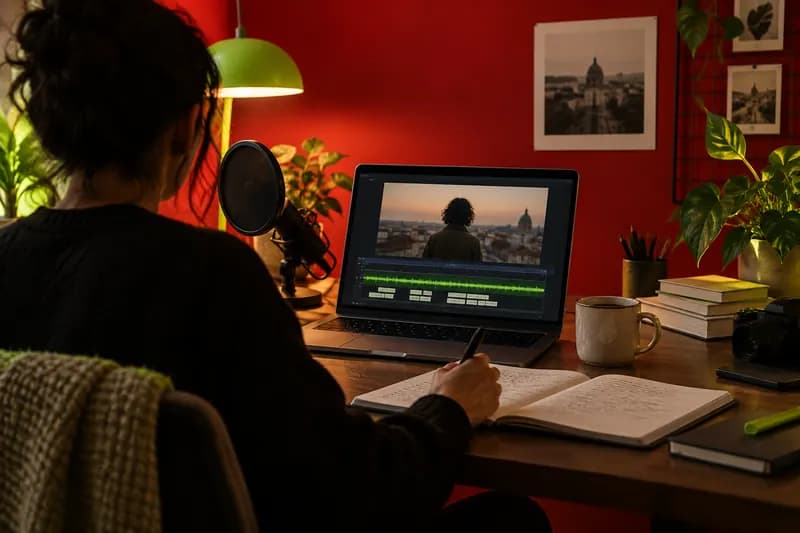
Learn how to generate, style, translate, and download subtitles so your videos are easier to follow and ready for every audience.
Learn More
A practical guide to adding translated subtitles to any video, with automatic generation, multilingual translation, styling, and export tips.
Learn More
Lyric videos are one way to share your music. Vidione is an AI video creation platform that turns an idea, script, or existing footage into a post-ready video in minutes. Build social content with creative automation, then add your audio, footage, and brand identity in one place. Everything you need to grow your audience is ready when you are.