
Upload
Choose a photo from your library and bring it into the workspace.
Bring still images to life in minutes. Make attention-grabbing social posts, product stories, animated marks, and more.
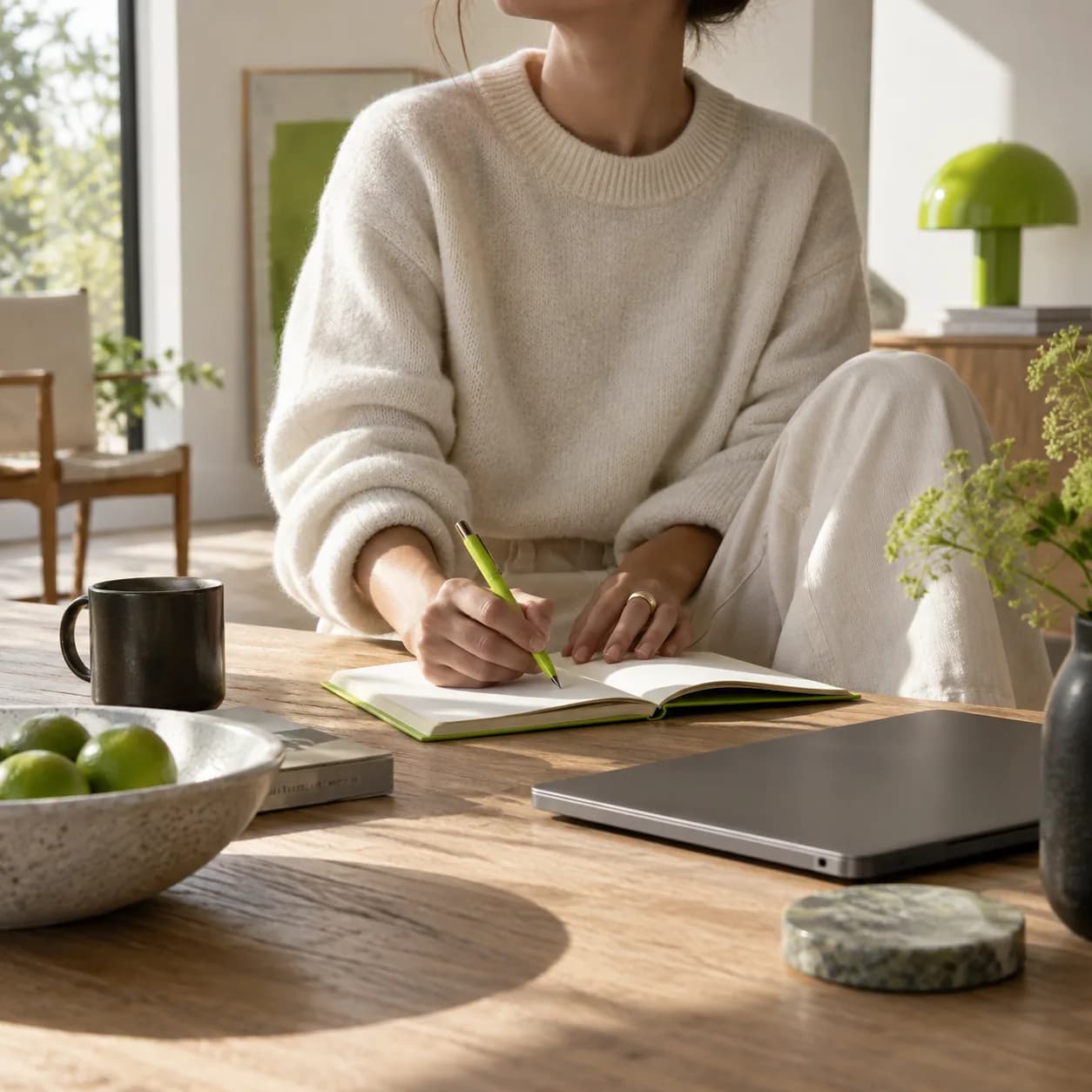
Make static visuals work harder. Upload a photo, describe the motion you want to see, and create a short video in minutes. Add camera movement, subtle zooms, walking sequences, or atmospheric motion to product images, brand graphics, and social content. Build polished clips from the visuals you already have, then finish them for any channel.
Choose a photo from your library and bring it into the workspace.
Describe the movement you want, from a slow pan to a natural forward walk.
Start the render and watch your still visual become a ready-to-edit video scene.
Learn more
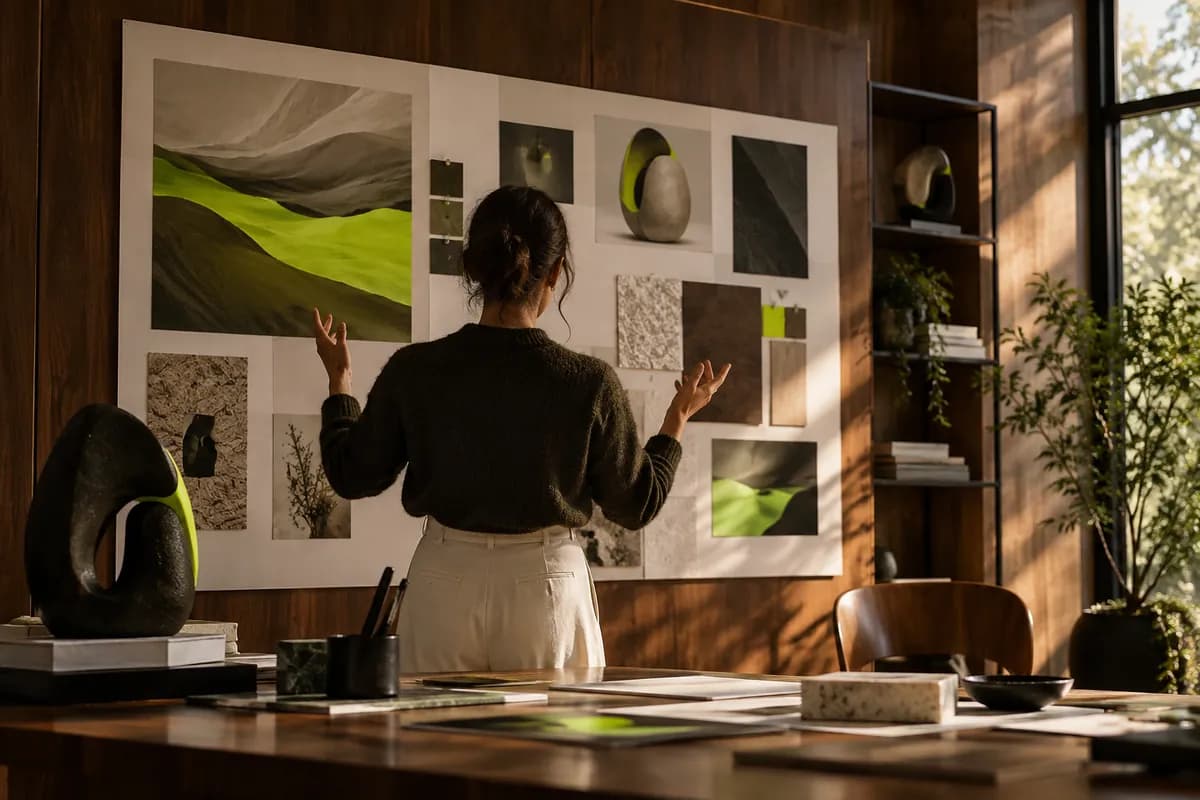
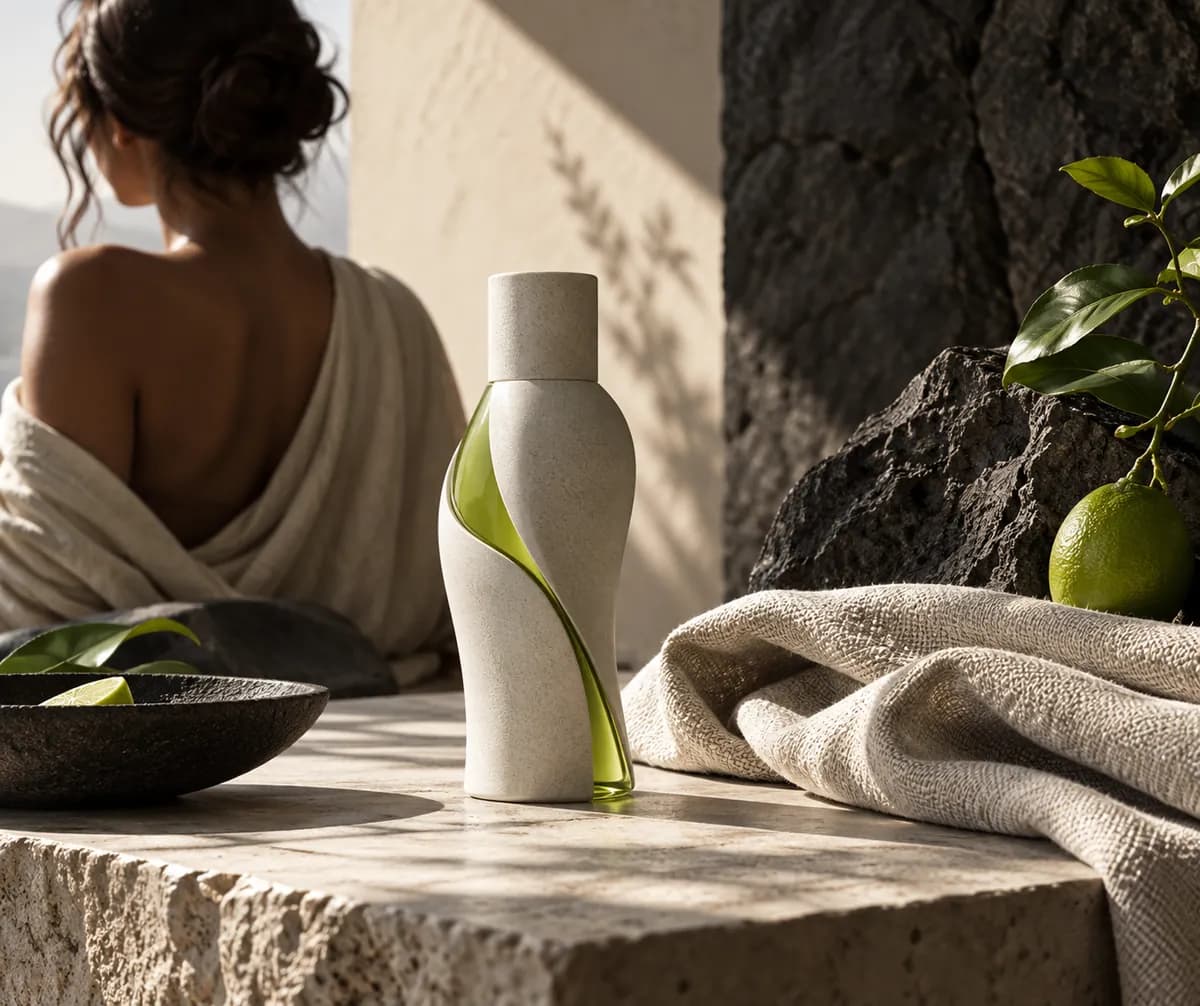
No shoot day or large production budget required. Turn product photos, brand visuals, and headshots into motion with a simple prompt. Upload an existing asset, describe the camera movement, and generate a polished clip ready for your next campaign.
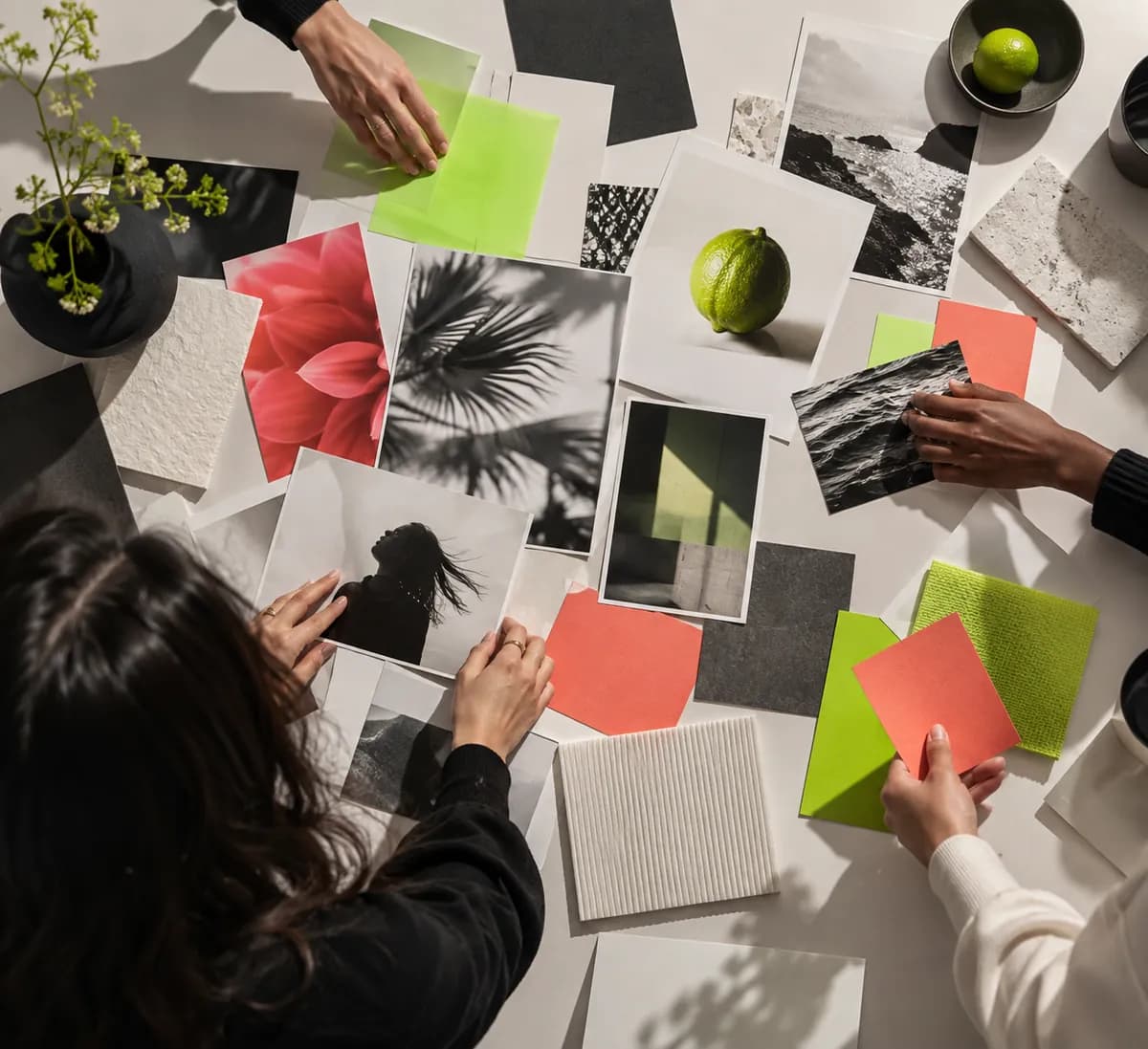
Still images can disappear in a crowded scroll. Add movement to product teasers, profile visuals, and brand graphics so they feel more alive. Create friendly introductions and stop-motion-inspired moments without rebuilding your whole content library.
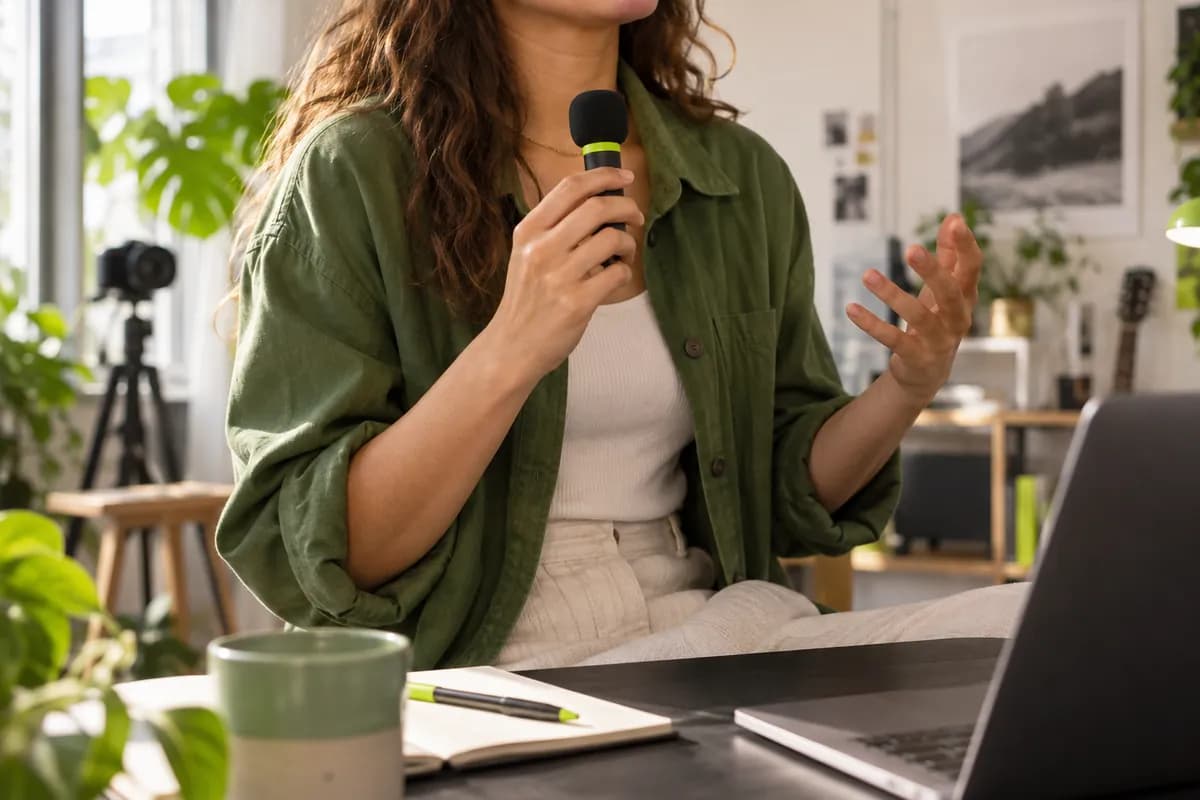
Try the generator before committing to a plan. Upload an image, preview the result, and decide what works for you. When the first clip is ready, keep refining it in the editor with captions, graphics, sound, and the rest of your creative toolkit.
Turn still visuals into short clips for product showcases, social posts, logo moments, presentation openings, digital advertising, website headers, and online shop listings. Motion helps your existing imagery earn attention without a full production.
For a more traditional slideshow, you can also combine multiple photos into a finished video project.
Yes. You can explore the image-to-video workflow with a free account. Free exports may include limits, while a paid plan unlocks more generations, higher-volume creation, and additional editing capabilities.
Common image formats such as JPG, PNG, and WEBP are supported. Use a sharp, well-lit source image with a clear subject for the most natural motion and strongest result.
Describe one clear action, the camera behavior, and the mood. Phrases such as slow push-in, gentle fabric movement, natural head turn, or sunlight shifting across the scene give the generator a focused direction.
Only upload images you own or have permission to use. Do not create deceptive, harmful, or unlawful content, and respect people's privacy, identity, and likeness when animating photos.
Trusted by ambitious teams
The first four videos I made with Vidione reached more than 40,000 impressions on LinkedIn.

I found Vidione at exactly the right time. The workflow helped our small team turn ideas into content much faster.
There was no long learning curve. I opened the editor, tried a prompt, and started making useful clips.

It goes beyond trimming clips. Vidione gives our videos a finish that feels considered and on-brand.
Vidione is an AI video creation platform where generation is the beginning, not the final step. Explore text-to-image, text-to-video, and video-to-video workflows in one creative workspace. Turn stills into motion with the model that fits your idea, then refine the result with captions, graphics, music, and cuts. Go from a first concept to a finished video in minutes.