


Step 01
Upload your video
Upload a clip to the editor, then select it on the timeline.
Remove and replace your video's background. Customize scenes for social clips, video ads, tutorials, and more.

Recorded from your home office with laundry in the background? Or filming quick social updates while traveling? Vidione's AI background remover clears away distractions in one click, so you can film in your living room, office, or on the street and still create polished talking-head videos without a green screen.
Replace the original scene with your brand colors, a custom image, or an AI-generated setting. Keep the same look across a campaign, then improve your clip with color correction and background-noise cleanup. You can also expand the frame for any platform and try the automatic remover free.
Upload a clip to the editor, then select it on the timeline.
Choose Remove Background under Magic Tools to make the original scene transparent.
Add a custom image, branded scene, or stock clip underneath, then export your finished video.
Learn more
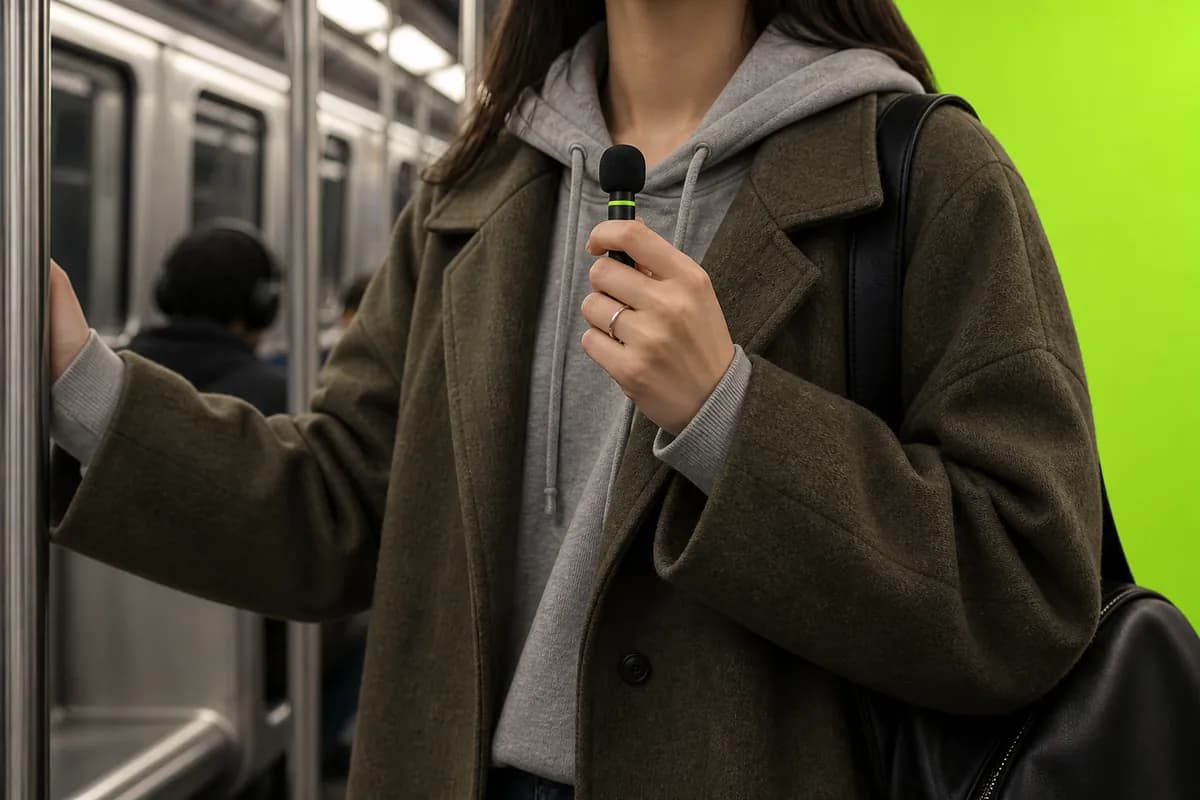
You do not need to trace hair and edges frame by frame. Vidione removes the scene in one click so you can layer your clip over a new color, image, or video. The same workflow works for GIFs, letting you create alternate campaign versions quickly and keep the same background across your explainer videos, social updates, and marketing content.

Already filmed in front of green? Vidione makes chroma-key cleanup just as simple. Record directly in your browser, turn on Green Screen, and replace the color instantly. Skip hours of frame-by-frame work, then swap in your own scenes for product demos, tutorials, and branded content.

Remove backgrounds, then keep editing without switching platforms. Use Smart Expand to turn vertical clips into horizontal formats without awkward crops or black bars. Generate custom scenes, add auto subtitles and lower thirds, and clean background noise from audio. Everything you need for professional social video is in one place.
Upload your clip and choose either Remove Background or Green Screen. Green Screen is best for footage recorded against an evenly lit green backdrop.
Whether you need a sticker, a chat reaction, or a transparent asset for a landing page, the process is similar:
The background remover is free to try once. When you are ready to keep creating, choose a Vidione plan that fits your workflow.
Trusted by modern teams.
The first few videos I made with Vidione reached thousands of impressions on LinkedIn.

Vidione helped our small team produce polished UGC faster and keep every campaign moving.

I skipped the long tutorials, opened the editor, and started making useful videos right away.

With Vidione, our videos look finished before the coffee gets cold.

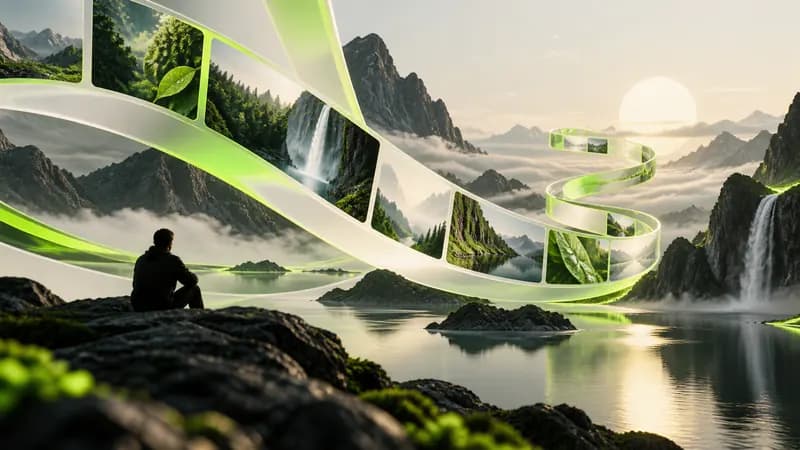
Remove the original scene and replace it with something better using Vidione's one-click background workflow.
Learn more
Need to isolate a GIF for a sticker, chat reaction, or landing page? This quick guide shows the simple workflow.
Learn more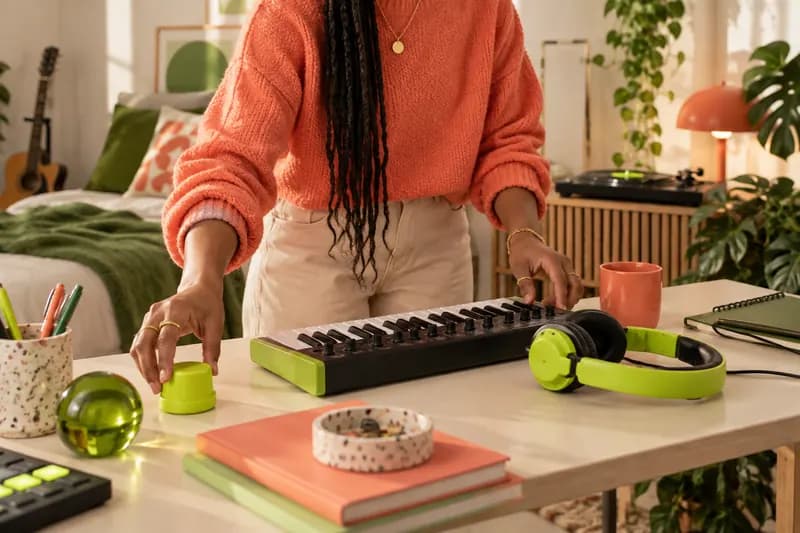
Help your team create, edit, and repurpose more consistent videos without rebuilding every project from scratch.
Learn more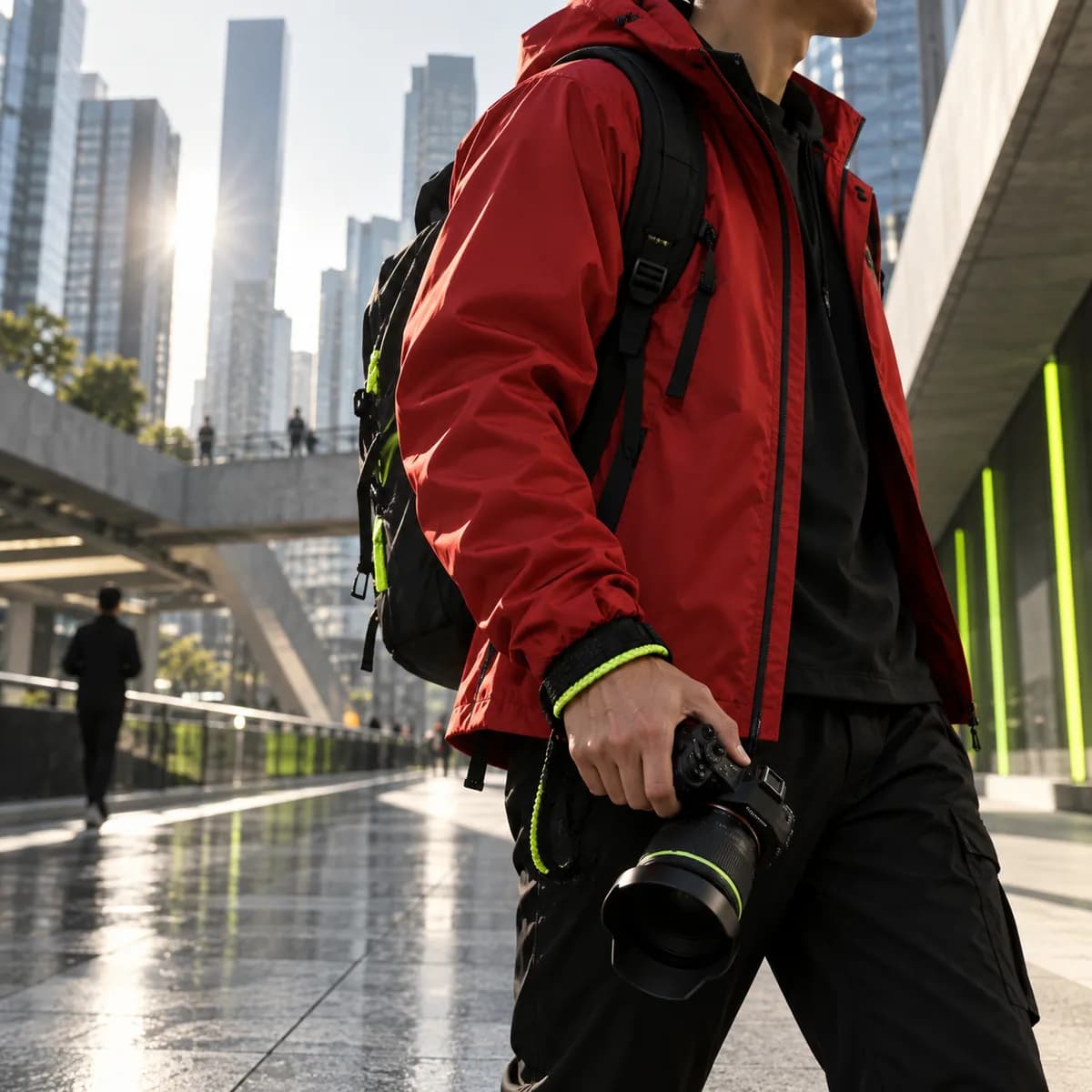
Removing a background is only one step toward a polished video. Vidione is an AI video creation platform where you can generate, refine, and export your work. Once your background is clean, create a custom scene with text-to-image AI, add automatic subtitles, apply your Brand Kit, and export for every platform. No switching between apps and no rebuilding your project from scratch. Start creating with Vidione today.