


Step 01
Upload a video
Drop your footage into the editor or bring it in from a link. Common video formats are ready to use.
Bring music, voice recordings, sound effects, and polished AI narration into your videos with a fast browser-based editor.
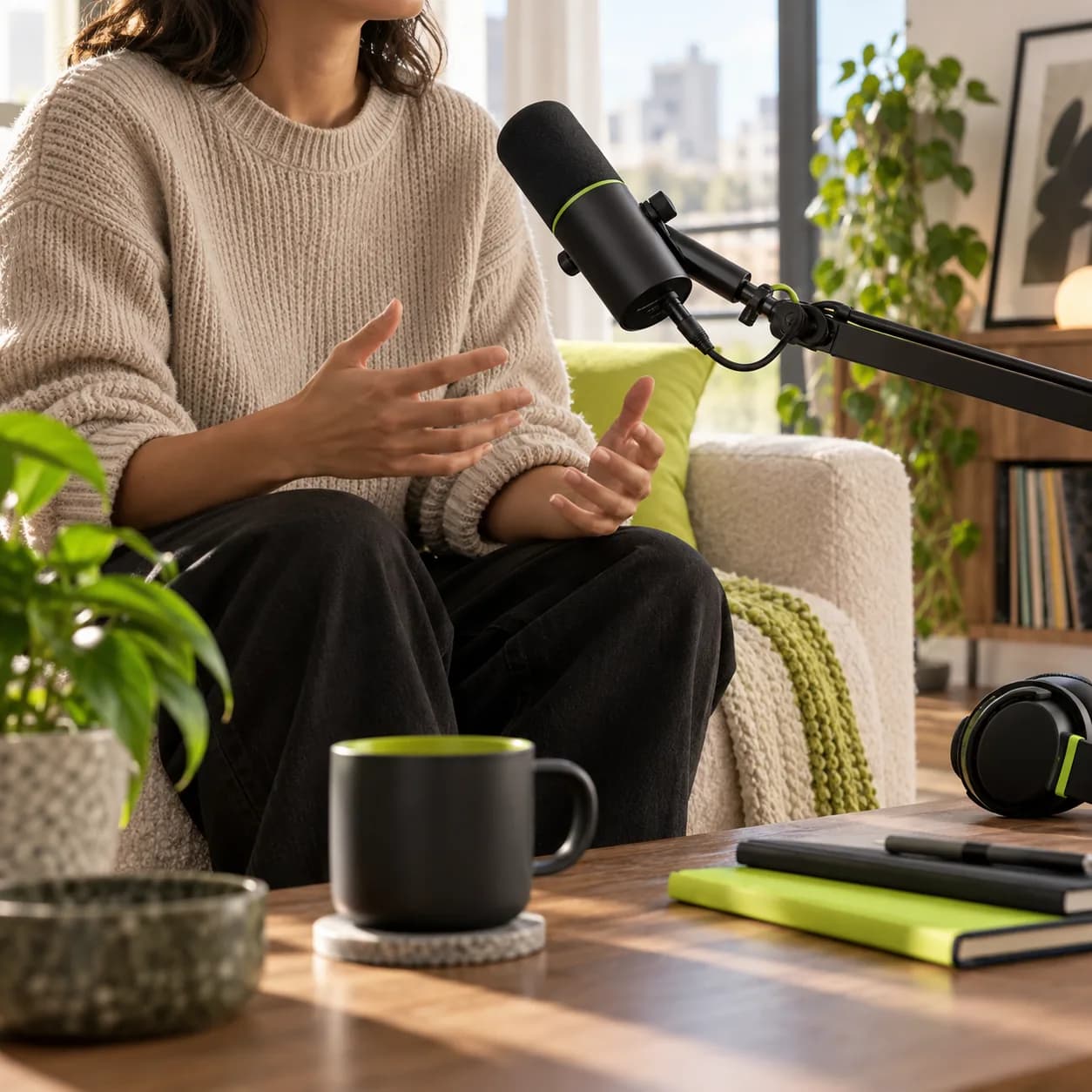
Give every video the right soundtrack. Upload a favorite track or choose from a cleared audio library, then browse by mood, genre, or keyword until the tone feels right. Make social posts, marketing clips, and personal projects that sound as considered as they look.
Go beyond adding a song. Replace an original track, add sound effects, record narration, generate a voiceover, or clean distracting noise with a few quick edits. Everything stays together in one simple workspace so your audio is ready when your video is.
Step 01
Drop your footage into the editor or bring it in from a link. Common video formats are ready to use.
Step 02
Place a track on the timeline, set its volume, trim it to the right moment, and add a smooth fade in or out.
Step 03
When the mix feels right, export the video with its new soundtrack, or keep editing with narration and effects.
Learn more
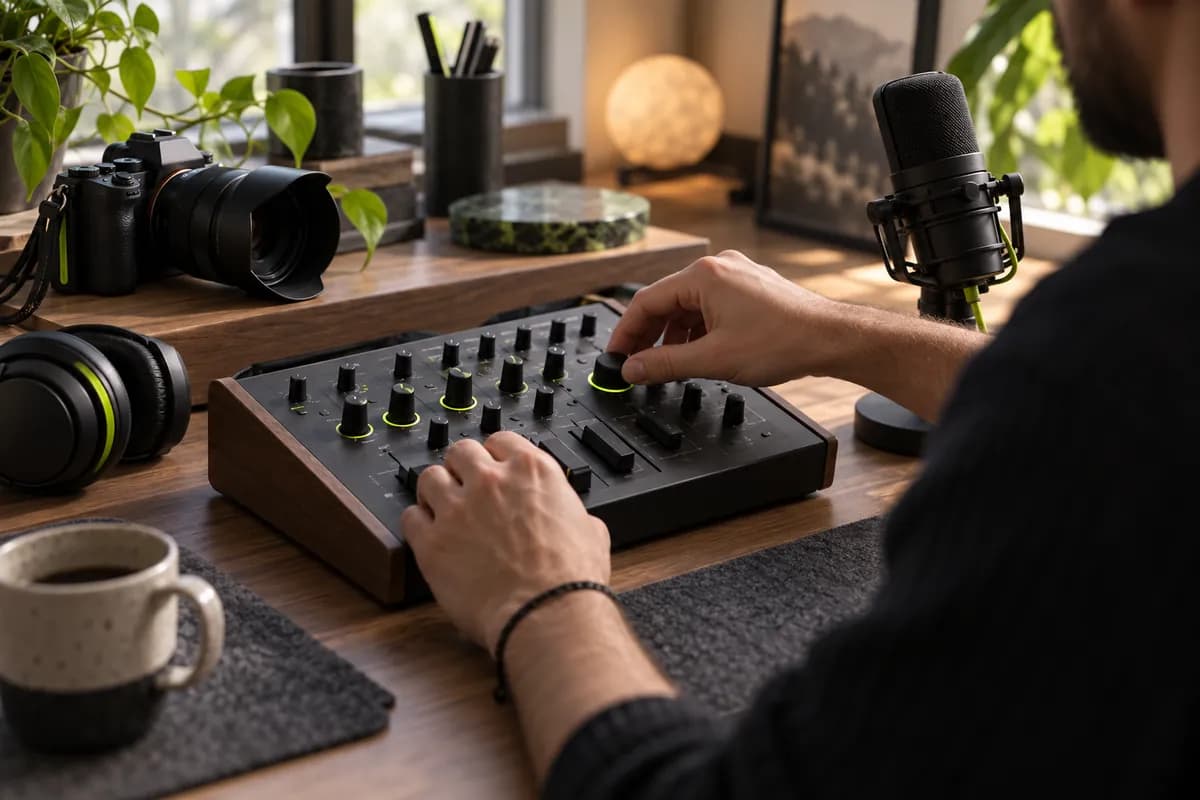
Combine footage and sound on a clear drag-and-drop timeline. Decide where music begins and ends, balance levels, and arrange multiple layers with confidence. You can even keep two separate audio tracks running together when the story calls for it.

Explore a large collection of tracks cleared for commercial projects, from product launches and travel edits to channel intros and short-form campaigns. Search by feeling or style, preview before choosing, and swap the soundtrack whenever your story changes.
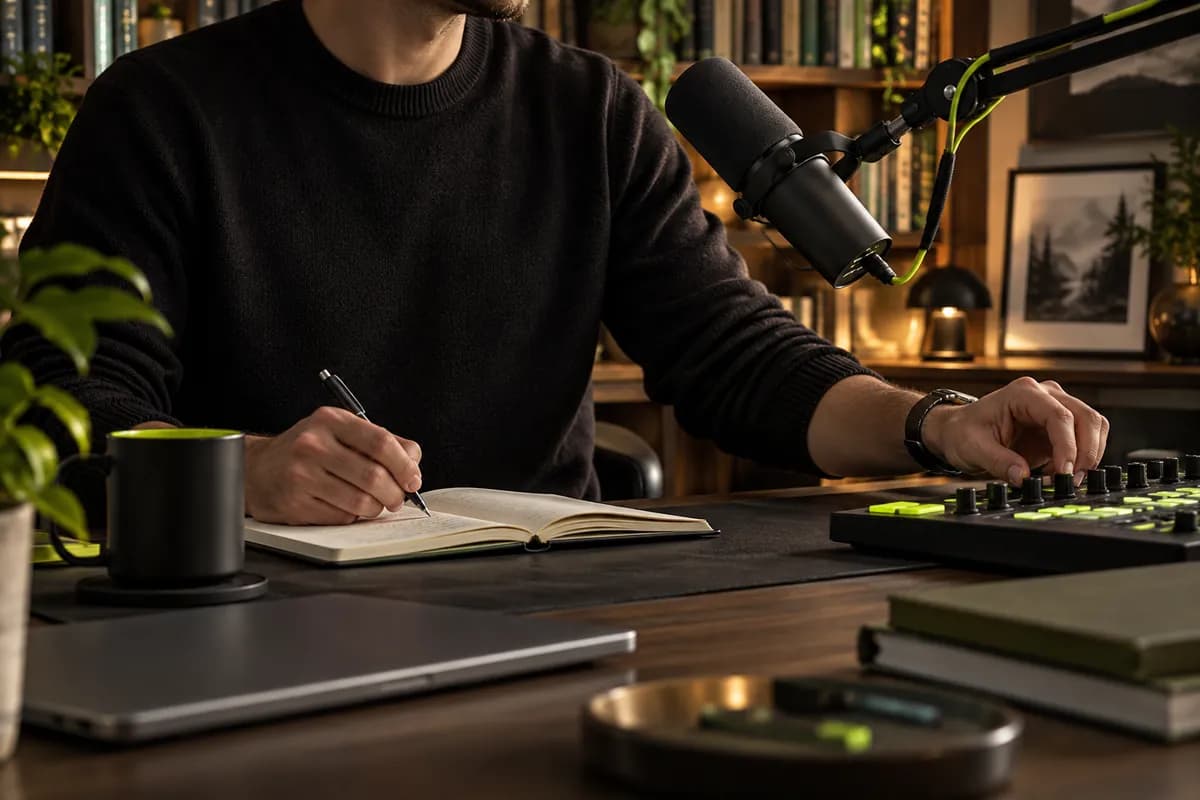
Record a voiceover directly in your browser or create narration from a written script. Shape the tone of a generated voice, remove the original sound when needed, and merge new tracks into your edit without downloading complicated software.
Vidione works with the formats most creators use every day.
Video formats:
Audio formats:
Trusted by leading teams
The first few videos I made with Vidione reached thousands of people without a complicated editing process.

I stopped jumping between tools. The timeline made it easy to clean the audio and publish a polished clip quickly.

With Vidione I did not need a long tutorial. I opened the editor, added a track, and started shaping the story.

You can go beyond cutting clips. Thoughtful audio makes the finished video feel genuinely complete.

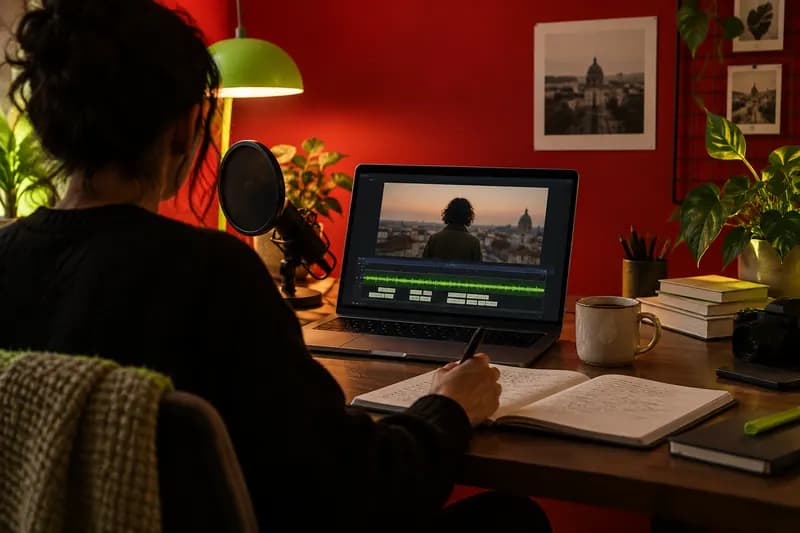
Find soundtrack options that fit your project without the complexity or cost of traditional licensing.
Learn more
Learn how a simple prompt can help you shape an original musical bed for videos, podcasts, and social content.
Learn more
A practical guide to replacing spoken tracks, matching timing, and making every language feel natural.
Learn more
Vidione is a complete video creation workspace for turning ideas into publish-ready content. Start with existing footage or build from a prompt, then add music, voiceovers, narration, and sound design without switching between tools. Shape the final edit with your own visual assets, adapt it for different channels, and move from first idea to finished video in one place.