Step 01
Select your video clip
Choose a clip from your editing timeline, open AI Tools, and select Background Expand.
Extend video backgrounds with AI. Lose the awkward crops and black bars.
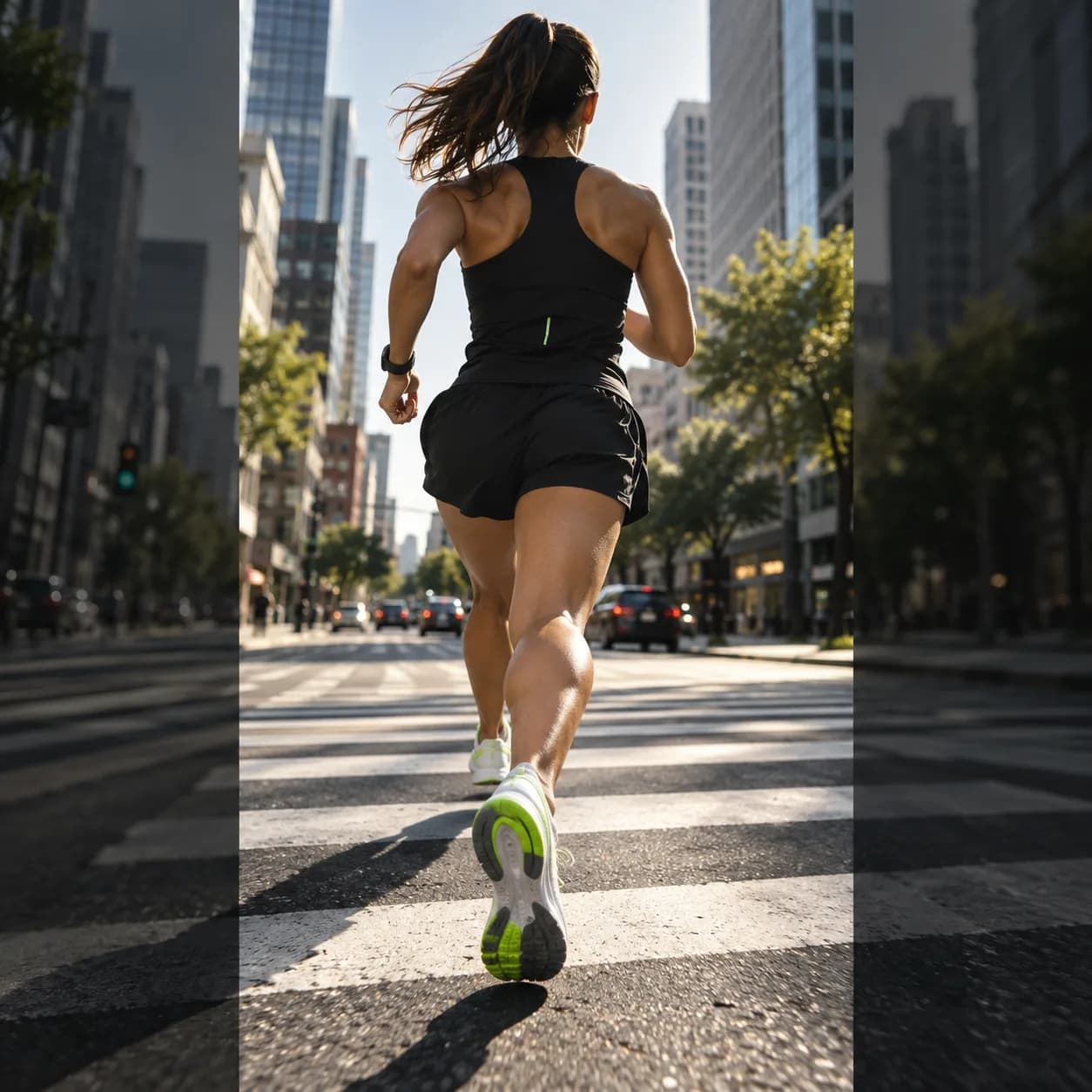
Recorded a portrait clip but need a wide frame for a presentation? Or want landscape footage to feel native in a vertical feed? Vidione uses AI outpainting to extend the edges of your video, much like content-aware fill for moving images. Clips up to one minute are supported.
Upload a video and let the extender build a natural-looking scene around it. Replace black bars, create room for promotional messages, and reuse the same footage across every channel without an expensive reshoot.
Step 01
Choose a clip from your editing timeline, open AI Tools, and select Background Expand.
Step 02
A progress state appears while Vidione studies the footage and generates the missing surroundings.
Step 03
Review the expanded clip, export it, or keep editing with captions, transitions, audio cleanup, and B-roll.
Learn more

Expand a moving background the same way you would uncrop an image. Vidione works in one click and supports clips up to one minute, giving you more room for branded assets, campaign messages, and platform-ready exports in one place.

Turn a 9:16 recording into a 16:9 landscape video without sacrificing the important parts of the shot. Create polished content for short-form feeds, video channels, presentations, and professional networks without losing the original story.
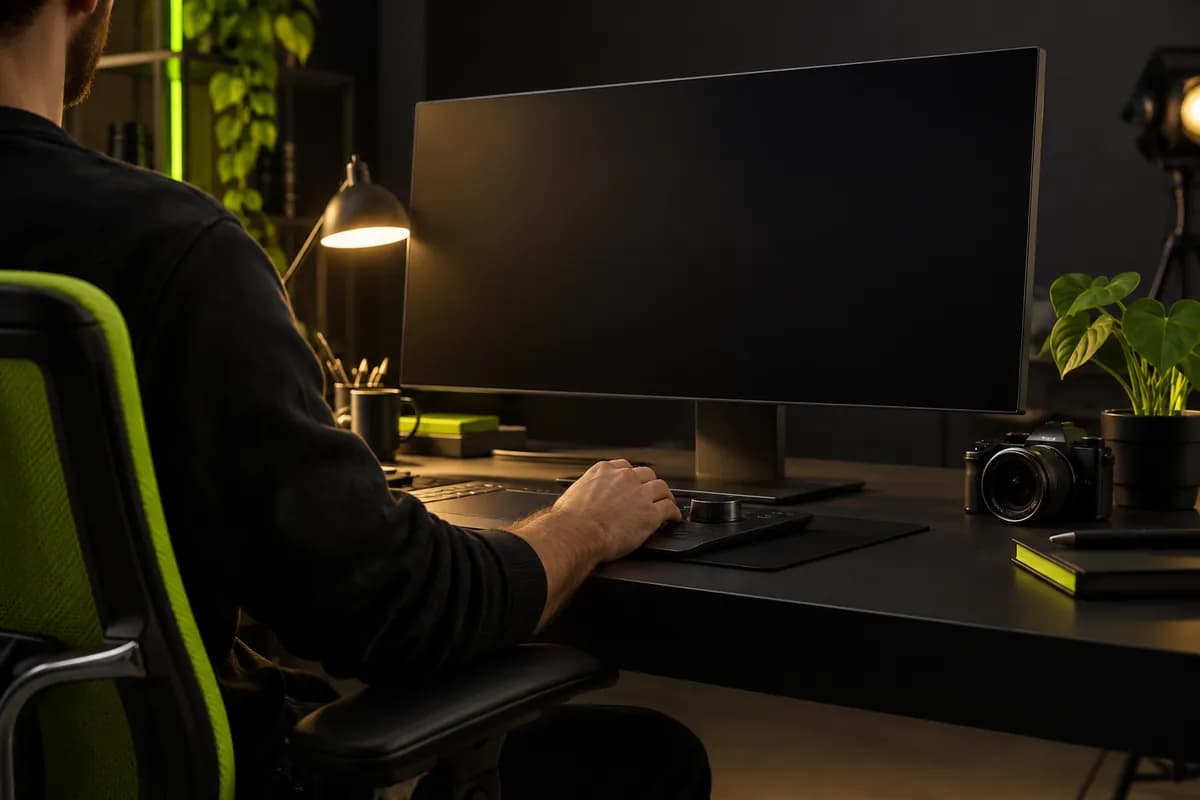
There is no need to switch between apps to resize and refine your footage. Expand the frame, add text overlays and captions, clean up the audio, and generate B-roll in one AI-powered workspace.
The first few videos I made with Vidione reached more than 40,000 impressions on LinkedIn.

I found Vidione at exactly the right time. I jumped straight in and started editing without a long tutorial trail.

With Vidione I did not need fifteen tutorials. I opened the editor and started making things immediately.

You can go beyond simply trimming clips. Vidione makes the finished videos feel considered and complete.

Bring structure to every project with a practical editing workflow built for marketing, training, and customer stories.
Learn more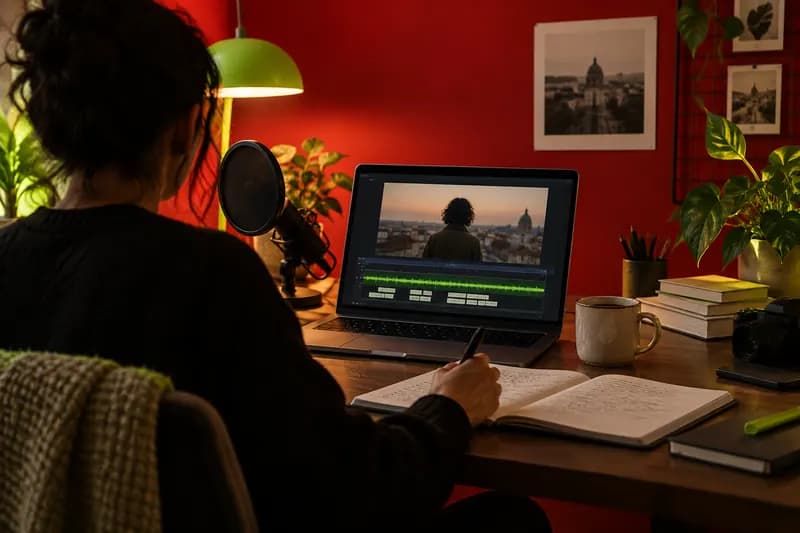
Explore a faster way to plan, edit, resize, caption, and polish video when every deadline is moving quickly.
Learn more
Choose the right dimensions, length, and file format so your next social video looks sharp wherever it appears.
Learn more
Find more ways to reuse your footage and publish it everywhere. Remove a video background entirely when you need to place a subject into a new scene or branded setting. Starting from scratch? Generate a first cut with AI, refine it with familiar editing tools, and add your captions, colors, and messaging. Vidione helps turn a prompt, an image, or existing footage into a finished video in minutes.