

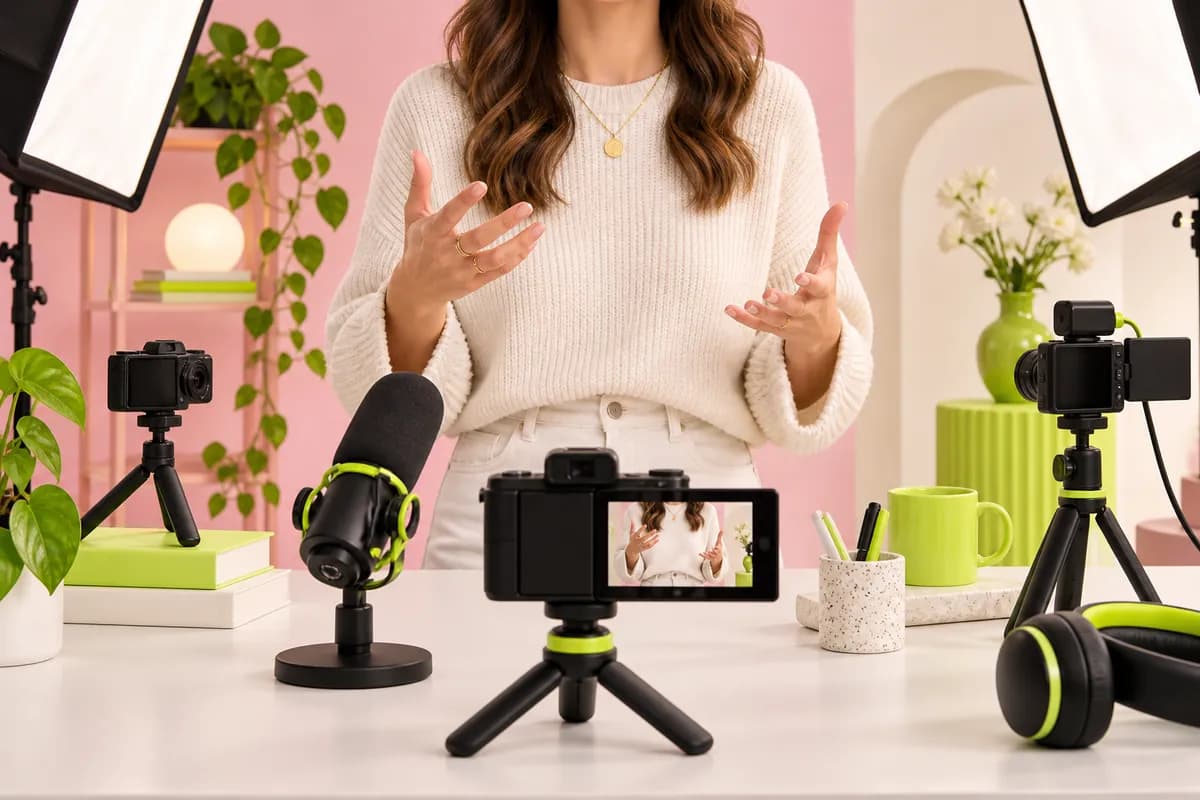
Step 01
Upload your audio
Drag recordings into the timeline and get started quickly. Vidione supports popular formats such as MP3, WAV, and M4A.
Studio-quality audio at your fingertips
Vidione’s audio editor helps you turn raw recordings into clear, polished content. Split, trim, and reorder clips in a straightforward drag-and-drop workspace. Remove background noise in one click with our intelligent audio cleaner. Edit entirely in your browser with no installation and no complicated setup.
Record directly from your browser with our voice recorder, then add licensed music and sound effects from a growing library. Mix, remix, and combine clips with support for popular formats including MP3, WAV, M4A, and more.
Drag recordings into the timeline and get started quickly. Vidione supports popular formats such as MP3, WAV, and M4A.
Cut, trim, merge, and rearrange clips in a few clicks. Loop audio, build mixes, and add tracks from the licensed music library.
Use Clean Audio to reduce background noise and give every recording a smoother, more professional finish.
Learn More
Make recordings sound polished without slowing down your workflow. Drag and drop clips to rearrange them, then split, trim, loop, and cut in a few clicks. Combine tracks with video when you want to turn a finished recording into a complete piece of content.

Clean up distracting sounds with one click. Intelligent audio processing identifies wind, breathing, traffic, room hum, and other unwanted noise, helping your voice stay clear, smooth, and ready for listeners.

Get the tools you need without a steep learning curve. Edit straight from your browser, save space on your device, and finish more recordings with a focused workspace designed for everyday creators.
Yes. Vidione includes essential editing tools at no cost. Free users can trim clips, adjust volume, and make basic changes. Advanced features such as noise removal and voice translation are available as optional upgrades.
Editing a voice recording is simple:
Because it runs in your browser, Vidione does not require a download and works smoothly alongside video editing.
Edit audio on an Android device in three steps:
There is no app to download, so your device keeps its storage free.
Different formats are useful for different projects:
Vidione also includes an audio converter for moving between common formats.
The best music editor should be accessible, quick to learn, and flexible enough for everyday changes. Vidione lets you trim tracks, remove noise, adjust audio, and combine music with video directly in your browser. You can also draw from a growing library of licensed music cleared for commercial use.
Loved by growing teams
The first few videos I made with Vidione reached more than 40,000 impressions on LinkedIn.

I found the right workflow at the right time. I started creating instead of spending hours learning a complicated editor.

I did not need a library of tutorials. The controls were clear enough to jump in and start editing.

You can go beyond simply cutting clips. Vidione makes the finished content feel considered and polished.


We tested a range of recording workflows so you can spend less time comparing tools and more time making clear, confident content.
Learn more
Learn how intelligent noise reduction can remove distracting background sounds and help a recording feel more focused.
Learn more
Discover practical ways to spot useful audio trends, organize tracks, and choose music that is safe to use in your next post.
Learn more
Vidione is an AI video creation platform where you can generate, refine, and export content worth posting. Beyond cleaning and trimming audio, create voiceovers from scratch using text-to-speech. Add sound effects and licensed music from the built-in library, or start a video from a blank canvas. Describe an idea or enter a script, then create a post-ready video in minutes. No shoots, no oversized production budgets — just more content, faster.