

Trusted by more than 1M creators

Add Photo
to Video

Bring images, photos, and logos into your videos online. Build energetic presentations and social content without complicated editing.
Start creating freeNo credit card required
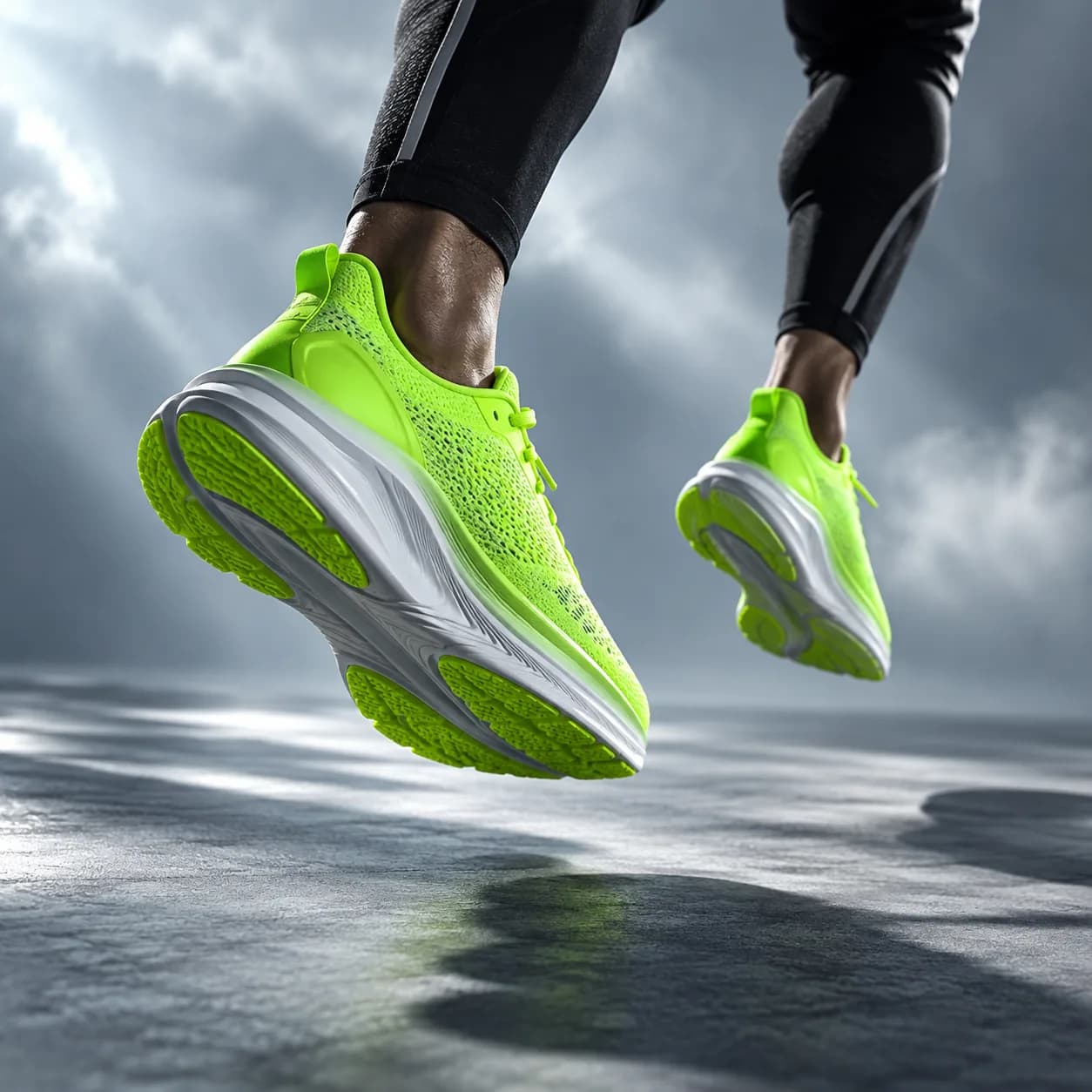
Neon lime running shoes suspended in a dramatic blue-gray studio scene
4.82,000+ reviews
NorthstarPollenMorrowKiteworksBrightlineNorthstarPollenMorrowKiteworksBrightline

Create lively presentations. Bring photos into your videos.

Combine still images and video clips in one simple timeline. Upload as many visuals as you need, then resize, crop, rotate, reorder, and refine them until the story feels right.

Add a logo or watermark to keep campaigns consistent. Position every image with precision, align layers with snapping guides, and add royalty-free audio when your edit needs more energy.

How to place a picture on a video

Step 01

Upload your video

Choose a video from your device or start with a quick camera recording.

Step 02

Add and customize photos

Drop in photos, logos, or watermarks. Move them anywhere on the canvas and set exactly when they appear.

Step 03

Export or keep creating

Finish your edit with text, transitions, music, and more, then export when everything looks right.

Learn more
Watch how to add pictures to video

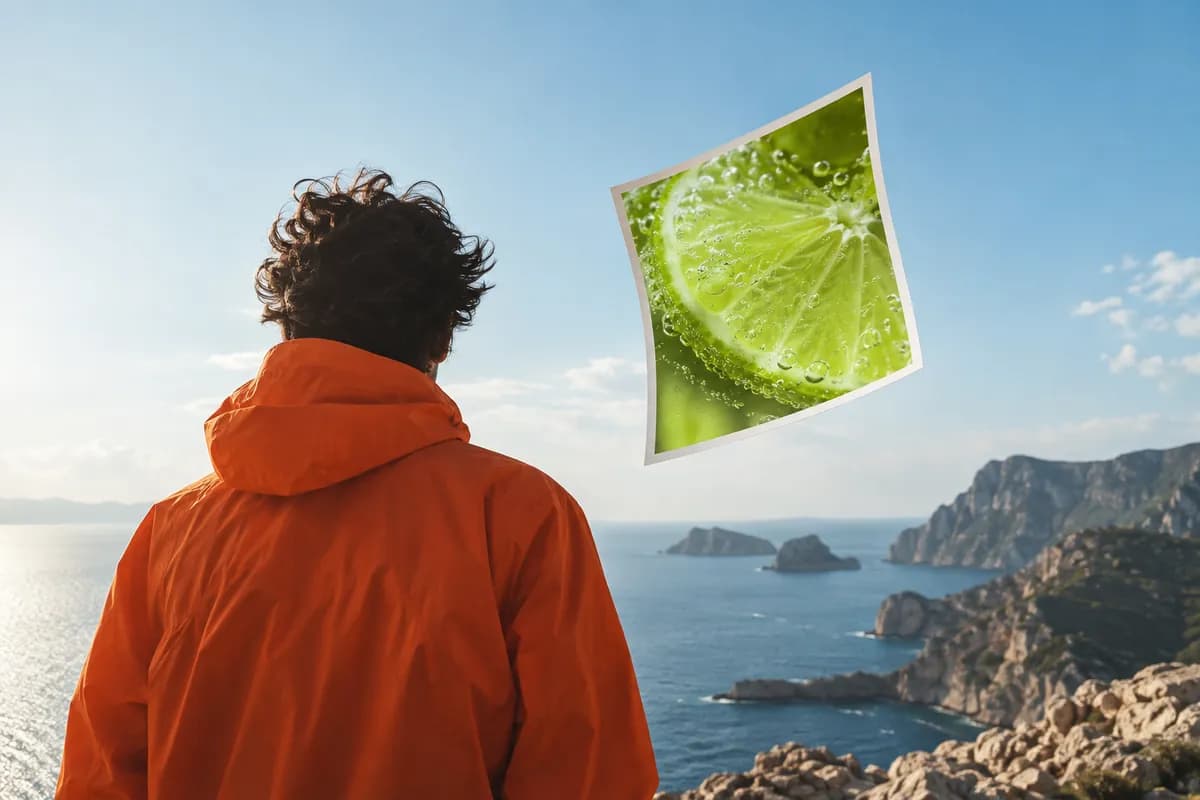
Rear-view creative silhouette beneath a pale blue sky with a floating lime photo print
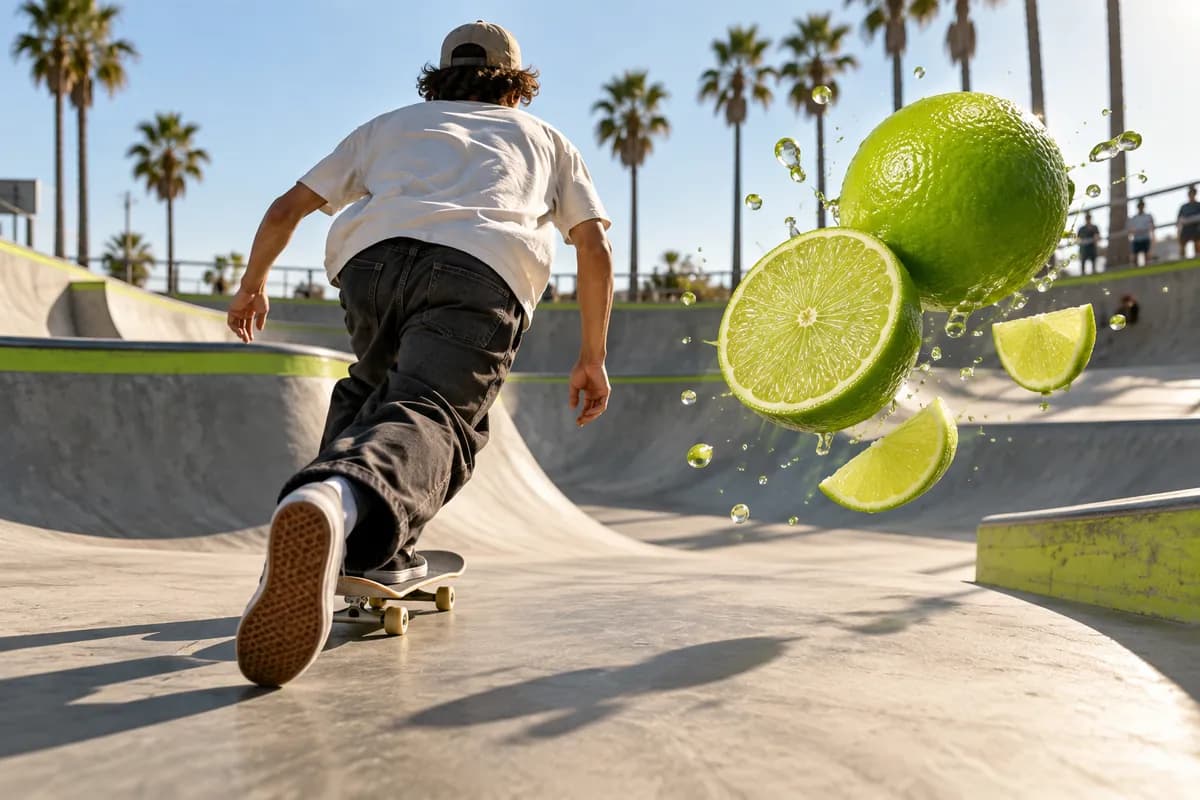
Rear-view skateboarder moving through a bright outdoor skatepark with a lime image card

Make engaging videos that tell a story

Photos help your videos communicate more than words alone. Add product imagery, visual references, or memorable moments to catch attention and keep viewers watching across social channels.
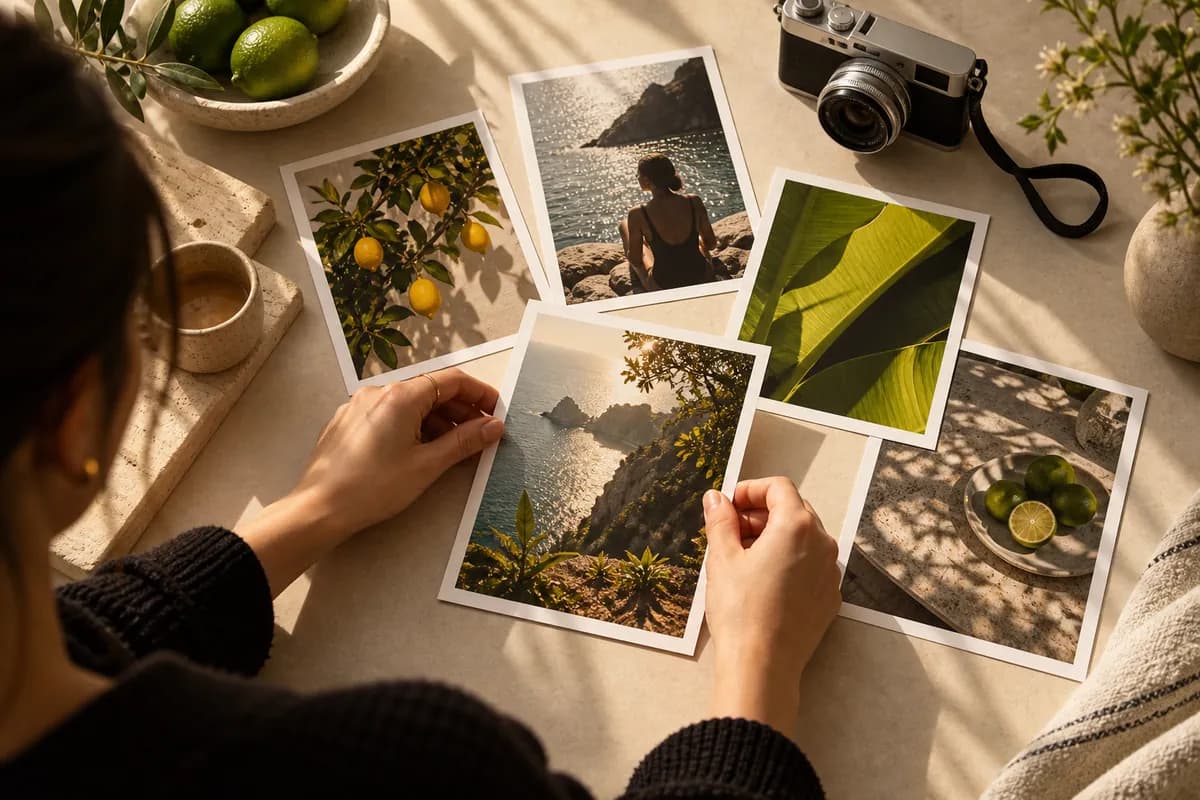
Hands arranging colorful photo cards on a warm tabletop beside a camera

Position images anywhere in your timeline

Choose when each image enters the story and how long it stays visible. Drag layers into place, then crop, rotate, resize, and position them in the center, corners, top, or bottom of the frame.
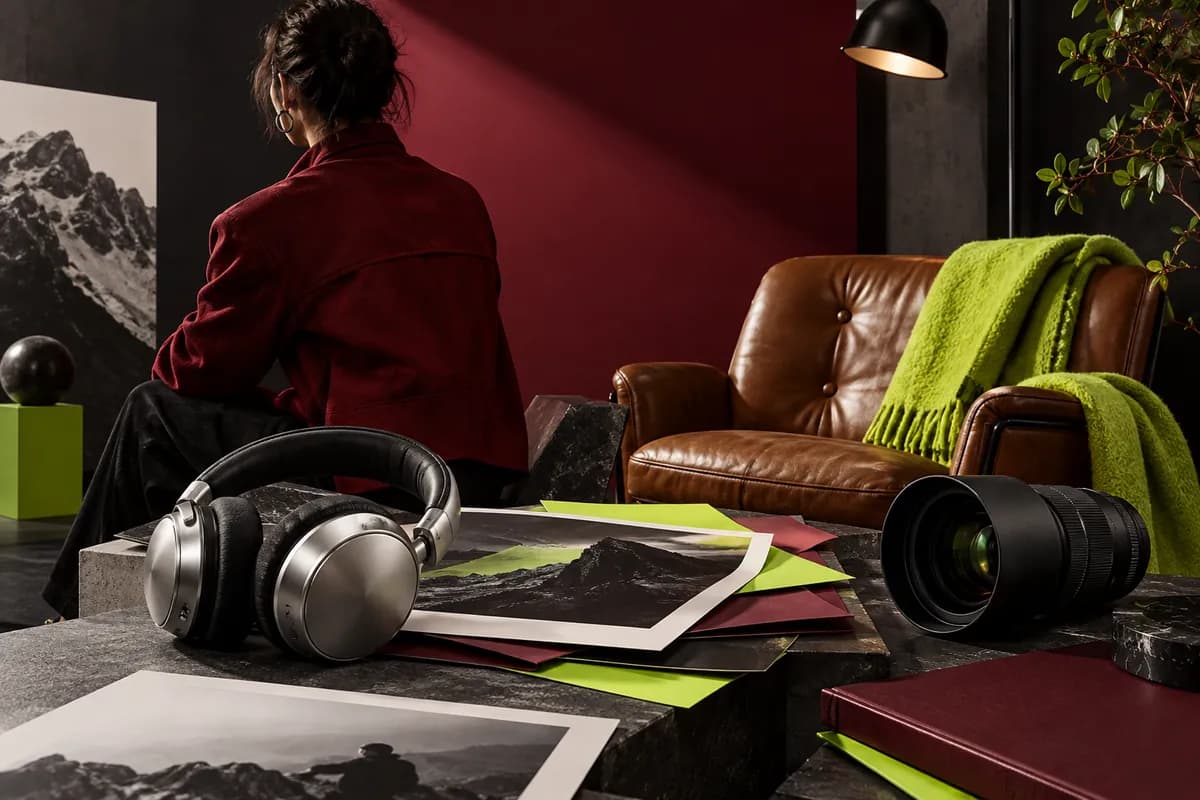
Editorial red jacket and creative tools arranged in a polished studio scene

Produce polished, professional content

Build a complete edit with images, text, captions, sound, emojis, effects, and filters. Cut, trim, crop, and refine every detail with approachable drag-and-drop controls.

Questions, answered

Upload a video and add a photo layer directly in your browser. Vidione lets you try the basic workflow without installing software, while an account helps you save projects and continue editing later.
Common JPG, PNG, and GIF files work well. Transparent PNGs are especially useful for logos, badges, and graphic overlays that need to sit cleanly over your footage.
Open the editor in your browser, upload your video, then drag images onto the timeline or canvas. You can adjust their timing, scale, crop, placement, and animation before exporting.
Yes. The browser editor is designed to work on modern mobile devices, so you can upload photos, position them over a clip, and create a share-ready video from your phone.
Yes. Add text as its own layer, place it above your image, and adjust its style, timing, color, and position so the message stays readable throughout the scene.
You can combine multiple video clips and photo layers in one timeline, then add transitions, music, captions, and other finishing touches before exporting the final edit.

Loved by creators.

Loved by ambitious teams

The first few videos I made with Vidione helped our campaign reach a whole new audience.
Abstract creator portrait for Maya Chen
Maya ChenContent Director,
Northstar Studio
I stopped hunting through tutorials and started making polished edits right away.
Abstract creator portrait for Luca Meyer
Luca MeyerGrowth Lead,
Pollen Labs
The workflow is quick, clear, and flexible enough for every social format we need.

Abstract creator portrait for Renée Brooks
Renée BrooksFounder,
Brightline Co.
You can do far more than trim clips. Vidione makes our videos feel considered and complete.

Abstract creator portrait for Jonah Reed
Jonah ReedDemand Generation,
Kiteworks

More from Vidione

Colorful abstract audio waves over a soft pink studio background

5 brilliant music visualizers, free and paid

A practical look at visual music tools and the creative ways to make sound feel visible.

Learn more
Creative workspace with headphones, speakers, and lime sound shapes

11 practical ways to add music to video in 2026

Find the right track, balance audio with visuals, and build edits that hold attention from the first frame.

Learn more
Colorful vertical photo cards arranged around a lime mobile video frame

How to add music to a social post, reel, or story

Make short-form content more memorable by matching the rhythm, pacing, and mood of every visual.

Learn more
Trusted by more than 1M creators

For standout videos, Vidione gives you everything you need.

Start creating freeNo credit card required
Neon lime running shoes suspended in a dramatic blue-gray studio scene

More than placing photos over video

Want content that feels more distinctive? Your images can do more than sit on top of a clip. Vidione helps you animate stills, bring motion into static scenes, and turn a collection of photos into a complete visual story. Combine clips, refine the timing, add sound, and create post-ready videos in minutes. Start creating with Vidione.