Step 01
Upload or record
Upload an audio or video file in common formats such as MP3, MP4, MOV, AVI, MKV, FLV, or MPEG. You can also record directly in the browser.
Remove background noise in one click. Get polished, professional-quality sound.

Could not find a quiet place to record? Maybe the perfect take was interrupted by traffic, room noise, or a buzzing air conditioner. Vidione isolates your voice and softens distractions so your message comes through clearly.
Upload a recording and choose Clean Audio to improve voice clarity. It is ideal for podcasts, interviews, tutorials, and social videos. Keep your whole workflow in one place, from recording and captions to music and removing filler words.
Step 01
Upload an audio or video file in common formats such as MP3, MP4, MOV, AVI, MKV, FLV, or MPEG. You can also record directly in the browser.
Step 02
Choose Clean Audio from the AI tools. Vidione reduces background noise and improves vocal clarity, while letting you compare the result with the original.
Step 03
Adjust levels, add smooth fades, layer music from the stock library, and export your finished project as an MP3 or MP4.
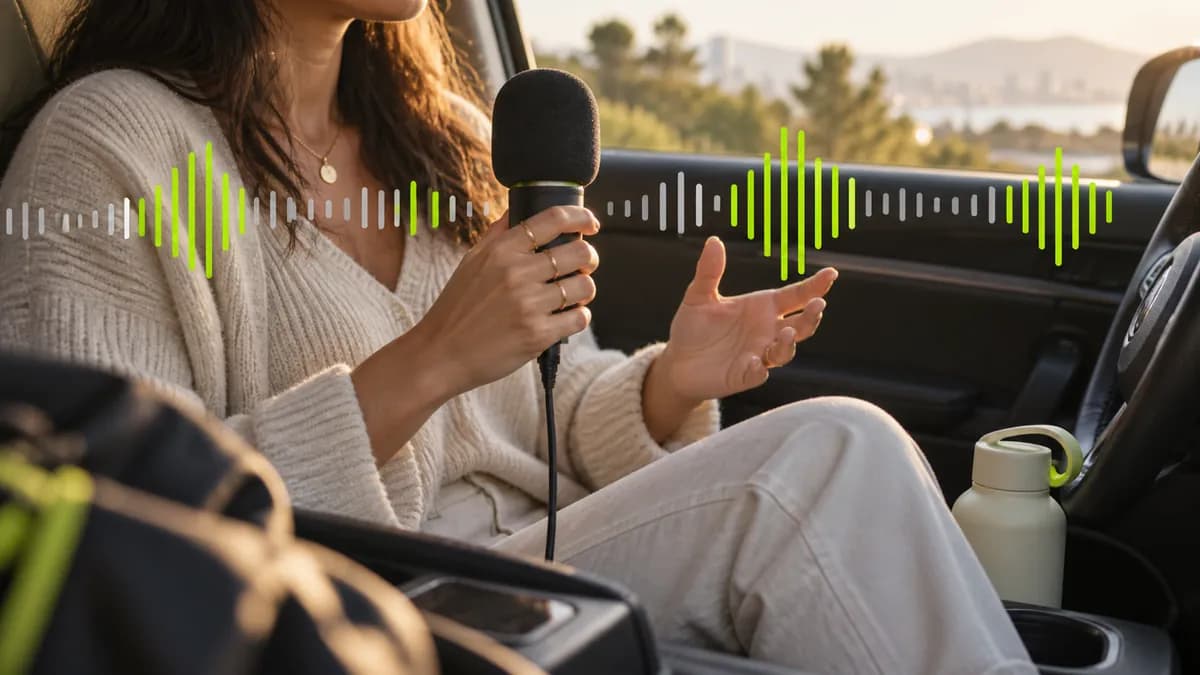
Traffic, barking dogs, and room hum do not need to force another retake. Upload your clip, clean the audio, and make your voice easier to understand. Spend less time fixing sound and more time shaping the story.
Need a polished narration quickly? Turn a script into a natural voiceover, or create a familiar sound with a voice model. Build consistent content at scale with your own voice or with AI assistance.
Record with confidence, remove awkward pauses, add stock footage and music, then turn raw material into a post-ready video without jumping between tools.
Clean Audio is available to try at no cost. Upgrade when you need continued access and more AI video creation features.
The first four videos I made with Vidione passed 40,000 impressions on LinkedIn.

I found Vidione at the right time. Noise reduction and eye contact tools helped us get more from every UGC ad.

I did not need fifteen tutorials. I jumped straight in and started editing.

You can go beyond chopping things. Vidione actually makes my videos look great.


Remove distracting background noise in a single click and make every spoken word easier to hear.
Learn more
Learn how to add, customize, translate, and download subtitles like a pro.
Learn more
A practical guide to launching a podcast, from the first idea through publishing and promotion.
Learn more
Great video needs more than clean audio. Vidione is an AI video creation platform where you can generate content with powerful models, then fine-tune it with text, captions, and brand assets. Starting with your own footage? Enhance your audio, color-correct videos, resize your clips, and replace distracting backgrounds. Generate, refine, and export everything in one place.