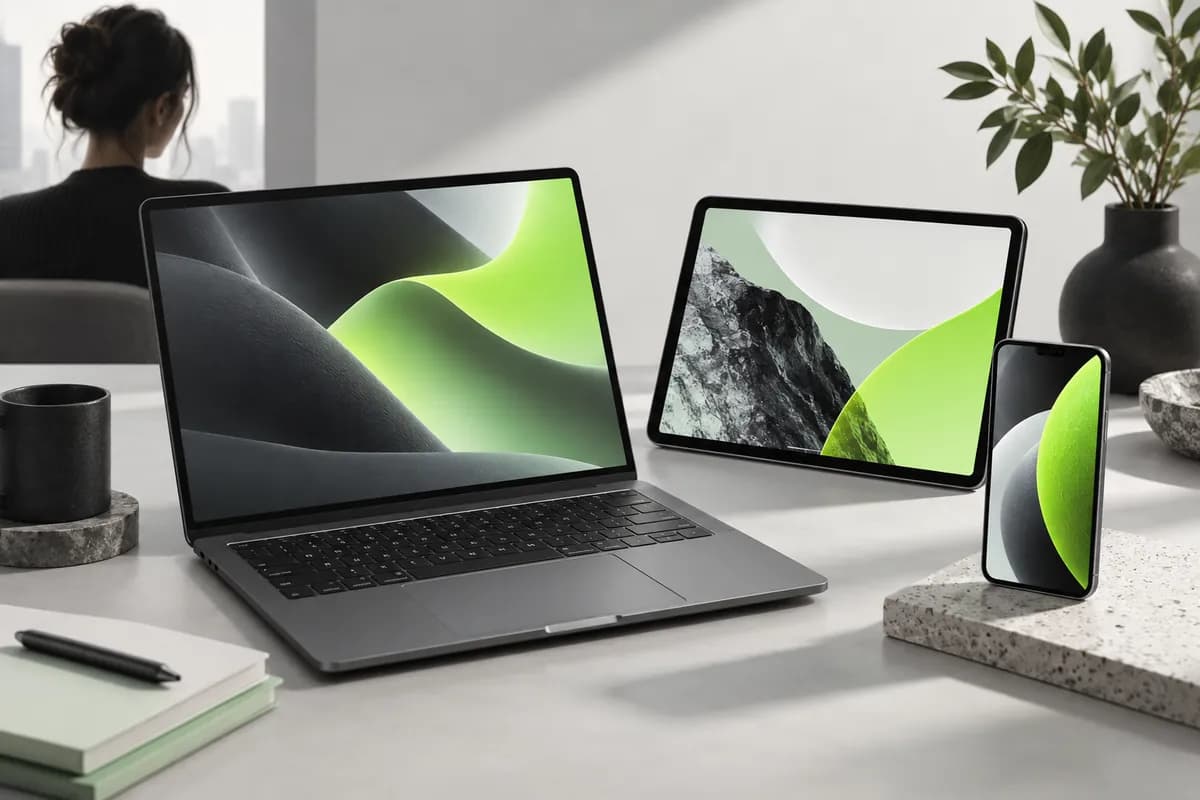
Step 1
Write a prompt
Describe your image or select “Get inspired” for a starting point. Choose the aspect ratio and visual direction that fit your idea.
Describe an idea, choose a look, and turn your words into original artwork in seconds.
Use a text prompt to make illustrations, sketches, digital paintings, and other original images. Describe your concept, pick an aesthetic, and create polished artwork based on the details you provide. Turn those visuals into social content with our video tools.
Generative art makes it easier to explore ideas before you commit to a final direction. Build a visual language for your projects, add your own brand elements, and work with your team to move from first thought to finished content faster.
Describe your image or select “Get inspired” for a starting point. Choose the aspect ratio and visual direction that fit your idea.
Review the generated images and select your favorite. Adjust the prompt, style, or format whenever you want another version.
Save your image as a PNG, then bring it into a video project. Add narration, music, motion, stock footage, and more.
See how AI art can become part of a complete creative workflow.
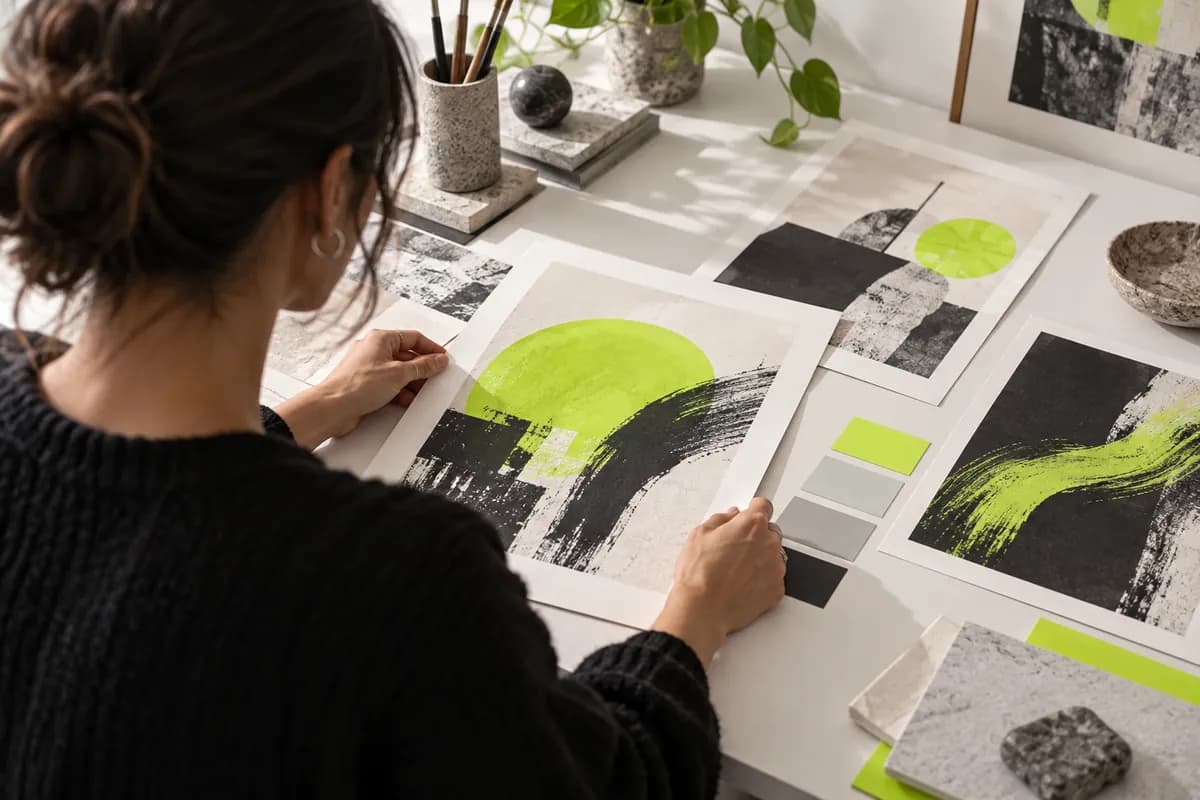
Move beyond traditional tools with an AI art creator that can explore everything from anime-inspired scenes to vivid pixel art and realistic imagery. Bring a finished concept to life in only a few clicks.
Generate artwork in multiple styles, use images to unlock new directions, and develop visual ideas more quickly. Turn your results into reels and pair them with matching voiceovers.
Refine your descriptions to experiment with mood, lighting, composition, and detail. Create distinctive artwork from text and use the generator to develop original characters and scenes.
The best AI art tools create useful, relevant visuals from detailed prompts. Vidione pairs image generation with a full creative workspace, so you can combine generated artwork with footage, audio, animation, and other content in one place.
Start with a clear description using this simple structure:
Add information about color, lighting, perspective, and mood. Specific prompts give the generator more direction, and each result can help you refine the next version.
Images you generate in Vidione are yours to use, subject to the applicable terms and copyright laws in your location. Always check local rules when you plan to use generated artwork commercially.
Vidione has changed how quickly we can turn a creative idea into polished campaign content.
The ideas arrive faster, and the final visuals feel more consistent. It has become part of our everyday workflow.
We used to jump between several tools. Now we can explore, edit, and share in one place with far less friction.
It cut the time between first draft and publish-ready content by nearly half, giving our team more space to think creatively.
Explore practical ways to use generative art for concepts, campaigns, stories, and everyday creative projects.
Learn how a single visual prompt can become the foundation for a richer story, presentation, or social video.
A practical starter guide for using generated visuals, editing, sound, and motion to make your first polished video.
Vidione is more than an AI drawing generator. It is a professional creative workspace that helps you make polished videos in minutes. You do not need previous editing experience to combine generated artwork with movement, sound, captions, and a clear visual story.
Use ready-made templates or start from a blank canvas. Create sales videos, trailers, birthday messages, social posts, and more for your business or personal projects. Explore an idea, shape it into a visual, and share it with the world.