


Step 01
Upload or record
Bring a clip into Vidione or start a recording with your browser camera. You can also drag and drop a file directly into the editor.
Built for more than a million creators
Tune brightness, exposure, sharpness, and color in a few clicks to give every clip a clearer, more polished finish.
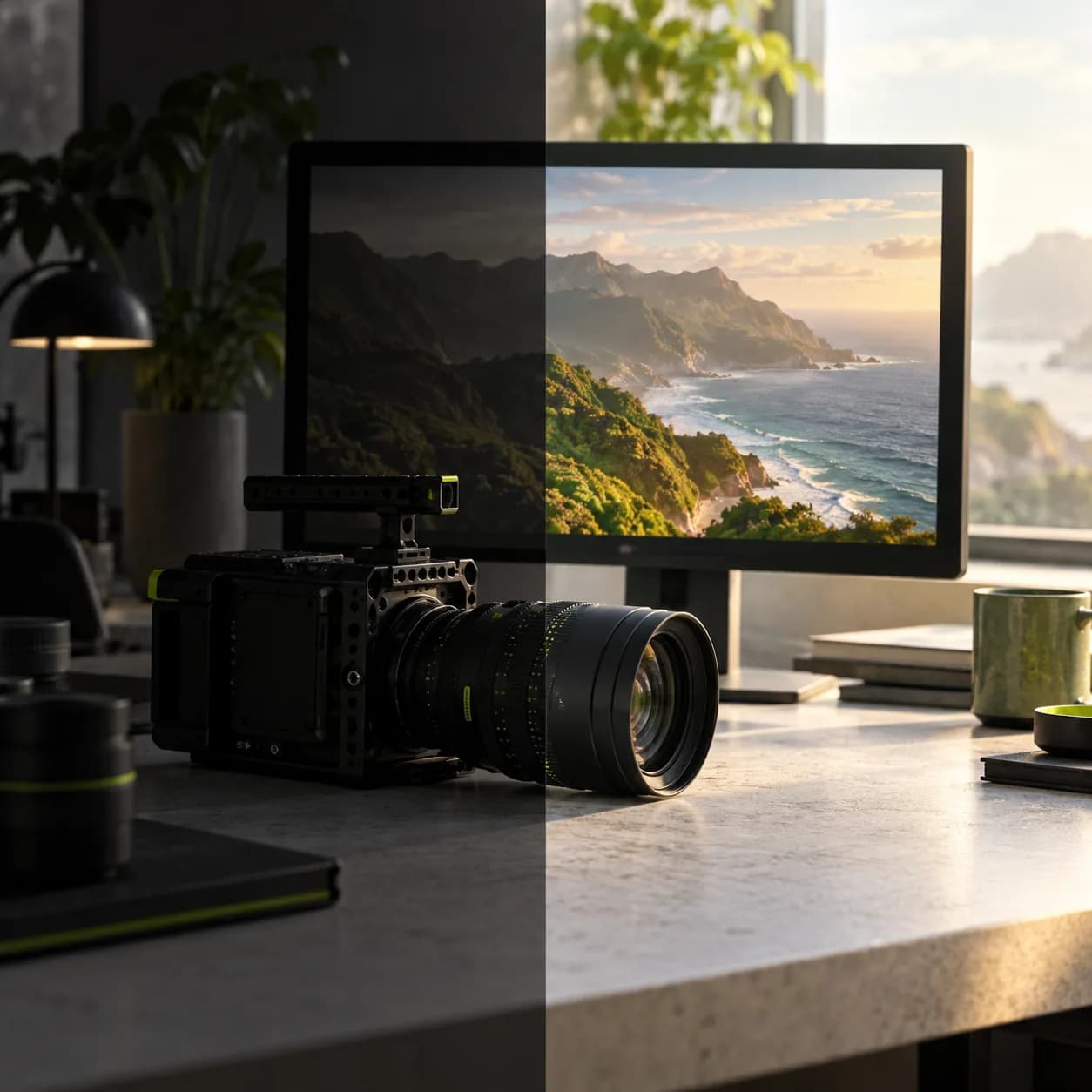
Vidione’s browser-based enhancer gives you direct control over light, tone, color, and detail without installing another app. Apply a look, recover a dim recording, or refine a rough clip, then crop, resize, and finish it in the same editor. Most tools are ready to try free.
Step 01
Bring a clip into Vidione or start a recording with your browser camera. You can also drag and drop a file directly into the editor.
Step 02
Select your video on the timeline and open the adjustment controls. Move the sliders for brightness, contrast, saturation, sharpness, and more.
Step 03
When the final frame feels right, export your finished video and share it with your audience wherever they watch.
See it in action
Rotate, crop, and resize clips, then add images, text, and other elements without leaving the workspace. Clean up your background or polish your audio in a few clicks.
Use flexible templates for training, trailers, podcasts, lessons, and social posts. When you need a fresh visual, choose from a curated library of stock video and audio.
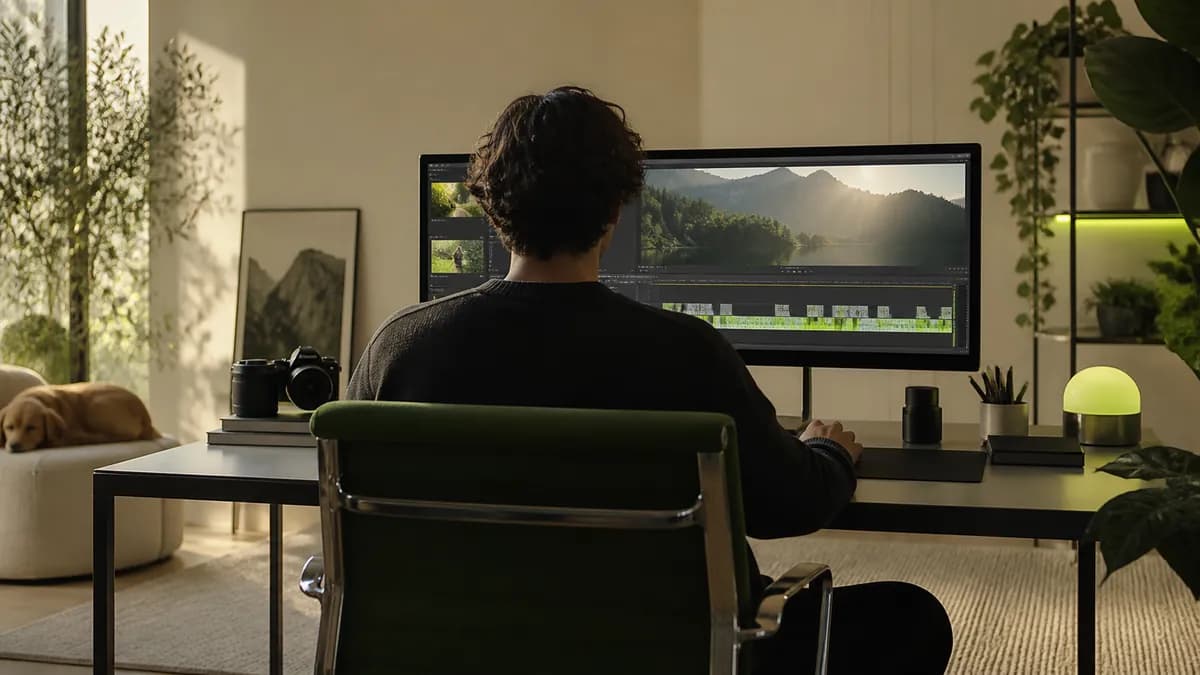
Capture your screen and camera, upload slides, and assemble presentations directly in the browser. Keep every part of the project together instead of switching between apps.
A video enhancer helps you improve the look and feel of a recording by giving you simple controls for brightness, contrast, exposure, saturation, sharpness, and related finishing adjustments.
Start with the biggest issue in the clip. Lift brightness for dark footage, balance exposure, then make small changes to contrast, saturation, and sharpness until the image feels natural.
You cannot recreate detail that was never captured, but careful adjustments can make a dim or flat recording feel clearer. Try improving light and contrast before adding a subtle color treatment.
Vidione works directly in your browser, so you can enhance a clip without installing a separate desktop application. Upload, adjust, and export from one focused workspace.
Export resolution depends on your original footage and chosen project settings. Upscaling can create a larger file, while good lighting and careful sharpening help preserve a cleaner result.
A browser-based editor keeps the process simple on a phone or tablet. Use short, deliberate adjustments and preview the result before downloading the finished clip.
Our first few clips reached more than 40,000 impressions on LinkedIn.

I went from a rough recording to a confident final cut without a long tutorial trail.

I opened the editor once and was already making polished edits for my next campaign.

It does more than trim clips. The final video feels considered, balanced, and ready to share.

Made for creators who care about the details
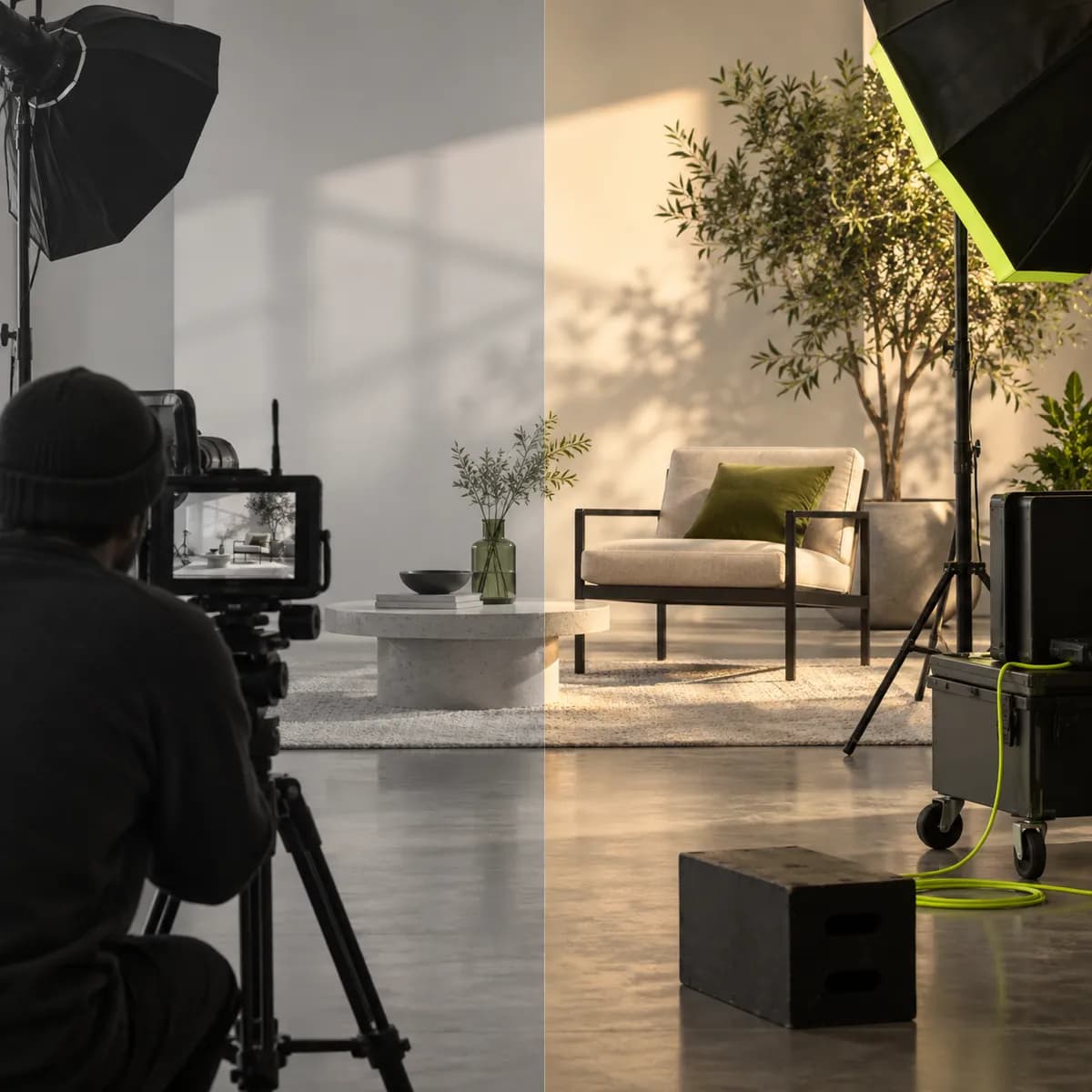
Enhancing a clip is only one step before it is ready to publish. Vidione is a complete video creation workspace where you can generate, refine, and export content for social platforms, presentations, lessons, and campaigns. Go beyond picture adjustments with captions, brand assets, voiceovers, and editing tools, all kept together in one place. Start creating with Vidione today.