


Step 01
Upload your video or audio files
Bring in your video, audio, and image files. You can also capture a clip with the built-in screen and webcam recorder.
Bring video clips together, add audio and images, and shape every cut with precision.
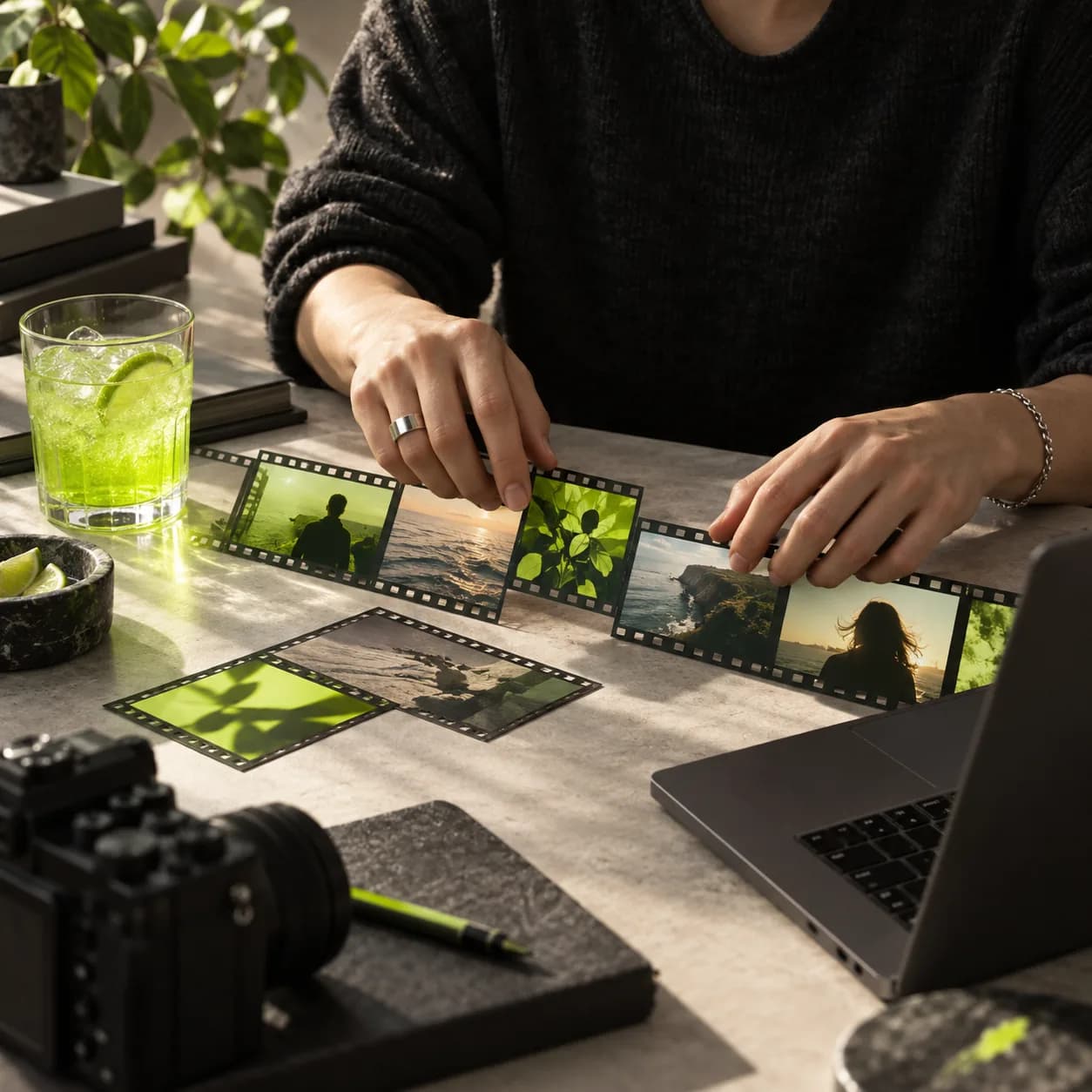
Combine clips, sound, and still images in the formats you already use, then save everything as one polished file. Arrange footage on a simple timeline, trim each edge, and set the order exactly where you want it. For a faster first pass, automatic editing can find the strongest moments and assemble them into a clean sequence. Works on desktop and mobile, with nothing to install.
Step 01
Bring in your video, audio, and image files. You can also capture a clip with the built-in screen and webcam recorder.
Step 02
Place every file on the timeline in the right sequence, trim unwanted sections, and drag clips until the pacing feels right.
Step 03
Export one finished video, share it with your team, or continue polishing it with titles, music, captions, and effects.
Learn More
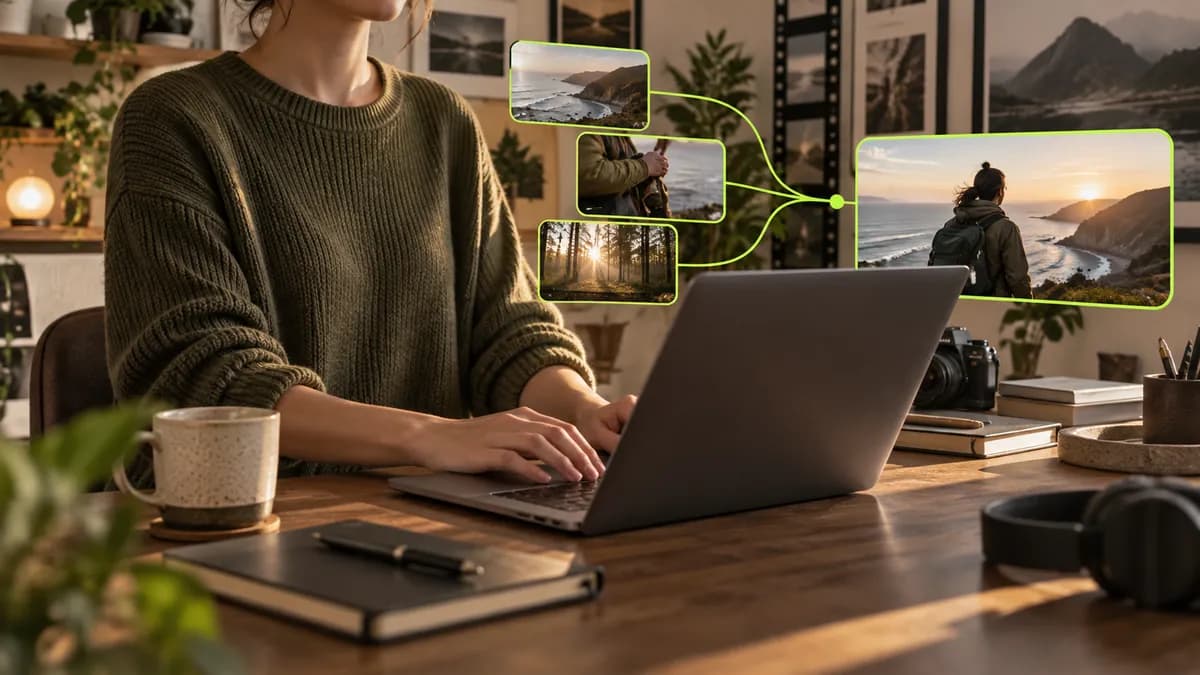
Move clips quickly with a snap-to-grid timeline. Bring together common formats and export one clean file. When a basic cut is not enough, smart editing can shape your footage into a sequence built around the moments that matter most.

Build lessons, compilations, and presentations without switching tools. Add narration or music, generate captions, and arrange every chapter into a clear story that is easy for students to follow. You can even present lessons with a digital avatar when you are not on camera.
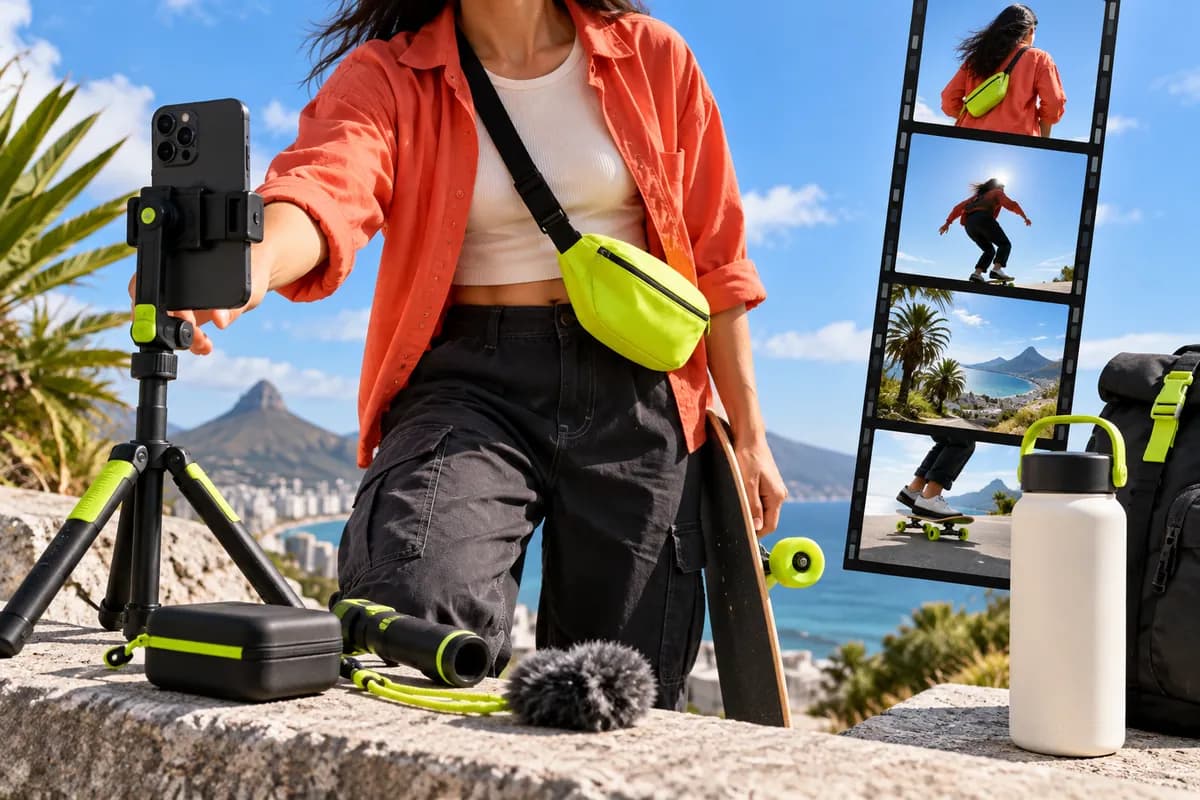
Cut shorts, trailers, and social clips from your strongest footage, then prepare the right format for each channel. Shared workspaces help teams keep recurring styles consistent, while reusable templates make the next edit faster.
Loved by the Fortune 500
The first four videos I made with Vidione passed 40,000 impressions on LinkedIn.

I opened Vidione at the right moment and went from raw clips to a finished edit without a tutorial marathon.

There was no learning curve. I could arrange clips, add captions, and publish the same afternoon.

The finished videos look thoughtful and polished, even when the edit starts with a messy folder of clips.

Simple ways to rotate footage on desktop, mobile, or directly in your browser.
Learn More
Explore practical cropping methods for desktop editors, free tools, and browser-based workflows.
Learn More
A practical look at expressive visualizers and how to use them to give music more energy.
Learn More
Joining clips is only the beginning. Vidione is a browser-based video creation workspace built for modern publishing, so once your footage is together, the tools for finishing it are already within reach.
Generate captions, add music, apply transitions, and give every project a consistent visual style before it goes live. Whether you are making a short social clip, a product trailer, or a longer recap, move from raw footage to a ready-to-share video without changing tabs.
Merge your videos free