


Step 01
Upload or start with a template
Bring your video into Vidione, or begin with one of our flexible templates and add your own footage.
Turn spoken words into useful text for every YouTube upload. Make your content easier to find, follow, and share.
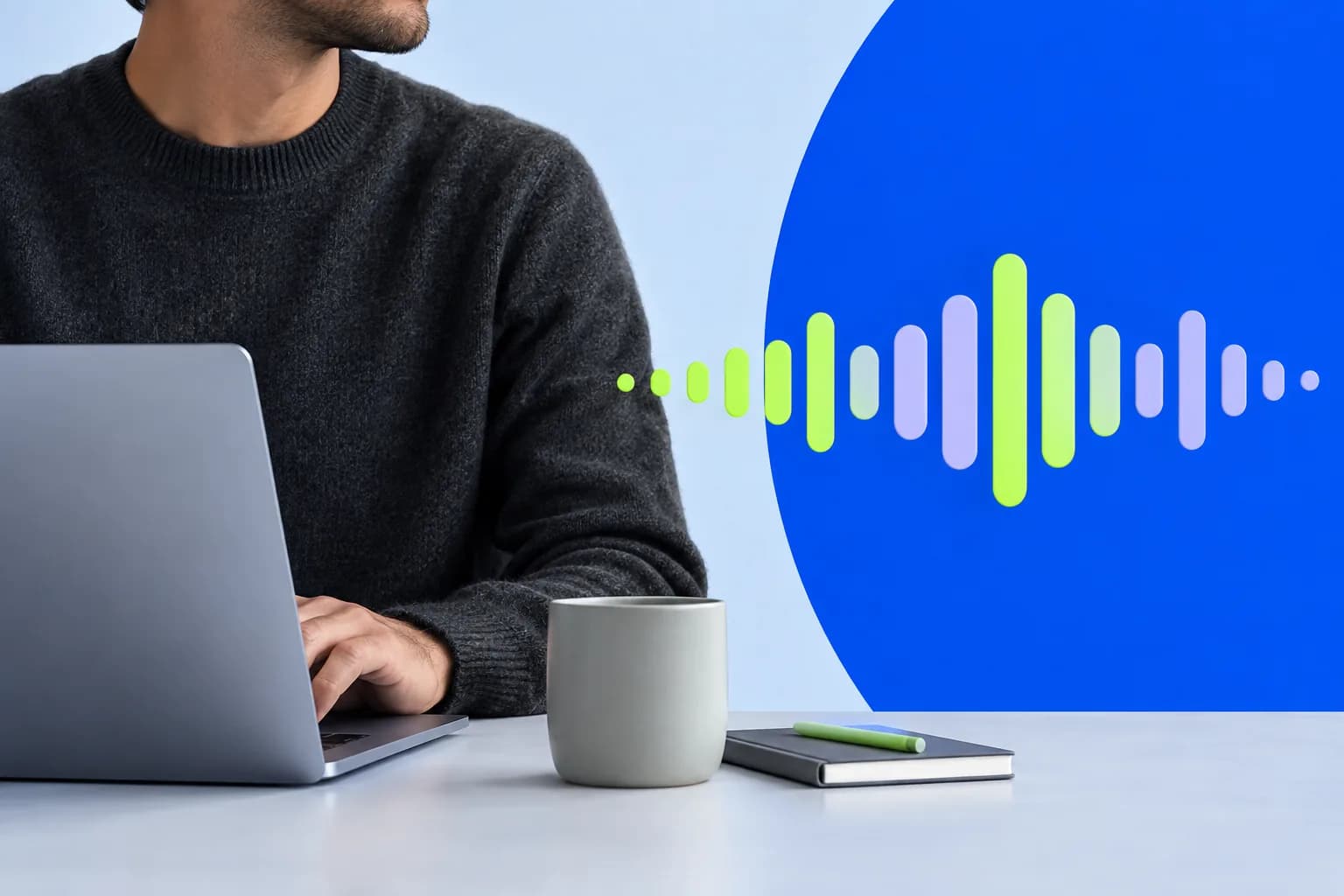
Vidione turns online video speech into clean, editable text directly in your browser. Create a transcript or add automatic captions in a few clicks, then translate the result into more than 100 languages whenever your audience calls for it.
Save the words from your video as a text document for easy reference and reuse. Once the transcript is ready, you can keep editing, styling, captioning, and adapting the video in the same creative workspace.
Step 01
Bring your video into Vidione, or begin with one of our flexible templates and add your own footage.
Step 02
Open Subtitles, choose Auto Subtitles, and press Start. Your spoken audio is converted into text automatically.
Step 03
Correct the words, refine the subtitle design, and export your finished transcript as a text file when everything looks right.
Learn More
Adding a transcript or subtitles gives search engines more context about your video. Improve discoverability, support richer results, and help more viewers find your work.
Written transcripts make lessons easier to study, revisit, and translate. Turn spoken explanations into inclusive learning resources and create captions for a more welcoming viewing experience.
Convert video or audio into a searchable record of every conversation. Give listeners a fast way to scan topics, revisit key moments, and follow along with the full discussion.
The first few videos I made with Vidione reached a huge new audience on LinkedIn.

Travis Tyler
Senior Content Producer,
PandaDoc
I found Vidione at exactly the right time. Better UGC workflows mean more time spent on ideas and less on cleanup.
Sebastian Schurgers
Head of Growth Marketing,
Gronda
With Vidione I did not need a stack of tutorials. I jumped straight in and started editing.

Gwenne Wilcox
Founder,
Brand Brainery
You can go well beyond trimming clips. Vidione makes the finished videos look genuinely polished.

Michael Glover
Demand Gen Manager,
ConvertFlow

The straightforward way to turn a YouTube upload into usable written text without a maze of extra steps.
Learn More
A practical guide to making subtitle translations work for viewers watching in another language and creators publishing globally.
Learn More
Need a spark for your next upload? Explore a considered list of ideas for growing a channel and keeping your creative calendar moving.
Learn More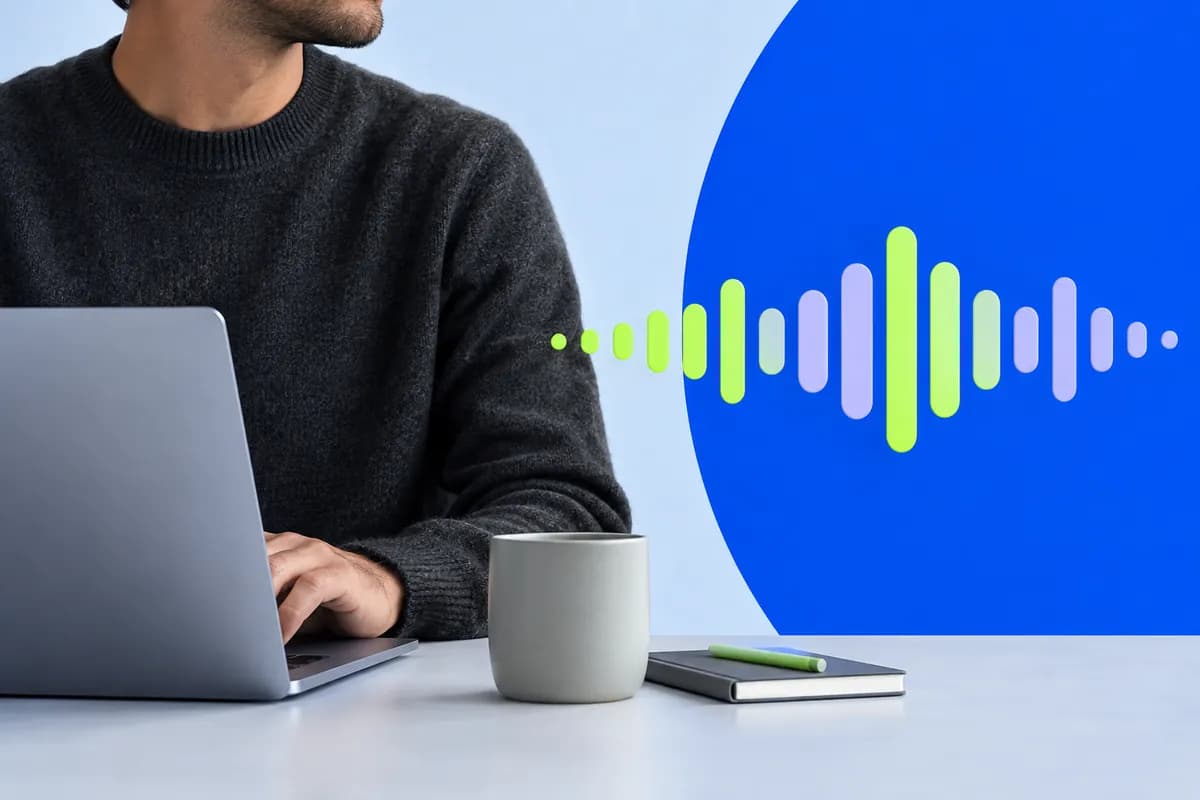
Vidione helps you do much more than turn speech into text. Edit your video, personalize typography and layout, add subtitles and captions, apply effects, adjust speed, split subtitle lines, draw on screen, and translate your content into another language.
It is a flexible, intuitive editing space designed to keep the whole process together. Transform a YouTube upload into clear, engaging text content that works for your audience wherever they watch.