Webcam recorder
Record your webcam for free
A quick, polished way to capture camera, screen, and voice videos directly in your browser.
Screen + camera
Slides + camera
70,000+ recordings created last week
Free browser recorder
Share by link
Full HD capture
Simple editing
Trusted by creative teams
NorthstarAsterCommonroomBrightsideMonumentHatchline
Free webcam recording, without the fuss
Vidione lets you record your camera, screen, or both at once without installing anything. Pick a layout, press record, and capture as many takes as you need. When your recording is ready, use Smart Trim to find the strongest moments, then add captions, music, and finishing touches in the editor.
Three simple steps
How to record your webcam online
Everything happens in your browser, from choosing a layout to sharing the finished video.
01
Choose a layout
Select camera-only, screen-only, or a combined view. Allow access to your camera, microphone, or screen when prompted.
02
Start capturing
Press the record button and wait for the countdown. Make mistakes freely—your recording time and retakes are unlimited.
03
Review and export
Watch the take back, share it with a link, or open the editor to refine the video before sending it out.
See it in action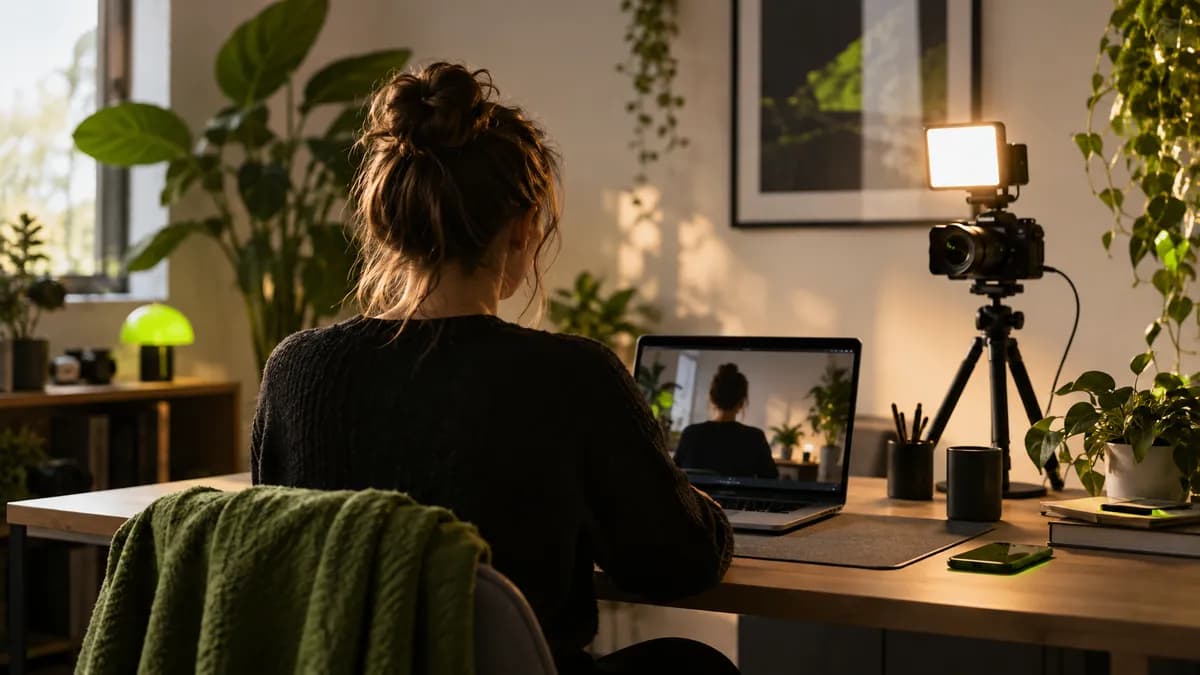
Learn more about webcam recording in this walkthrough
Perfect for teamwork
Create reusable training resources, explain a workflow with your screen and camera together, and send recordings through a link. Teammates can leave feedback without downloading a file.
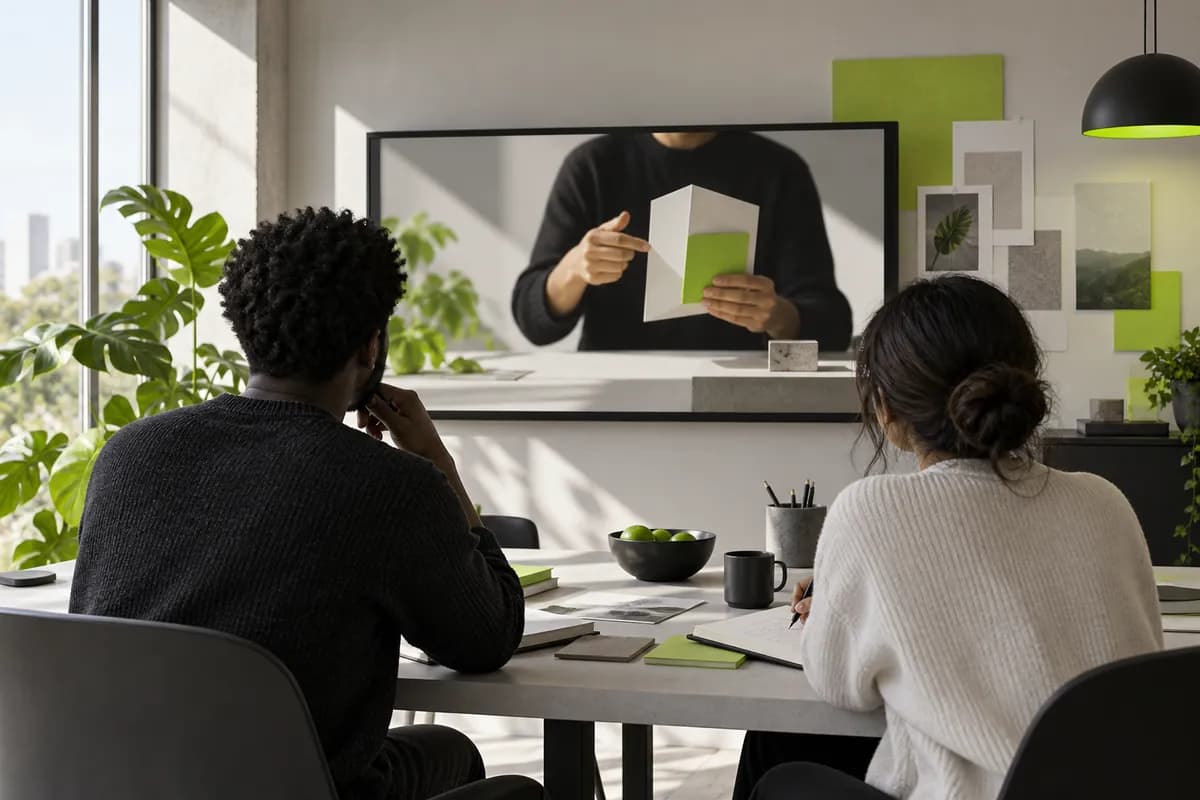
Create stunning product demonstrations
Record product demos with your webcam, screen, or external camera. After filming, refine the story with titles, captions, imagery, music, and more before you share it.
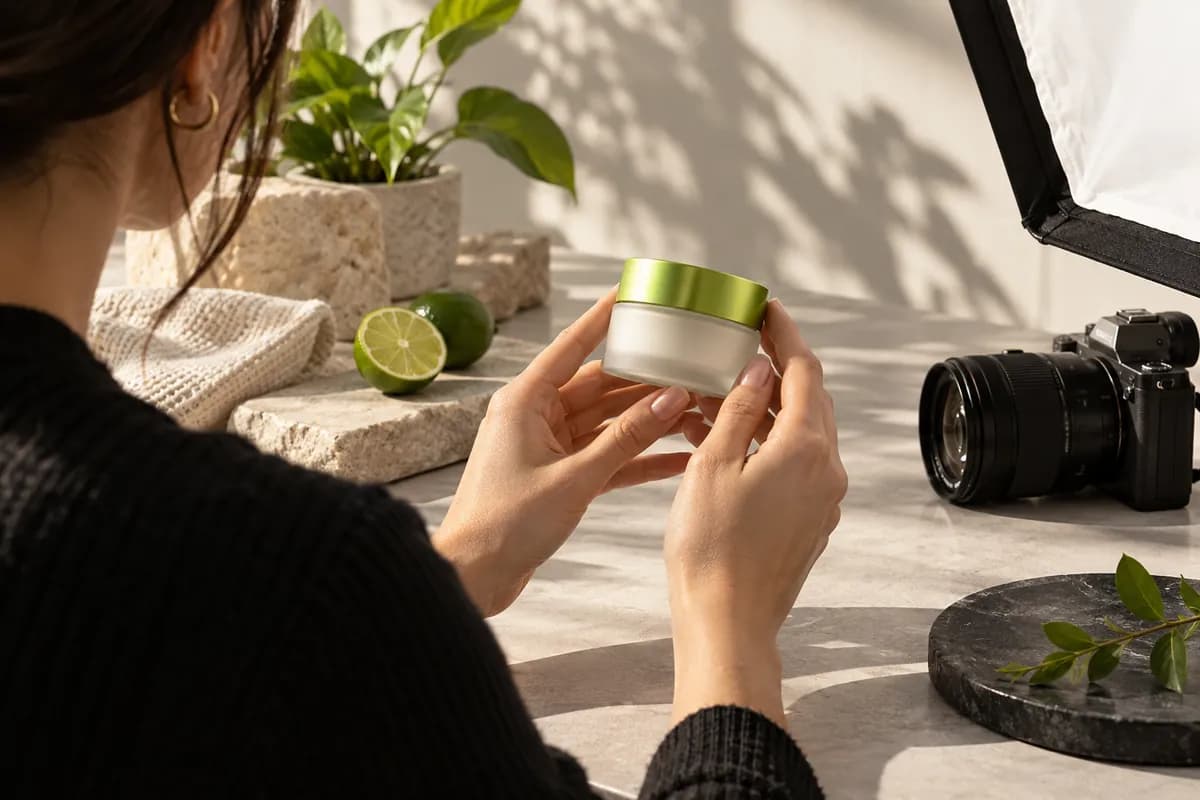
Record videos for social media
Resize a finished recording for vertical, widescreen, square, or cover formats. Prepare one idea for every channel without rebuilding the story from scratch.
FAQ
Answers to the practical questions creators ask before their first recording.
How do I use the webcam recorder?
Choose a camera or screen layout, grant the permissions you need, and press the lime record button. A short countdown gives you time to get ready. Press it again when you are finished, then download, edit, or share the recording.
Will it work with my camera?
Yes. Vidione works with the built-in webcam on your laptop and with most external USB cameras. You can also upload footage from a phone or digital camera and continue editing it in the same workspace.
How do I edit the video?
Choose Edit after recording to open the browser editor. From there you can add captions, text, annotations, music, sound effects, and other finishing details before exporting your final video.
Will it record audio from my microphone?
Yes. When you allow microphone access, your voice is captured with the camera or screen recording. You can select the available input before starting and adjust the audio later in the editor.
Can I download the webcam recording?
You can share the finished recording by link or export it for download after reviewing it. The editor also lets you make changes before creating the final file.
How do I record a video on my computer?
Open the recorder on a desktop or laptop, pick the layout that fits your idea, allow camera and microphone access, and press record. No desktop installation is required.
Keep exploring
Discover more recording tools
What creators say about Vidione
From quick internal updates to polished social clips, creators use a simple browser workflow to make useful video faster.
“The browser workflow is remarkably easy to pick up. We can record, clean up the message, and send a finished explanation without switching between tools.”
Maya R. — Learning lead
“Captions and quick editing make a huge difference. A rough webcam take becomes something we are happy to publish in just a few minutes.”
Jordan K. — Brand marketing manager
“It feels like a complete recording desk inside the browser. Camera, screen, sound, resize, and sharing all live in one calm place.”
Dina S. — Social media strategist
From the studio
More from Vidione
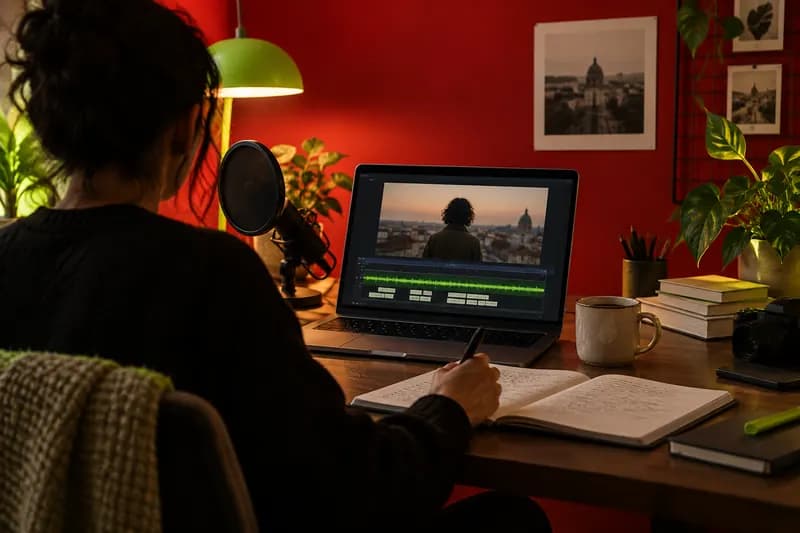
11 free screen recorders worth trying in 2025
Compare practical ways to capture your screen for tutorials, lessons, walkthroughs, and creator content.

11 simple ways to add music to a video
Find the right track, balance it with your voice, and give a short recording more energy with thoughtful sound.

5 top music visualizers, free and paid
Explore visual ways to make music-led content feel more dynamic, expressive, and ready to share.
Make the next take count
More than a webcam recording tool
Recording is only the beginning. Use Vidione to capture ideas, shape them into clear videos, and prepare them for every channel. Add captions, voiceovers, music, and brand details—or turn the strongest moments into short clips worth sharing.